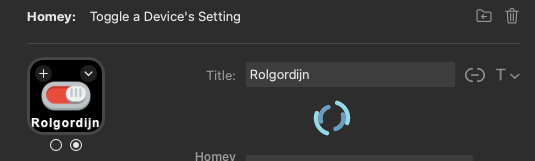
I tried, but unfortunately that’s not it. I’m not getting an authentication issue (this I do get when I try an other password - just to check if the authentication works).
Edit: I re-installed the plugin. Now everything works.
I tried, but unfortunately that’s not it. I’m not getting an authentication issue (this I do get when I try an other password - just to check if the authentication works).
Edit: I re-installed the plugin. Now everything works.
Okay, that’s weird. But glad it works now ^^
Hi @Shakesbeard , I just ran into another issue, it keeps rotating. I did the same thing as before:
Do you have suggestions?
a little strange indeed. Cannot do anything here though. I am grounded in hospital until who knows when. sorry
Get well soon and I hope you’re OK!
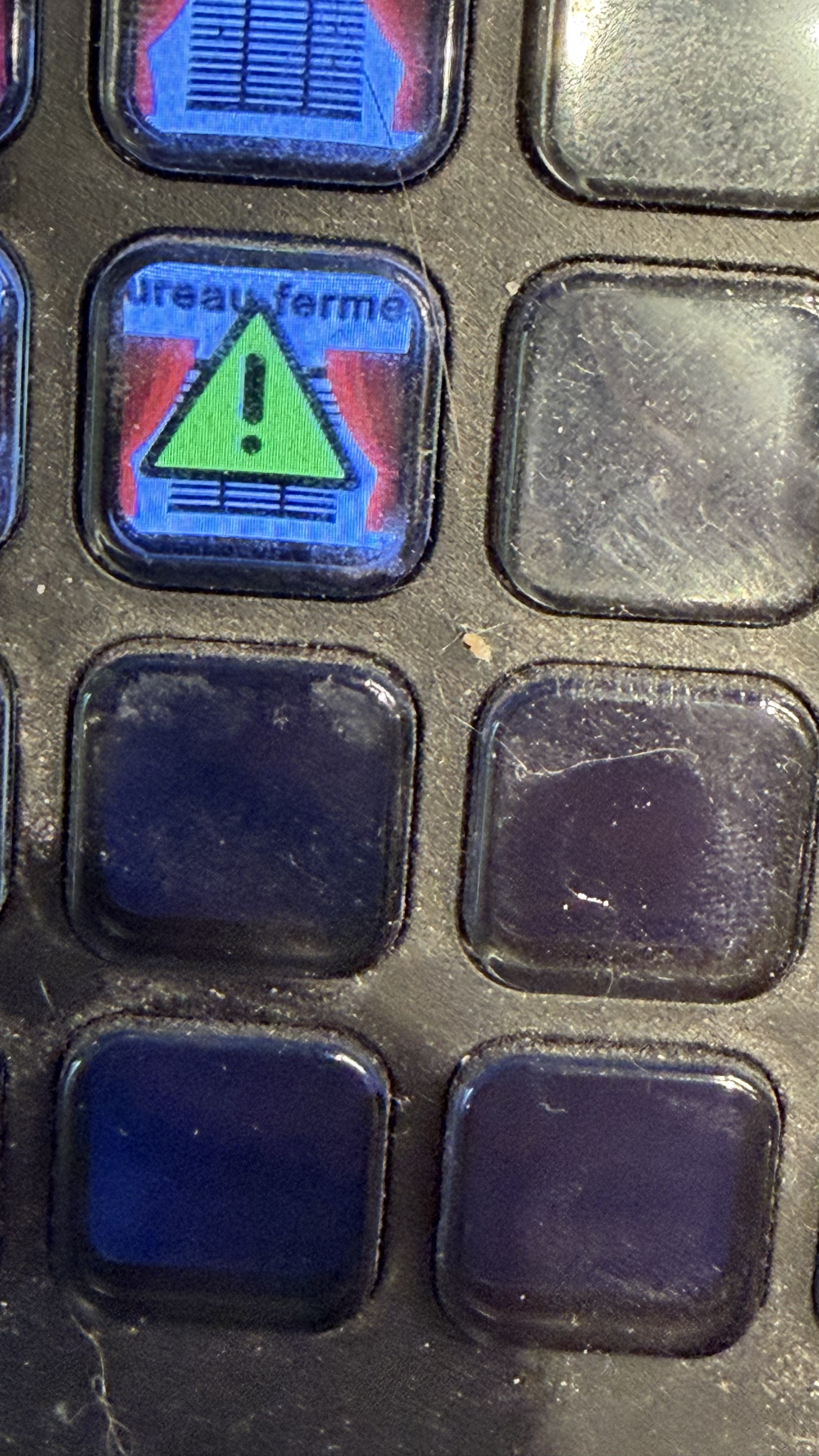
Hello. Suddenly after a few weeks of perfect behaviour all my Homey buttons on the Streamdeck have stopped working. I have a yellow warning triangle when i push on a button. I tried to restart Homey pro but it didn’t help. What can i do ?
This indicates that the connection was lost. Could be an issue with your router and DNS depending on the connection method you used.
Would recommend restarting your router or whichever device provides the DNS/DHCP services on your network first.
If the problem persists, see if anything has changed. Like network isolation being enabled or vLAN setup, anything which could separate your Homey from your PC/MAC.
Yes, rebooting the router did the trick. Thanks a lot !
Yer welcome.
I have the lost connection warning again. This time rebooting the router didn’t help. After a few days it came back online. But then again i lost it. A change i did recently is upgrading to Mac OS 26 but i’m not sure if my problems happend at the same time.
Is there something i can do?
hmm.. not sure to be honest. The latest version of the plugin supports using the IP address of homey instead of the local hostname. That would bypass the DNS issue.
However, if that also leads to that kind of problem, then there is a more generic issue with your network or homey itself.
Of course it could also be caused if the integration app crashes for any reason. Should not happen though. But keep an eye on that. I received a few automatic error reports recently but the occurrences have been so sparse that I deemed them irrelevant hiccups.
I don’t know if it helps but for now, the only way to have the app working again is to reboot my Mac. I have to do that every day.
Rebooting your Mac helps? That is more than weird. But I am afraid I cannot help with that. I got no Apple hardware, less I know how their stuff works. Sorry.
Hi @Shakesbeard, ty for all the work done so far. The app is fantastic.
I am writing because I am no longer able to control my thermostats with the dials. Can you please check? I am using Netatmo devices. Is it a limitation of netatmo after some updates?
I can not say when the last time it worked… it seems like a problem from the previous days…
BR,
Luca
Hey there,
Maybe there is something quirky with the api. Before digging further, try restarting the integration app from the Homey apps menu.
See if that resolves the issue. Might take 2 minutes until things start working.
If that does not work, try controlling the device and send me an app diag report for the integration app afterwards. Also let me know if there are any errors on the StreamDeck side visible.
You were right, after the restart of the integration app it works!
Thanks
I have exactly the same issue here. Cannot connect to homey no matter what I do.
This is Homey Self Hosted on Raspberry with Homeys original RPI image. Nothing fancy.
Anyone have tips?
Note: I have an old 2019 Homey on the same network, works like a charm. No connection issues there.
I have tried to reinstall app on Homey, reinstalled Plugin inside Streamdeck, nothing helps.
Same here, works fine towards Homey Pro 2023 on the same LAN, but not towards my Homey SHS running on Docker in Debian linux.
I have installed the app on Homey SHS, and the plugin on Streamdeck. It works fine with my old PRO 2019.
I have added the Adress (given in the settings page of the app), and tried almost all the variants listed there. An the Access Key. But no matter what I do, it comes back with:
“ERROR: Cannot connect to Homey!”
Running Homey SHS on Raspberry PI 5. Everything else tried until now seems to work just fine.
Please advice.
Instead of SHS port 4859 it probably uses an other port.
You’d contact the dev imho.
Contact links can be found on the app page at the homey.app store.