
1 Like
I checked Power by the Hour app (I thought maybe Robin had found a way), but same format, no trailing 0 with one digit amounts.
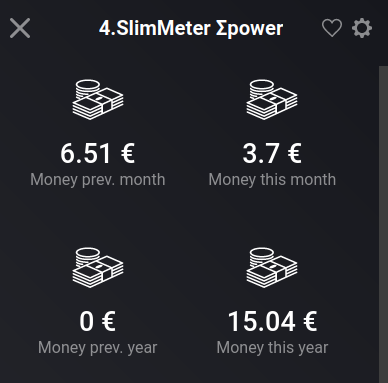
(It is not an issue to me btw  )
)
Not an issue here either, just hunting bugs 
If this text3
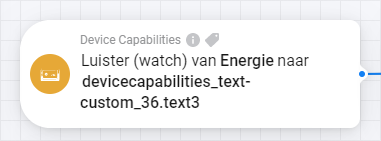
corresponds with this tekstveld 3
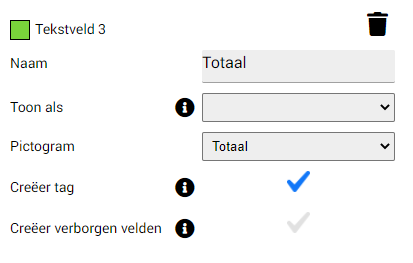
Then it seems that the capabilitylistener isn’t working for text fields. Can someone confirm that?
TIA
How does it look in developer devices?
Here the entered name (Tijd_text) is also added to that string:


Would you try a restart off the DC app after you set the flows correct. Then, after restart, change the text.
Does it work now?
It could be that my memory improvements made it not work: it does save about 5mb memory.
It could also be because the app watches for device changes, not field/capabilities changes.
And while you can select the field, it might not have a watcher active because the ability didnt existed at the right time. (Thats why i asked the restart)
Or the combination of the AVD and DC is not (yet) fully compatible.
I’ll look into it soon.
Yup, that was it. After restarting is started working.
@Le_Cactus
I had that “problem” also with the Homewizard app with the second number that when it is a 0 then it is gone.
Adrian told me that it is an Athom thing and I have send Athom a email with this question.
They put it on a list with possible changes to fix this.
With the latest version of the app (v2.4.1) i’m unable to create a new device with a custom icon, I then get an error: Cannot read properties of undefined (reading 'replace').
Chrome console just points to the Homey API, so can’t give you much more information.
When I choose 1 of the default icons it will include the new device just fine.
Opgelost in huidige (nieuwe) test versie.
Changing the name of device is a really cool option.
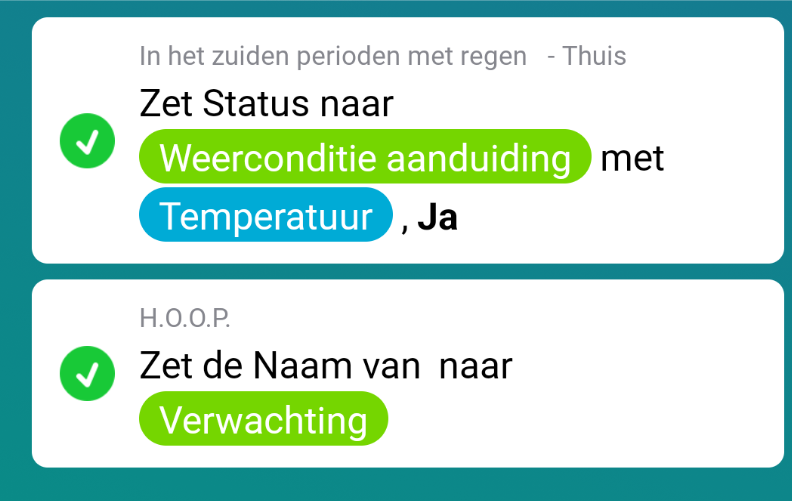
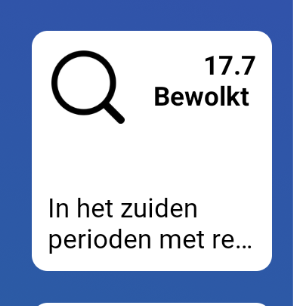
Well i have a nice idea to forcast message display as name. Will It not have problems with standard flows? that do not see the name, do I?
Flows Doesn’t it only look at device ID?
And name is separate from the device itself right?
And can I also change names of original devices? Or its that not good?
Yes you can change them without issues, ID’s are used in the source code, not the name.
I just update DC again in Test:
All default icons are now compressed into one single file and only on an App update, it will extract them and place them in ./userdata/defaulticons/ if the don’t exist.
This makes for quite a bit faster installation and makes developement also somewhat faster.
Install time while debugging went down from 29 sec to 21 sec, so quite some improvement!
And another update on Test.
The Flow Exchanger is for a big part done, even very big flows are copied and changed perfectly.

Just copied this flow, but changed all devices from downstairs to the second floor.
The new Flow got created with all upper devices!
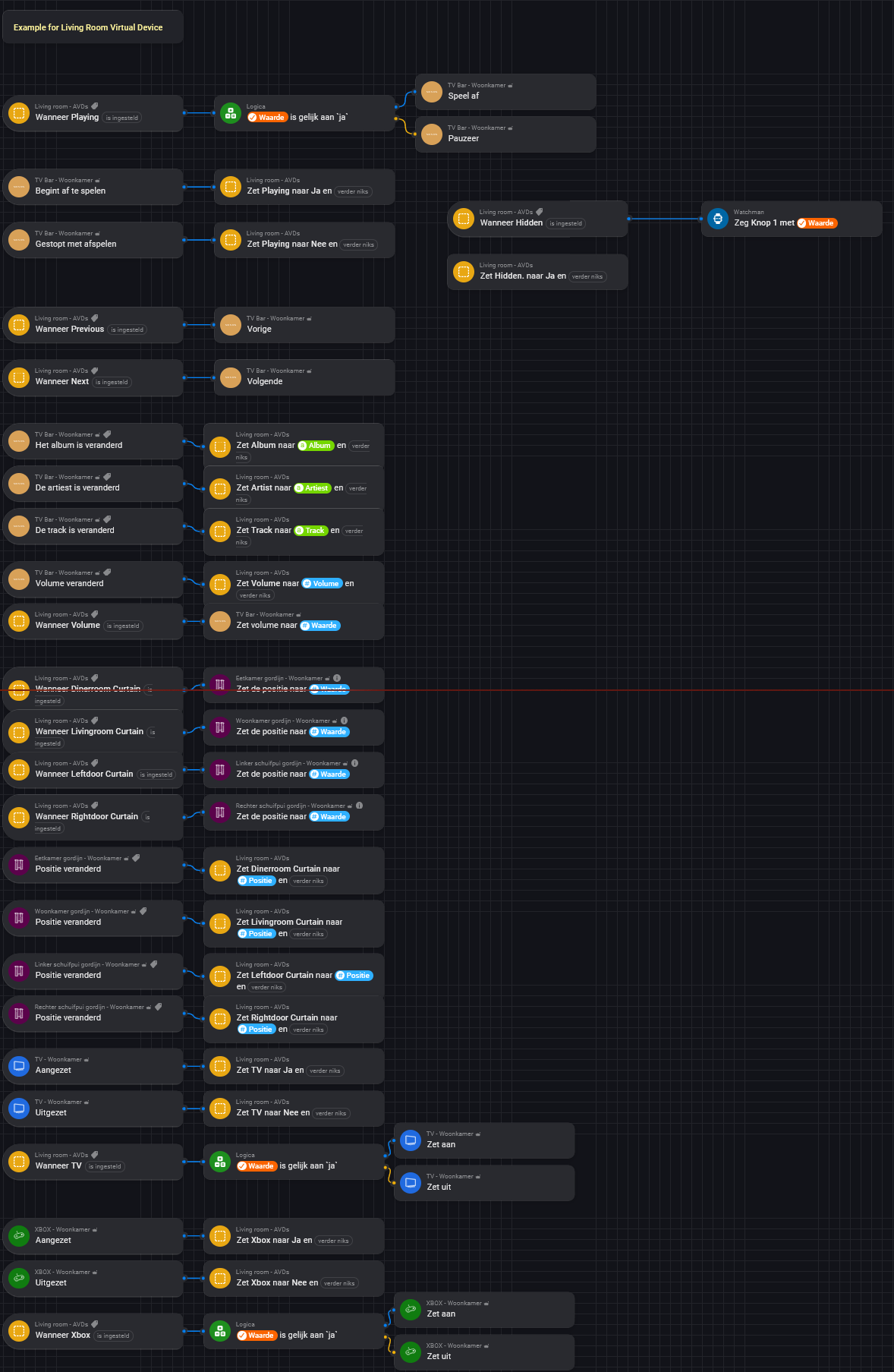

New in Test:
Full support of Flow-flowcards, trigger flowcard by text etc.
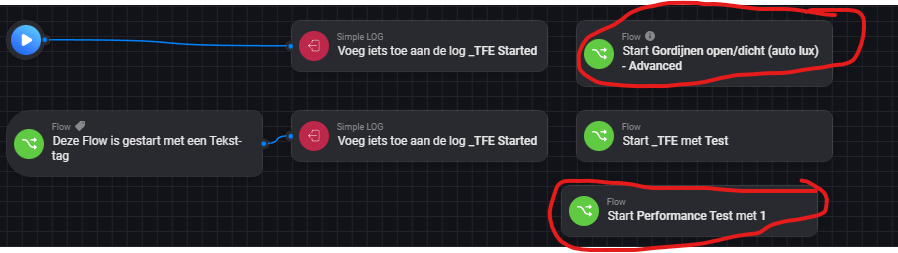
This flow:
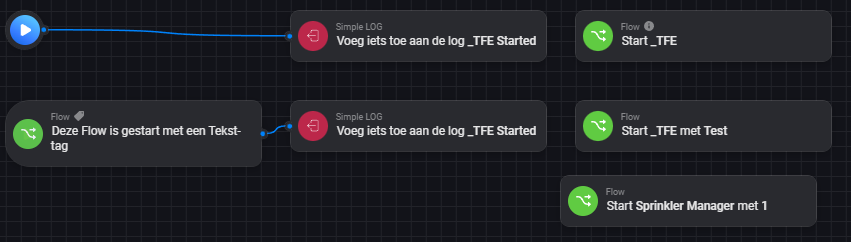
H4sIAAAAAAACA7VTuW7bQBD9FWNrjbHLvdknQIpUdhcYwuzFCBYPUFQSQdC/ZyjKMey4kIO42ms48y4eGbL625FtWM2yS1pJbsByKUElryEUb0EpbYtCy9EltmIdla7vP3+ibWb1NO7zikVWH1n2FZdeIohgEFSxEZxUBYyXTkZlLOdmrvvFar5iB1aLitae2n3v23yoW+ywyWNdtv1Paj5DGsa+GbFtcdrE9TRuGnpf72jTNesJG6qaqOryQKcdkWE2Ga+9qSBIzKBicuAqbQC51NJViJWP7OG0YqiFwUpUUEUvQHlfwNlQQEZDlLUJyasXgPkybzfhOD1NK1iCVEmDLZaaaMshWO3AEAqvhbeyiPM0wa3PkWYgpkTy8gCOz8N11MoIZZR5kseaP/PeLc9FE4zTpu/ogHPP8ze0btI7fMY2P1s9HYb5hOkHdjEndjoRJeeoWlkkxWYBHUrw2nFwOSefK+sjj68o/S/PP5wf2XueSZf3eTexme9VXi98pXvDQhyGutvedpu83aX8uM3j4+22by7Ev3TDflov578pzvcL2pu7OX9nD1bXhf0lpFcWfACoYAPX2mmQyXlQJDigcwF4llFnL5wJ+SkXagFV/Vsuun0baLkqF1hS8iIVUDjnIksPmAqC0bHkKI0QiT/n4m4g92c1br4uWN4OyQKARKUf4vRw+g0CianeUAUAAA==
When imported with TFE you can select which flows the should redirect to.
You can just leave it as it is, and it will reference the newly created flows!
So you can Exchange flows with Start-Flow flowcards in them.
All flows will be created and updated with the newly create ID’s.
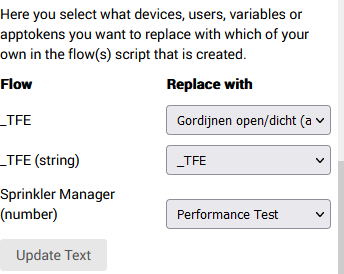
Will result in:
Coming up: automatic variable creation when they don’t exist or when you chooise to create a new one (handy for copy/pasting flows yourself).
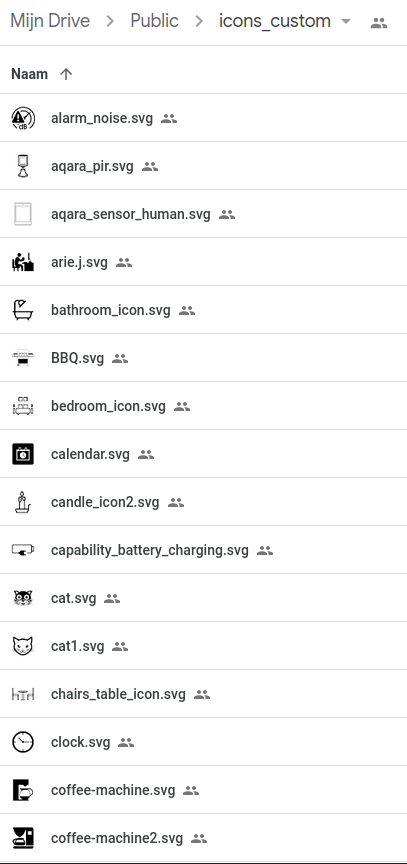
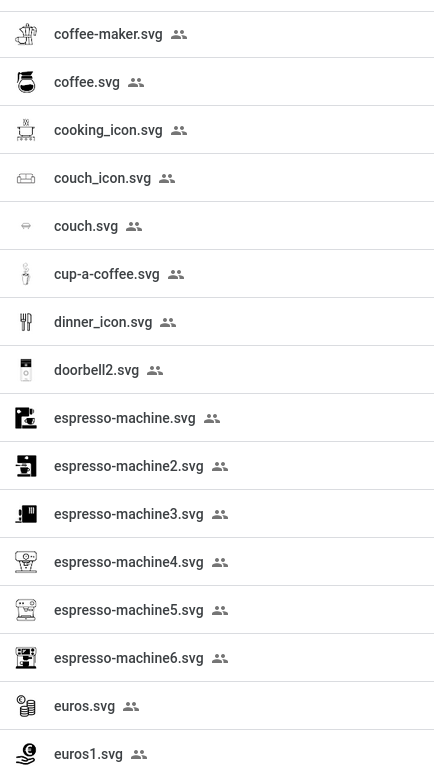
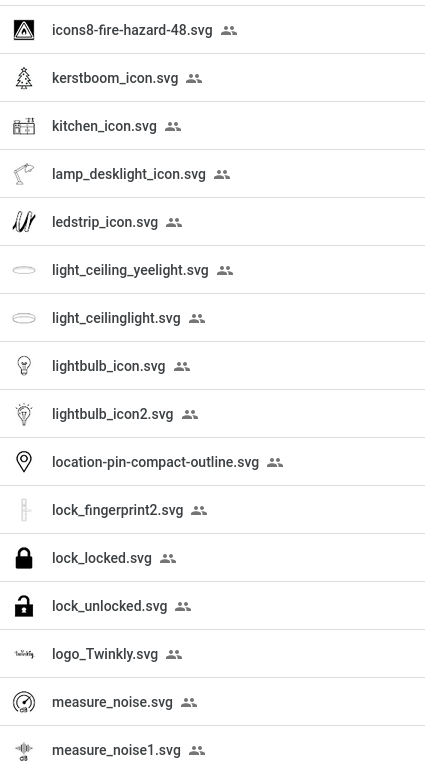
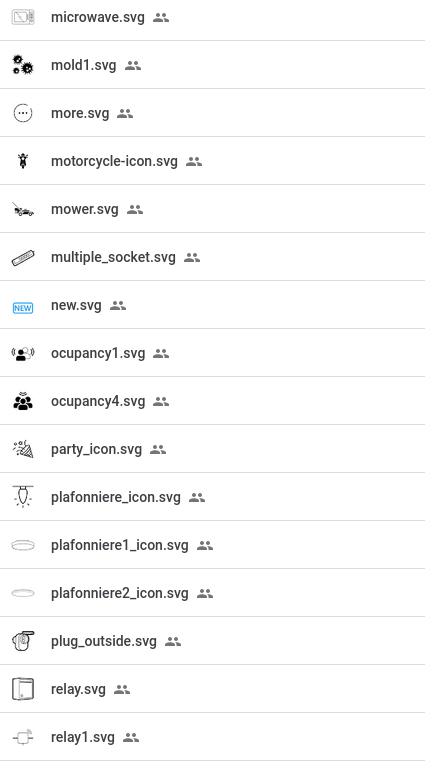
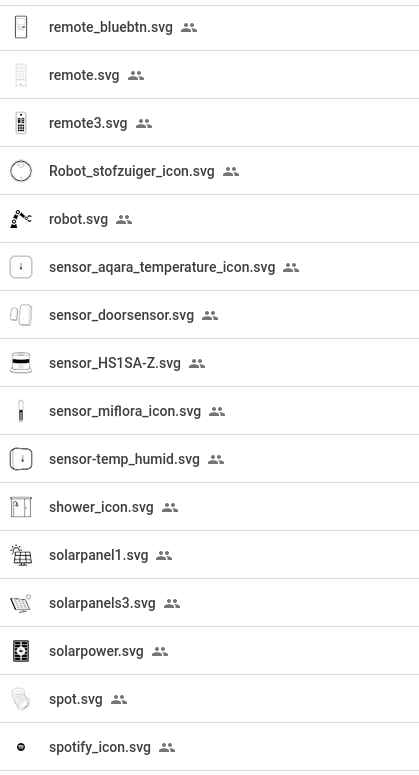
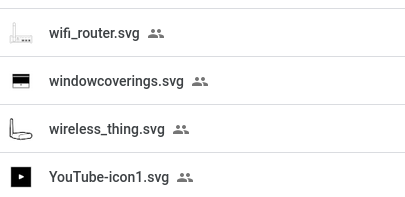
About the custom icons, here’s an addition to my previous post with icons. I added a few, and all icons are in one folder now → clickme to view/download icons
Preview :


Hey Arie,
That’s a great tool, being able to read flows, or even create template flows, which you can export, adjust it to your needs, and then “roll” them out for every other room f.i., is very cool.
Some ideas and thoughts:
I ceated a “motion operated light” template flow.
The timer app I use is Chronograph, while you can create timers on the fly, just by entering a timer name. On other timer card you just have to enter the same timer name.
You think entering the given timername is possible while creating the flow?
Also, I like to use zone activity for it. Is it possible to read the zone triggercards and pick a replacement zone up front?
For this flow, at this moment “only” the light gets replaced
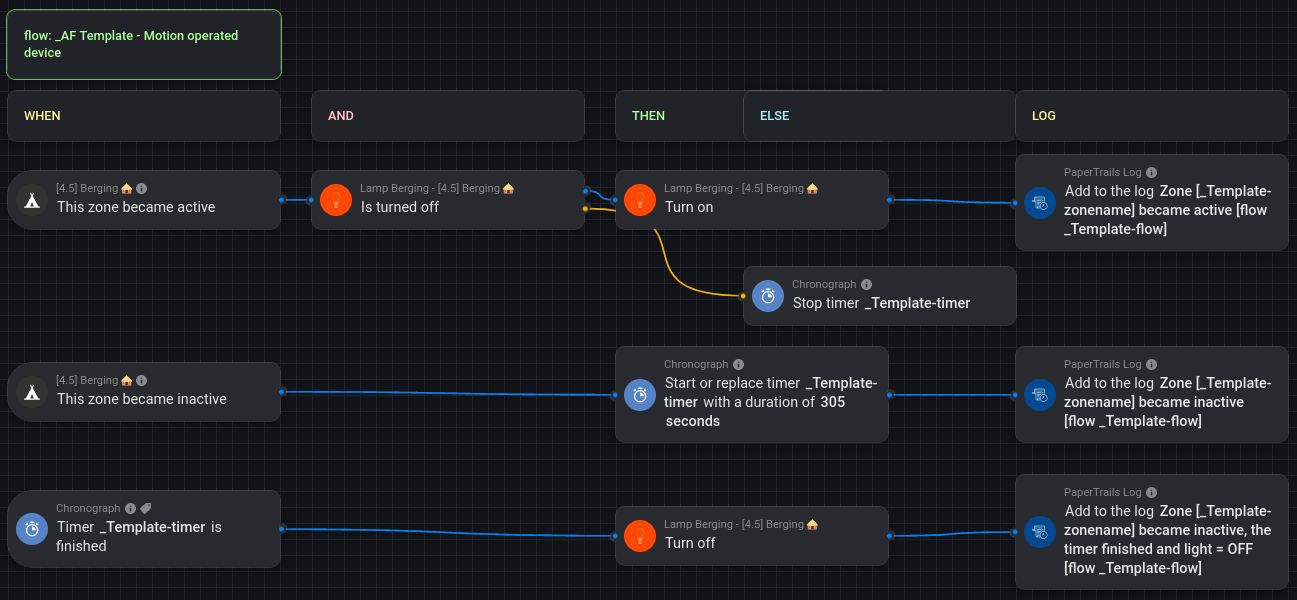

And the bonus question, is it possible to enter the (edited) flowname in Papertrails logcards (“Add to the log”) while creating the flow?
Please explain (with printscreens?) what you mean, i don’t know the app.
Working on a Template screen in App Settings right now 
