A wait , ill solve this. Its because he cannot find the icon i guess. Starting my system on.
Solved in the latest testversion!
Have fun.
It’s weekend for me now!
Thanks Arie!
Work like a charm now 
If any bugs are found, please report them and i’ll look into them next week!
When a new device is created and you don’t pick an icon, it can’t ever be changed or so is seems. Can’t you just assign the default icon as a custom icon at device creation? That way you can always ajust it afterwards.
With old devices, not with new once: you will always be able to edit the icon.
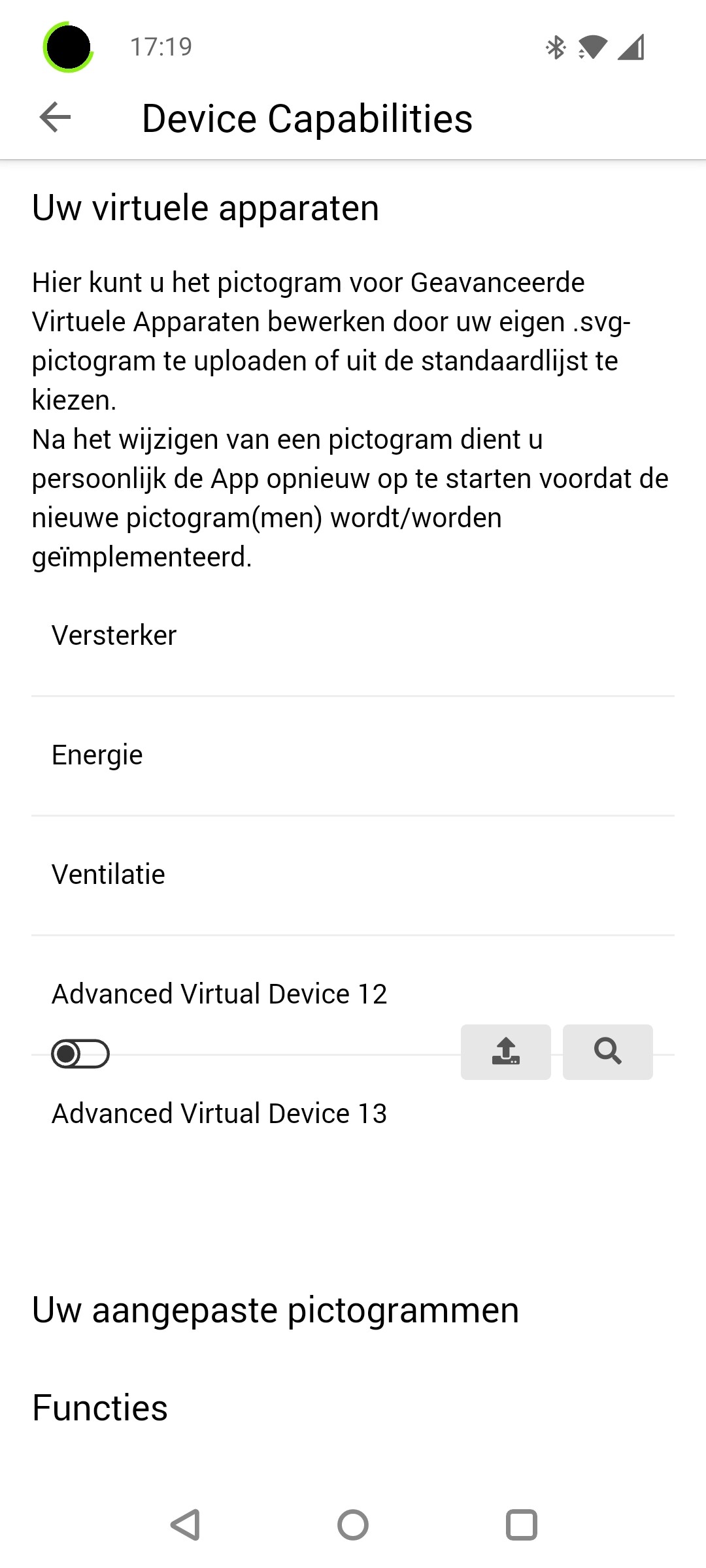
How did you create one without picking a icon, assuming you have the latest version and you just created those?
Simply press “Ga door” without selecting an icon…
Ah, that button should not be there 
I’ll remove it.
I found another minor issue, when selecting a “IF” card you can choose between 2 “when a button …” cards, instead of 1 being the “when a button …” and the other “when a Yes/no capability…” cards, the functionality is right (top 1 is the yes/no one), so it is just some text error.

Thanks, appareantly, i never het the placeholder correct for those fields, and a while ago i changed to more dynamic flowards, which was now build by its placeholder.
Solved in next test version.
Solved in next test version.
I can’t seem to create text fields; the button for text fields does nothing. Is that an issue on my end, of a bug?
The reason I wanted to create a text field is because even if you set a number field to display with 2 decimals, if the second decimal is 0 it’s show with only one decimal. For currency that looks odd.
Having the same issue, so some kind of beast or bug 
Update to Test to resolve the 3 issues, and set a name during creation (so you don’t have to rename them).
Can confirm I create text fields again, the decimal problem unfortunately still remains.
Yeah i know, you can report it to Athom, but there is not much i can do about it. 


