If so, then i assume that it’s because of rebuilding the device on the background, because appareantly, not all test-updates have gonne through, so you might have got the complete load of changes at once.
I have had this issue once in develop, where i by mistake removed and thus recreated all capabilities of all devices on start of the app. After that, Homey was kinda messed up until a soft-restart.
In anny case, i have now 25 AVD (Advanced Virtual Device?!), and i do not notice any difference yet in the Mobile app.
I am gonna add capabilities to see how far i can go.
But i do have an appointment now, and it’s my birthday, so i have “limited time” today.
All of my AC devices have only Status and some have a additional textfield in use, nothing ‘big’. The ‘time’ device gets updated every minute, is that too much?
Yes, I can do a CLI install, how does it work with bitbucket? (On git I just download the .zip and install it)
Nvm, I just found it.
You want me to install the ‘develop’ branch?
Did you edit something meanwill?
And, how long did it take to get slower afteer a homey-restart?
You want me to install the ‘develop’ branch?
No, i will create a separate one for this test, i want to remove all settings (just don’t open settings then and press save), to see if that’s the issue or the capabilities.
I’ll let you know when i have a test branch ready for you.
@Peter_Kawa
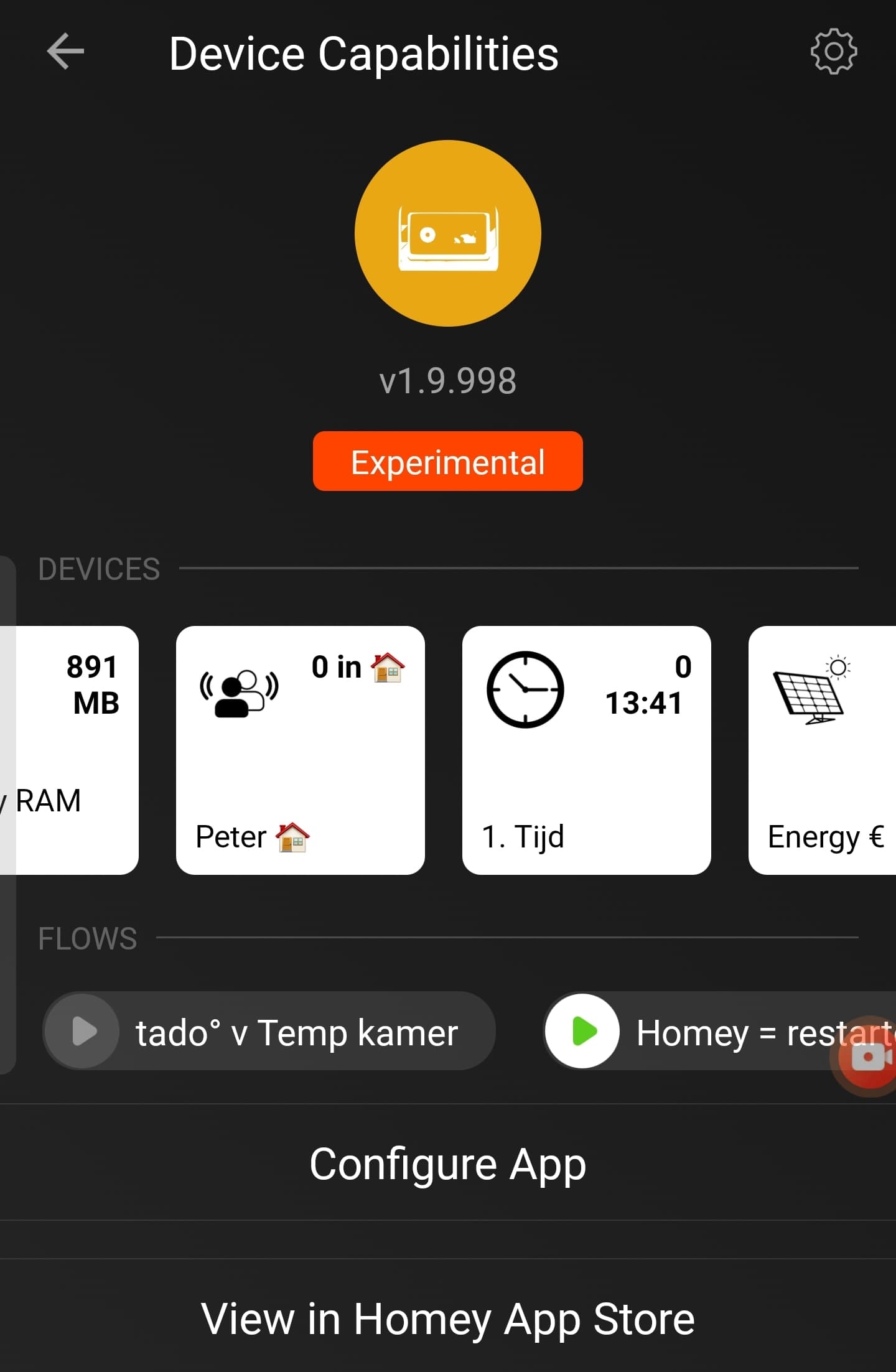
Okay, next in test, some smaller changes and a new name: Advanced Virtual Device.
Also, with Retrieve Insights card, you can now also retrieve values from Manager, like Apps:
Probably when it got unresponsive again, it was after I added a new avd. Not sure.
I can test again if you like.
I just restarted Homey and won’t add AVD’s for a while.
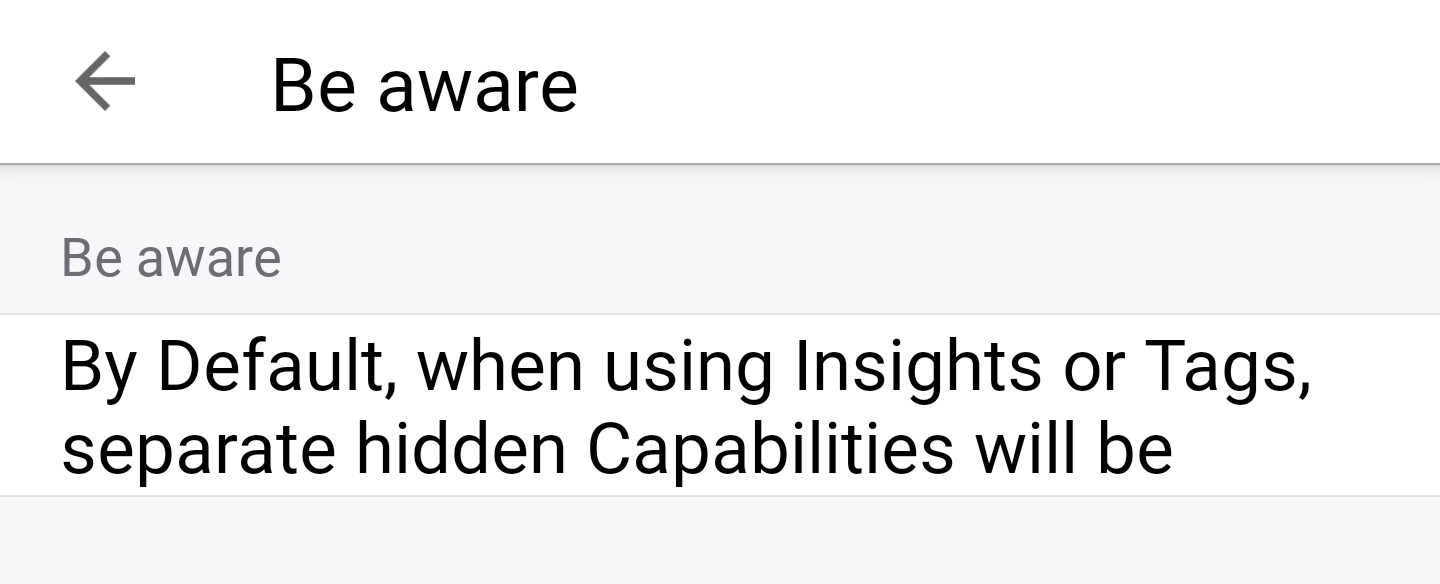
However, and it’s an Athom bug I expect, it cuts off after two lines of text.
Other text fields suffer the same.
It’s silly, because the biggest part of screen is empty
Please test if it also gets slow without saving device setting.
I allready have my system testing, but my Mobile App is not showing real slowness like yours.
Happy birthday arie!
Can I be curious what (and also why?) the difference is between the .9XX and the .9981.
As the .9981 that just dropped is (way) higher then the .9XX branch, if you update the .9XX one, we will never get that update unless we install it manually again (auto update only works for a higher number then the current installed version)
exactly, and if he now updates the 998 to 999 you will not receive it as it is lower then 9981, that’s what happend the last time you needed to manually install the app/latest update.
Sure, but that’s why i’m asking why go from 1.9.998 to 1.9.9981 instead of 1.9.999, almost like it should have been minor update (1.9.998.1), but that isn’t possible.
The same happend with 1.9.9951, after that 1.9.997 was released but you never get that update as 997 it is lower then 9951, unless you update manually as that just overwrites the current version.


 Happy birthday, Arie!