Yeah i know, working on it right now.
@Mattijs_Brunink and @SunBeech and @Peter_Kawa
Okay, this is kinda crazy…
The device still has the property for measure_power.
However, all Insights for measure_power are completly empty!
In the Insights however, there are insights for a non-existing capability: energy_power (which doesnt even exist in the Tutorial: Device Capabilities - Homey Apps SDK v3).
That one actually contains the measure_power values.
I have no idea why Athom has changed it like this.
Also straings that you dont see measure_power in your list. I have made a change (i dont check if the poperty is getable anymore, but check if there are insights). Perhaps you can now select measure_power from the list?
I have also fixed, that when measure_power is used, but there are insights for energy_power, the insights of energy_power are used.
It’s live now!
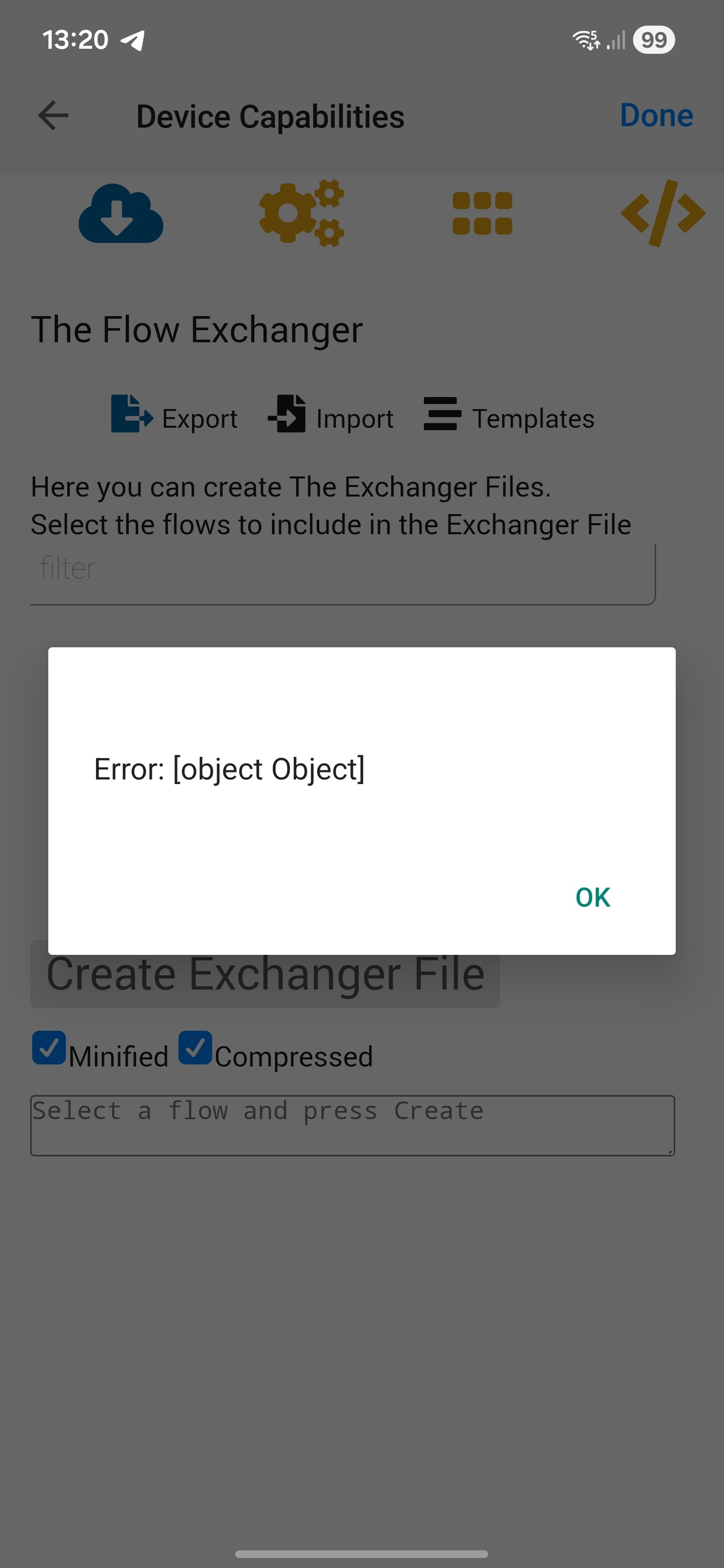
I can not get it from the list but i can set measure_power by myself and it’s working, thanks a lot. If i fill-out energy_power it’s not working b.t.w..
I know, it was just a test setup that I borrowed from another flow  .
.
Version 2.16.3 indeed now gives me an Insights value for the measure_power capability  .
.
Had fingers crossed that a FW update of the old ball would magically solve the crashes I experience but it still stalls on a near daily basis.
Diagnostic report 5d33c924-9d87-4049-9da2-9403fb65f1cf
Is it possible to add custom list values to a device
You can request custom lists, follow the link below;
It’s not possible for users to manage those lists on their Homey due to Homey limitations / permissions structure

Restart the app and try again.
I did already (I also restarted the complete homey)
But nothing
Ok, not shure if I should post it her, but I guess if I need al lot of AVD knowledge I need the attention of the guys in this thread. 

Feel free to split it up to a separate thread, as long as you guys follow 
I have a iungo P1 meter with a ton of information and tags (see below), but with rather ‘usless’ names.
So each time I need to look up what groups ar on what phase, and whats on those groups. I I thought of setting up a AVD, create fields with usable names and organise Phase, groups and the biggest powercunsuming devices. It doesn’t have to be to exact. Not of all device I can meassure powerconsumption. But my heatpump has a MODBUS kWh meter, a lot of devices are smart (lights) or have a smart plug.
And some things I can calulate ; L2 has only two groups: Heatpump and ‘everything upstairs’. Of which the IR panel in the bathroom has a smartplug, the lights a smartswitch, so whats left over must be all my computer stuff… ( On second hand, maybe this is not such a bright idea
  )
)
But basicly I would like to easily ‘see’ what is using energy at the moment. (I have a lot of devices that show up in the “Energy” Tab, but that are useless and I don’t seem to be able to remove (ie: SimpleLog FTP, a lot of Netscan device, a lot of other AVD’s ? Also, I can’t use the Tab in the web-app.)
Ok, in short : what would be the best way to create a structure in fields, I don’t think there is someting where I can create a ‘Phase’ field and connect or create a ‘Group’ field underneath ? Let alone a ‘device’ ?

You could create one Advanced Virtual Device (AVD) and reflect each of those capabilities in a separate field, which you can give your own name. Your naming determines the structure.
Alternatively, you can create separate AVDs per phase and include only those capabilities related to that phase. And again, you can name those fields to what suits you. So each AVD becomes a group, if you will.
I.like both options, I coud create 3 AVD’s. 1 for each phase, then a field for each device with then group in the name.
But it would still not be a overview in 1 AVD.
I’d idealy like a kind of tree i could maybe expand and collapse.
Unfortunately, I don’t think that is currently possible based on the available interface elements.
I was afraid so…. Ok, will try to be creative then…
Is it a way to add an settings field to this advanced devices to input a ip adress?
I am creating a Tamplate for AMS Reader (HAN sensor/energy sensor) with an interval for reading a http get.
I do now just create a variable to fill in the IP adress, but would be nice to have it on the device settings somehow 
Is it a way to update the capabilities from homeyscript on a device?
(a virtual device created by the device-capabilityes app)
I have tried diffrent things and this:
But as you see the error ill get if I try to update it.

Use the DC API:


