Hi, is it possible to show some kind of warning signal on an AVD? something like a red icon or an exclamation mark? Regards


I use this website to search for emojis, not the prettiest website, but the search engine is quite good and broad (handy if you are looking for some inspiration).
I use some AVD’s to summarise/combine data in the status-field. With the help of some emoji’s you can put al lot of information in the status (kind of mini dashboard)
Top - thx 
I’ll need to have a look.
Where do you open the Device settings? A phone or web?
Yeah: when checked the Create Real field and Flowcard, a property is f.i.: onoff.
This means it will be the real default onoff property, and the default homey flowcards will be generated.
Ofc, there can only be one real onoff property.
Of you uncheck the Create Real field and flowcard option, the property is added as onoff.number1 and/or onoff.number2.
it will still be kinda like a onoff button, but not the real deal, and default flowcards will not be generated.
Also, if there are external functions or apps (like dashboards) that search for the real onoff button, it will not find it.
If you are ceating a device for use in homey for energy or other stuff for which Homey has extra screens or analyses, in most cases, you need to check the Create Real Field property.
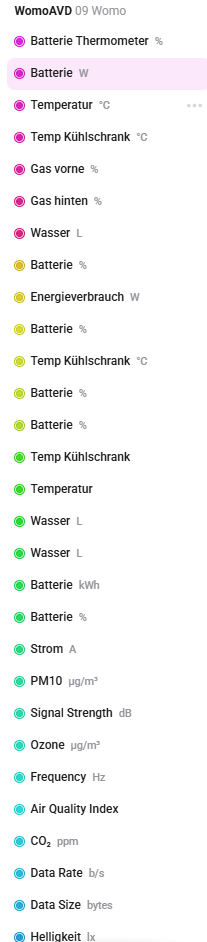
Another example is a number property with battery. You could Create 5 battery properties if you want (unchecked the Create Field). They will show up as sensor properties. Handy if you want to watch multiple batteries in one AVD. However, it will not be shown in the Battery tab of the device.
If you check the Create Real field for one battery field, it will be shown as the battery in the battery tab.
It happens both in the web app and the mobile op on my iPad.
Thanks! This is very useful to know .
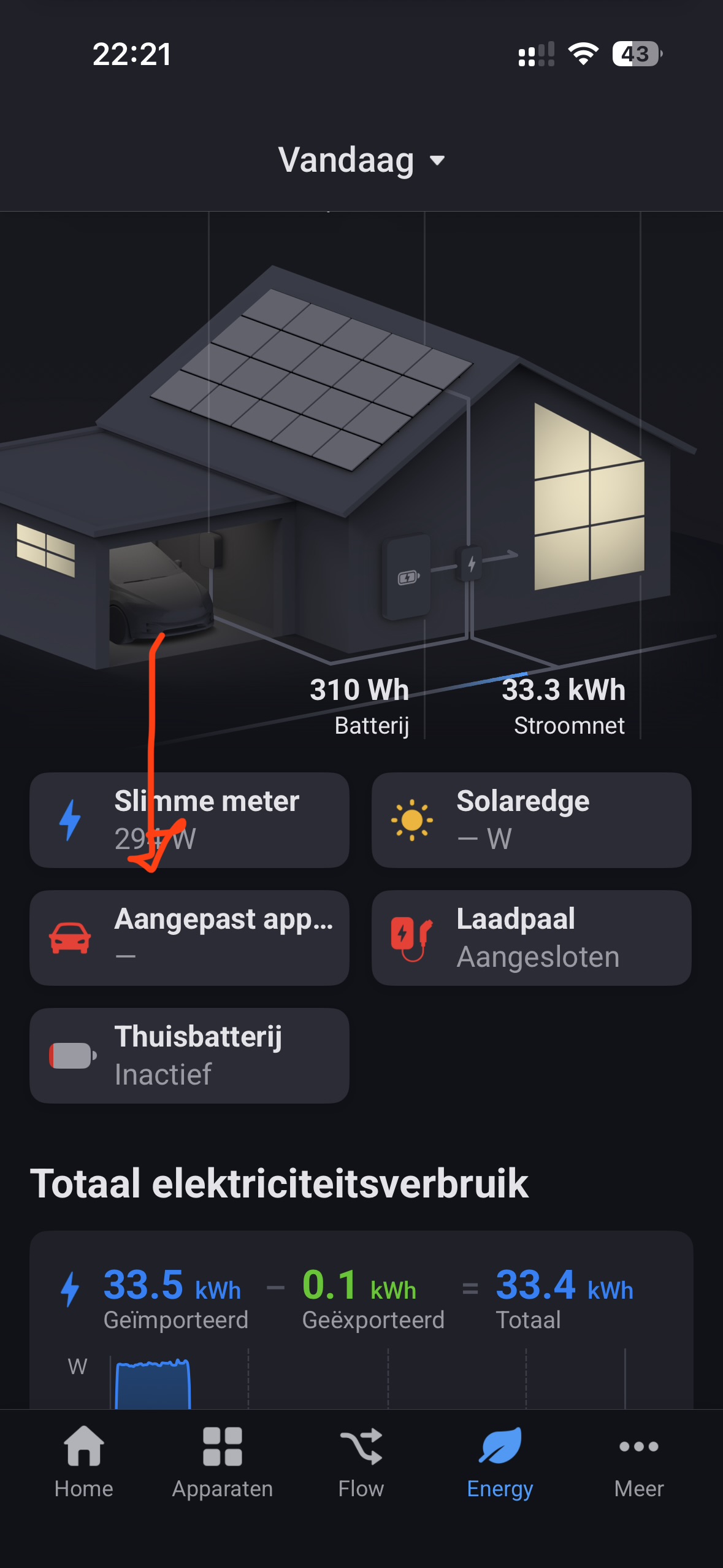
Hey. With the home assistant app they added a field that contains homeyenergy device type. You can select electric car. Then the device gets added in the energy tab. It’s under advanced settings on the device. Is this possible with device capabilities or can you add this? I have my Peugeot added in psa car controller and send http request with homey to get the data. this data Is added to the device I added with device capabilities. Would be amazing


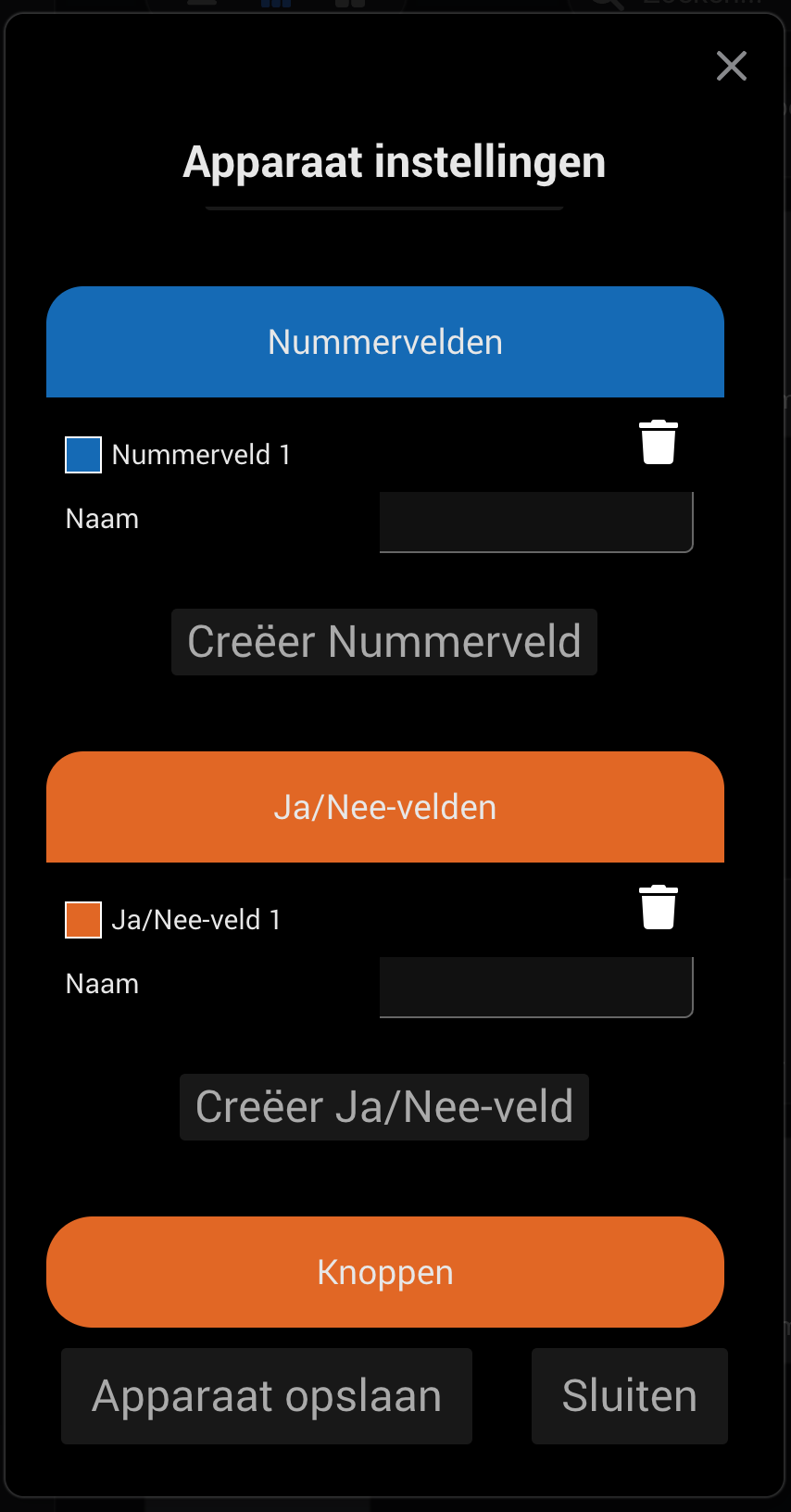
Is the app broken after the new homey update?
If I go to repair my virtual devices all fields are empty.. also happens when adding a new virtual device
Often this is the first (and only) step:
If..
weird issue after firmware update
Then..
cut the power from Homey for at least 10 minutes
Not afaik.
What HP do you have?
Yes, by selecting the right device class.
I select car or charger but then it doesn’t appear over there. Am I doing something wrong ? Or do I need to add it as a new device first?

In my experience restarting the Homey isn’t always the best way to revive a misbehaving app, just restarting the offending app works more reliably on my system. A few apps always malfunction after reboot, regardless if it is due to a firmware update, power outage or user intervention.
So I suggest the first action should be to restart the app.
Since v12.8.0 the card “Retrieve the insights value from” seems to be broken.
Every day I run this card to check how long since latest update for a bunch of devices.
It has worked very well for some years and helped me finding devices that stopped reporting.
But since v12.8.0 all my “Retrieve the insights value from” cards fails to show the correct “last time value changed”.
The insights shows that the temperature for the device has changed very recently, but the DC-card says >32 hours.


Did Athom change anything for the Insights in latest release?


You can check on that capability in tools.developer.homey.app/tools/devices; enter the device name to see the actual capabilities.
measure_power should be there

