I agree with more or less everything you say, and you’re making me think 
Both me and my daughter drawing, just a little bit different themes 
good that you have the “inspira” cookie dough ready, that seems to give some good inspirations! (which we will see probably in the new v2.0 soon  )
)
(I see your daughter is already a bit further and designing the new image widget  )
)
I think that the heavy use of hierarchy is also something that makes it complicated to understand (see the questions for some tutorials) - but powerful of course … meanwhile I have some (digital of course) cheat sheet in order to know how to solve certain things:
(maybe this also helps some other users)
is there a size limit for the dashboard JSON code or something … I tried to extend my daashboard more and more … and while first it seems to work … after a while the latest changes are all gone. interestingly not all, but only the changes starting from a certain point of time
happened already 2 times now
I’ve one of those, it’s slow as a drunk snail
which is it? 2nd generation?
and does it even matter in terms of performance for casting te dashboard … it’s quite " static" anyway …
did you try this?
if yes: how does it behave? always on? or when/how would it turn on (in order to display the dashboard)?

I don’t know. But it wouldn’t surprise me if Athom has put some limits on the size of device settings 
I have on my list to switch to using /userdata for storing dashboards anyway. Then I don’t have to deal with Homey’s shitty device settings API anyway 
Agreed, but it also makes it easier for me to implement 
You basically want to have the context made available through widget settings instead of manipulating the context.readonly variable through an extra “layer”. It’s not unheard of, but might be challenging, especially when it comes to styling. Take padding as an example. If you override it on a section widget, in order to have more space against all children, each of the children will also inherit the same padding value. You probably don’t want this behaviour, so you instead have to be able to set the styling that should be inherited differently from the styling that should just apply to a single widget. Making all this slightly more clusterfuck 
I’ll work towards something like this. It actually aligns with my ideas for.. let’s say v2.0.0
I promise to not fuck up the existing dashboards this time 
But before then, I have to focus more on basic stuff like login and basic stuff.
in this case: would it help to separate into multiple smaller dashboards? (probably not, as there is only 1 Homey device …)
what would that mean? still stored on Homey device then? or do you mean locally somehwere?
interestingly … adding new items did work … I even “checked” by switching to another dashboard and back, everything still there … the 1st time hours later reloading the dashboard: new edits were gone … the 2nd time “during editing”: I opened the newly added dialog, and it was empty again
ok, new task for you: gzip and base64-encode the settings when storing with Athom  (first check if there is a limit of course) … basically kidding, but who knows … would reduce my JSON from 100 kB to 25 kB
PS: my idea now was to delete the old (converted) dashboard (which of course was also big), but this does not work: I simply cannot delete … it says, it has deleted it, but still remains … when removing all contens within the dashboard and “Save” I get:
You need to create at least one dashboard device on homey to store your dashboards.
Of course I did. And created API-key.
What I am doing wrong?
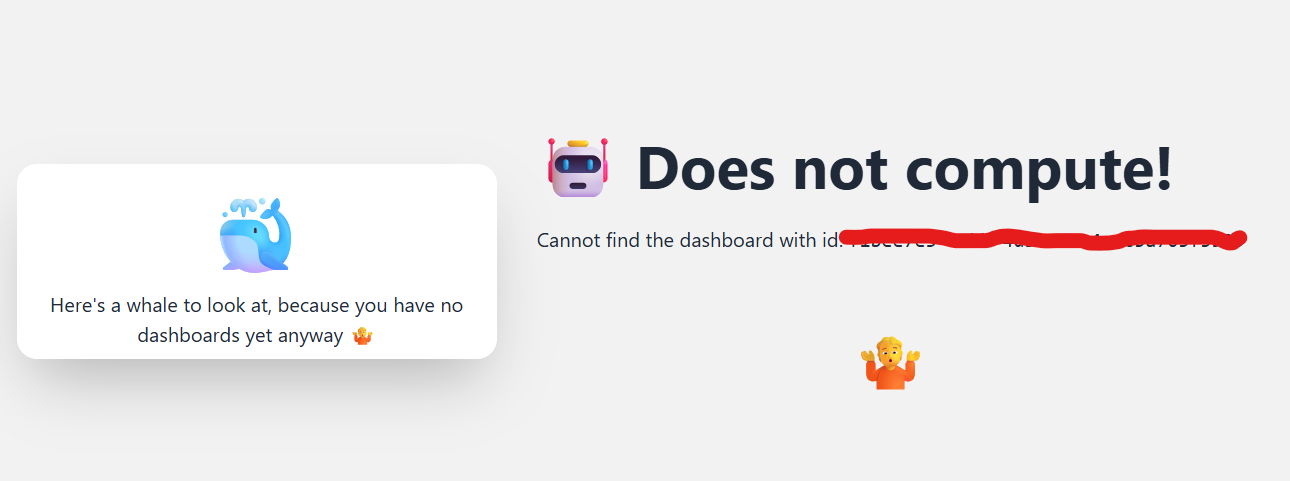
Install app, create Dashboards device, login to https://homeyboard.github.io/ and still there is a whale saying “no dashboard” 
Still having major issues; I have one dashboard with a few items on it, but adding more is almost undoable. Main issue being that when I try to add a capability anywhere on the dashboard (f.e. as part of a grid or not), either the existing dashboard or a new one, the page locks up and does not respond to anything anymore. The only solution is then a refresh, which obviously results in losing any change.
edit: it’s the same on Chrome and Edge
a bit to pessimistic imho…
I think part of my problem was my Homey; two weeks ago it started getting stuck early in the morning. After some tries to fix this I had to restore a backup. Now the dashboard seems to be a lot more responsive in loading. Not sure if it really is, but I’m not getting the “infinite” infinitysymbol anymore, and also my dashboard loads a lot faster.
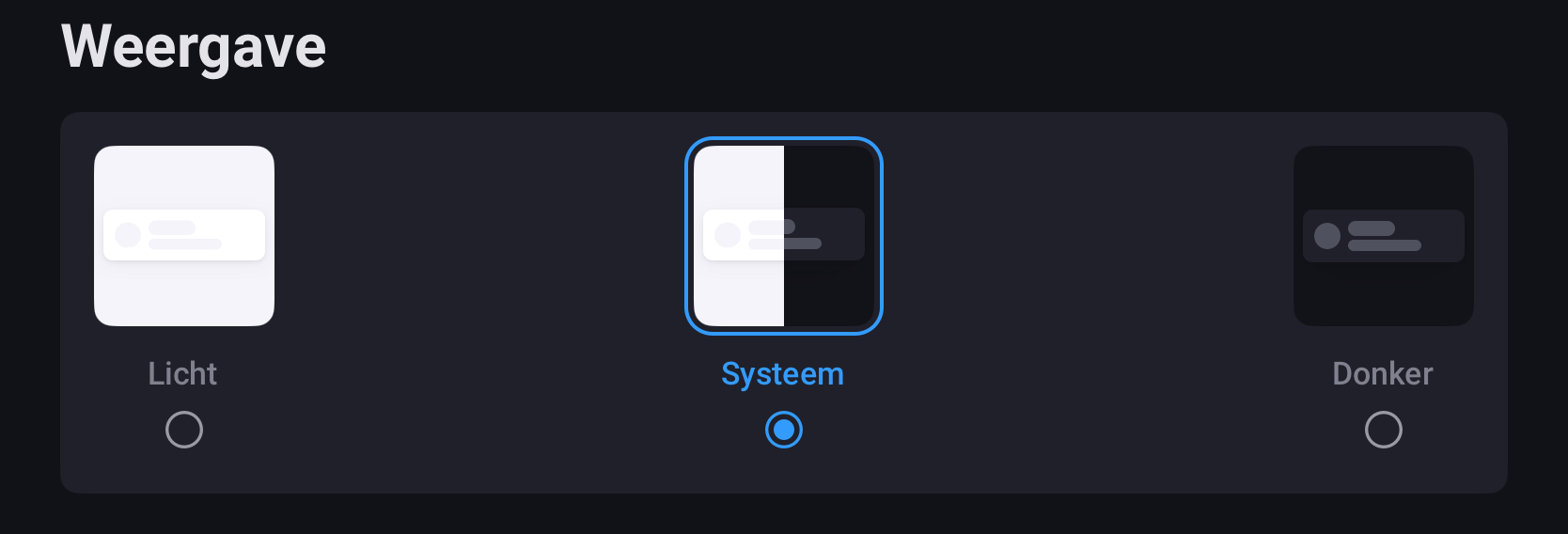
On my PC the dashboard is with a white background (I have a light theme enabled), but on the tab (with Fully browser) it’s dark. I can’t seem to find the setting to get the light theme (like it more currently)
Just because of one app…???