
Hi
I have managed to create a couple of dashboards.
On the first I was able to add a flow, which works.
But every other widget I try to drag onto it, the ‘trash’ symbol is highligted. Then at mouse release the widget is gone.
The second one has a grid, with the first card, but I can not add anything else, not a new card. I can not edit the first card. I can not add a widget to the first card.
On the third dashboard I could add a sections widget, and that seems to work as you might expect.
similar experiences
- trash symbol highlightes even if it should not
- but then also: sometimes/often dragging to trash to delete does not work
- grid layout did not work at all: not really possible to adjust card sizes “permanently” … they stay pretty random (small)
- section layout worked best so far
by the way: it would be great to better understand the concepts of
- grid
- list
- section
- card
especially the concept of the “card” is not clear to me
furthermore:
- changing to another dashboard via the menu basically never works
and I really miss layouting options on all items as
- colors
- background colors
- font styles (bold, italic, …)
- font sizes
this would really help to make a visually appealing dashboard with advanced capabilities (e.g. show out-of-range values in red and bold for example)
but I know: this is the first version 

it appears that several “elements” are missing their settings.
So at this moment it appears that only using cards on sections actually works.
What I mean with this, on a blank dashboard, add a sections part. Now add sections, cards, sensors, switches, etc.


When logging in from a different computer, using the same API key none of the stores or dashboards are found, which makes no sense.
So, only using the same URL does not fully work.
What I needed to do;
Go to the Homey Pro URL > Settings > Apps > Dashboards > Configure > Use the button for the URL
Then I could grant access after logging in, but only using the local link.
Hi all 
Sorry for ruining peoples night, morning and day. I said it was a reason for this never being released 
After reading through all posts since last night, I’ve tried to figure out where to start. On one hand it seems I should do whatever I can to document how to make dashboards and templates.
Besides trouble migrating dashboards to the latest version, I also see some explicit mentions of bugs that I can look into.
No problem at all for me. Some things work, some don’t. Redesigning a dashboard is does not compare to all the work you put into this 
I have two issues though:
-
on my PC, using Edge, when I try to edit my dashboard, the page stays black. Already deleted my browserhistory and such, but to no avail.
On my walltab (LG) I can open the editpage/mode -
when editing, I can’t seem to be able to delete a placeholder; when I delete the contents of the placeholder and then try to move the placeholder to the trash I always seem to move the whole dashboard.
Hi @skogsaas
It would be great if we would be able to delete dashboards. My ‘main’ dashboard has broken and will not load anymore.
What I tried to do when the dashboard complete broke, in a section, in a card I had several sensors defined. When I tried to add a slider to the card, the whole dashboard broke down. It will no longer load.
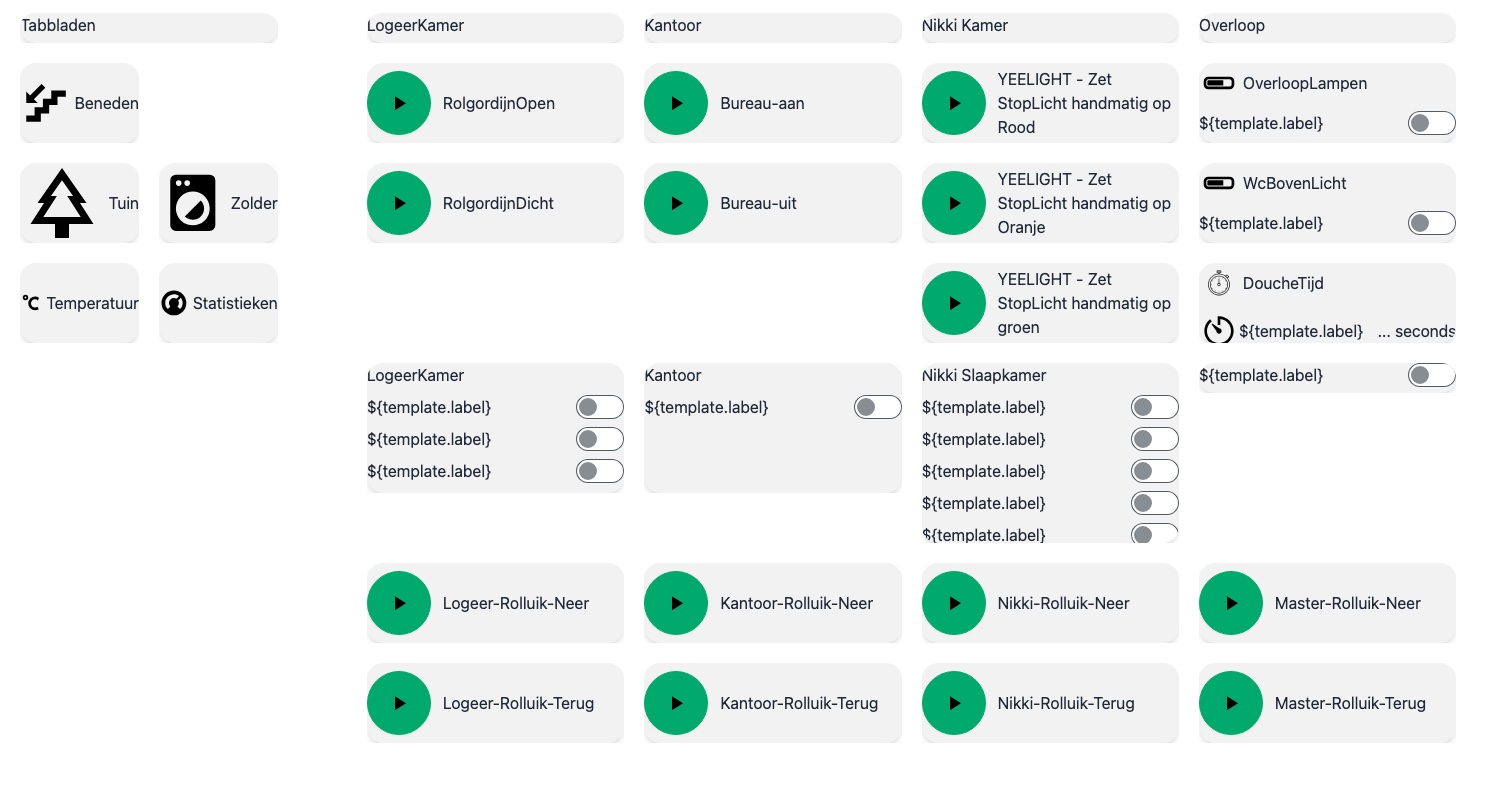
Sorry to bother you, but I don’t understand how access my old dashboards.
This link for local access works:
This link for remote access does not work (same dashboard):
Error! Could not load devices: Error: Unknown API Error
When trying to create a new dashboard via https://homeyboard.github.io/ there are a lot of red error messages. Dashboards 1.0 installed. I have one (1) Dashboards device.
also not sure which layout is best now …
sections seems to work properly, but size of individual sections cannot be changed (some nned to be smaller, some bigger, depending on content)
grid layout did not work at all for me: could not adjust the card sizes, they always stayed at full minimum somehow and jumped around in the layout while tying to change their size
