Yes.
I will test soon as I saw that a new Homey firmware is available.
I will keep you posted. Do you want any logs or debug information when i test?
Yes.
I will test soon as I saw that a new Homey firmware is available.
I will keep you posted. Do you want any logs or debug information when i test?
If you are running into any issue, that would possibly be helpful.
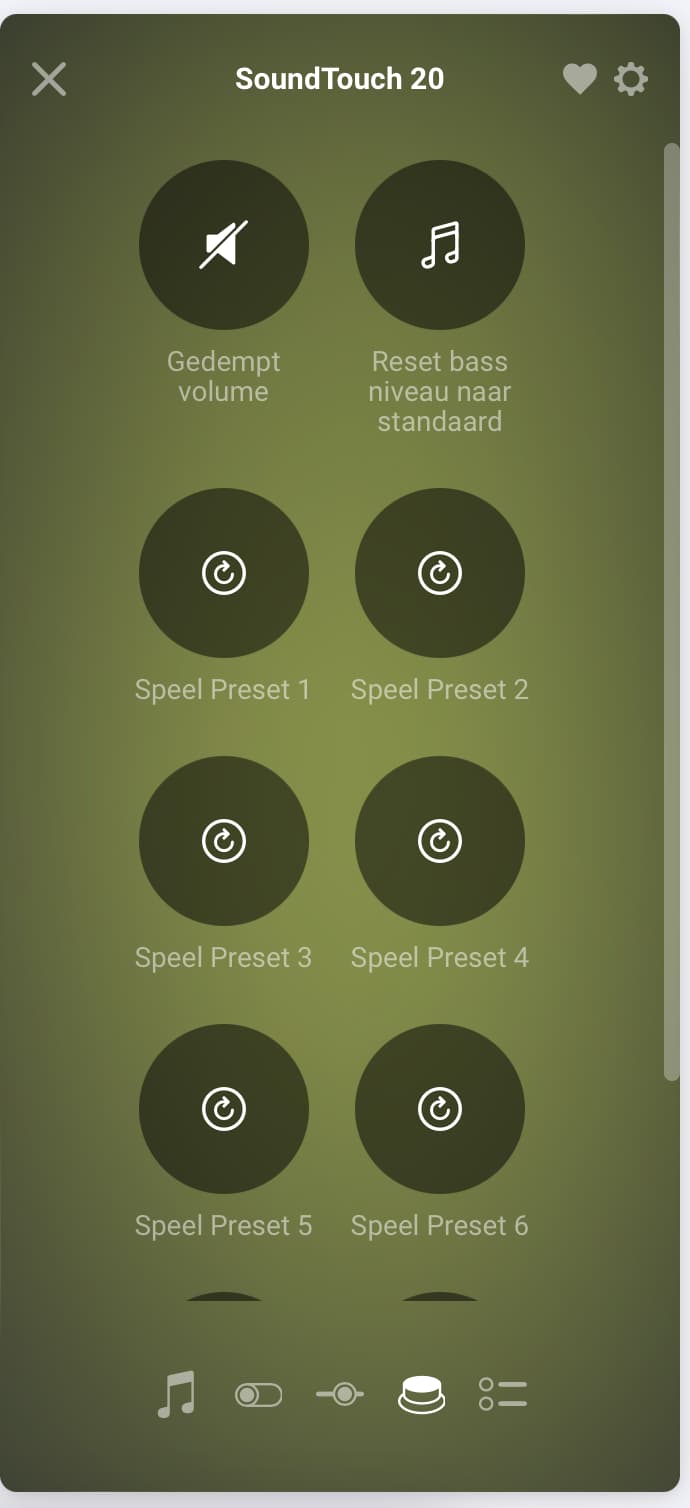
Hi @Shakesbeard! Could it be possible to add custom names to the presets? That would be very helpful!
What do you have in mind there? I mean, like where would you expect that information to show then?
Ahh. Well that would indeed be a handy feature.
Unfortunately this was not possible as once a device is paired these labels are static.
I do wonder whether the firmware for HP2023 can do that now, but I would not put my hopes onto that.
Hi All.
Does anybody knows if there will be support for the Bose Soundbar 900 ?
Hello,
I have a Bose Smart Soundbar 900 and a Smart Portable.
Does it support normally?
SoundTouch devices are supported only.
Bose does not support their smart speaker line for community developers.
Please, when can we expect Bose Smart Portable/Soundbar support?
This intelligence is sorely lacking in the Homey Pro
Hi @KestasM,
Sorry to say that. As much as I would like to add support for those devices myself, Bose is refusing to support this. Eventually I gave up asking. And yeah I kept poking Bose over 2 years about this without any success 
Feel free to annoy Bose directly about this.
I am not affiliated with Bose and this app is not an official Bose app. I am maintaining this in my spare time only.
There is a rare app crash which happens then the devices zone info is reported being ‘null’ by the device. I am not sure whether this is a bug in the bose firmware or not. However, this update tries to handle that as a device left the zone.
I personally do not have zone capable devices here to test this. So if anyone wants to torture this functionality, let me know if you see any unexpected behavior.
EDIT: v2.0.12 - There was a little copy paste bug in the previous update ^^‘’
Are there still people using this app with a SoundTouch speaker? I’m unable to add my speaker. Saw this app and thought it might work as a workaround because Bose skill from Alexa is not working for months now and Bose support is shit. They refuse to help and check at their side. It’s a handshaking thing in linking accounts.
I thought if a add my speaker to Homey I’m maybe helped and get it working, but my speaker will not be discovered. The Bose SoundTouch app does work just fine, speaker already turned off/on and also completely shut down from power, but this Bose app will not discover it. Any tips/help?
Yes, I am using Bose SoundTouch speakers. You don’t say anything about your setup, so I only can give you a general advise (what I should do to begin troubleshooting):
At the end (if all works) give your speakers a fixed IP address by reserving the IP in the router/DHCP server. In advanced settings of the Homey Bose device, you can manually enter the IP address and set ‘always use these settings’ to YES.
I’ve found the issue. My speaker was not in the IoT VLAN, because the Bose iOS app will not work when not in the same WiFi… I remembered after some checks & frustration with this Bose app. Now I put the SoundTouch 20 in the same IoT VLAN as my Homey and then it showed up. I also have vocal turning it on/off again working via this Homey Bose Devices app icm Alexa. Very happy this app exists, because Bose is not helping at all with there (non functional) skill for Alexa! People complaining for months.
Spoiler: They are also not helping community developers… at all… insert grumpy noises here
I had these problems years ago as well, but back then Bose still had a forum where you could report this and troubleshoot together. At that time, the skill wouldn’t respond to voice commands, but now you can’t even link the Bose skill for Alexa at all. The API simply doesn’t work during the linking process and gets stuck. Bose isn’t helping; they hide behind a ticketing system with rhetorical questions.
Very happy I can use it via this Homey app together with Alexa voice.
Depends on what you are trying to achieve.
Any SoundTouch device usually doubles as Spotify client by itself. I think the smarthome series does this too. However, the SmartHome series is not support by this app because bose refuses to support community developers on that.
You can use the SmartHome series speakers as Chromecast device too if enabled in your device. (some might need a firmware update)