I have added that to the bug/fix list for next version. Should be very easy for me to simulate at least 
Thanks for reporting.
I have added that to the bug/fix list for next version. Should be very easy for me to simulate at least
Thanks for reporting.
Hey there!
I recently got my Bambu Lab 3D printer  I was wondering if there are any plans to add the camera view.
Also, if you’re open to it, would you consider making the app open source? I’d love to contribute and potentially add some useful features for the community.
Best regards,
A fellow developer 
Now there is an option in the app to see the status: Running, Idle and Finish.
Is it also possible to see if the bamboo is busy with the Lidar? This is to turn off or dim the lighting, for example.
Is it possible to read the status of the light and use it in a flow? This so that you can also switch the external led.
Any guess as to when this fix will be made? App crashes every time I powercycle the 3D printer here as well.
Thanks for making this awesome app btw!
That’s strange.
I don’t have that card for ‘Status changed’ and also no variable for Status.
What is your version of the app? I use v1.2.2 which is te latest in the app store.
I think that je have the wrong app, try the the other one. Bambu Lab App voor Homey | Homey and Bambu Lab App voor Homey | Homey
That one is high on the list for a potential next version. Now that there is another app available it might not be worth spending time on it though. But if i do i will make sure that i try to address that one
The ‘chamber_light_capability’ should allow both read and write of the light in flows and scripts. At least that was my intention with it
You’re right.
I didn’t notice the second app.
Thank you 
Be careful with future firmware updates, Bambu Lab is closing down their printers which will make this app (and also a lot of other third-party integrations) not work anymore 
More info here: Firmware Update Introducing New Authorization Control System
Thanks for the information
Thanks Robert! I read the information and they state
Operations That Do Not Require Authorization
…
- Sending status information from the printer (e.g., MQTT status push for tools like HomeAssistant)*
- …*
So i think at least the main funtionality will be unaffected. Not clear if changing the speed or controlling the light through mqtt will still be possible.
I read that “binding and unbinding the printer” will require authorized access, and I assumed that that would mean connecting to it, but perhaps they mean something else with that (like associating the printer with a cloud account or something).
I noticed there is also an official (in the sense that Athom wrote it) Bambu app for Homey, but this app and that app has slightly different capabilites. The offical one can pause/resume/stop prints as well as turning on and off the chamber light, while this one can only control the chamber light, which is less useful.
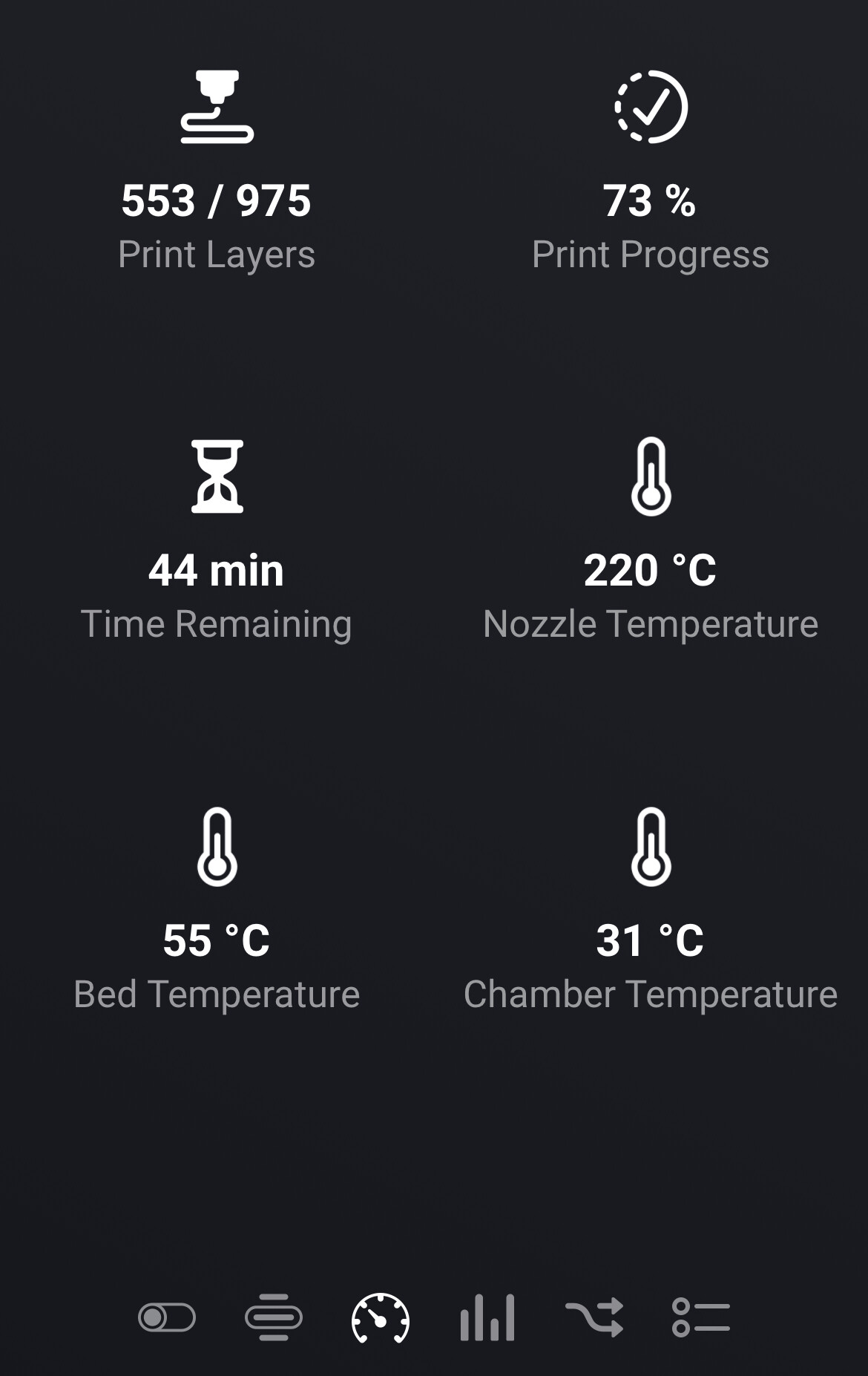
Then this app has better status reporting, like fetching time left and percent done.
I guess both apps are using the reverse-engineered API (MQTT) to talk directly to the printer within the local network, so in theory both apps should be able to have the same functionality.
Is there a good reason this app does not support the same commands as the official one?
Thanks for answering. I guess using both is of course an option, it just feels wrong to have to use two apps for what could clearly have been just one.
Those long numeric error codes in your flow, is there some list of those and what they mean?
I use both, too bad, but that’s the best way to do it.
As far as I know there is no list, but I came across these messages through trial and error using the first command in the error flow