Hi guys, it has been a while but I am working on a 2.0 version of the app with much more functionality than before. I have completely rethought the way the interaction between homey and the asus routers happens and am currently working on finishing version 2.0 that should greatly reduce cpu and memory stress on your homey.
I do have some questions though regarding current functionality and wether or not that functionality should be in version 2.0.
Do any of you use the following capabilities or do you think it is useful to have on the device?
Alright for the daredevils I present to you version 2.0, please help me test this:
I have been running this version for some time now and am completely relying on it and think it is already quite stable. the Wake on lan functionality should work, but I don’t have the devices in my home to test this.
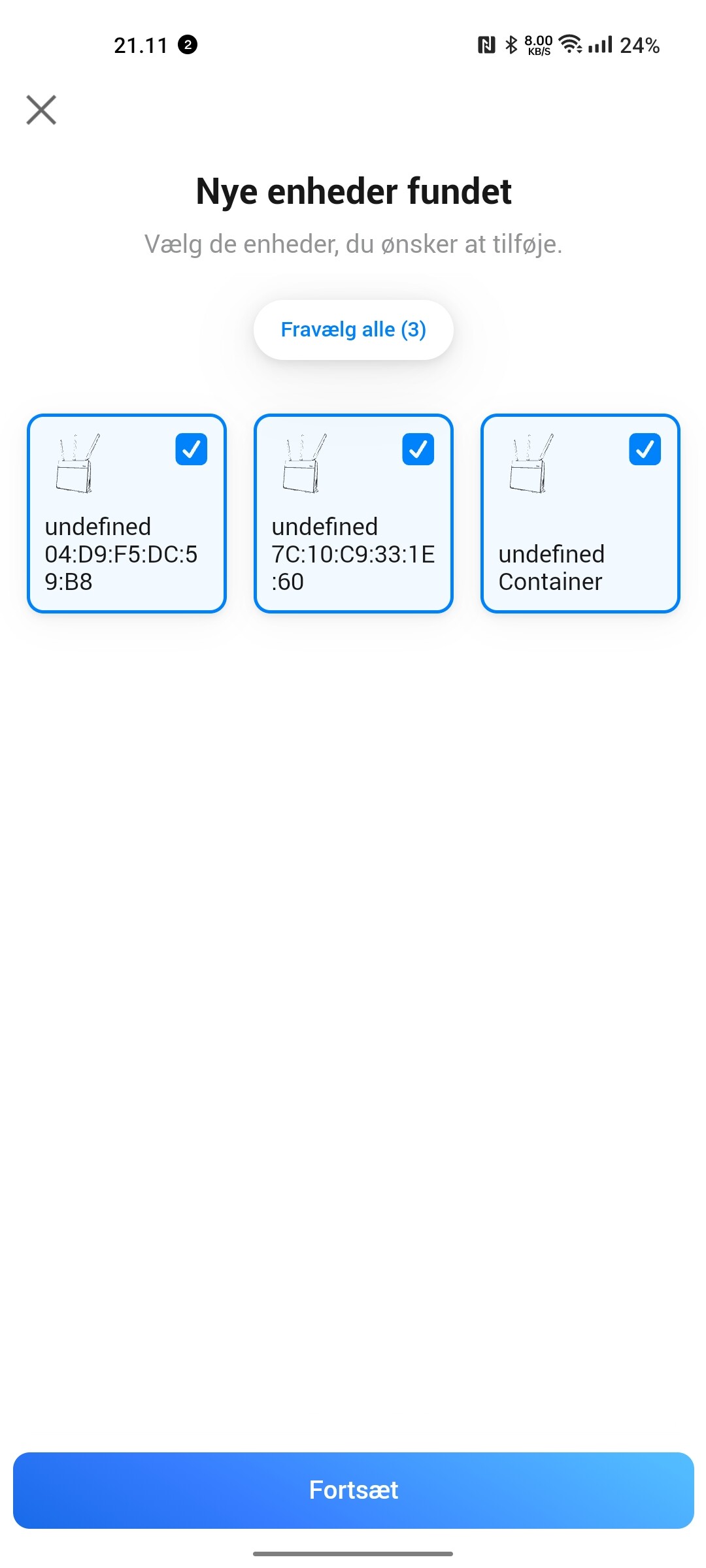
The 2.0 version requires to re-add your devices due to a problem that I created with the old device structure… I’m sorry about that. I made the setup process alot smoother this time with auto discovery of your access points to ease the pain a bit.
I have some plans to add more functionality too like speedtesting stuff, I have already implemented it in my npm package but it isn’t quite ready to be used for homey. that will probably come later with a newer version.
Some new functionality in comparison to the old version:
You can now check if a device is connected to the network
if it is connected to a specific access point
what the current connection strength is of the device
if the connect/disconnect event happened on 2.4ghz, 5ghz or wired
With the current build any chance to catch WHEN the main router changes from primary to secondary WAN? Are there any API actions for that? Or will I have to interpret a short disconnect as when the switch happens, and guess that the next one is the switch back to primary?
My secondary WAN is a 4G connection with a data plan, so nice to keep track
For now I don’t have the knowledge to detect that change, I don’t own a router with 2 wan connection as option so I don’t know how the asus app should detect this. I guess the external IP would change when it switches?
I will try to figure that out, I cannot promise anything but fingers crossed.
Long story short checking just the WAN IP will be unreliable in my case. My second option would be to get the Android phone to send a webhook to Homey when there’s data usage. But as a iOS guy understanding Tasker and get it to do this is seems harder than crossing my fingers and hope you find something I have ZenWifi AX if it makes a difference
Hmm, maybe I have to do some better checking if everything is alright. In versions prior to 2.0 did you have some capabilities that never updated on that device? I have now implemented that if something fails it will set the device as unavailable until it can properly update it again. Maybe that is a bit too much.
I added a message in the unavailable state. could you please tell me what it says after installing 2.0.1? It would be a great help.
Besides the unavailable messages I also improved logic for triggers on device cards. It was for example possible in the previous version that the trigger: ‘wired device disconnected’ was triggered but the condition ‘is device connected’ would still have the old device list, that is resolved now.
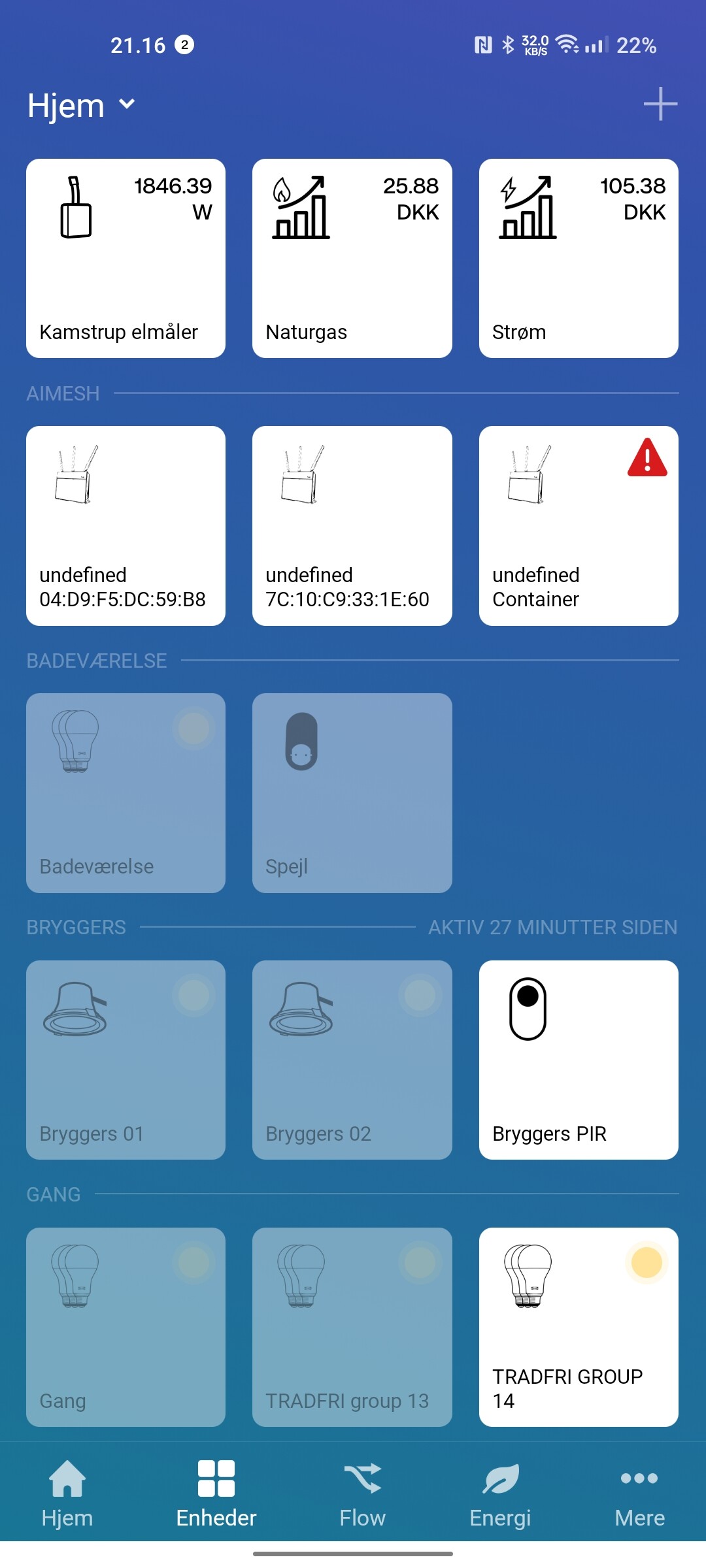
Hmmmmm… that looks like a really interesting asus router. I think your 3rd device does not work because my app is unable to find the mac address for that device. I will try to think of a solution for version 2.0.2 that will hopefully resolve your problem.
I guess you haven’t stumbled upon a easy fix for my original question
Would adding a trigger for “When external IP changes” be an easier addon?
I know I said that would be unreliable, but it’s much much better than nothing
The said trigger combined with Easy Logger would at least give me some insight on my ISPs reliability
Oh I forgot to add that trigger… it was in pre<2.0…
I promise it will be in the next version.
I have checked if I could find any hint regarding 4g switching in my own router in the firmware (thought it would all rely on the same software) but I haven’t found anything I’m afraid. Unless I might get a router that has this capability or am able to see one in person I’m afraid I won’t be able to add something more robust.
I am aware some people experience issues with the 2.0.3 version and that the devices report failure to update device information. I’m currently investigating this and hope to publish a update this weekend.
Hmmm, that is interesting.
Could you install the latest version and retry to pair your device? Afterwards please send me the diagnostic report and state your name in the report please.
thanks and I hope to resolve it for you soon.


 I have ZenWifi AX if it makes a difference