[APP][Pro and Cloud] Daikin ONECTA

@Mickel_Luiten I’m planning on buying a new heat pump and found your app.

I have been looking at the app description and there it states that I would need to add the indoor unit to the ONECTA app first.

Now the model I have been looking at is the Altherma Monoblock 2 which do not have an indoor unit but it is an Altherma model which is listed as a supported model.

I just want to verify that that really would be a supported model before making such an investment.

Thanks in advance

If your future heatpump has wifi(or LAN) and can be connected to the Daikin ONECTA app (iphone/android) i pretty sure it wil also work in Homey.

If it is connected to Daikin ONECTA app (iphone/android) and can not be paired in Homey come back to me and we going to add that particul heatpump.

Perfect, thanks for your quick feedback!

1 Like

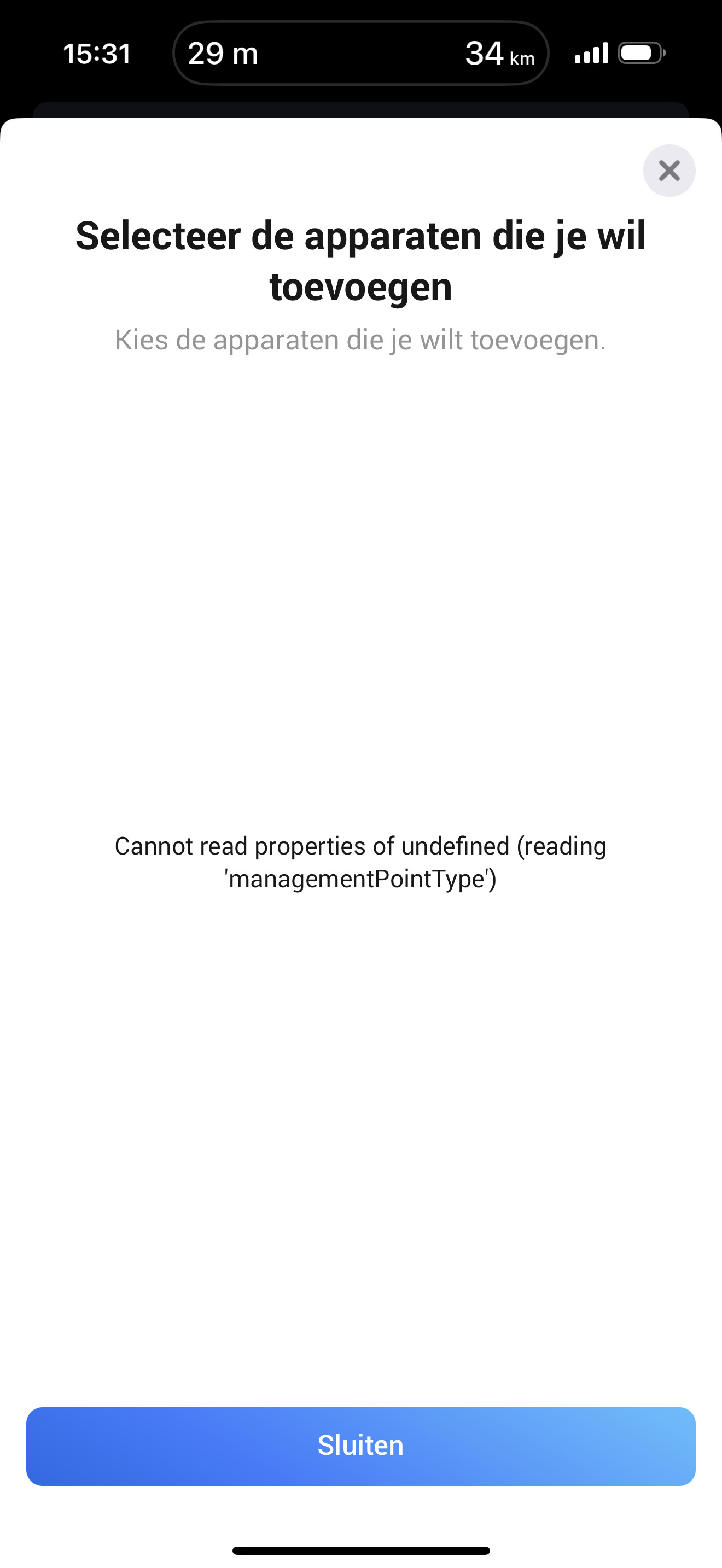
Ik probeer de Daikin boiler toe te voegen. Maar ik krijg deze fout? Cannot read properties of undefined (reading

'managementPointType))

alle toestellen van daikin staan in de ONECTA app.

Iemand een idee?

I’m trying to add the Daikin boiler. But I get this error:

Cannot read properties of undefined (reading ‘managementPointType’)

All Daikin devices are visible in the ONECTA app.

Anyone any idea?

Did you manage to add your altherna heat pump in homey?

I assume you have one?

Because the homey Daikin ONECTA app only supports boilers in combination with a altherma heat pump

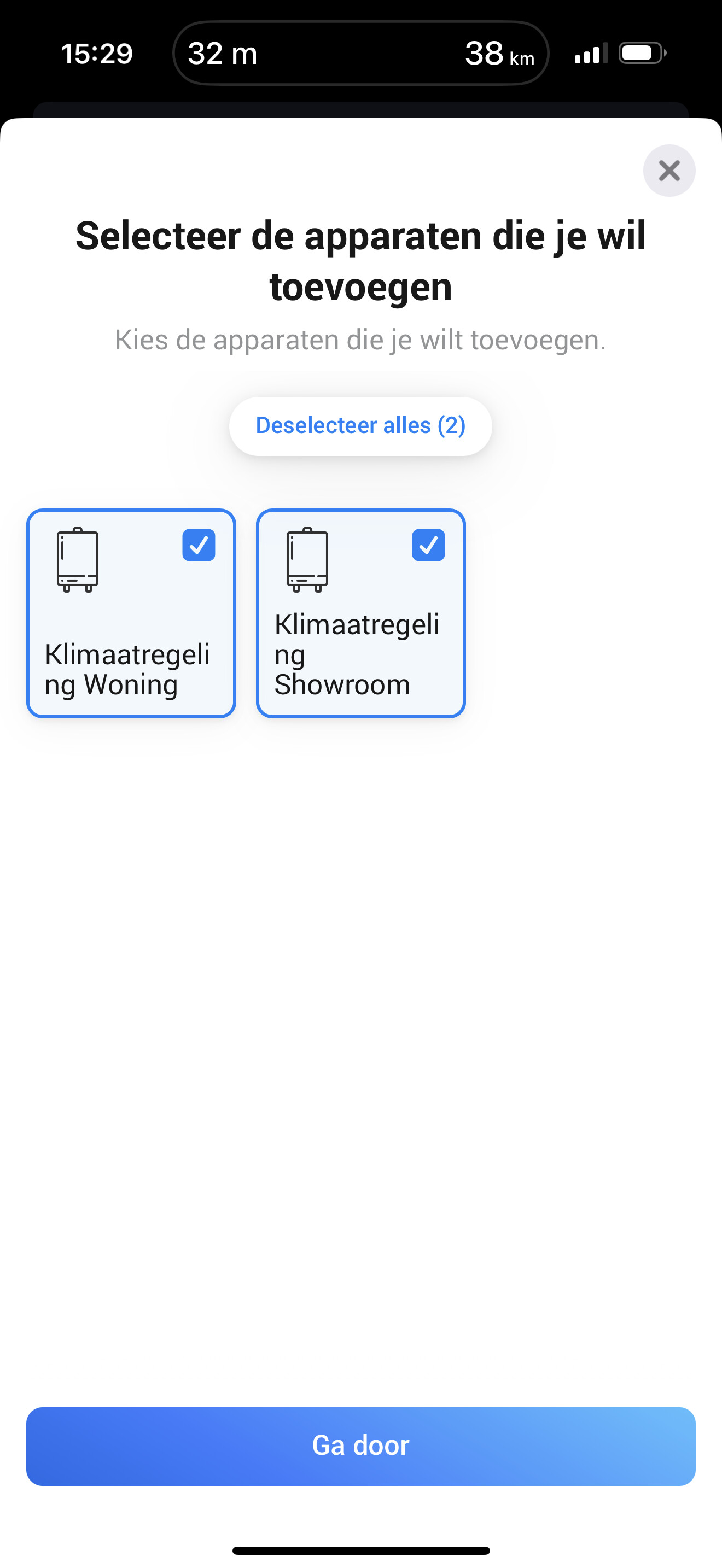
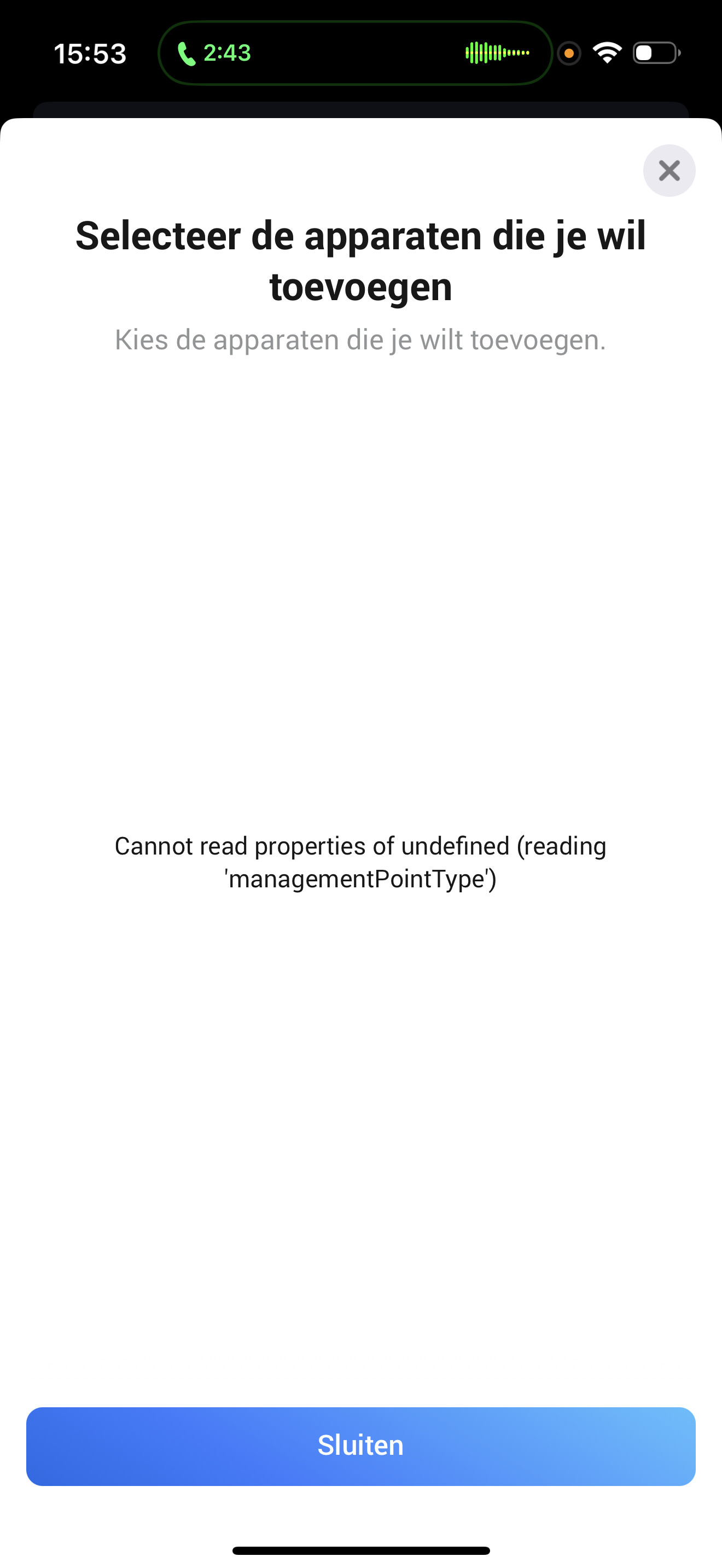
Yes I have one. See screenshots. Strange is that is has been working (about 3 months ago). But now I can not add the boiler.

Restart the homey Daikin ONECTA app try to add it again and send a diagnostic report.

Report the diagnostic ID back to me and hopefully I can see what’s wrong

Done! 5d9910b3-a3d4-4aa8-86af-06d3ada09b36

9356b23d-47db-4b3e-88a5-14e96e2f8bd3

Nothing wrong with the code or Daikin Response.
“managementPointType”: “domesticHotWaterTank”,

And the pairing for the HotWaterTank does check if the type is domesticHotWaterTank
So i have no clue why its not working for you ( and only for you)

I suggest to start all over.

  1. Remove all daikin devices in homey.
  2. Remove Daikin Onecta app from homey.
    3.Reboot Homey.
  3. Install Daikin Onecta app on homey.
    5 Pair your daikin devices.
  4. repair flows.

Nope. Doesnt Work. Is there something I can do?

I really don’t know…..strange issue.

Are you willing to share your Daikin account so I can debug this on my developers homey?

Of yes please send me a PM

Hoe do I send you a pm?

Click name/ avatar and Message

Found and fixed in version 7.5.1. Live now so wait for the automatic update or install it manualy

Thank you. It all works :+1:

Hi,

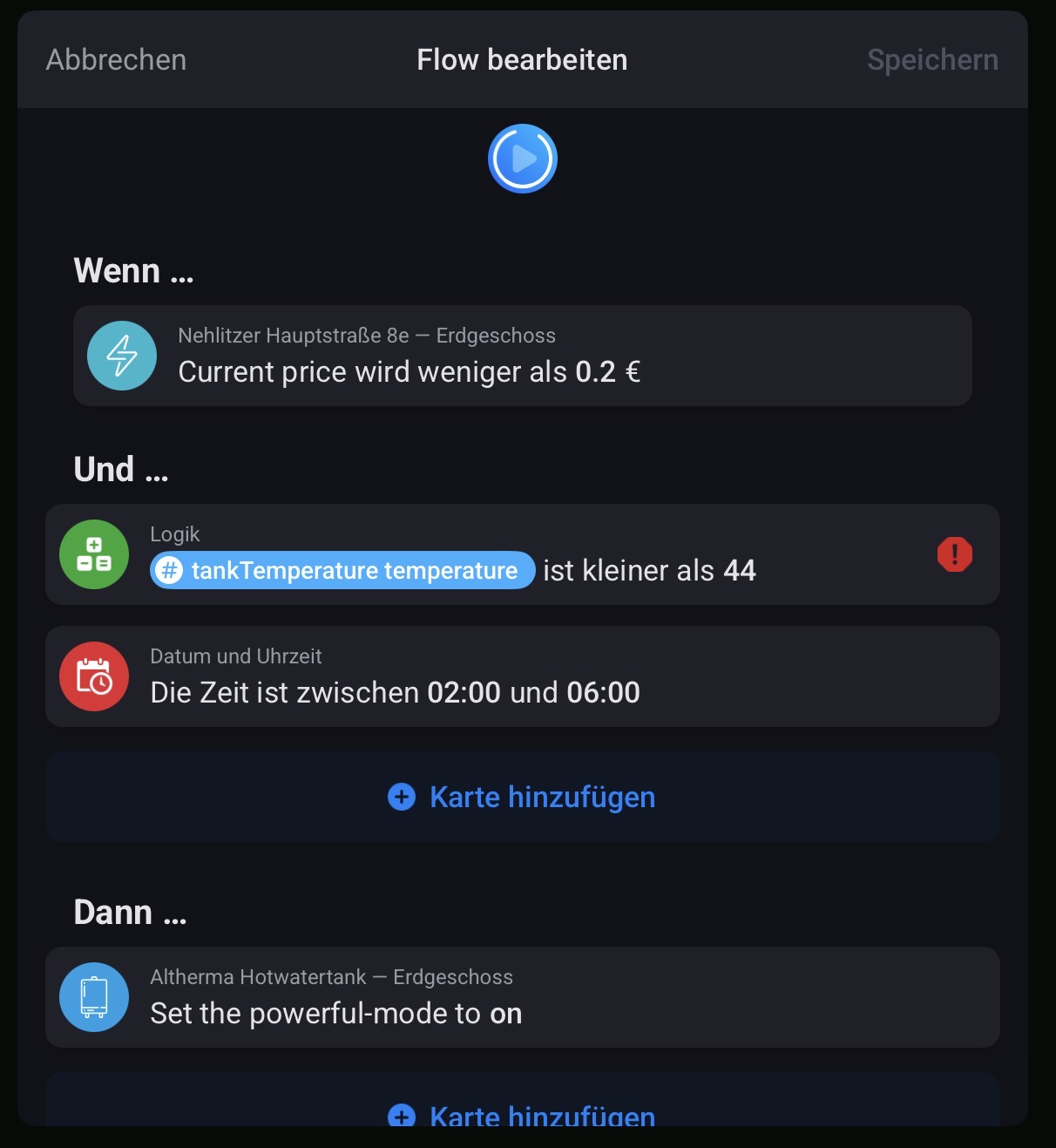
We got a new heatpump. As we use Tibber I wanted to test homey cloud to optimize the water heating. I use the App since today. From 6 to 8 in the morning the temperature is set to be 48 degrees. I want to use low energy prices in the night to heat the water. That’s the flow. What’s my mistake?

Thank you!

Hi, is it also possible to get the room thermostats in homey? They are on the daikin home controls. DHC i see it on the onecta app but dont get in homey.
There is no intergration (yet) for the Home Control.

Let’s discuss it . Send me a PM

My app crashes, and works just if i restart the app every 3-5 days. V7.5.1. Any tips? Homey pro 2019

@Mickel_Luiten would it be possible for you to change the values for thermostat_mode from heating/cooling to the official sdk values heat/cool?

This would be needed for example to correctly expose the mode via the Matter Bridge app (once my PR for supporting the AC device type gets merged).