I think it was the zigbee network. Reinstalled homey based on this post and it work again (for now at least :-)) Zigbee network down - #9 by DeMoker
Hi @TedTolboom,
Does the Eco-Dim.07 support a long press or double press action? I really love my dimmer, but I’m looking for some extra possibilities.

Is there any change the WiFi version will be supported in the future? I still have some .05 WiFi versions, hopefully I can use these with this app.

I am experiencing a lot of disconnects/unreachable or other issues with my ecodim’s
Sometimes they don’t react at all, other times all the touches are executed later and my whole room is a christmas show
Any others have the issues?
Some device(s) may flood the mesh with updates. Other devices or/and Homey keep trying to send their commands, which arrive only sometimes, or with a delay, resulting in chaos.
This kb article seems to be the troubleshoot info you need:
https://support.homey.app/hc/en-us/articles/10225734620188-Common-Z-Wave-error-messages




Ah my mistake, I thought your screenshot was from the ZigBee section, but now I see that it is from the Z-Wave section.
Seems unlikely that both affect each other as they have their own mesh networks. Still I would remove the unknown node or (if you don’t have any Z-Wave devices) reset the Z-Wave network.
oke did a full z-wave reset
also in discussion with Athom. if any solutions related to zigbee and ecodim, i’ll report back
Is it possible to solve the timeout error on de zigbee 05 duo dimmer when switching on or off. Setting the dim level will not cause a timeout error
solved it here (at least the problem in my case): Homey pro going crazy - #3 by Patrick_Van_Deursen
A good evening,
Since the last app update this day, whenever I switch on or off any Ecodim dimmer I get an error;
”UNSUP_CLUSTER_COMMAND”
So i think there is a bug in the app?
Edit:
-Ecodim app version 3.0.0
-Homey pro 2023 version 12.9.0
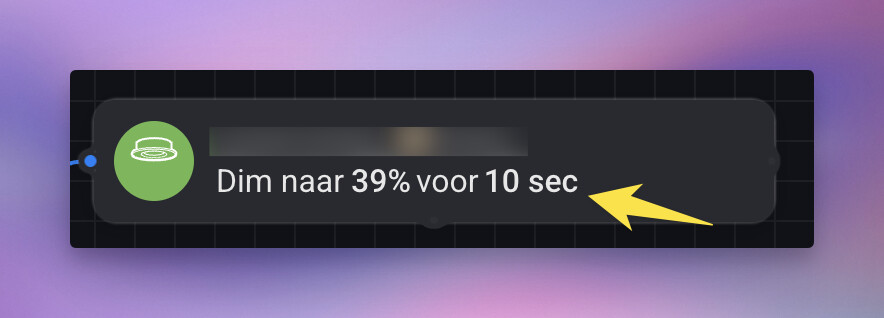

I also got the UNSUP_CLUSTER_COMMAND error from one of my Ecodim 07 zigbee dimmers. It’s farrest from the homey. I still get the timeout error on the zigbee 05 duo dimmer.
After emailing with support ( see 1st post and their website ), it’s solved.
They responded quickly and an update to the app has been made.
