Doesn’t work as well. The humidifier also gives errors. Anything I can do? Or do you advice to remove everything and reinstall?
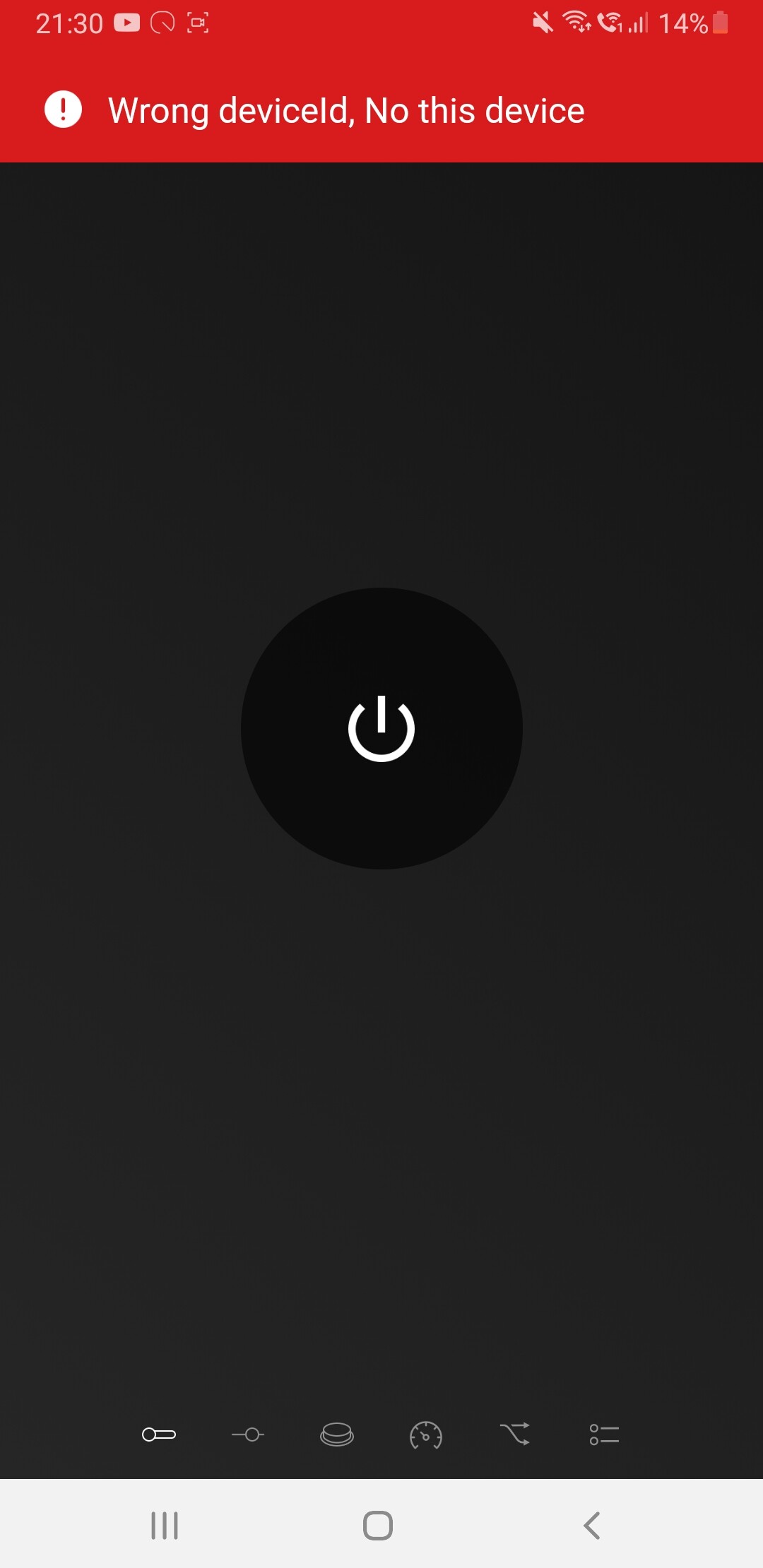
When you did the repair, were you prompted to login using your Switchbot credentials?
It’s like this
I would sugest clearing cache data and cookies on the browser and or Homey App.
1 Like
I tried that on chrome on my mobile. And did it on the cache of the app. I tried to add it on the app, mobile browser and laptop browser…
if you go back to the Detected log now you have performed a repair, do you see any devices?
It shows the same
When you first added the existing devices, was that before the new OAuth login (when you had to enter the Token from the phone app)?
I don’t remember anymore how I set up the app lol. It’s been a while…
When you log into the SwitchBot phone app, do you sign in with Google like you show in the video?
If you select the “Sign in as a different user” option does it give you any other options you can use?
I have published a new test version that fixes the scene error.
O geez, I just realize I don’t log in with Google on the phone app. I can’t get the login screen on homey anymore. It directly starts loading but does nothing.
Edit: I got back to the login screen using repair but all the issues still exist.
This seems to be a problem that only occurs to me. I ll just delete everything and reinstall when I get back home. I ll let you know if it t works for the night. Thanks for all the help!
1 Like
I deleted the app and installed the app again. Everything worked as it should except for the scenes. After I switched to the experimental app, the scenes were back as well. Thank you very much Adrian!
1 Like
Hi all,
One of my contact sensors (hub connected) stopped working properly in Homey a couple of days ago. It said my door was open when it wasn’t, while the native app had the correct data. I deleted it from Homey and added it again, and had to log in through the new method (logging in my Switchbot account) for the first time. Probably because of this (?) it also ‘discovered’ my other contact sensor and added that to Homey as well. As I already had it added, I just deleted it again and didn’t think much of it. The first sensor worked properly again, so that was it.
Now today, the other sensor bummed out. It’s possible this happened before without me noticing as I still don’t use the Switchbot sensors in many flows because of the polling time, but I noticed it didn’t register the door had opened. The motion sensor had the correct data, the contact sensor had it’s last data from hours ago and didn’t update. Again, in the native app it did have the correct data. So I tried adding the ‘other’ version of the same sensor in Homey again to see how this worked, but that turns out to be a bit of a mixed bag. Sometimes it gives the correct data, but sometimes it doesn’t and the ‘old’ version (again: same sensor, but added twice now in some way) did. I also saw the flow cards had changed, and I cannot use button press when I add it in the ‘new’ way.
Bit confusing, I’m sure, but I wondered what to do now. It’s possible the sensor would work better when I delete the one that’s added in the old way, but I don’t want to try it without knowing for sure. I’d also lose the button press functionality, which I do use in that particular sensor.
Hmm, the button press is only available via BLE as the API has never provided that information! Are you sure they were originally added via the cloud and not BLE?
The response to the contact operation should be quick with the new cloud version as it uses a webhook for feedback. However that does not apply to the motion sensor part of the contact sensor.
That’s em… interesting, to say the least. I thought I had, but I obviously didn’t than. They all have web services on in the native app, but I cannot say for sure what I did months ago when I first added it. I did have them via BLE at first and bought the hub after that, and re-installed a couple of them more than once, so I really can’t be sure. That would explain why I suddenly have two versions of the same contact sensor in Homey.
However, there’s still the problem that right now, as I have it definitely installed through the hub, it doesn’t function very well. As far as I can see, it just reads the motion sensor and not the contact sensor function. I read about it using webhooks now; so I need to set something up for that? To be honest, I barely know what a webhook even is, let alone how to use it with Homey.
Which version of the app are you using?
The app still polls everything as before, as a backup, because the webhook still doesn’t provide all the information. You don’t have to do anything to enable or use the webhook as the app will automatically do all that.
Basically, a webhook is a method for the external device to post changes directly to the app, as they happen. If SwitchBot were to push all events through the webhook, the app would no longer need to poll for updates, but they still have more work to do on that.
V.1.1.4
Yeah, that was just a wild guess because it’s specifically the contact sensor thing that doesn’t seem to work… anyhow, I hope they come to using webhooks for all events eventually, as the polling interval is the biggest drawback right now. And I know you’ve been pushing for that for a long time as well. I’ve doubled up for some of my contact sensors where I need the real-time data, but always held onto the Switchbot ones because the enter/exit ID is so ingenious, would be great to see that work as intended in tandem with Homey eventually.
Just thinking of this now: it was the contact part of the sensor that was buggy for my other door a couple of days ago, too. Said it was open when it wasn’t, kept the zone active, etc. AFAIK that cleared up after I deleted and re-added it to Homey, but as I said I doubled up on sensors in some of my rooms because of the polling interval, so I might not have noticed issues if they’re there.
The contact sensor should respond very quickly via the Webhook. It’s just the motion part of it that is still only updated by polling. The contact part is also refreshed via polling as the response contains all the information, so even if the Webhook fails it should still update eventually.
To check the Webhook is working, you can set the log to Basic Information and it will show the messages coming through.
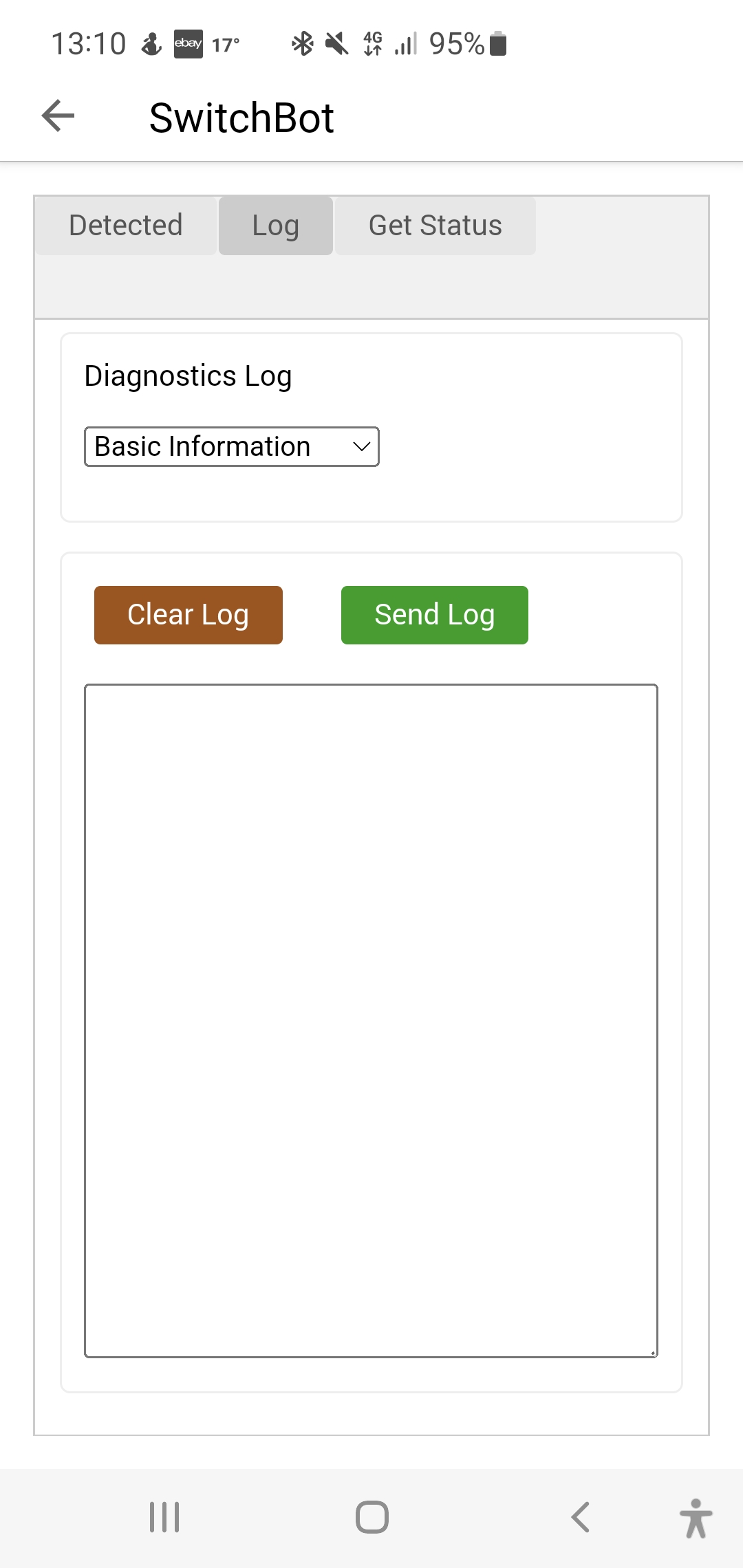
Ah, thanks. Tried that, and I only see information on polling there. BLE and Hub alike. Nothing on webhooks.
Weird though that it’s also not being polled. Wait, lemme just delete them and re-add it only through hub, that worked for the other sensor. I’ll also try that one out to see if I can see webhook information coming through.
Do any of the other Switchbot products have webhooks incorporated now? I also have a thermometer and a Switchbot bot in use. The latter very obviously still relies only on polling, it’s still going strong & slow 
