Where do I find that: ‚ ESP32-hubs from @Adrian_Rockall„ ?
You can purchase a ESP32 module from stores like Amazon. You can then get the code from my Github account which is linked in the first post of this topic. So it does involve a bit of work.
Thank you Adrian, I have couple of esp around, will try to get it thru from your GH over the weekend. Many thanks again.
Jurek Chlebowski
1 Like
Hi,
Over the past few weeks, my Lock Pro has been working inconsistently with Homey Pro 23. When I lock the door, it triggers a “lock” event followed immediately by an “unlock” event, and something similar happens when I close it.
Additionally, the door open and close events are sometimes completely missing. I’m not sure what’s causing this, but the status appears correct in the SwitchBot app, so the issue might be specific to Homey.
Has there been any recent API update, or has anyone else experienced similar issues?
Hi just bought some temperature sensors (plus and pro), connected via hub mini. The switchbot app always has the right values of the sensors. Homey only updates after I reboot the app… So not doing it automatically. Any tips please? Thanks!
Can you open the app settings page and select the Log tab. Then set the log level to Webhook and monitor it for a while. You should see reports coming in when values change
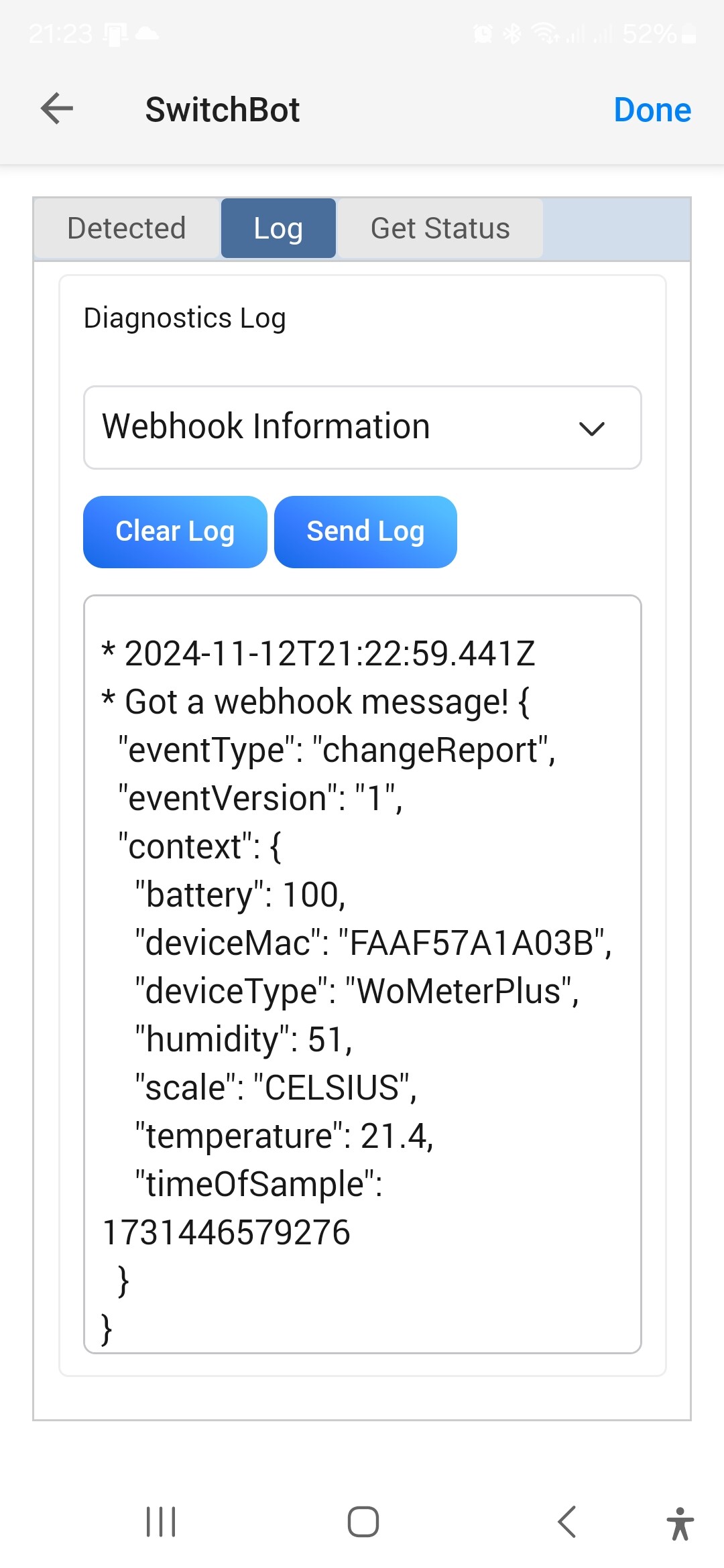
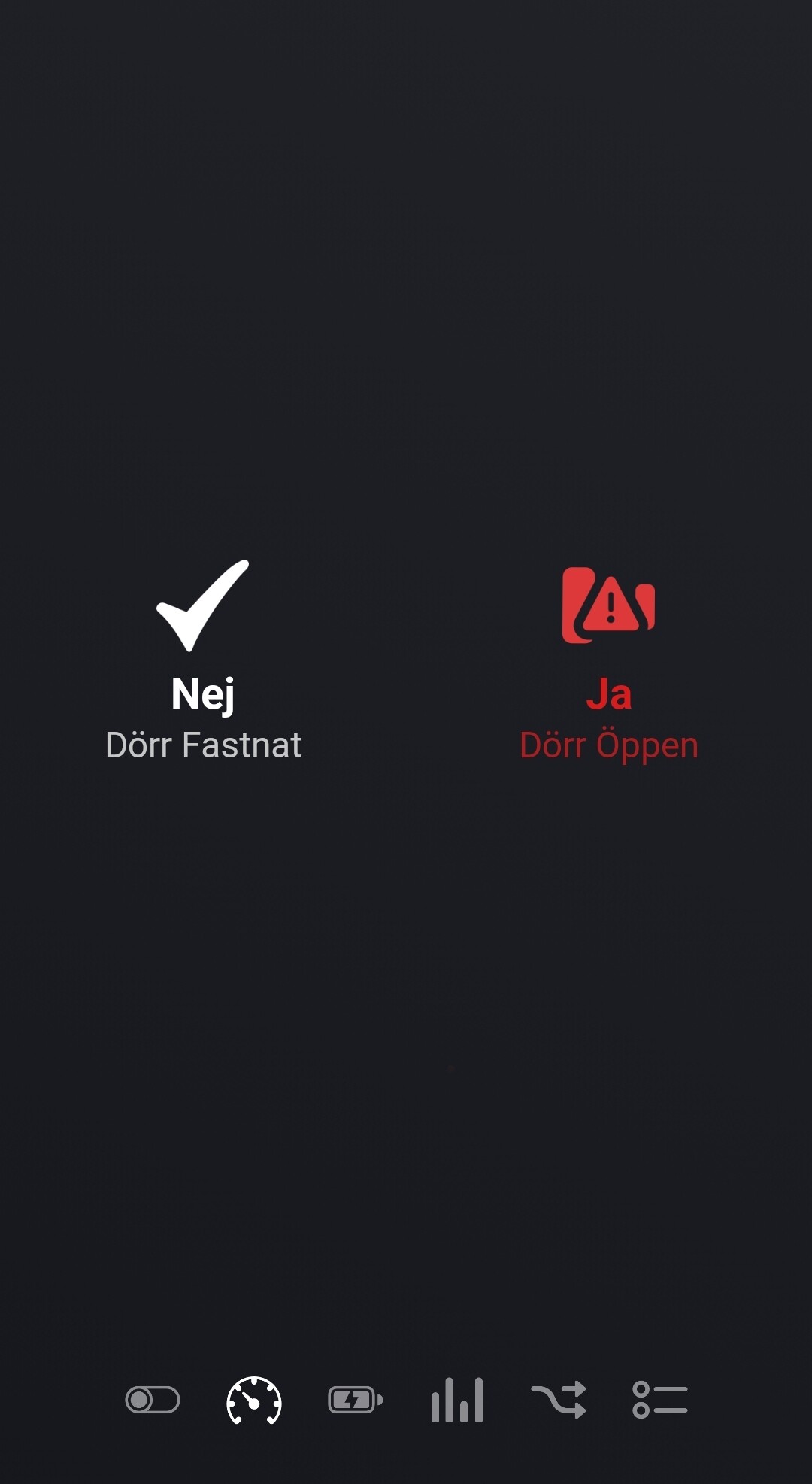
The Open / Closed status is not updated via a webhook so the app has to poll for that information. How many devices you have that rely on polling will determine the polling interval so the app doesn’t exceed the allowance. Therefore the status might take a while to update.
If you look at the Log page in the app settings and set the level to Detailed Information, it will show you when it is polling and how long it is to the next poll.

@Adrian_Rockall is that the SwitchBot app or the Homey app? I guess SwitchBot, I’m not at home and can’t get all info since I’m out of BT range.
According to Homey the door was opened a month ago…
It’s in the Homey app.
I see now that they are getting data, and values are changing in homey. However it’s a little random. I have one saying “one hour ago”, another one 22 minutes ago and one that says 2 minutes ago. Can we change the speed of the polling or interval somehow? Thanks!
The app isn’t polling for data from those sensors, it is pushed by SwitchBot and received by the Homey Webhook. So the timing is determined by SwitchBot, but is normally when a value changes.
I couldn’t find it, need to take another look.
In the SwitchBot app, does this indicate that the door is open?
I took a magnet all around the lock just to see if I have mounted the one included in the wrong spot, the icon didn’t change.
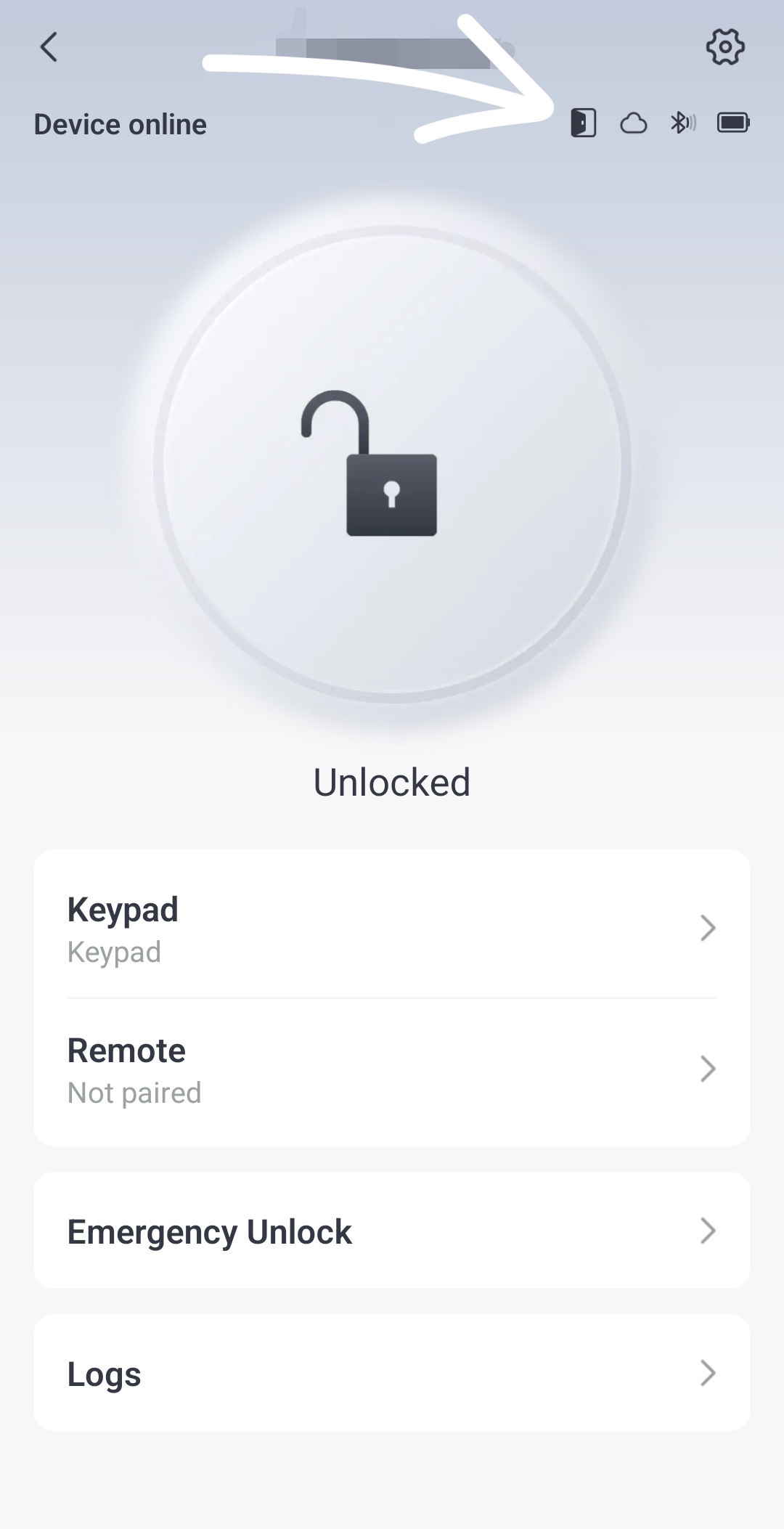

Do you use the SwitchBot Lock or the Lock Pro?
I have the Pro.
I only have the old one. However it does have a door sensor and it reports in Homey, but takes around 45 seconds to update due to the number of devices I have that use polling.
Where do you see the sensor in the SwitchBot app?
I can’t see it. But I do get a notification if the door is open for too long.
1 Like
Haven’t hade time to thank you @Adrian_Rockall for identifying and fixing the login issue a month ago so THANK YOU so much for solving the problem!
1 Like
Hi, since today (sat 16-11-24) my switchbot airco devices, installed in homey, are not working correctly anymore. The ‘off’ signal sents a signal 'cooling with temperature of 25.
My Airco is a Haier. It worked nicely uintill today.
The device in the switchbot app itself is working OK. Is up to date on firmware. Logged in from Homey already with the ‘repair’ option, re-installed over the existing version.
What has happened but more important: how can i fix it.
UPDATE: when I look in the log in my Switchbot-app, it says: “Kan geen verbinding maken met apparaat, probeer opnieuw” / “Can not connect to the device, try again”.
The first ones appeared around 10.45 AM.
