KPN iTV Remote has 36 buttons I use regularly, so I like to have them all on my Homey.
I now have :
STB-1 as STB with “power on, power off, Vol +, Vol -, P +, P - and Mute”
and
STB-2 as IR Remote with “1-0, OK, Home/TV”
I have increased the number of buttons on the custom remote to 36. This will be in the next update coming soon.
For any extra or special buttons you could create a scene in the SwitchBot app on your phone that pushes (only) that button. And then install/start this scene in Homey every time you need it. Not really ideal but nice work around /hack.
You could also make a scene with the whole procedure of all/more buttons to press for any use. e.g. to select a different source but particular source. On my tv i need to push at least 3 buttons to select HDM4. Put this all in one scene.
1 Like
The test version is now in the store which supports up to 36 buttons.
Is there a reason why there is no battery icon/status visible by the curtain motors when using the HUB?
When i look at the BLE connected curtains they show the battery status (and reception/rssi), but this info is not present at the same device from the HUB, so no way to know when to (re)charge them…
Something offtopic:
- Do you use also H(ome)A(ssitant), if so do you have switchbot hub working with that system as-well (for dashboard)
The battery information is not provide by the API. I have requested it, along with others, so hopefully it will be added at some point.
I don’t use HA. I did play with it about 5 years ago, but it was not very friendly back then and when Homey came along I switched over. Homey does everything I need so just stuck with it.
Hi Adrian,
We are not 1 month further and again my switchbot login (hub login) was expired again and i had to login again to activate all my hub devices.
I have this exactly every month on the same day (running last test version).
Is there anyway to fix this permantly?
Unfortunately, still waiting for Switchbot to update the expiry time of the token. They said it could be extended to one year, so I have asked them to do that. The problem is I don’t know if they have done it until it works for longer than a month.
Thx for the reply.
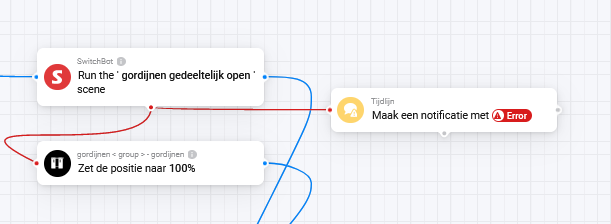
I created a temperally work around for it using advanced flows, if an error occurred using the (hub) API i use BLE connection to open/close the curtains (are grouped) and write a log so i can check what went wrong.
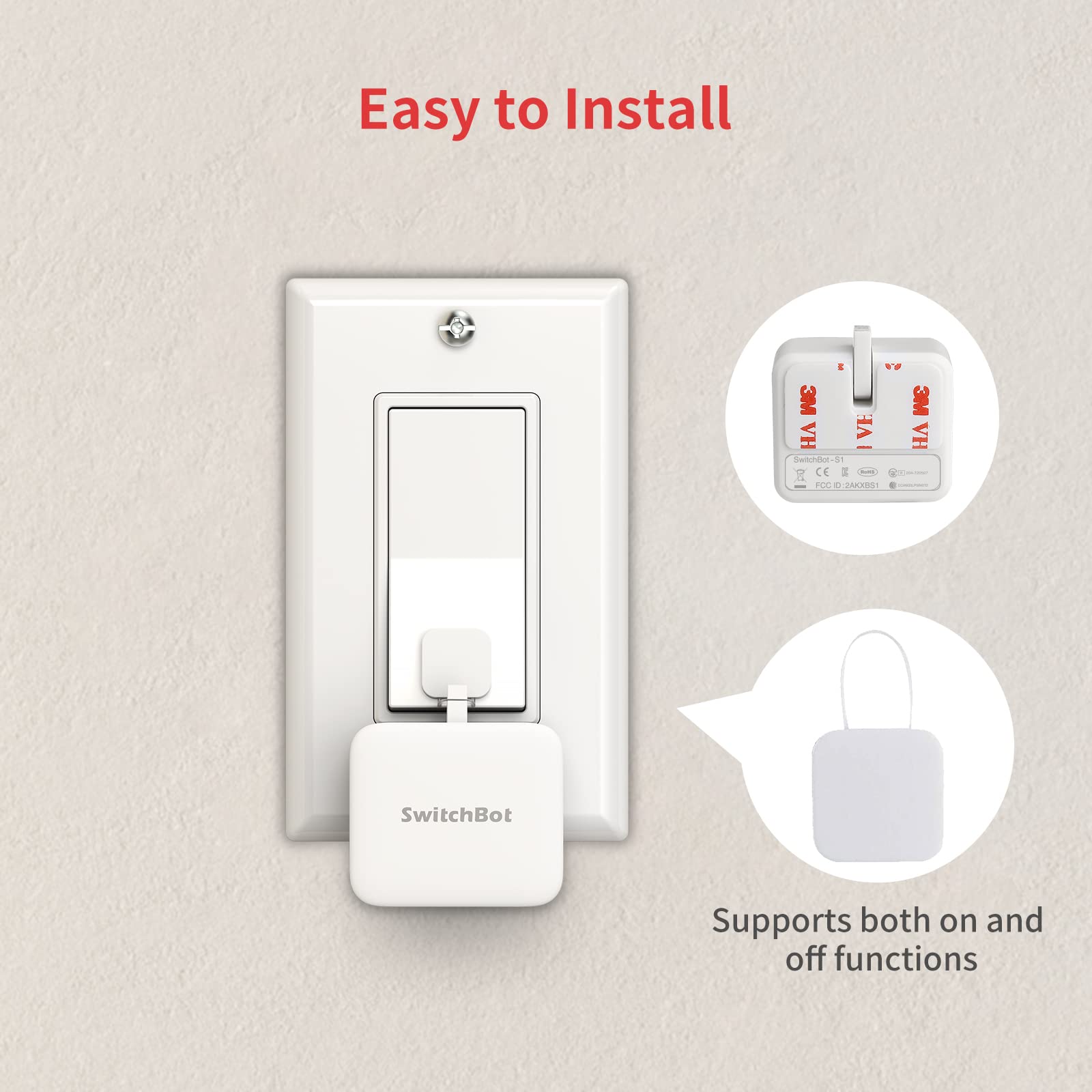
Hi! About the switchbot BOT (pusher), I didn’t see the option to turn it on OR off. It’s only a ON position (and turning off automatically).
I would like to keep it in ON and choosing when I want to turn it off.
I am using the sticker to use both on/off position.
If you look in the Advanced settings for the device, there is an option to set it as a push button. Make sure that is switched of.
Thanks for the reply!
I don’t have this option. Maybe this is not in the BLE mode? I am using the direct BLE integration (no mini hub).
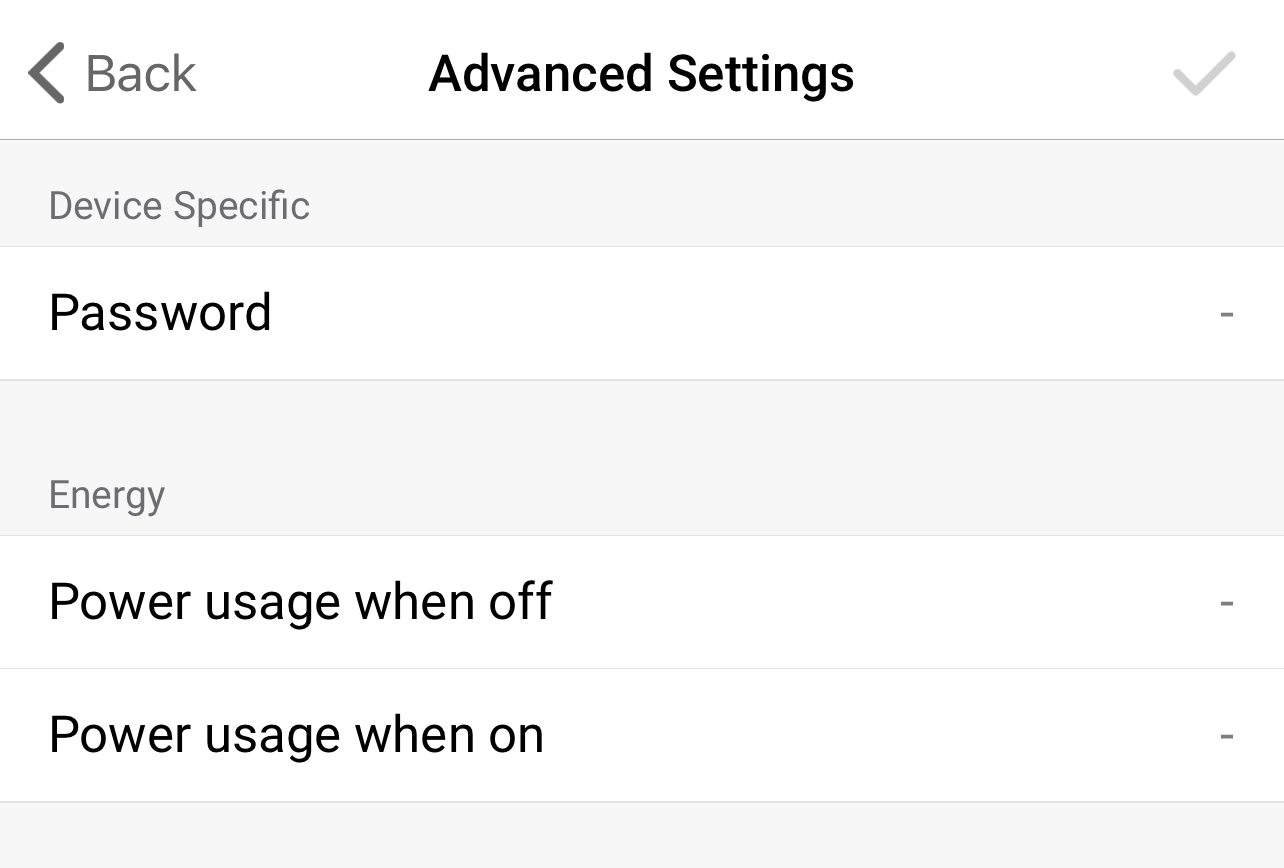
In BLE mode it operates the way that has been configured in the Switchbot app.
1 Like
Correct! Thanks for the info! Very helpful.
It works 

1 Like
Hi,
I got my new SwitchBot lock this week and downloaded the test-version of the app. But it does not seem to work currently. I get the following error msg: "
Error: Device internal error due to device states not synchronized with server. Or command format is invalid."
I’ve sent a report with the id: 794b7bf2-69a4-40b3-b1ed-f35f03171d98.
All the best
This is a known issue. Just after I published the test version, Switchbot removed the API interface for security reasons. There are a lot of unhappy users Smart lock not working anymore · Issue #121 · OpenWonderLabs/SwitchBotAPI · GitHub
Hopefully they will provide a new method soon.
After using for a few weeks, I now get a error stating “Device unavailable. Missing token”.
What do I need to do to get it working again?
Select the repair option. The SwitchBot API token expires after 1 month, so the repair option will ask you to login again to get a new one.
I have asked SwitchBot to extend the token period to their maximum of 1 year, but it doesn’t seem to have happened, so I will ask again.
Thank you so much for your help it’s working well again!
Hopefully they will extend it to 1 year soon.
1 Like
Will there be any support for the door lock?
