Can you try the new test version.
I added a method to abort locked up request but it seems one of the functions I used is not available in the older Homey firmware.
I didn’t realize homey had an update available. I usually get an push notification for that. In the test version, everything is back online! I haven’t checked them yet as I’m not home rn, but the exclamation mark is gone  thank you once again!
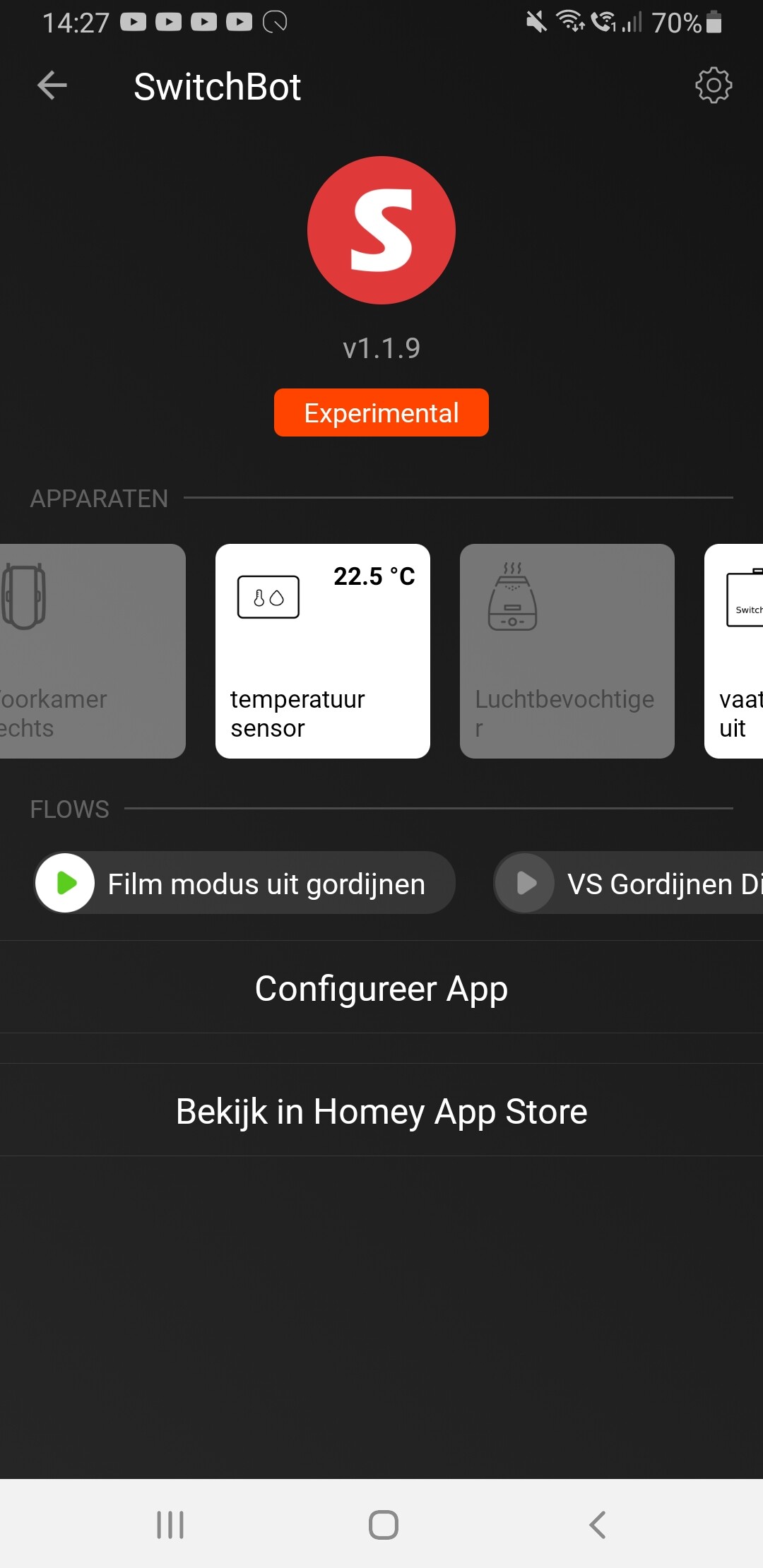
1 Like
Thanks for getting back to me to confirm it looks better. I will request this version goes live as there are still a lot of users on older firmware.
1 Like
Thanks @Adrian_Rockall for making available the SwitchBotBLEHub code. Using just one ESP32 board, multiple curtains 15m away are now still within reach.
1 Like
I know I’m biased but it is my preferred way to used the SwitchBot devices as I get near instant feedback plus all the capabilities of the device.
Hi Adrian, exactly 1 months ago my login was broken.
Now 1 month later it has happend again.
Today i could not login, i had to repair to get it to work.
So the problem with the auth refreh is not fixed and still happening.
I hope this can be fixed, i do not want to repair my connection each month.
Extra question:
Is there a way to detect if the connection is broken?
For example when using advanced flows and i trigger a switchbot scene, can i get a option to do something when it failed?
Also is there a way to test a broken account?
I am thinking to convert my ‘normal’ curtains flows to advanced flows, when i do this I could build in some extra checks if the connection works if not do somehting else (log/report or use BLE), but to thest this i have to break to connection again, dunno how…
I have reported the auth issue to SwitchBot and they said all they can do is extend the period to 12 months. Even though this is not ideal it is better, so I have asked them to do that. I haven’t seen if this has happened yet, as it will require the old token to expire and then a new login to find out.
I will look into a way to detect an expired token.
Hi @Adrian_Rockall, not sure if this had been asked before but is it possible to add Switchbot Remote into the app?
Unfortunately, no.
The API doesn’t support it and I can’t find any BLE status from it.
I have asked SwitchBot but had no replies about it.
Hoeveel Remotes kan ik als los apparaat in de SwitchBot Hub inleren via Homey?
Ik heb een Airco, een LG TV, een Sharp TV en een Arris IPTV STB (KPN) ingeleerd via de GSM app en daar heb ik dus 4 losse apparaten, maar ik heb in Homey maar 12 knoppen voor 1 apparaat…
Kan er iemand uitleggen of en wat ik fout doe?
Alvast bedankt,
Paul
In Homey voeg je elk apparaat apart toe.
In Homey you add each device separately.
Heb ik geprobeerd maar homey ziet niks om toe te voegen…
I’ve tried, but Homey doesn’t see anything to add…
If you could please keep the conversation in English as much as possible, then more people will be able to participate and help you. If you would rather not or can’t communicate in English then please check out Non-English boards/categories:
1 Like
Could you go to Apps - Switchbot - Configure App. Then on the Detected tab, tap on the Get HUB Decides button. When the list has filled, tap on the Send Log button. Once I receive the log I can see what is reported and work out why they are not appearing.
I have received your log and when I run it through my simulator I can add two TV’s, Sharp and LG.
When you select the device to add in Homey make sure you use the “TV Remote” in the Remotes section:

Hi,
Thanks, I have them now.
But I had learned my Sharp TV more codes than I now can see in Homey.
How do I get Homey to get the good Sharp TV with ALL the codes?
Thanks.
Unfortunately, the API doesn’t show what buttons are available, so I can only provide the basic controls that are normally available.
I have asked SwitchBot to enhance the API to provide this information on several occasions but they have not been forthcoming.
Thanks,
Then I have to try other possibility’s
I can have 12 Command’s in my Airco (Mini Hub D5), so I try this.
Do U know why I can’t edit the Sharp TV, but can edit the Mini Hub D5?
Paul
Is there a possibility to copy the devices in Homey? So I can (try to) assign more than 12 buttons to 1 single device.
I hope U know what I mean…
I’m not sure what you mean but my suspicion is no.
How many buttons do you need?
