Isn’t there a possibility to add a Homey bridge to the second building, and install a second Tahoma Switch there on the bridge?
It wouldn’t make any difference as the app connects via the cloud, so adding a bridge will not help.
The issue is with the structure of the app as it only allows one login. Also the API doesn’t provide data from more than one Tahoma connected to an account, even though it’s possible to have more than one.
Correct. I think SomFy is now working at a different way to manage multiple boxes/accounts but it doesn’t mean it will be implemented in the API.
Thanks to both of you anyway.
Sorry to interrupt, but if you consider a 2nd Tahoma, why not have a second account, put that on a different Homey (second hand early 2019) and bridge the 2 homeys? With this setup both homeys have their fun with the API separately and you are able to combine as the app to bridge the 2 homeys will allow that. Please verify this to be correct though.
It should work like that.
Although I don’t have a 2nd Tahoma on a separate homey, I do have a Tahoma 2000km away from the other Homey. I remotely added one of the screens and flawlessly positioned it multiple times. So as we agree, 2 homey’s with both API (different accounts) would be a solution for @Roger_Stradiot.
-/-
That’s really great! And the good thing is that I still have my old Homey 2019. So, no extra cost.
The members of this forum are really helpful. Thank you all.
And since you just found a solution, there is a subsidiary question. Does Tahoma Rail Din is supported by Adrian’s App? I presume it should work because it’s more a matter of housing. I guess the protocols and electronics inside are just similar. However, I’d like to have confirmation of that.
If it can be added to Tahoma then I should be able to add it to Homey, if it’s not already supported. Basically, the app works with motor types, so it depends on what motor it uses.
It works with the same Tahoma app and equipments I want to control are supported as well.
Compared with the Tahoma switch, it has a built-in RJ45 port.
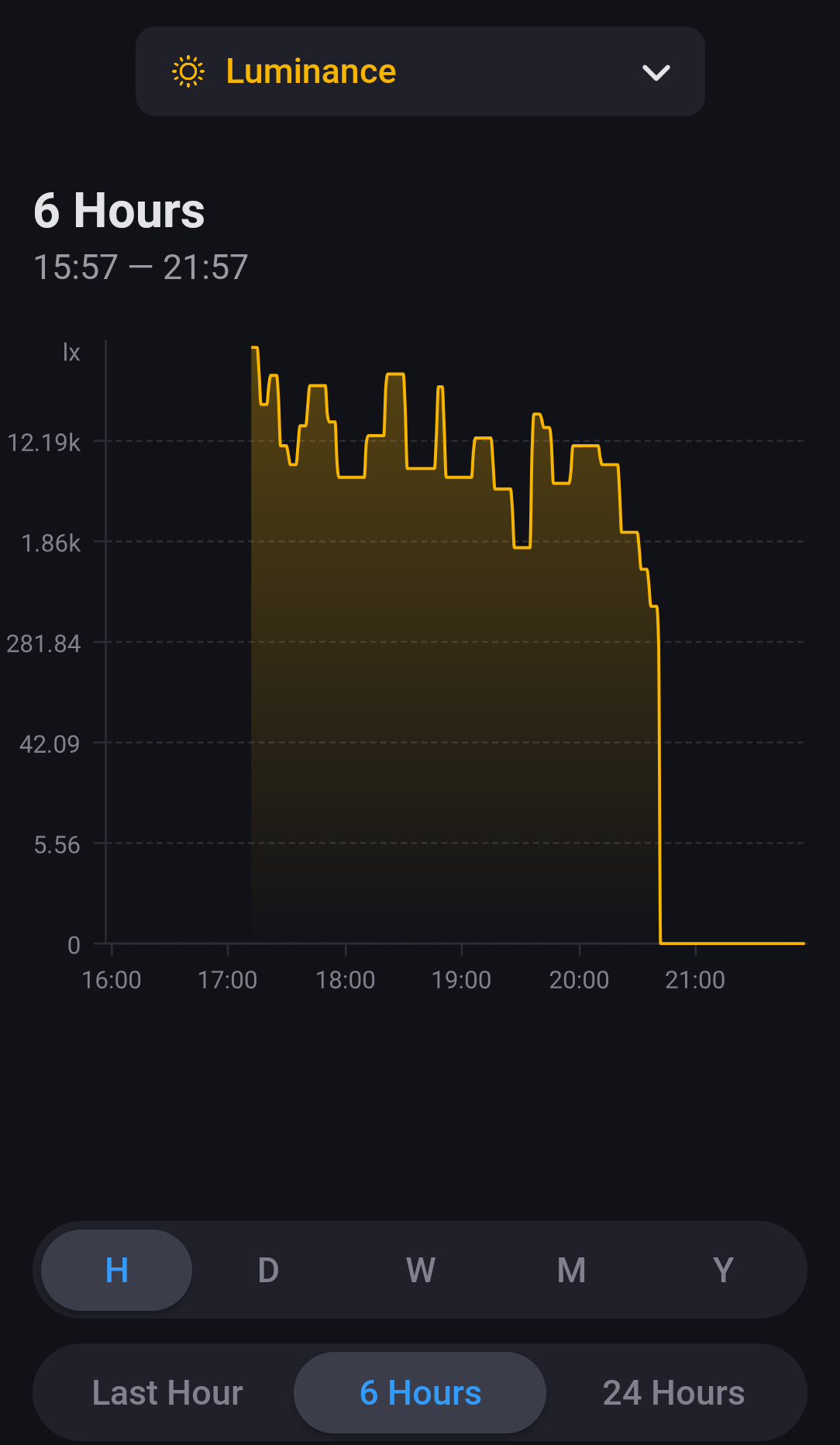
Hi Adrian in october 2020 we chatted in this topic and private about adding the Somfy RS100 IO roller shutters with discrete mode (quiet/silent mode). In the meanwhile, I moved to a new house, and we bought roller shutters with Somfy RS100 Solar IO motors and we still have the Connexoon. Because of the Solar panel it also has built-in lux sensor. The Tahoma app has a feature to automatically control the roller shutters based on the lux value, for example automatically start scenes (or simple open/close/favorite).
So, the question is of course, could this sun/lux-sensor be used into your tahoma/connexoon homey app? And is there something I can do to help to achieve that goal?
edit: Or is it already supported?

Could you send the Device Log from the app settings page and let me know the name you have given the shutter.
1 Like
I have send the log (ID: 853779299) file and the shutter is named “Kantoor”, I only have 1 roller shutter connected at the moment, so this makes it easier.
btw I added this roller shutter as a “Roller shutter with quiet mode (io)” to Homey through your app. And it works fine. Only that sun sensor feature is missing.
1 Like

Ah great, So I had to add it as a separate device even though it’s a single device.
I expected an extra luminance section on the roller shutter device page with some extra flow rules if Lux is higher than # etc.
Any idea how long it should take before the information of the lux should be visible/update?

These are btw the components that are used inside the roller shutter. So it’s a different type of Sun Sensor.

I’m not sure. With my Sunis.io, it’s about 30 seconds and it reports changes regularly. But I’m not sure about the built-in sensor.
Okay, still no update. I have send a new log: (ID: 853779299)
The sun sensor is named in my homey: “Kantoor rolluik zonsensor”
Maybe the solar panel with built-in sun sensor works a bit different compared to the separate sold device: Somfy Sunis WireFree io
Could you open the app settings page and select the Information Log tab. Enable the log and then restart the app. Give it a minute to start up and then go back to the log and Send it.
I did what you asked and have send the information log.

Edit: since I restarted the app, I do get luminance value, last update was 11 min ago. So not sure if the update value stopped. Not sure how often it should refresh


My Sunis is battery powered, so it only updates when the light level changes, but it’s fairly frequent during the day.
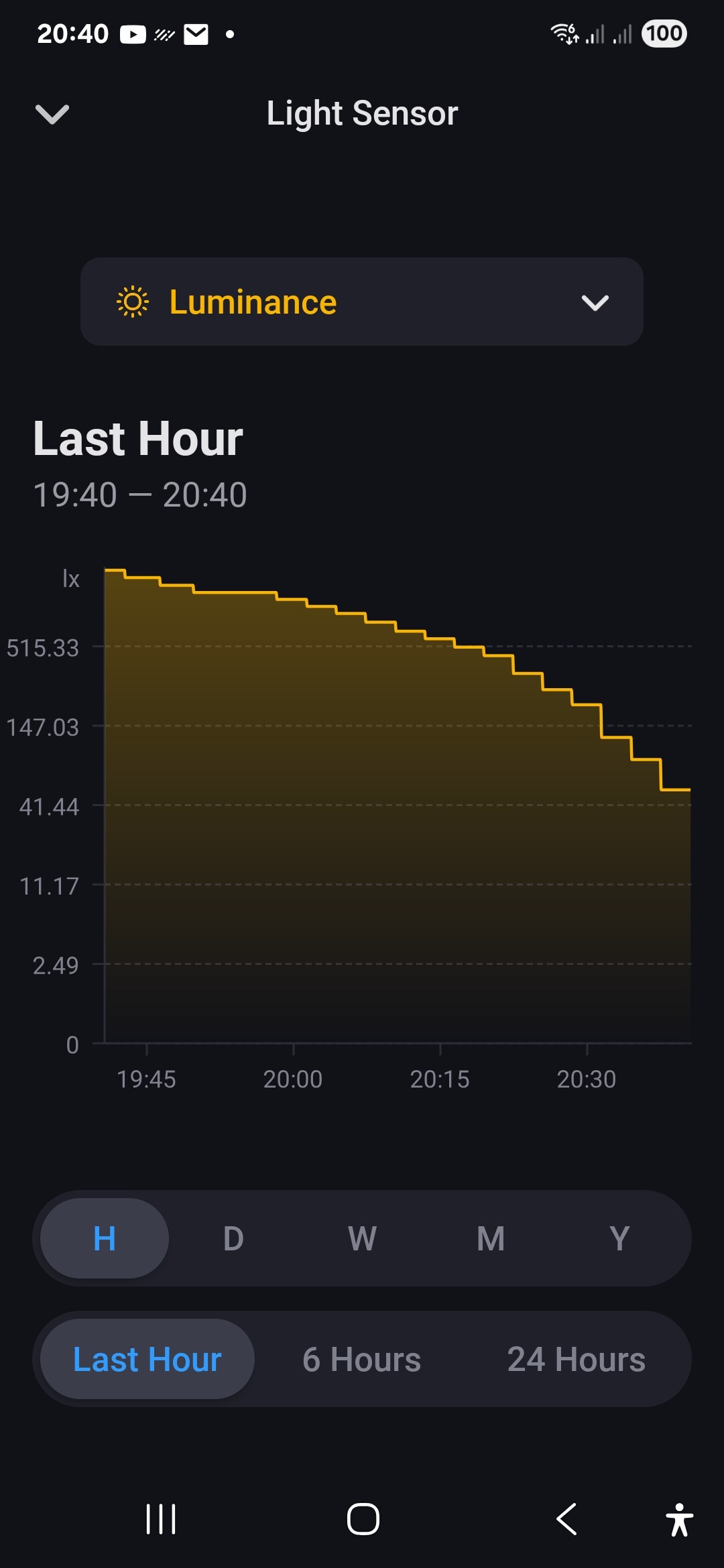
I guess as yours is now showing data,it suggests it’s working, but not sure why it required a restart of the app.
1 Like
 thx for the help!