I only helped with the translation, unfortunately I can’t help with your problem.
I haven’t been working on the app for a while because as far as I know everything was working and there haven’t been any updates to the API.
Could you open the app settings page, select the Diagnostics tab and then enable the log.

Then when you next get the issue, go back to the Diagnostics log and tap on Send Log and let me know.
The red exclamation mark issue has not happened again as yet, but the error about water meter total (where it’s null I guess) continues to show up.
See eda96de3-abda-466e-a145-8013bb9bff6e
I’ll keep an eye on it also. Let me know if the diagnostic report is useful or not.
Cheers, Gray
It’s always the way 
I will look into the other error.
Hi again , the red exclamation mark issue returned, and I sent this 80722aa1-5f86-4fe8-84e6-505c1e874dad
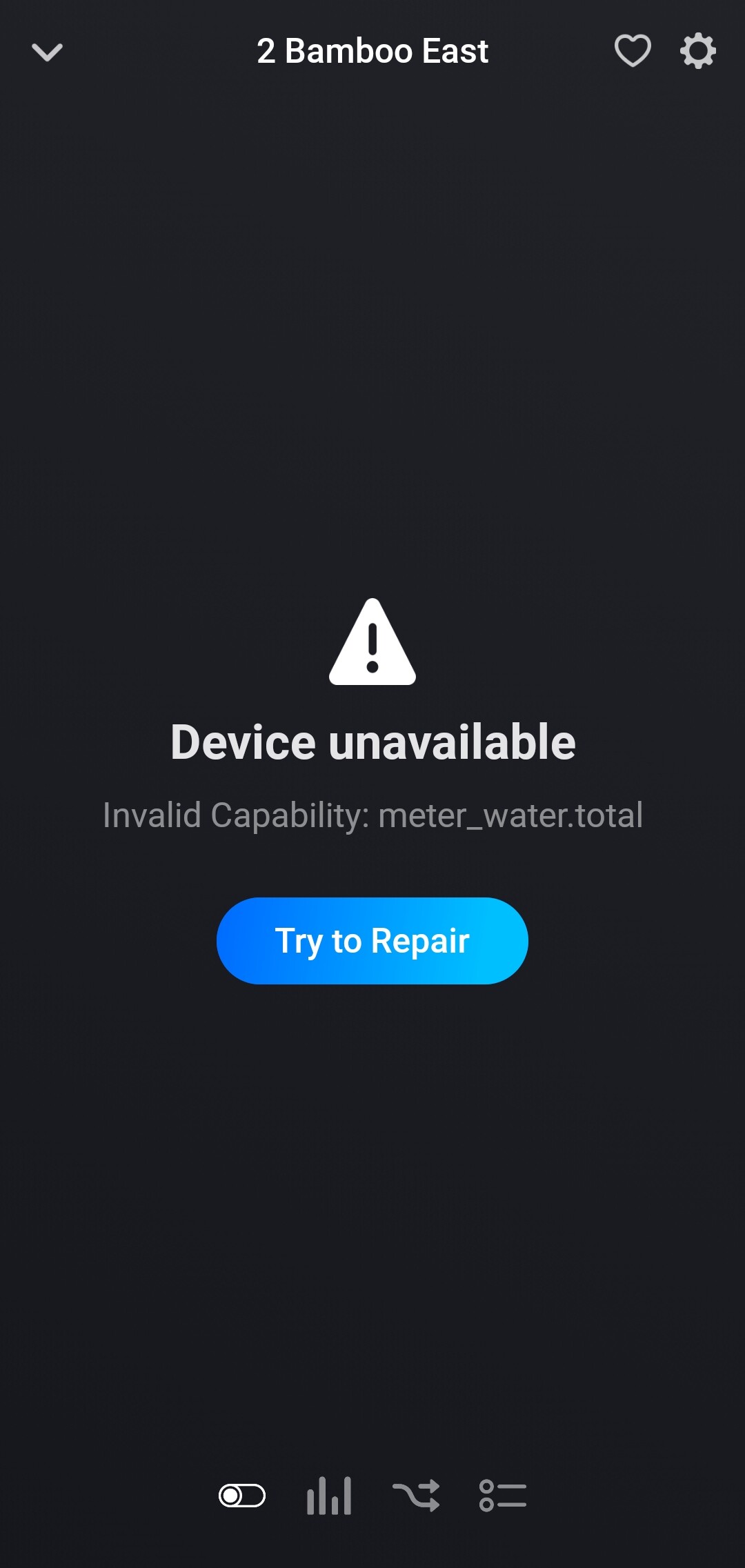
I now realise that this issue and the water.metertotal issue are one in the same, in that I have set my devices to show water flow/min, and this is somehow reverting to null so not displaying.
This picture shows all four (it is a four port linktap) devices with the red !:

But after selecting a device (and seeing the error message shown below) and then repairing the right-most ‘pond area’ , it then correctly shows 3.07:

(Note that this screen shot shows them after repairing all of them.)
Anything else I can provide? Maybe if no one else is having this issue I should remove them and re-add or something?
Hi @Adrian_Rockall sorry to bother you again. Not sure if you’ve gotten anywhere with this issue, but perhaps a code change to cater for null on the ‘meter_water.total’ value before it is attempted to be set to the numeric field might be worth a try?
Would it be possible to check if the source field is null before the conversion / setting to the relevant field, and if so then just set meter_water.total to zero, so as to prevent this error? Or at least, to attempt to trap and prevent it…
Just a thought. Cheers, Gray.
Are you using version 1.0.26?
The issue should have been fixed in that.
Edit: I have now published it to Live, so you should automatically get the new version provided you haven’t switched off automatic updates.
Hi @Adrian_Rockall no, I was still on .25, but do have auto updates enabled; I guess it was a bit too soon for the new version to come down.
I’ll let you know how it goes, fingers crossed! Thanks for taking a look and making the change.
Cheers, Gray.
Hi again @Adrian_Rockall , unfortunately the issue has returned. Seemed to be ok for a week or so, so I thought it was now fixed, but then tonight the red ! was shown again:

Selecting one of them shows the same error as before, I think:
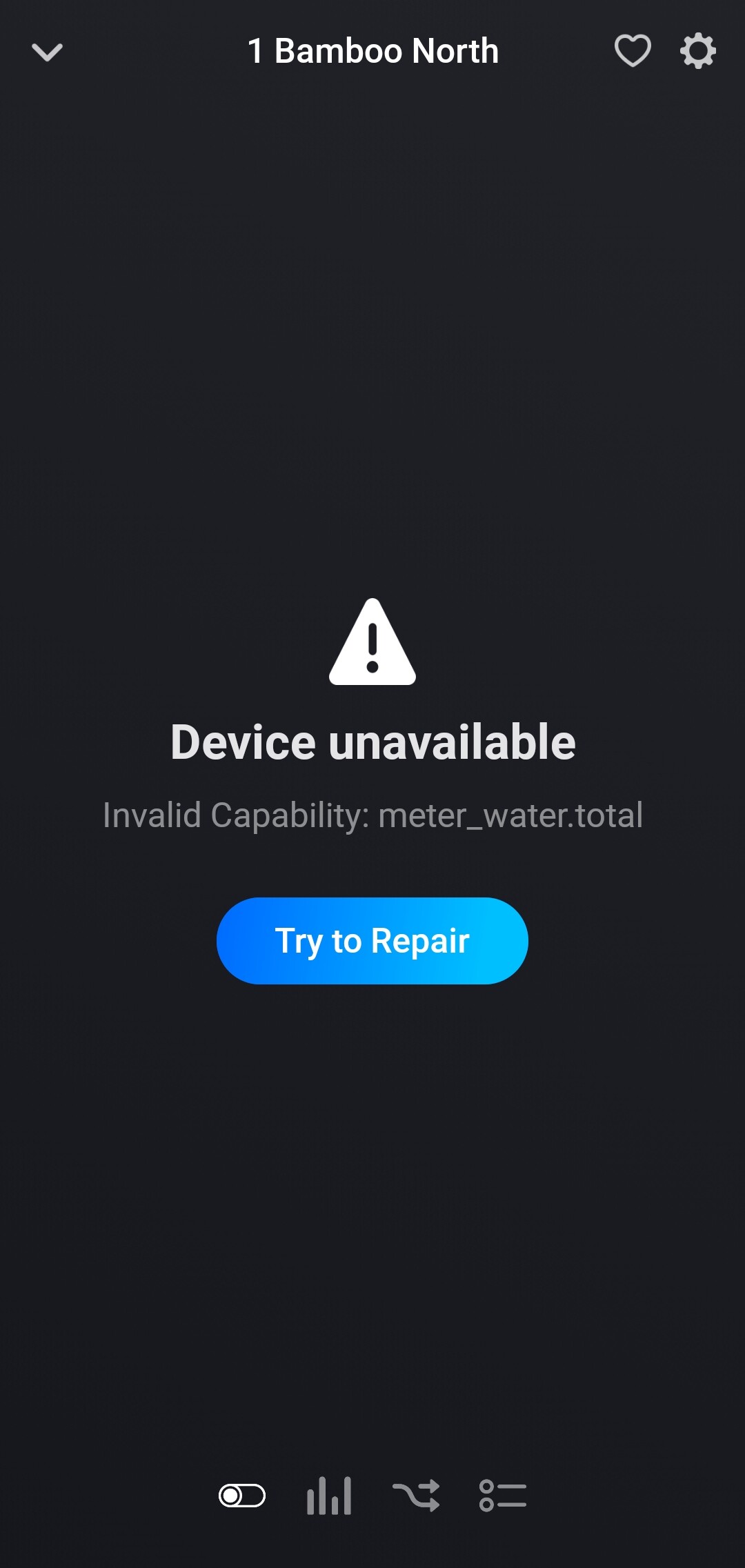
I created another report, if that helps…?
c1cee9f7-717a-4603-a498-2cb7995e0c6a
I have put the offending line of code in a try … catch block to see if that helps and published a new test version.
Thanks for your help, Adrian.
I’ve installed the test version, and will see how it goes over the next week. Keep you posted…
Cheers, Gray.
Hi Adrian,
I’ve noticed that the tile info does not match the usage of the taps. I have 3 units, one has been replaced 2 days ago, PCB problem with the old one. During testing the new one I discovered the faulty info.
I use the units very straight forward, determine the starttime and duration for watering and go.
So the device tile itself does not show any data and the specified data (after click) on the right does not update and does not show actuals.
Anything I can try/test?
Are you using the new test version?
The release version seems to be missing some secret keys required to setup the webhooks.
No, I’m using 1.0.26. Do you have the url for the test version for me please.
Assume : LinkTap | Homey
Correct?
Just tried the test version. No change, sorry!
Can you open the app settings page and select the Diagnostics Log tab then make sure the log is enabled. Then restart the app and give it a minute to start up before going back to the log page and tap on Send Log.
I will check to see if I can spot any issues.
Hi! I will do that this evening if you spare me the time, very busy (sorry).
I did also discover that around 06 or 07 November the insights are wrong or not even there, compared with the other readings, now sure that it all has to do with something around that period.
Let me report back to you with the log.
Hi Adrian,
Just sent you the log.
Sorry, it appears you sent the Detected log.
Could you select the Diagnostics Log tab, enable the log and then operate the valve. Hopefully, you should see message appearing. After a few minutes, send the log.
Sorry! Just sent you the diag log.
