Schedule messages to be sent at a specific date and time.
Supports categories for organizing or filtering scheduled messages.
Compatible with other Homey apps that can process messages (e.g. Telegram, WhatsApp, Signal, Slack).
Optionally specify a recipient for each message.
Supports raw data input for advanced integrations.
Usage
Install the Schedule Message app on your Homey.
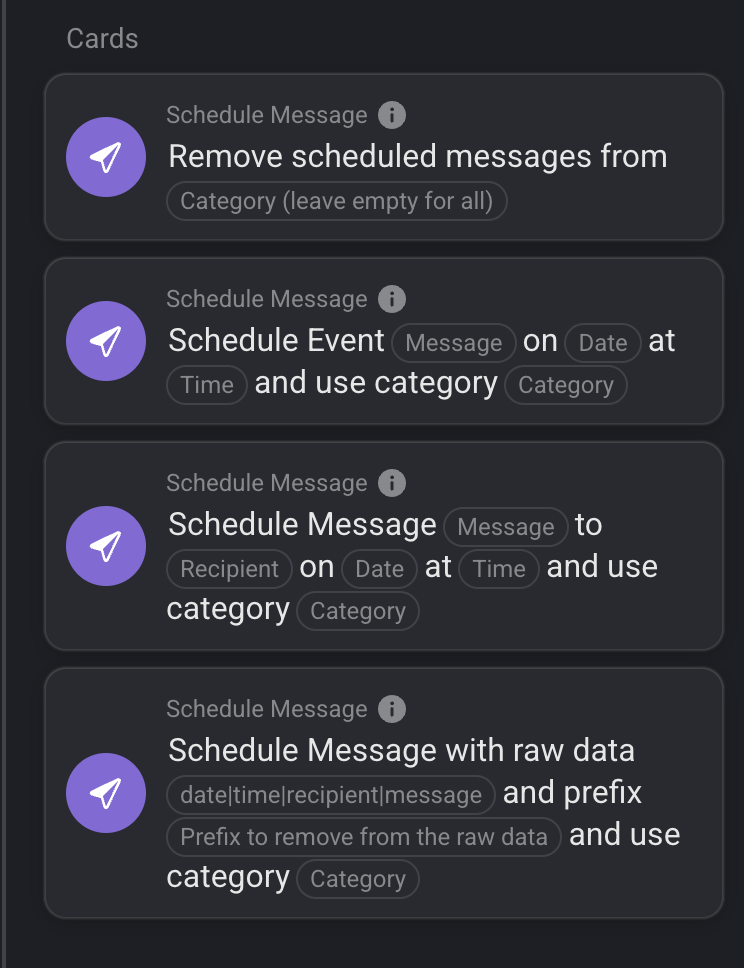
Create a flow using the “Schedule Message” or “Schedule Event” action card.
Enter the message, date, time, and optionally a recipient and category.
The app will trigger the scheduled message at the specified time, allowing other apps to process or forward it.
Advanced:
Use the “Schedule Message (raw)” action card to schedule messages using a single text string in the format: date|time|recipient|message
Example: 04-12-2025|12:00|+31612341234|Hello World
You can also use a prefix to strip from the raw data if needed.
Supported Languages:
English
Dutch
Danish
German
Spanish
Italian
Norwegian
Swedish
Polish
Russian
Korean
Contributions
If you appreciate this app, contribute to future development by making a paypal contribution
or buy me a coffee on Ko-Fi or Bunq.me
Nice, finally a small upgrade to my very, very basic flow I made for reminder messages.
Just a curiousity, will there be a settings page to manage the messages?
example you made a mistake so would be nice to remove or edit said schedulded message.
Or add 1 manually over there without having to install another app or create a special flow for it.
small bug in v1.0.2: 1 of the action flow cards isn’t registered (properly): set_scheduled_event
Edit: flow card is indeed fixed.
Though when adding a message via the settings page recipient and category are swapped on the overview page, and the recipient is empty, unlike the flow card, where recipient then is Unknown recipient
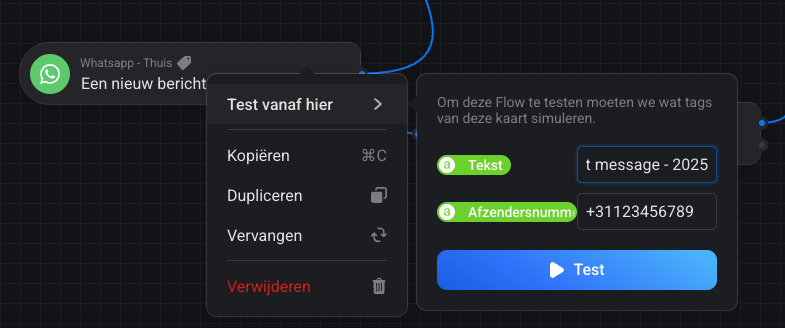
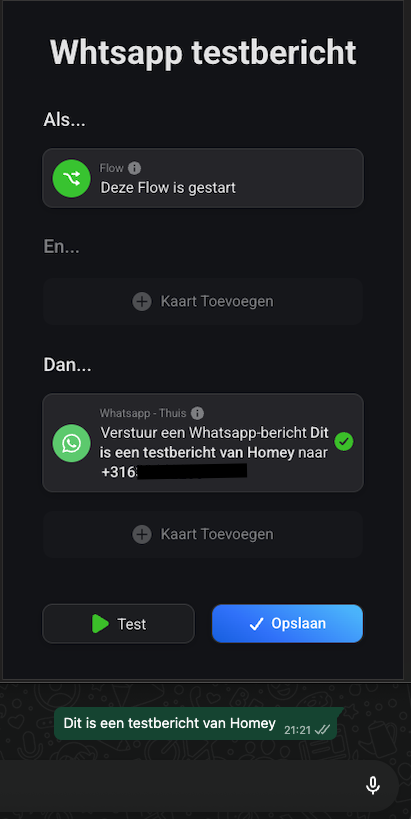
Hi @marijnpoppen, this app is really cool, but I can’t get the “And” card to work. I simply can’t figure it out; I’ve been testing and messing around for over half an hour. Everything else seems to work. When I run tests without this And card, it works just fine. Do you have a golden tip for me? Even when I run the test with the message “2025” and the “And” card is “text contains 2025,” it doesn’t work.
@TheBigFella for the AND card to work (which is a WhatsApp app question, so better in different topic) you have to send a message
Test mode doesn’t work for WhatsApp
 English
 Dutch
Dutch Danish
 German
 Spanish
 Italian
 Norwegian
 Swedish
 Polish
 Russian
 Korean


 Apps made by @martijnpoppen
 or just open the pull down.


 TEST:
TEST: 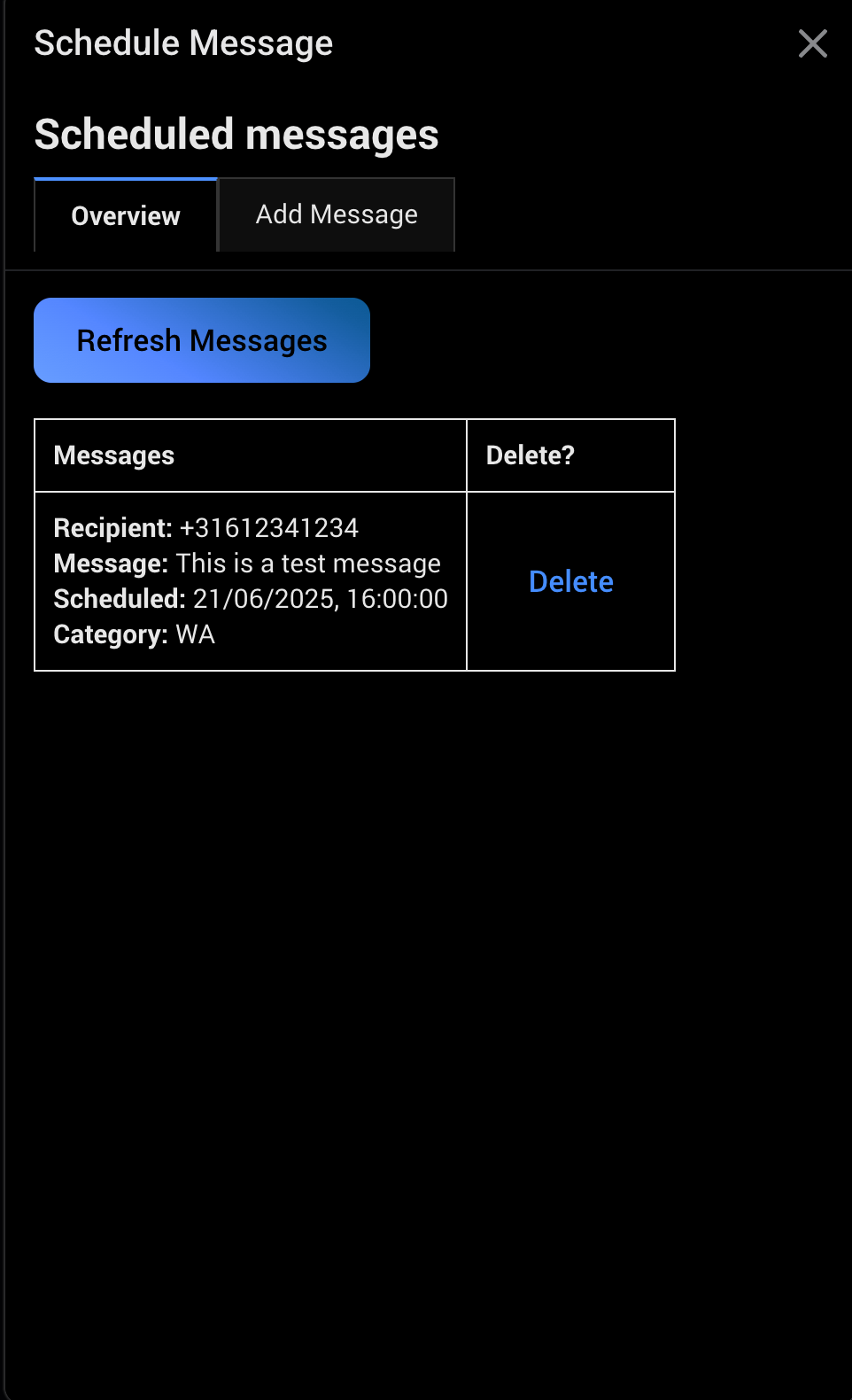

 LIVE:
LIVE:  .
.