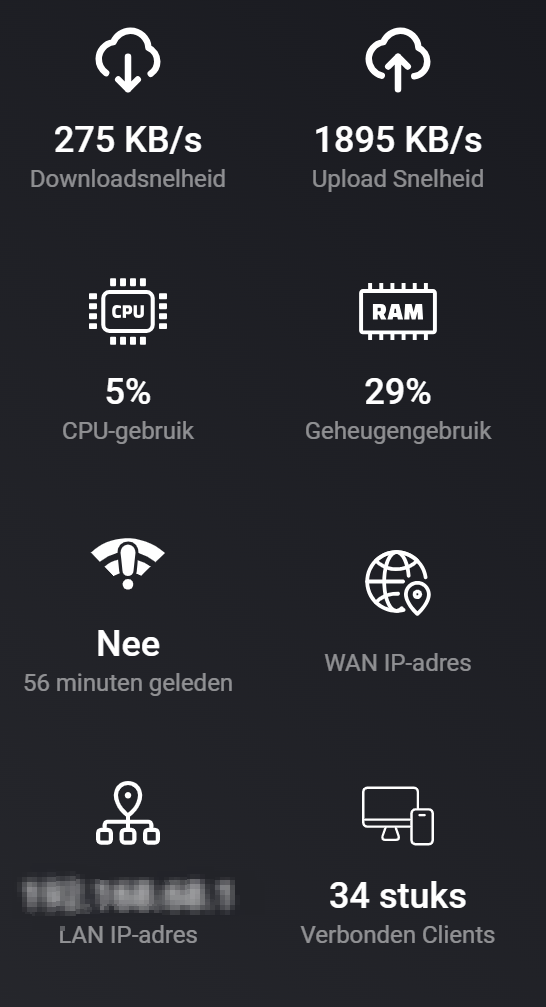
Backhaul signal strength 2.4 GHz / 5 GHz (satellite nodes)
Mesh group alarm — alerts when a node drops off the mesh
WAN IPv4 / IPv6 alarm — alerts when internet connectivity is lost
4G/5G models only: SIM status, cellular network type, monthly data usage (MB), total data usage (MB)
Flow Cards
Triggers(differs per model)
WAN status changed
WAN status went offline
WAN status came back online
A client became online / offline
Any client changed status
A client connected for the first time (new device discovered)
A client roamed to a different Deco node
CPU usage changed
Memory usage changed
Conditions
A specific client is online
Actions
Reboot a Deco node
Setup
Add a new device in Homey and enter the hostname (or IP address) and the
password from your TP-Link Deco app. All nodes in your mesh are discovered
automatically.
Supported Languages
English, Dutch, German, Danish, Spanish, French, Italian, Norwegian, Swedish,
Polish, Russian, Korean and Arabic
Support This App
If you find this app useful, consider a small donation — it helps keep
development going!
Cool, give me a screen capture; thanks for installing it. What more would you like to see regarding triggers, flows, device information and what not? Let me know, and I will try to please the community.
Suppose you could log in to the WebUI while having Wireshark running. Then sent me the dump. I could have a look. Has the API any documentation that I could read?
Why not? I have found that X50-4G and X50-Outdoor responded differently; I must sort that out. If you log in to the device and create a trace in Wireshark, I could create a small test to see if we can get some JSON responses that we could use.
It would be nice to be able to select offline clients in a flow.
I don’t see my other Deco’s listed in de client list. I would like to make flow that triggers a push message when the connection between 1 or more Deco’s is interrupted.
I did accumulate the clients, but the list became quite long. You can trigger a client when it changes state if it is online. Then it will remember. Apple devices have this function where they change their mac-address so that they become a new device. You can disable it on the device. Should I keep the connected devices like 24h, configurable? or what do you think?
I like the backhaul idea. I have a new version where I can add all the devices at pairing, and I can see the state and uplink. so if a deco changes uplink or gets lost I could trigger that.
 Donate via PayPal