Is adding smart thermostats (TRVs) into groups in the plans?
@Emile About the new proposed AND logic flow cards, great idea, but it doesn’t work yet with Advanced flow @ Pro 2019
The tag is “Unavailable”:

Isn’t that because it isn’t connected yet with a line?, the tag is most likely connected to the trigger card.
Yeah but it shouldn’t be related to any trigger card imho.
These logic cards should be normal logic cards, and we should be able to use a tag anywhere we like.
To test, I just connected a trigger of the same device, but the tag stays “unavailable”.
Besides, it works well in standard flows, regardless of the trigger source.
I tried and it worked as expected…

Got the suggestion from @Sharkys to try my luck here:
Are there plans in future to add bar charts in insights?
I would be interested in something similar to this for all cases of usage:

For example for gas offtake this could be very useful as well. For power (Watt), Ampères, Voltage etc a line is just fine. But for usage like kWh, m3, liters etc a bar chart is more logical.
Now I have this from my Plugwise Smile P1, but it would be handy to have it in Homey on all insights. For example on smart plugs etc.
In the meantime, maybe the insights graphs app is usable: create bar/line graphs from any insights value as image


Played around with that one, but it doesn’t seem to be an actual solution.
In my case, on a Homey Pro 2023 in Advanced Flows, the tag is retained/shown. I checked it for the battery percentage of an Aqara device and the volume level of a Sonos device.
Thx, it’s starting to sound like a Pro 2016-2019 issue.
Also logic for text and boolean are missing from the list of tag based logic cards for a device.
There are only number logic cards.
Same here. I have App 9.3.0 in Testflight and Core 12.4.7 but no Groups. Testflight does not say, that a beta of core has to be installed.
Where is the problem?
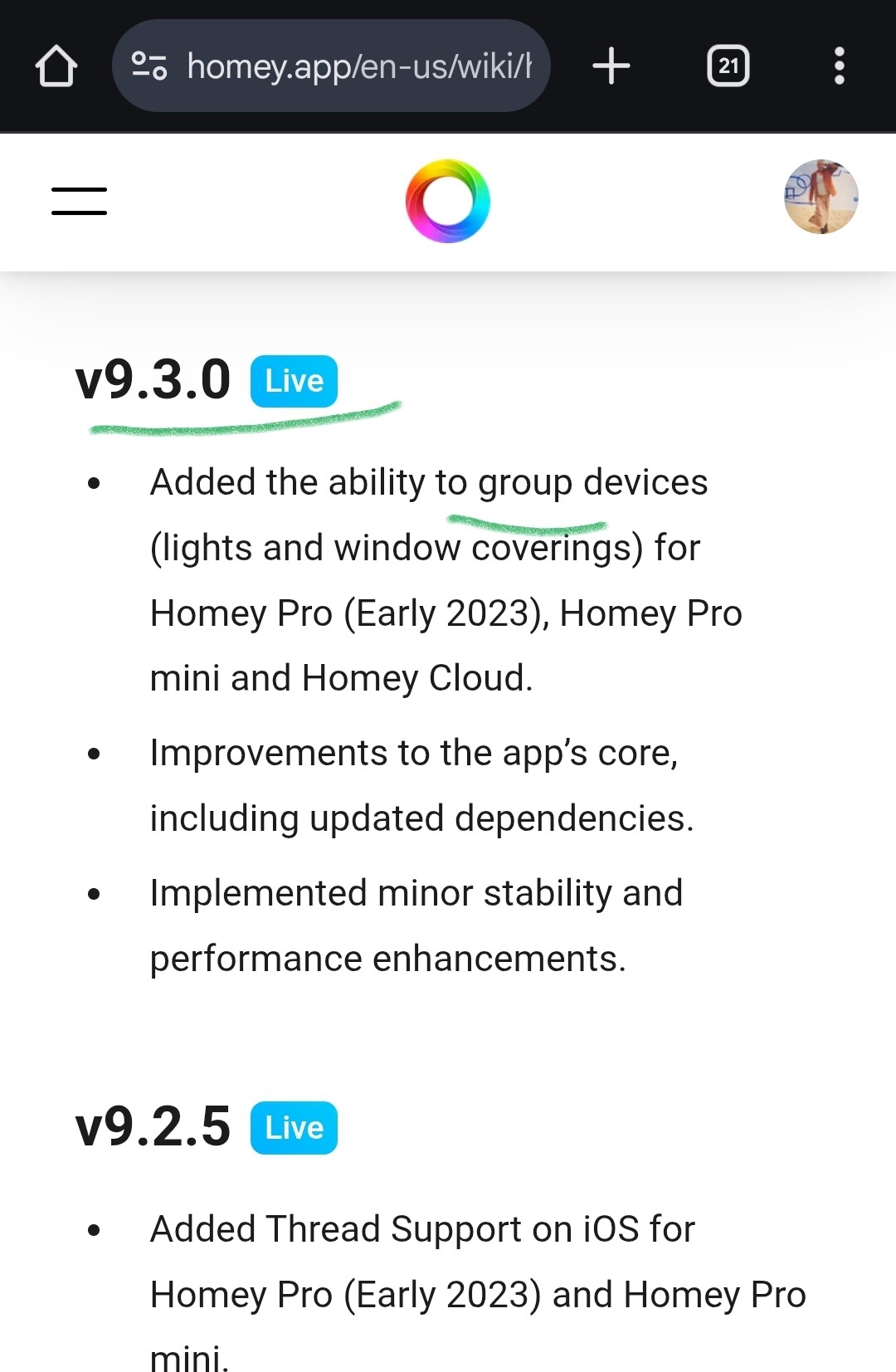
I have Homey Pro 2023. The option should be available in the settings for lamps, right? I’ve checked various lamps and also roller shutters. The option isn’t there for me. Of course, I scrolled all the way down.
I think that with the release of version 9.3 of the app, a step backwards has actually been taken or there is some bug because the possibility of making groups has disappeared. Groups made previously continue to work but by selecting a light bulb or a light switch, it’s no longer possible to make a group.

I am also no longer able to create groups.
Homey Pro (early 2023) / firmware v12.4.7 (stable)
Homey iOS TestFlight app v9.3.0 (1763) and v9.3.0 (1766)
It worked for me with firmware 12.4.5 and iOS TestFlight app v9.3.0 (1760).
This version never existed. The firmware v12.4.6 was released directly as stable. Unless you are testing firmware versions in alpha stage, which some users do as far as I know.
Edit
@Bulletcather and @s_dimaio are you also iOS users like @Effendi68 and I?
No Android.
But grouping is now visable

Could you please be more specific?
Have you changed anything? If so, what exactly?
Which Homey Android App version and Homey Pro (early 2023) firmware version are you using now?
