Review: Zemismart ZMS-206US-3 Smart Display Switch (Zigbee)
One of the biggest problems we face when managing complex scenarios in smart home ecosystems is confusing the functions of physical switches. The Zemismart ZMS-206US-3 offers a very stylish and modern solution to this problem with its built-in display and proximity sensor.
Design, Ergonomics and Build Quality
Material: The front surface is entirely glass, and the frame is made of metal; this adds a sense of aesthetic depth and durability. Thanks to the glass surface and touch sensitivity, the device works extremely quickly and flawlessly even when pressed with wet hands. This makes the device a strong alternative for areas such as kitchens and bathrooms.

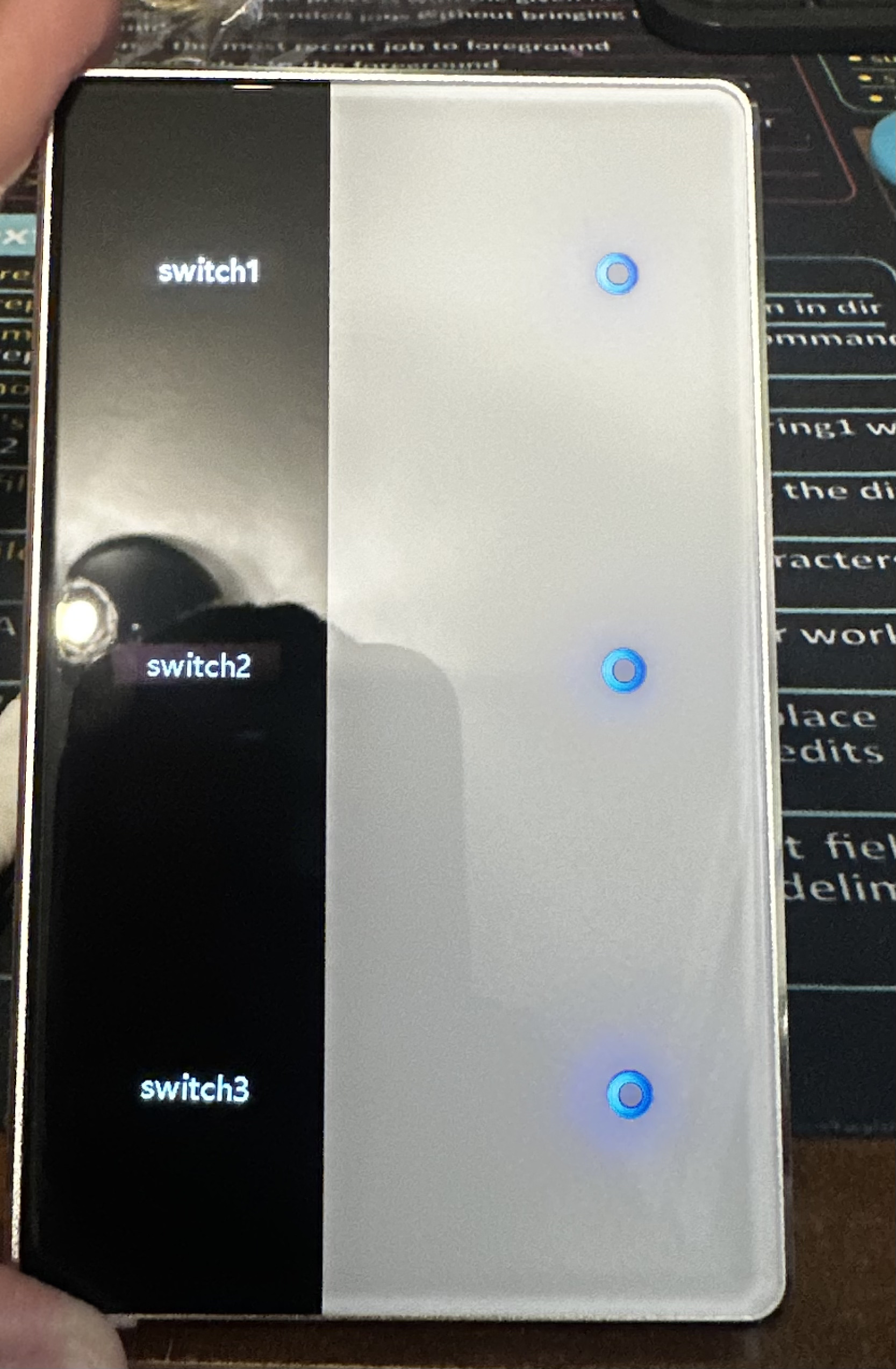
Proximity Sensor: One of the best hardware details. The screen and button lights automatically wake up when you approach the device, providing great convenience, especially for nighttime use.
Screen Customizations:
In the images below, you can see the default (“key1, key2…”) appearance of the device’s screen and the customized (“Living Room, Office…”) versions assigned via the system:
Default (key) labels are as they appear out of the box.
Names assigned via Homey are instantly displayed on the screen.


Operating Voltage: Can operate within a wide tolerance range of 100-240V AC.
Power Capacity: Has a maximum load carrying capacity of 600W for each unit.
Wiring: Looking at the rear terminals (L, L1, L2, L3 and N), a Neutral wire is needed to complete the circuit and power the Zigbee module.
Rear panel showing the connection terminals and electrical limits.
Internal circuit structure and sensor/display array behind the front glass panel.

Homey Integration and Software
Seamlessly integrates into the Homey platform via Zemismart’s own application.
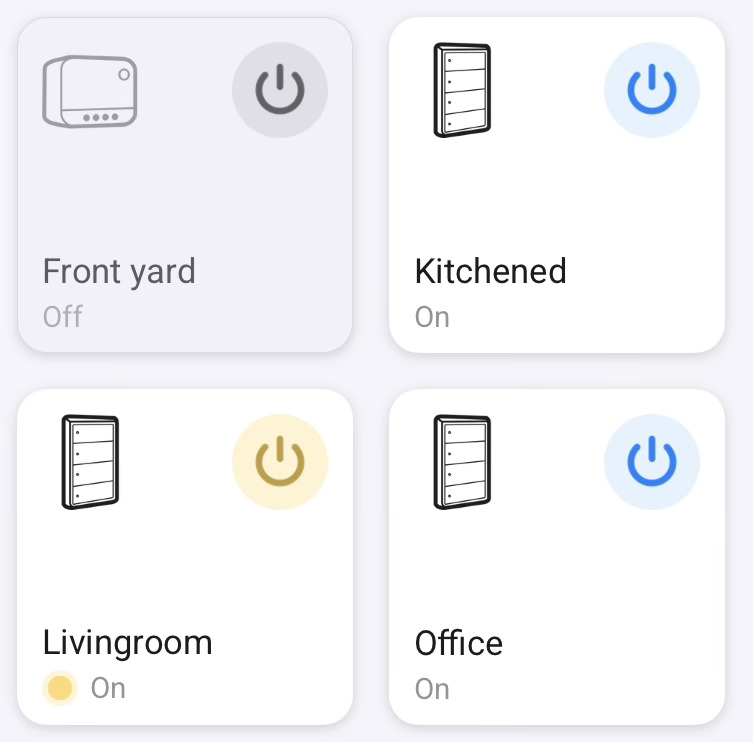
Dynamic Name Synchronization: Any name you assign to 3 different buttons via the Homey app (e.g., “Living Room”, “Office”, etc.) is instantly updated on the physical screen.
Lighting Management: Button and screen lights can be left on continuously or set to sleep mode to turn off completely after a certain period of time. This ensures that it does not cause light pollution in rooms that need to remain dark, such as bedrooms.
The device’s control board in the Homey Control Panel. The on/off screen within the interface.
When you go down to the advanced settings menu, the device acts as a Router on the network and operates as a Zigbee network range extender (TS0601 / Manufacturer ID: _TZE284_e4pf6l87).


I did not encounter any hardware issues during my tests, but there is a specific software issue that needs to be fixed:
Multiple Press Error: When the buttons are pressed quickly in quick succession, the application throws an error. This is not a hardware failure, but rather a lack of command latency (delay prevention/speed limiting) in the application’s software. The system crashes because it can’t properly queue up quick commands. This is a problem that can be easily fixed with a minor software update released by the development team.

Conclusion
Thanks to its superior design combining glass and metal, its life-saving proximity sensor, and its instant synchronization with Homey, the Zemismart ZMS-206US-3 is a very stylish and functional solution for smart home systems that primarily operate on local networks. Once the software-related multiple press error I mentioned is fixed with an update, it will become a highly recommendable piece of hardware for every room in the house.
