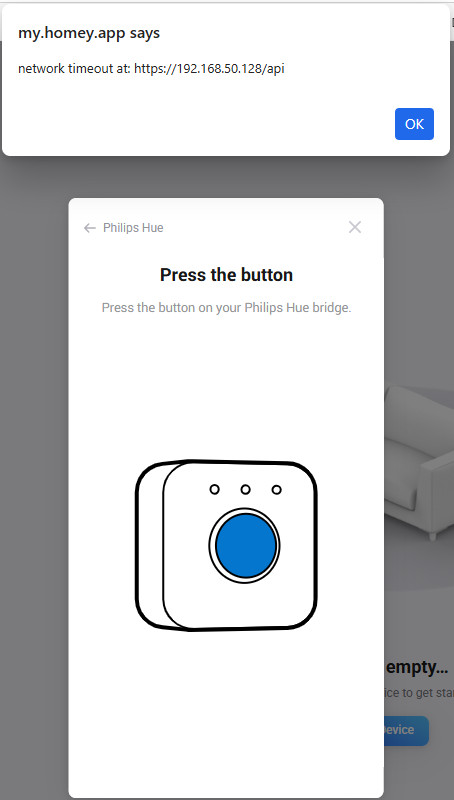
I have installed SHS in container manager on my Synology NAS, running latest version (updated today), and trying to add my first device(s) starting with Hue, but when I try to add a light, I see 2 light bulbs (don’t know why, but I tried both separately with same result), then it asks me to push the button on the Hue bridge, when I do this I directly get an error ‘network timeout at: https://192.168.50.128’ when I click ok this message will continuously popup until I close the browser completely.
I wonder why the network is in this range, this is not at all my network (my network is 10.x.x.x), but I do not see any network settings in the Hue app, so not sure where to change this?
EDIT
I just also tried it from my regular homey and there if I try to add a device it just shows my bridge which I then can select, and not 2 lights to select from like in SHS, but the last time I tried it there is now just showing no new device found, so I cannot even select the bridge or a light, no idea why this changed just now)
Have you tried making a web request to a local server using the Web request Flow card from the Logic category?
eeeh, say what? No idea how to do that to be honest, do I make the flow in my homey or in the SHS? And which local server? The SHS itself?
I just have the SHS running right now, and I made my floors and rooms, I would like to start moving (or just adding) some devices to see how (and if) it works, but like mentioned can’t even add some devices.
For example: http://192.168.50.128/ should return an HTML page on the Hue bridge.
Create an Advanced Flow, add the action “Make a web request” from the Logic tab in the card selector, and enter method GET. Headers and body aren’t needed. You can then right-click the card and choose “Start from here”. After it runs, it either returns data or an error. If you hover over the card, you can see what data is returned.
sorry but where do I find this web request card? Do I need to install an app for that first?
In the “Logic” tab. You selected “System” but you should select “Logic”
ah I should have seen that, I tried this but nothing happens, the blue progress bar stays in the middle and stays there till I press stop, or after a while I get a timeout
Ido not know where it gets this IP address though, like said this is not the IP of my Hue hub, if I enter the correct address I get an error saying error connection refused
where can I change this 192 address to the correct one?
It gets discovered automatically via discovery.meethue.com
What happens if you open the discovery.meethue.com page in your browser?
it shows the mac and the correct ip address
Have you tried restarting the Hue app on Homey again? Settings→Philips Hue→Restart
yes I actually just did and then if I try to add a new device it shows the 2 lights again instead of the hub
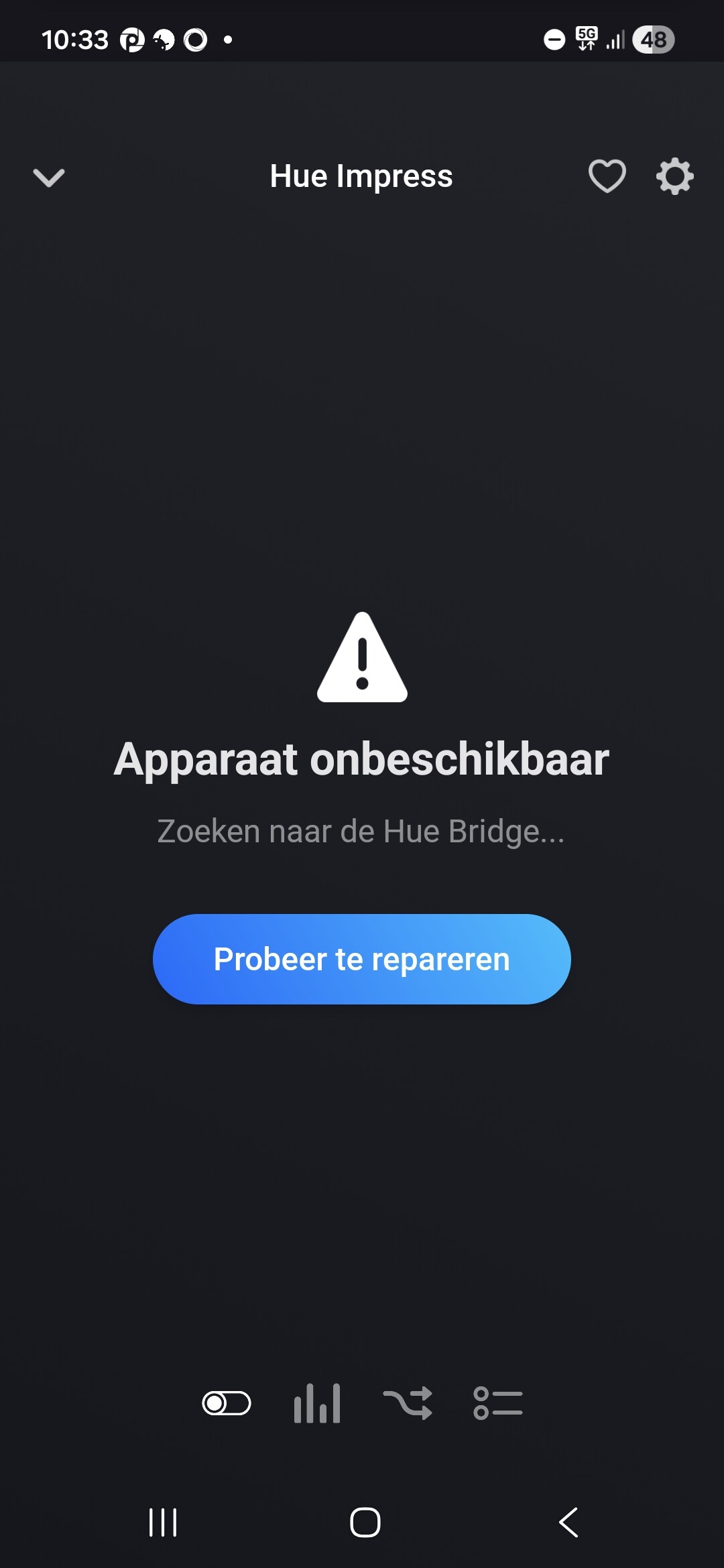
If I do the same from my homey I get this:
That’s strange. Maybe you need to remove the Hue app from Homey (Settings→Philips Hue→Remove) and then re-install it
I tried this too, now it gives me a timeout on 192.168.1.101, I have no idea why it comes up with these addresses, tried both from the website as well in the phone app
Are you sure you have the right server selected? Maybe a VLAN/isolation issue?
Maybe it’s an outage on Philips Hue servers, since all devices are offline in my Pro2019 as well
mmm yeah could be I guess, my homey is in the same VLAN as the Hue bridge, my NAS with the running SHS is on a different one, but both are in the 10.x range, I do not have any 192 range, that said the VLANS are not limited at the moment, they can just reach each other, I also have MQTT running on my NAS and homey can communicate with that without issues
Also: discovery.meethue.com is limited to a few requests per 15 minutes AFAIK, so you might have been rate limited by using it with 2 Homeys
ok thanks, I will try it some time later again
I tried some more but without success, I also tried adding the bridge but that also doesn’t work, when I try to add the bridge to my homey pro it works fine, so it seems a problem specifically with the SHS.
SHS (NAS) is connected to a different VLAN, but in my UCG I have all traffic allowed for now (later on I want to close and add some rules, but for now still everything is allowed between the 2 VLANS), and like mentioned before it doesn’t matter to which wifi network (or LAN for that matter) I connect, I can reach any device in both VLANS, so I don’t really understand what the problem is.
Maybe it is a setting inside the container that is blocking the traffic or even in my synology, although nodered, mosquitto and home assistant work fine communicating over both VLANS, so then I would suppose it is in the SHS container specifically…