Hi all, and @MarcoRuiter.
Thanks Marco for creating support for popp devices. Absolutely brilliant, and really takes Homey to the next level.
I bought a z weather and a z rain a few days ago, and have them both included in Homey.
They are both reporting values.
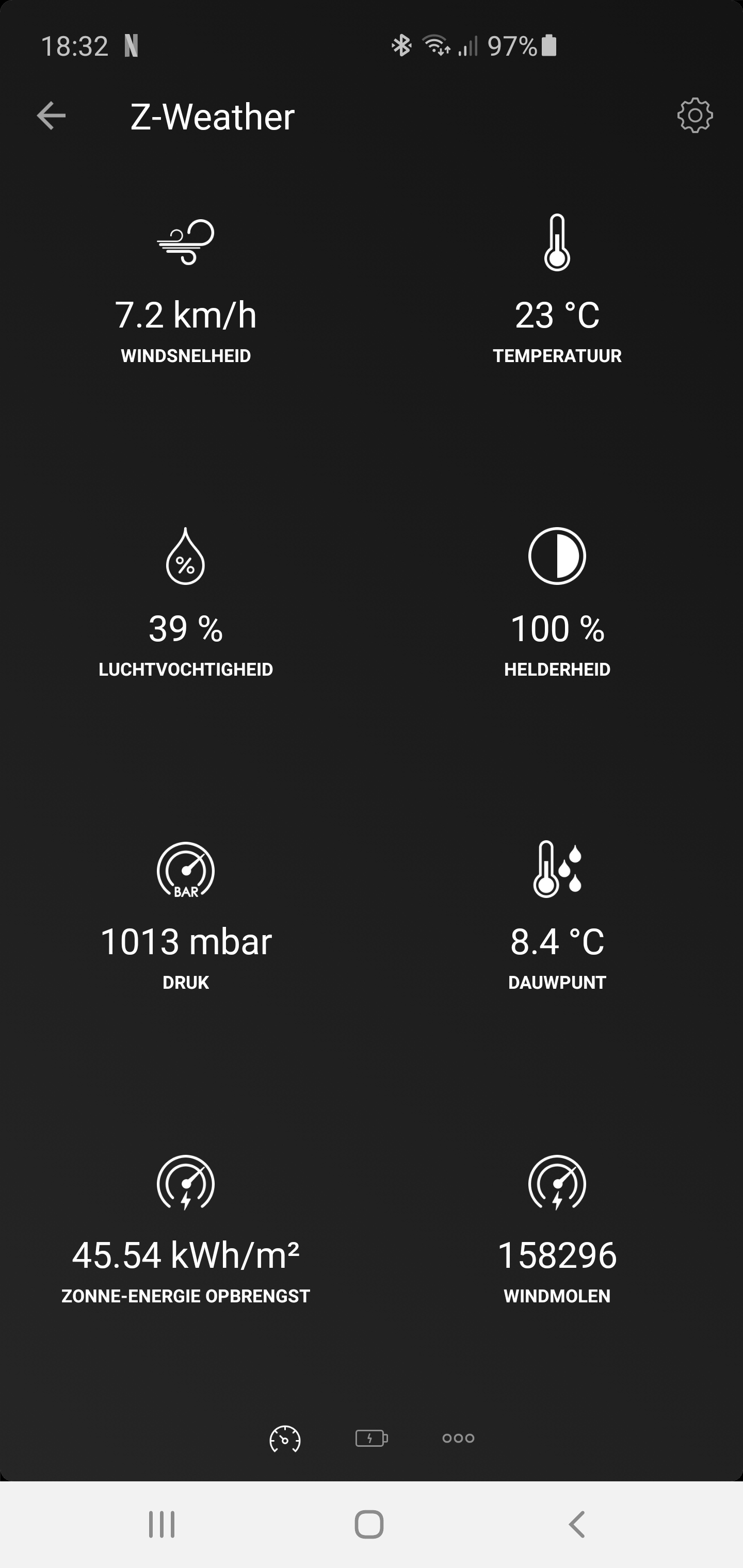
The z weather reports values for all sensors, but for wind it does only report zero, for both windstrength and windmillcounter. And it has been doing so for the last 48hrs since I started logging. All the other values move up and down over the day, so it does communicate.
The wind “wings” are moving.
Any ideas on how to search for errors? To be honest, I am leaning towards a hardware failure.
Thanks in advance for any ideas
Max
Hi. Did another attempt, and also got wind counters working.
Steps
Excluded the z-weather
Upgraded the app to 2.1.0 beta
Factory reset of z-weather
Inclusion
I had previously tested the same process on I think ver 2.0.8 where it didnt work. And not sure if the 2.1.0 version actually fixed it, or if it was something in the upgrade process itself that made it work.
Hint on how to install 2.1.0 that is in beta, so please be aware of that. Navigate to the popp app. Add /test to the end of the URL. Now you can install the beta
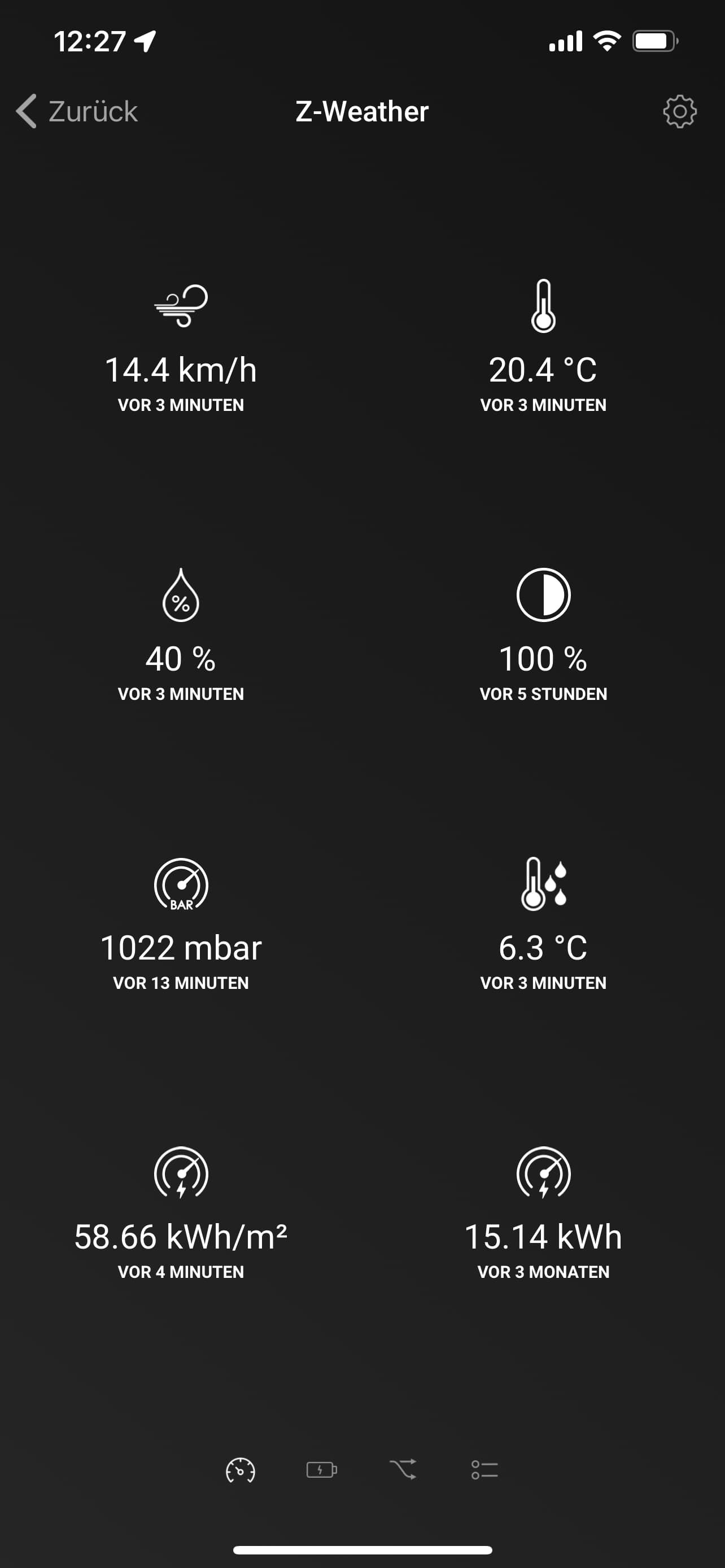
Regarding kW/h: I believe this capability was removed during an update, so the value is no longer updated. If I would include the Z-Weather again with the current app, this capability will probably not appear anymore.
Not much happened in this thread the last years… but it looks like the perfect audience for my issue.
I have had the Popp Z-Weather working with my Fibaro Homecenter for 2.5 years. With Homey I have an issue with data update and/or connection…
Following the recommendations from the manual I did detach it from the roof and pair it close to Homey. Connection is okay, so I installed it back to previous location and there is no connection or data update ever.
I reached out to support, but Athom didn’t respond since I filed the request beginning of April.
To remedy the situation myself, I did a factory reset and connected again (now: Node 85). Now, as I try to observe the situation and have to realise that data update isn’t stable. The developer tools show “Node 85 is unreachable”
a) Do you experience something similar?
b) If not. Did you change any advanced settings?
My guess is that after the POPP Z-Weather was connected to the HP23 and then brought to the place of use, the Z-Weather losses the connection to the HP23. It seems, that the HP23 doesn’t have a long Z-Wave range.
The next problem seems to be, that the POPP Z-Weather doesn’t automatically connect to other Z-Wave actuators to heal the connection.
Suggestions:
Try to include the POPP Z-Weather near the actuator that is closest to the place of use. The HP23 (theoretically) supports Network Wide Inclusion (NWI). However, it has worked for me rarely rather than often.
Include the POPP Z-Weather at a small distance to the HP23, take a few steps towards the place of use and actively Heal the Z-Weather connection via Developer Tools. So try to actively create a new route via other actuators. Then take a few more steps… and so on…
This is often displayed for battery-operated devices and doesn’t mean much at first.
If Unknown is shown in the Route column, there is a 99% chance that the device has really lost the connection. But sometimes it’s also possible to Heal the lost connection again.
As far as I know, the POPP Z-Weather isn’t a FLiRS device. That means, if you want to check the connection via Test or want to Heal the connection in DevTools or want to change the device settings in the advanced settings of the device, you have to wake up the device first!
I always tried to push the button once, as noted on the device. And it looks like this actually wakes up the device.
I moved it from the Homey step-by-step, but the last few meters to the rooftop I haven’t managed Popp Z-Weather keep the connection.
NWI doesn’t work. The Z-Wave network management of Homey seems to be less sophisticated that Fibaro Homecenter.
My current settings include a wakeup interval of 268 (the minimum)
After some time of an additional actor in-between: I’m afraid that my issue might be connected to the internal battery of the weather station…
I mapped the light and battery graph with almost identical curves. And also the rarely available measurement of wind and temperature has overlaps.
Unfortunately, in the screenshots it’s not possible to see which graph belongs to the battery and which to the brightness.
I had no problems with the battery capacity even in winter, although the Z-Weather only got a few hours of sunshine due to neighboring houses.
Is the Z-Weather positioned so that the small solar panel faces south?
Btw, the fact that there is only one solar module on one side is a complete misconstruction in my opinion. Not every user has the option of mounting the Z-Weather so that the solar module faces south.
Try contacting Aeotec support. As far as I know, they are somehow connected. In the Aeotec support section you will also find instructions and further information on POPP products.
I’ll have to climb on the roof anyway if it’s dry and sunny these days. I will move the z-weather once more close to the Homey and fiddly around with the connection.
The instructions say that you should even put the solar module somewhere in the shade. South-orientation not needed, but I did so. True that the graph overlay wasn’t a good idea.
The Aeotec tipp is very helpful because the POPP website got compromised or promotes some different stuff right now.