Hi Sharkys
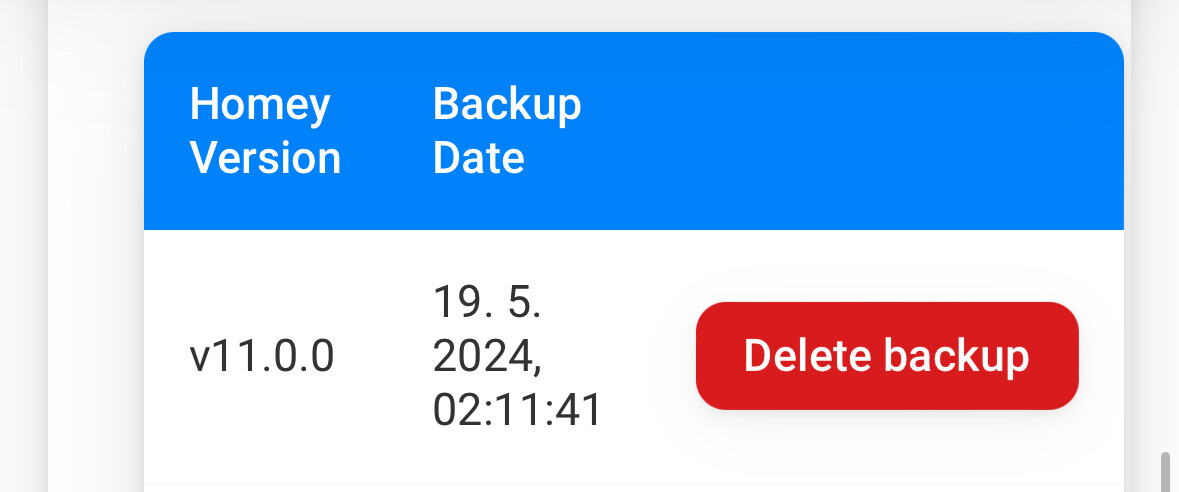
Thanks for your answer. I have sysinterals installed. Look at the Print Screen. The backup was made at 02.11. What do you mean about the print-screen?

Best
feron
About once a week.
But as such these would be a workaround for something that crashes the system. Homey’s watchdog should restart, but it doesn’t.
I have an external monitoring script that will pull the plug and restart, if the Homey isn’t responding for several minutes.
Anyway support has been actively trying to find what is the cause. It may or may not be the backups, the time is approximatly right. However my Homey mist of the time has completed the backuo successfully and the crash might happen some time after it.
Now I have disabled my watchdog script and have to disable MQTT apps as they seem to saturate the system logs and Athom Support can’t get anything useful out from the diagnostics report.
Currently the working hypothesis is, that it is not the backup service that would crash Homey. It is not entirely ruled out yet. I’m now waiting for the next crash to happen to send more diagnostics for Athom Support.
Are you sure, was is 02:11 or 02:39 ? Can you share My backups | Homey ?
Because I don’t see any mem drop during backup and for sure there must be one.
You can run backup manually and check the difference…
Hi,
strange that no memory decrease is visible during backup, have you tried to run backup manually, as I mentioned earlier?
Btw what is your uptime when crash happens, eg. do you restart regularly, weekly at minimum?
Hi Sharkys
I opened a Homey Support case and deleted several apps on my homey. I will have a look whats happen.
Best
feron
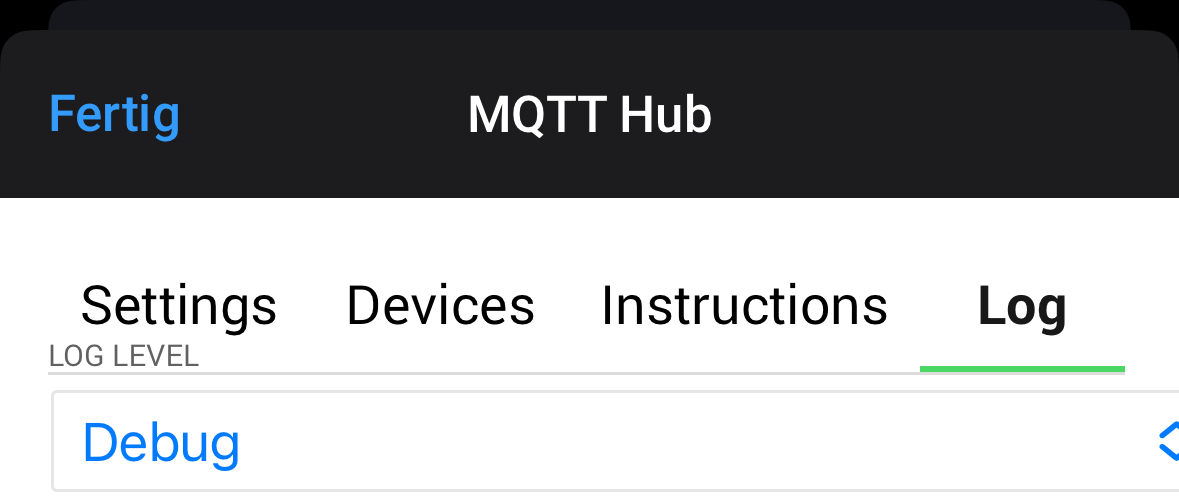
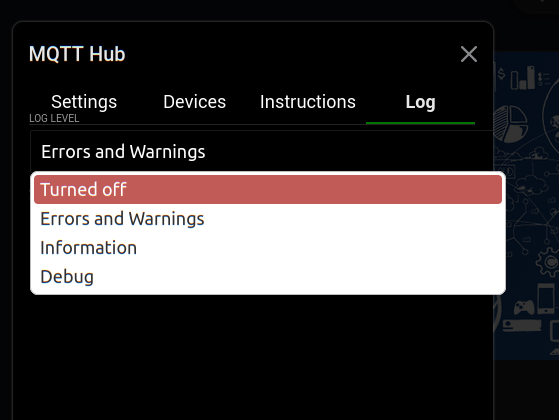
Do you have MQTT Hub also running? I turned off it’s logging from the app settings. So far no crashes.
I had the same problem!
Deleting storage consuming not used apps from homey solves the problem.
It is a mess, that some apps are programmed so bad and storage consuming
Yes it’s only logging, and not needed when the app runs fine, or use Error level to catch unexpected errors at least.
App logs can get quite big as I understand, sometimes causing an app to quit 
When not needed, turn them off, or set it to Error only
(Debug level saves all info sent to the log
Error level saves the least info to the log)
For me, the homey has been more stable now except that it still is failing backups during the night. This is a bit annoying since it sends a push notification to the phone that is next to my bed in the charging stand.
So turning off the logging on MQTT Hub so far has helped. 9 days and going strong.
Thanks, I deleted some apps and turned off mqtt hub logging. Thanks for that, I will have a look. How does it work to send a push notification, if the backup is failed?
Hello,
for several days, every morning I find my Homey in error (red ring), how can I see what happened?
I put it back on and it’s ok for the day.
Thanks for all
Most probably the best is to generate system diag. ID and contact Athom
Or the backups and memory utilisation during backup is causing it. In any way, Athom must take action if this is the case…
This just shows your subscription has expired. You’d renew them yourself.
Hint: when you purchase the 1 year subscription in the Athom webshop, you pay €10 for 12 months
Athom does not disable or switch off your backups when you have a valid subscription.
As comparison: I haven’t got a “buy subscription” offer:
.
@ Mobile app, what do you see when you hit your avatar at the frontpage > hit My Account > hit My supscriptions ?
Usually you’d see this with the subscription expiration date:
Since a week or so my Homey Pro 23 is crashing every night
Usually somewhere between 1:00 and 2:00.
Ticket is open but with no response yet.
Does anyone have any tips how I can debug this to identify which app/flow/whatever is responsible for this? Any log files I can access?