The Tesla Battery isn’t listed or working, so can’t see the Powerwall battery charge,
Same for Myeneri Zappi smart charger, doesn’t show as a car charger either. Zappi shows as a consumer though.
The Tesla Battery isn’t listed or working, so can’t see the Powerwall battery charge,
Same for Myeneri Zappi smart charger, doesn’t show as a car charger either. Zappi shows as a consumer though.
@Doekse @Jero
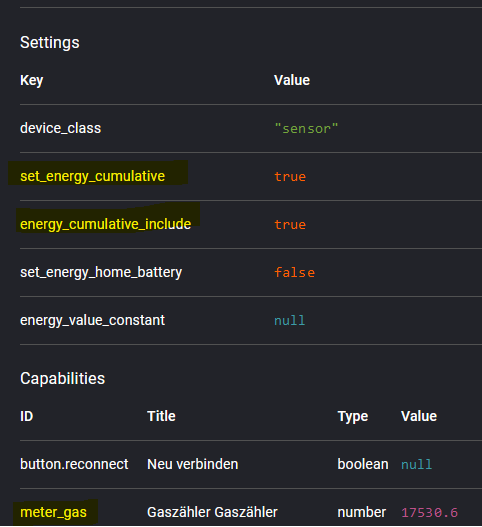
Just experimented with the HA app and added settings ID energy_cumulative_include to my gas meter device. For this I re-import the value back from HA.
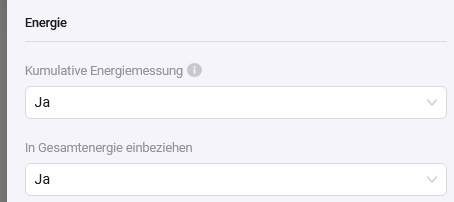
Now I can set the energy settings:
Device settings:
And with this combination, the gas meter is shown:
That means, devices with meter_gas or meter_water capability should also show the set_energy_cumulative settings in device settings. And if this is set, the energy_cumulative_include should be visible like for power capabilities.
It is not what is promised.
They refer to updates.
Not upgrades, let alone feature upgrades.
Firmware version = experimental
App version = beta / testflight
I suspect the answer to be: yes 
If you don’t want to be part of the test team, you’d wait for the stable releases imho.
Currently you can only provide one single fixed tariff.
For users that don’t have an hourly/dynamic energy contract, but have a fixed contract with different peak and off-peak tariffs: can a distinction between both such tariffs be added (and an option to set a schedule when the tariffs apply if not automatically derived from the P1 meter)?
I love testing. I don’t see this as complaining but as feed back to a test. 
Zaptec Go does not show under the energy tab. Not excluded from energy
If you responded to me: I’m not saying you’re complaining.
I only wanted to show it is a work in progress at this point in time, which you could skip.
One family. Updates ect. and free upgrade. Read well Henk
By HA app you mean home assistant?
It would be very interesting if the virtual devices from Power by the Hour were displayed.
Theoretically, you could make the detour via Homeassistent?
Yes, HomeAssistant community app.
Currently it’s not possible to set cumulative option for gas/water devices, not for HA devices or PBTH devices. This must be changed in Homey mobile app and WebApp (show cumulative option in device settings).
The HA community app will get this option (I think) as app specific setting for custom devices.
But I think Athom will add this to the Homey app, so all meter das/water devices will participate.
I did. Did you?
You are quoting a statement refers to “normal” Homey’s from then onwards considered Homey Pro’s.
It does not refer to feature upgrades like Advanced Flows, Dashboards, Homey Energy, etc.
I did.
2things
Pbth from p1 meter in settings disabled from energy but stlll visible in grootverbruikers. No data is issued annymore. But would ne nicer if the device would be deleted right away.
It s quit dark here but the animation is still in blue, and no animation
True, true…guess everybody with a smart home got these data…anybe in another app but who cares??
Can we at least get the option to get the approximated power usage values included? I would want to see all devices in the top power usage, but I for sure won’t be able to put a energy meter behind a light bulb.
This will need an Homey app update. Check this post: Homey Energy — Public Beta Megathread - #161 by Doekse
Love the new energy feature! Sofar solar inverter showed up immediately, battery shows info, Homewizard P1 meter displays correct info. However: my consumers are not showing anything, and I have Homewizard energy sockets. Anyone seeing these or know how to make them available?
Thanks!
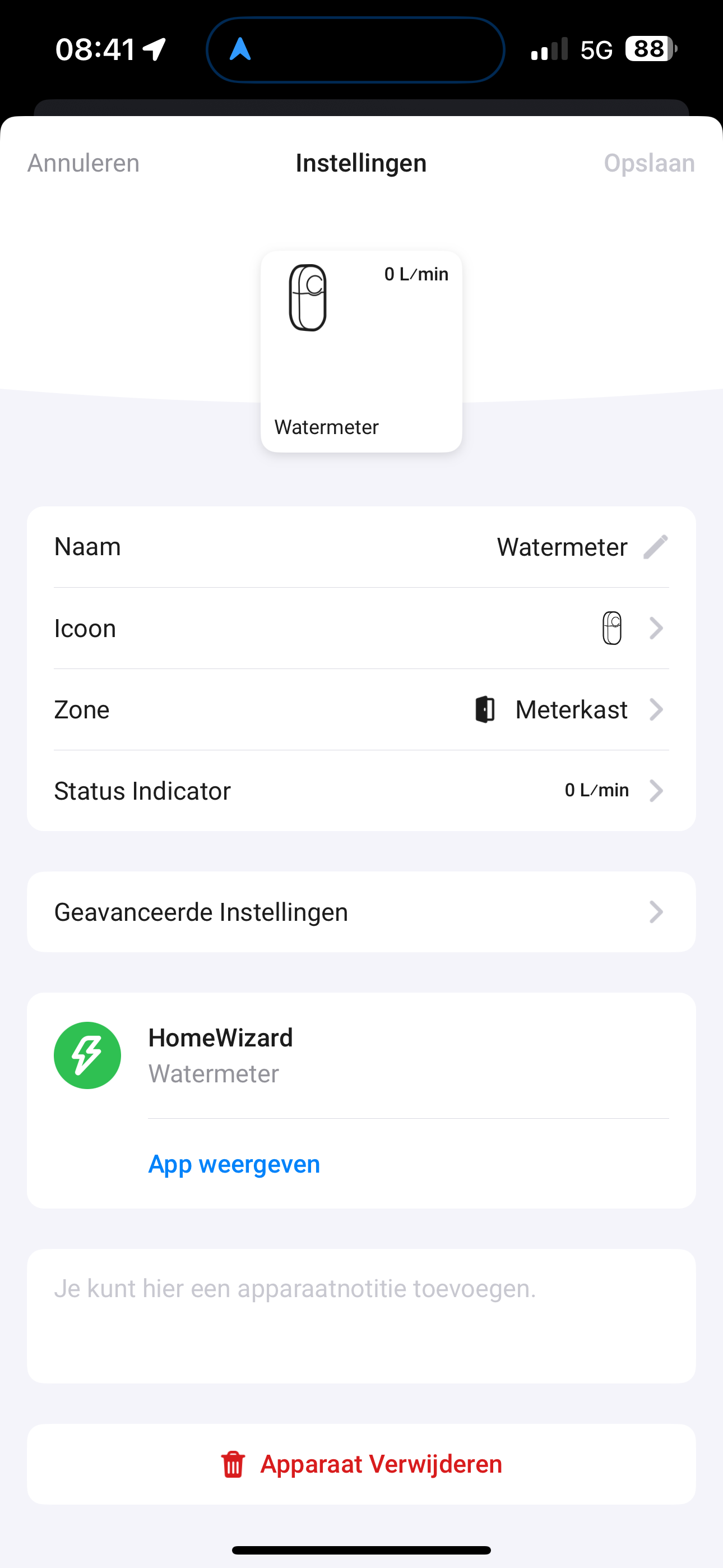
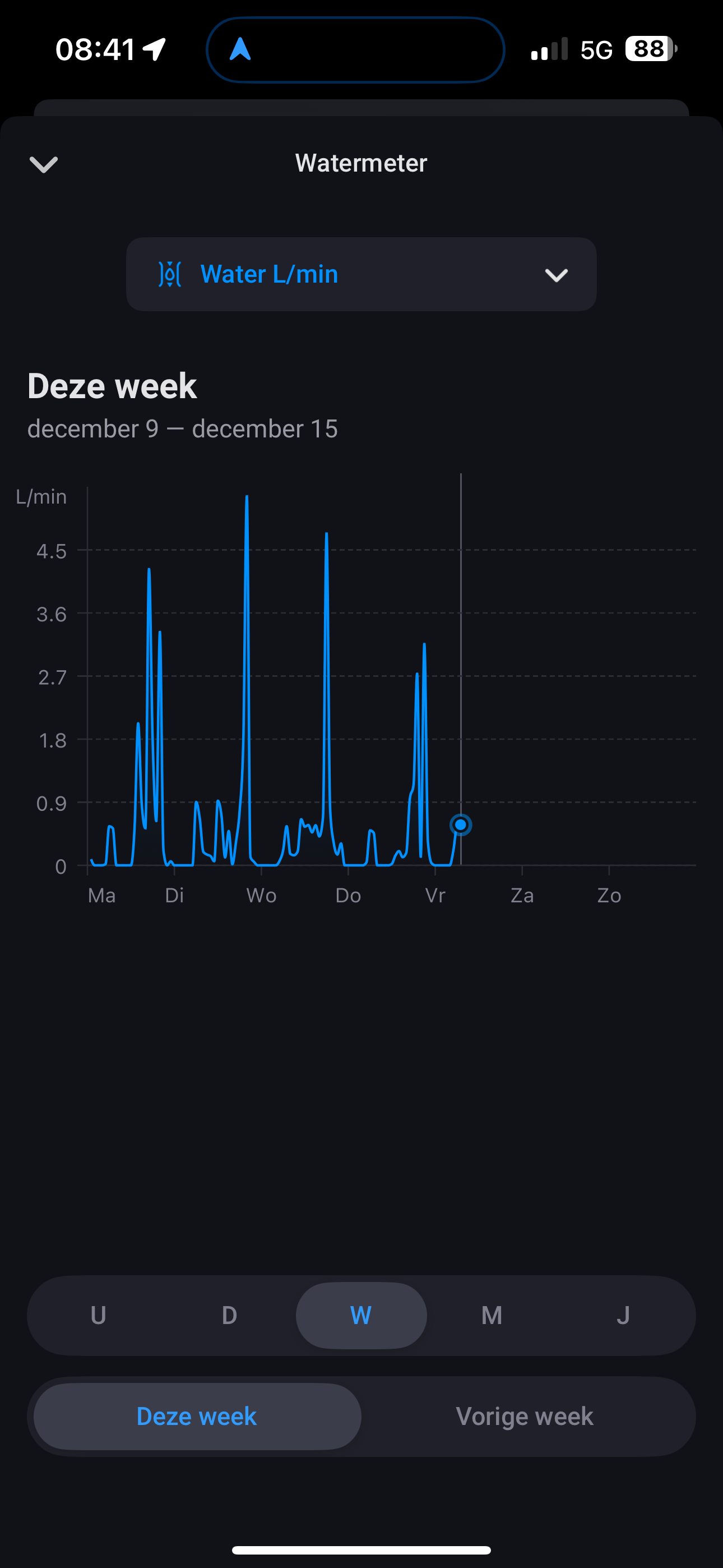
Headsup for Belgian Homewizard P1 users. I am working on an update for the watermeter that is linked to their P1. In the netherlands there is a special hardware for the watermeter but I understand that Belgium has the watermeter via P1 connected.