I wanted to recommend to just search the web, but this gets confusing very quickly 


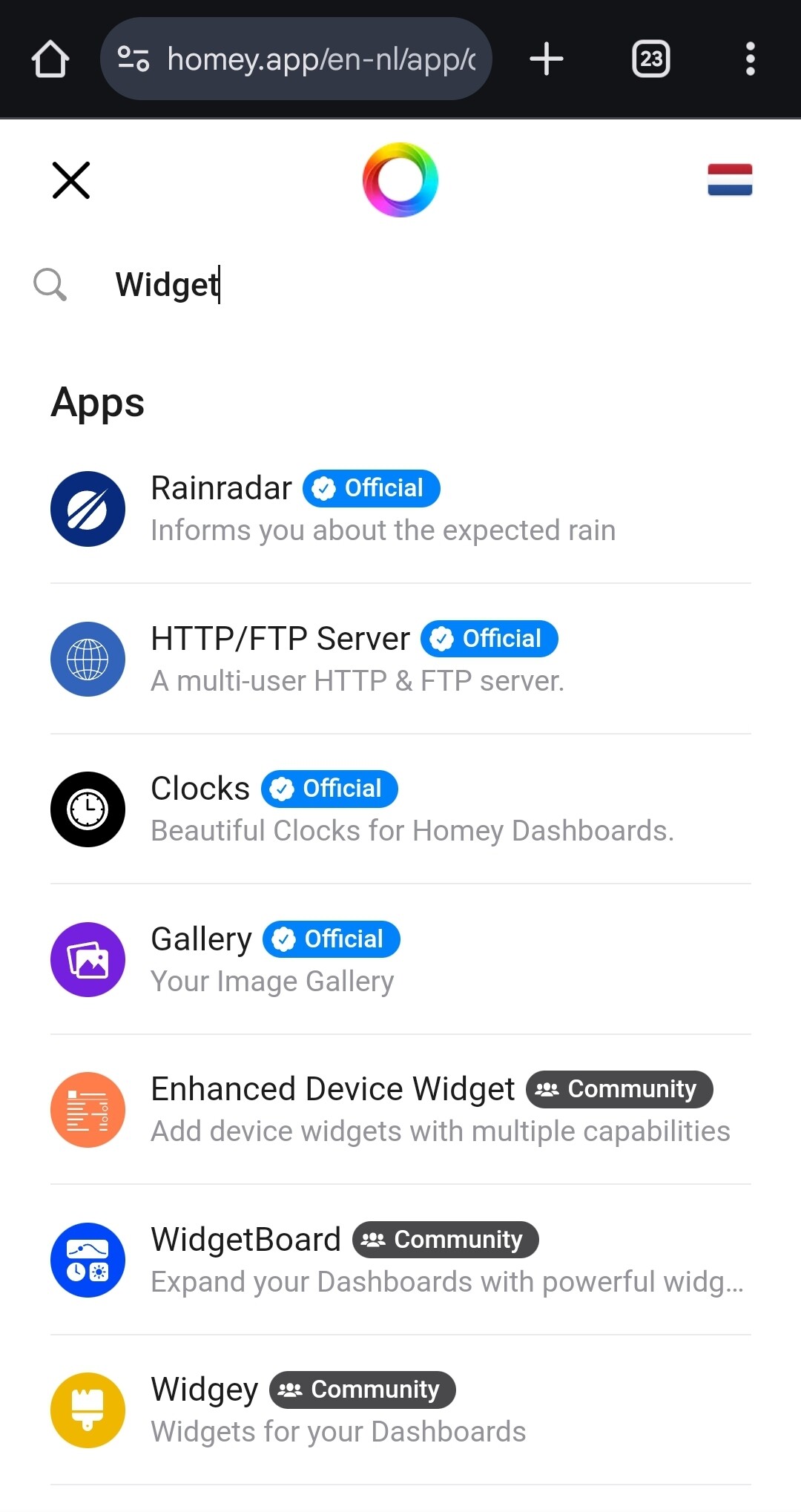
But, how do you search the app store exactly, Frank?
The search function is far from perfect, but it does come up with a few widget only apps:
Athom already added a filter for apps with dashboard widgets, see here.
How do I find the direct url of dashboard if I want to add it to browser kiosk mode start page?
You can’t (yet)
Ok, meanwhile is it only way to navigate dashboard with Homey app → Dashboards?
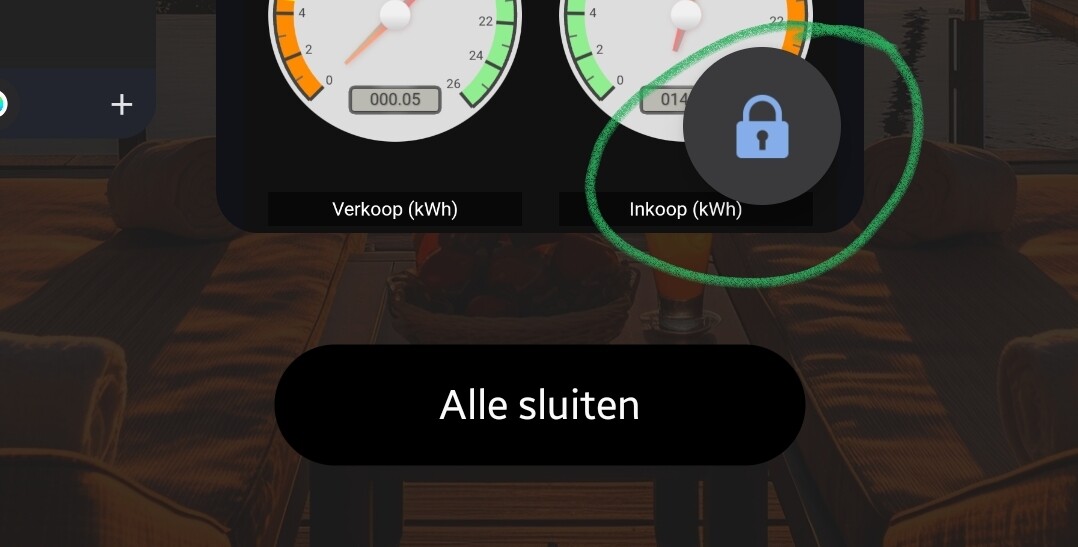
With Andriod you can lock the dashboard screen, as in, it stays focused when you activate the app
(“Open houden” = Keep open)
Then the lock symbol shows
If you would like to request this feature to Athom, you can like the first message here:
[Request] Web interface - Dashboards - Homey Community Forum
Hi @Nico_Tissink,
First of all, how do you manage the graph to get that big (as shown on the picture you send) when you open it? In my case the graph opens full screen.
2nd, I experience something simular with the dot. I can not move the dot at all.
Maybe @Harwin can take a look.
I am using a Samsung Galaxy A9 tablet. How about you Nico?
Rogier
@Peter, how did you get the 4 gauges you show on the screen?
Is that in Homey or in soemthing not related?
I’m looking for a gauge display
Thanks
I use a iPad Pro. I just press one of the graphs with my finger and then it opens as shown in the screenshot.
Ok. A difference between apple and android
It’s from HA and loaded via the web widget;
I posted a howto here, Olivier:
But there’s plans to publish a Homey Gauge widget.
It probably will be posted in this topic, by the developer!
Works great and intuitive! It would be nice if the devices/lights can be sorted by room of make possibility to add dividers. Now all devices show in one widget.
That is not widget, but regular device button I assume.
I don’t quite understand why the results differ (way less hits), when one uses the common search bar like i showed here
@Nico_Tissink thank you for reporting, I made a fix for it  Will be shipped after the weekend.
ok thanks Peter, if it’s from HA I undestand. I was hoping it was from Homey…
The search bar is depended on the “tags” and I believe also the description that the app specifies, if the developer doesn’t specify that it has “widget” as option/text, then it won’t show.
The filter (probably) looks at the “widget” piece of code is there in an app, like the widget previewer on the app’s page itself.