Then please contact the Athom support and point out this problem… 
“If you inform them about their own developed apps like “KNX”, they say they don’t support it anymore and a few weeks later they release a new version”
I would just keep trying. Complaining here in the forum doesn’t help at all.
Of course, @Frederick_Florizoone can also sell all the hype…
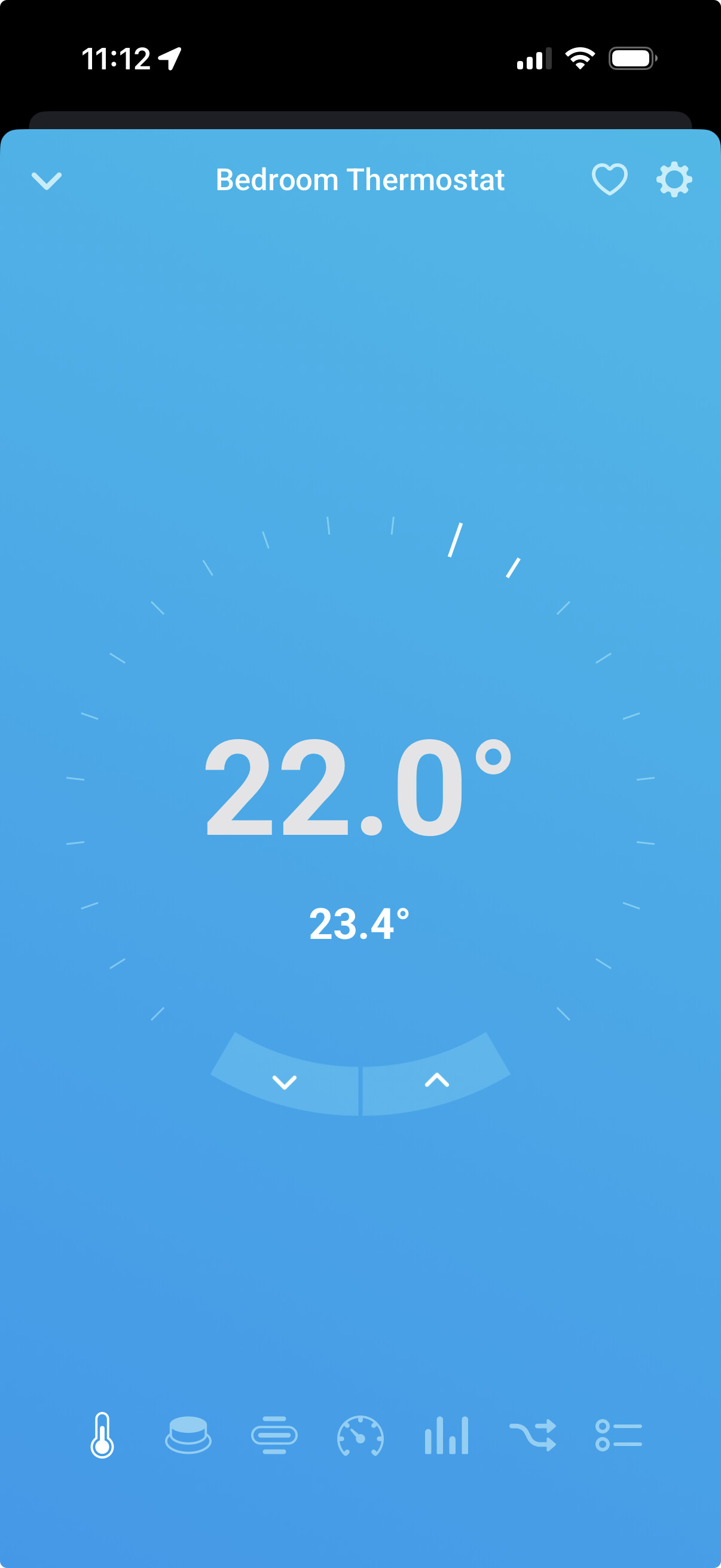
Anyone else notice that thermostats are a bit “funky” - it picks up the room temperature and displays it as a sensor … as “temperature (2)”
Instead as part of the thermostat capabilities …
None of the other thermostat capabilities (set temp) work either …
- what’s odd is I’m sharing it between two homeys so I would expect it to work …

Verses the og device
I’ve stopped using the app for now, as it lost its room association in Apple Home after a while. Anyone else experienced this?
Back to HomeyKittey
This is an issue with HomeKit in general, also with HomeKitty (but less so than the Matter bridge).
What happens is this:
- iOS connects to the bridge (either Matter or native HomeKit, like HomeKitty)
- The bridge presents a list of devices
- If that list doesn’t contain all the devices that you have previously assigned to a room, those devices are basically deleted
- When the bridge eventually presents such devices, iOS thinks they are new and assigns them to the Default Room.
Especially after a Homey reboot, when not all apps have started yet so not all Homey devices are ready, HomeKitty delays starting up the bridge to prevent this from happening, but it’s not foolproof.
I understood from a link above. That.. .. stinks. One would almost keep like a shadow list.

I finally got this app working but occupancy sensors (Aqara FP300’s) are not showing up to be published
