Could this workaround work for detecting Ajax alarm disarm/arm?

I have an Ajax Systems alarm installation. Very happy with it, except the fact that it does not offer an API to connect to other systems.

It does however offer a smart plug that can be turned on or off depending on the armed mode. I am thinking about creating a workaround with that to let Homey know when the alarm is armed and unarmed.

My idea would be buying an Ajax smart plug and turning it on when the alarm is armed. The question is, what kind of smart device can I best plug in to that, to make the trigger to homey? Another smart plug? Any better or more creative ideas?

My INNR smart plugs have triggers called ‘turned on’ and ‘turned off’. So no need to plug in another device for that, I guess?

That could work, but I would have to check whether the INNR smart plug would trigger “turned on” the moment it gets power (from the AJAX smart plug). I can imagine it only triggers when the button on the plug is pressed or when you enable it in the Homey app. But worth a shot!

Hi,

You can now with the SIA DC09 app

Niels

Hi Niels, that looks promising! Will give it a try soon, thanks!

Hi,

The installation instruction is on the app page in the store, but I have made a detailed instruction:

First you must get the ipaddress from you homey. Go to Setting → General → About:

Settings

Settings1179×2556 196 KB

General

General1179×2556 195 KB

About

About1179×2556 197 KB

At connectivity you see the Wi-Fi ip address. Same for the LAN ip address if you use ethernet.

Ajax app:
1 Alarm channel: Wi-Fi on or if you use LAN turn on ethernet

2 Primairy address:The ip address from homey

3 Port: 18000

4 ping-interval: 1 minute

5 Turn on “Make connection on request“

6 Objectnumber: 000

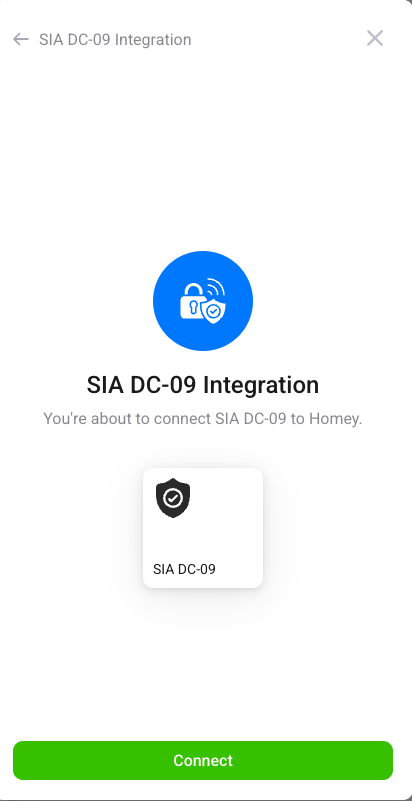
Go to Homey en add a SIA DC-09 device:

Screenshot 2025-10-08 at 06.25.59

Screenshot 2025-10-08 at 06.25.59752×487 15.3 KB

Screenshot 2025-10-08 at 06.26.07

Screenshot 2025-10-08 at 06.26.07412×801 18.1 KB

Screenshot 2025-10-08 at 06.26.25

Screenshot 2025-10-08 at 06.26.25421×697 17.7 KB

1 Set objectnumber: 000

2 Portnumber: 18000

3 continue

4 turn off or on the alarm and the state is changed from unknown to armed / disarmed

Niels

Hi Niels,

It works perfectly here too. Just one question/user request. Is it possible to separate the name in Homey from the object number?

In this way, that the interface with the alarm system continues working, but I can still change the device name in Homey. Now, it currently shows as 000 instead of AJAX Alarm.

Hi Paul,

If you right on the alarm you can rename the device. The default name is the objectnumber but can be renamed by the rename option or settings page.

Niels

Thnx, Niels, now it works fine. :partying_face: