I’ve found some issues with the Best Buy Guides. I checked all of them, every product in those lists for Homey Cloud/Bridge/Pro compatibility and found multiple incorrect compatibility listings. I don’t know where I should report these (Athom Support likely won’t be able to modify those either). Therefore, I’m listing them here in the Ideas & Suggestions category.
Nous Water Sensor E4: Homey Bridge tag is missing, while it is supported according to the Nous app.
Tado Smart AC Control: according to the Tado app, this device is supported on Homey Cloud as well. Also, AFAIK Tado doesn’t require a subscription for Homey integration (my Tado V3 thermostat doesn’t, at least)
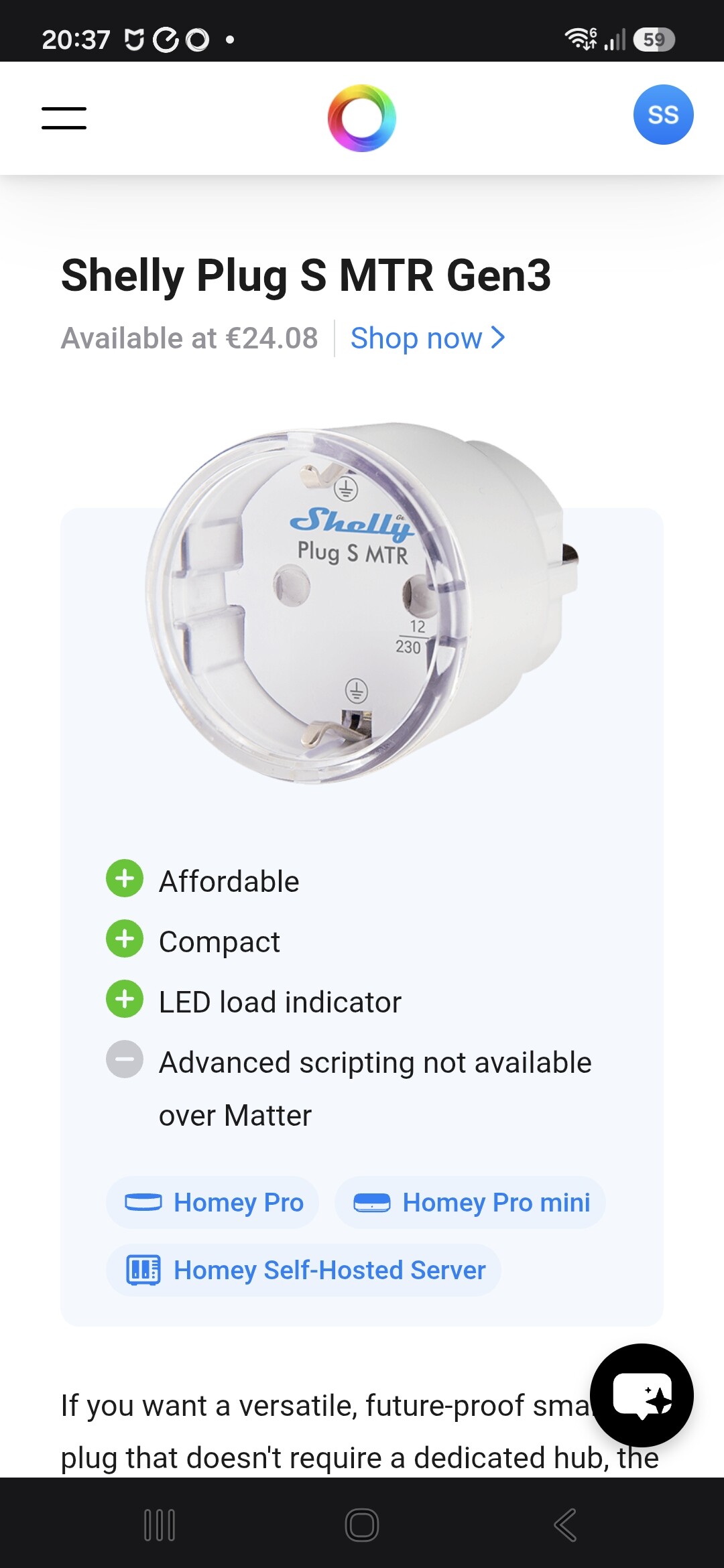
Shelly Plug S MTR: Should be supported on Homey Cloud by the Shelly app, since AFAIK Shelly devices use multi-protocol (either Matter, ZigBee or WiFi/Cloud)
Aqara Climate Sensor: it mentions “Support whether you use a Homey Bridge or a Homey Pro“, but the official Aqara app does not yet support this device in Zigbee mode. This makes it impossbile to add it to Homey Bridge/Homey Cloud.
Thank you so much for taking the time to compile such a detailed list.
This is very helpful and exactly the kind of community feedback we value to keep these guides accurate.
We definitely acknowledge these mistakes. We are only human, and with the library of supported devices growing so rapidly, some “Works with” tagging errors unfortunately slipped through the cracks. Additionally, several apps have been updated or overhauled since the guides were released, which accounts for some of the visible discrepancies. Changes we should have caught anyway. I appreciate the fresh set of eyes from users like yourself, as it helps ensure these guides remain a reliable resource for the entire community.
We’ve already gone over each point you raised and made corrections where applicable.
Everything should now be properly tagged, explained, and brought up to speed.
You will also be happy to learn that we are developing a new, more robust tagging system.
With the expansion of the hardware lineup, some devices fall into unique categories (e.g., working with Homey Pro but not the Homey Pro mini due to Z-Wave requirements). This means a simple “Homey Pro” tag is no longer sufficient. And than we have Homey SHS to account for too
Once this new system is live, every entry will be re-checked, verified and tagged properly.
In the meantime, if you have other suggestions, please feel free send me a DM so I can fix them promptly.
In the Smart Ceiling Lights guide, the WiZ Rune ceiling light is listed. This light does support Homey Cloud, since it works with the regular WiZ app as well. It seems that the guide mentions that it’s a Matter device, and while that is true, it also supports the regular WiZ app, which means that it can be added to Homey Cloud and older Homey Pro models as well. Also, there’s a type in “Below average lifespan”.
Thank you for your feedback, again!
I went over the devices you listed and made corrections.
As you already saw, we implemented the new compatibility tagging system.
It now includes all Homey platforms and can handle edges cases properly (like Homey Bridge requirements and Matter-over-Thread on Homey Self-Hosted Server).
As most Best Buy Guides were created before Pro mini and Homey Self-Hosted Server were released, we needed to re-check and re-tag every single entry in the BBGs. I believe we are 99.9% correct now, but obviously human mistakes are always possible.
Thanks for your keen eye in catching them.
If you happen to encounter any more, please share them.
Also, the best buy guide for smoke detectors mentions that the HeatIt Z-Smoke Multisensor’s sensors (motion, smoke and temperature) all trigger the alarm:
That would be strange if the motion sensor would also trigger the siren, so I looked up the behaviour and found this:
This product page implies that those features are optional, and don’t always trigger the alarm by default. Might be worth mentioning on the Best Buy guide that those don’t trigger the alarm by default.