Hello again
Thank you so much !!!
I managed to transfer all the devices to to Smart life app and to homey🙏🏼
There is just a ceiling fan with light which I couldn’t transfer in that way but that’s ok.
Thanks again Sven 
Hello again
Thank you so much !!!
I managed to transfer all the devices to to Smart life app and to homey🙏🏼
There is just a ceiling fan with light which I couldn’t transfer in that way but that’s ok.
Thanks again Sven
That’s strange, it should be possible. But maybe you can try to manually reset it? What type of device is it (wifi, BLE, zigbee)? And did the light start flashing when you disconnected it? Was it connected to the Tuya app (online) when you reset it?
Also, if you removed the device while it was offline, all you have to do is bring it online to the last connected/known WiFi network, and it will automatically receive the reset command from Tuya as soon as you bring it online, so then you can start the pairing in the Smart Life app.
Just tested with an LSC light, and it does indeed connect to the Smart Life app. You can also link other Tuya-based apps to Homey, as long as they show the User Code and have a QR scanner option (doesn’t necessarily need to be Tuya or Smart Life apps).
I also did another check: if you delete your Home in a Tuya-based app, it will also disconnect all devices that were inside of that Home. Make sure all devices are online before doing this.
To remove your Home, go to the “Me“ tab, click on “Home Management“, click on your Home and then click on Remove. If you have any family members’ accounts added to the app, you need to remove those from your Home first.
I have started using the Tuya cloud app for my WT198 thermostat (WiFi version). I’ve noticed the actual room temperature (measured value) doesn’t update in the Homey Tuya cloud app until i open my Tuya Smart Life iPhone app and select the WT198 icon.
This refreshes the measured value and then only this action will update the Homey Tuya cloud app.
i’ve noticed this also happens within the latest Tuya (experimental) app.
I am starting to think this might have to do with the WiFi version of my thermostat instead of the Zigbee version? What might cause the lack of refreshing the temperature?
Does the thermostat report the temperature correctly in the Tuya/Smart Life mobile app? Also, the temperature will only be updated in Homey if it’s different from the previous value
Fan working now as well 
You made my day 
Yes, the Tuya Smart Life mobile app works like a charm. The Homey Tuya cloud app for instance shows a room temperature of 19.6 while i know the setpoint has been changed to 21 a while ago.
Each time when i open the Tuya Smart Life mobile app i see the temperature increasing. This value only shows up on my Homey Tuya cloud app after opening the mobile app
That’s strange, it must be an issue with the app then.
I will try to publish a full guide with screenshots for migrating Tuya-based apps in the Tutorials category tomorrow
As I understand it, the news?!
After restarting apps, comes to life, you don’t need to scan the QR code.
For me it doesn’t come back after restarting the app. In fact, it actually stops working after a restart (I have to re-pair the devices)
This happened to me with an older (test) version.
Correct. (Now it’s the same for me.)
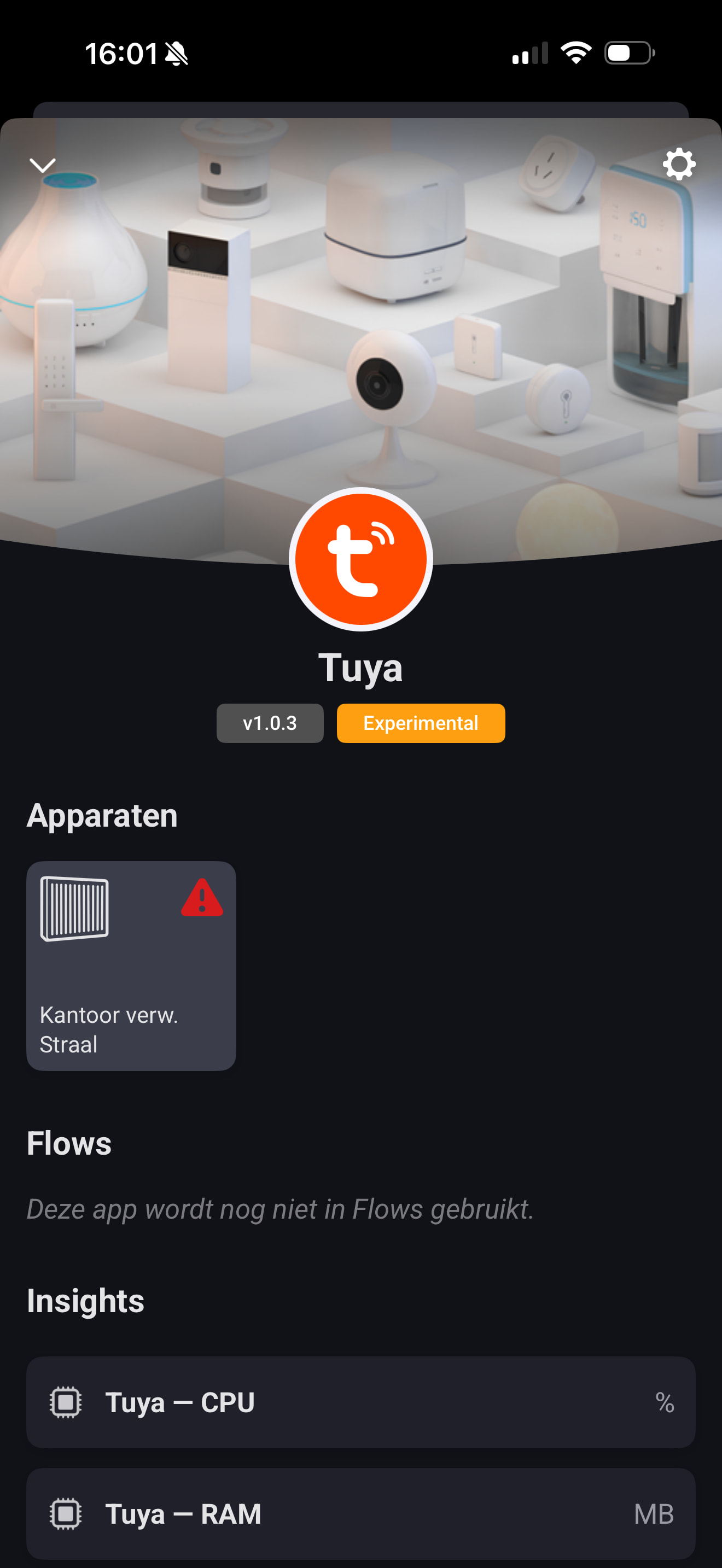
A new version has just been submitted (version 1.0.3), which should resolve the token and update issue that has been mentioned here. If you do experience problems, make sure to shoot us an email using the support address as noted in the store: only through that channel we can provide you with adequate support!
A remark for the fan users: we have updated the implementation to use modern Homey capabilities where possible, but that can mean that you might need to re-add your fan to Homey to be able to control it again. We did not add an automated migration as the app has not yet left testing yet.
Edit: It has just been published and made generally available!
That is to be expected, a single renew is required after installing the 1.0.3 update. But that should be it, unless your Homey has been offline for longer than the authentication token is valid for.
Super
repaired and a was able to restart the app without loosing the connection again 

Hi, kinda new here. But I have a Create ceiling fan in my Tuya app and it works there perfectly. Now I’ve connected the Tuya app with Homey, added the fan to Homey with succes, but somehow can’t control it. Getting a “[2001] 2001” error. Am I doing something wrong or is that the expected behaviour?