App Store - not working apps - remove

Hello everyone,

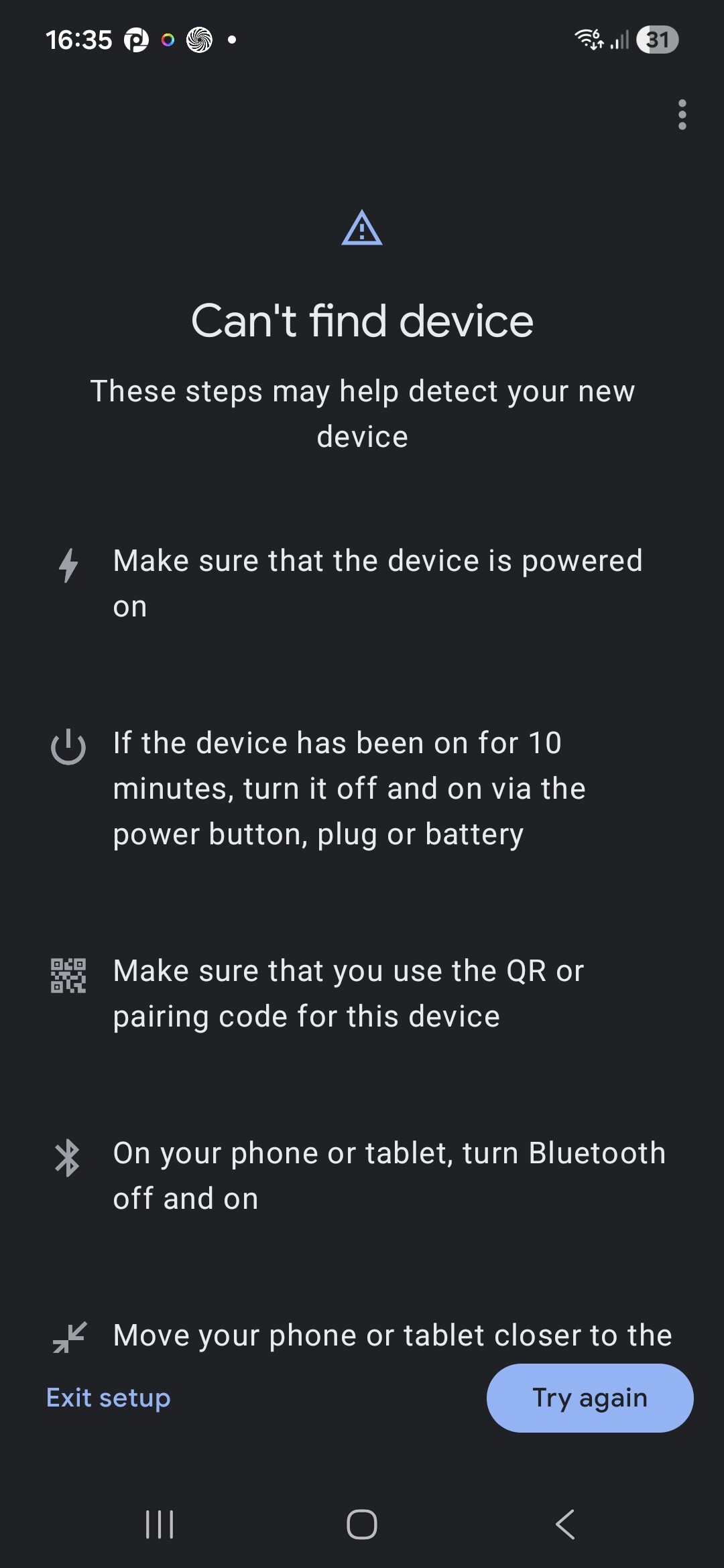
I came across an app in the App Store that no longer works: Panasonic Comfort Cloud. Similar apps on other platforms have stopped working as well, apparently because Panasonic changed its authentication process.

This made me wonder: is there any kind of “request for removal” process for apps that are clearly broken or no longer maintained? I don’t mean an automatic removal, but rather something like:

  • a notification or request sent to the developer, and

  • if there is no response or fix within, say, two or three months, the app is then removed.

The goal would simply be to keep the App Store cleaner and avoid confusing users with non-functional apps.

Does such a mechanism already exist, or would this need to be submitted as a feature request?

or no longer maintained?

1 What do you consider ‘no longer maintained’ ?

2 ‘no longer maintained’ doesn’t mean it’s not working

3 Will installed apps still work if removed from the store ?

By ‘just removing’ an app you might create mayhem for ppl still using an app.

3 Likes

Good questions — let me clarify what I meant.

Point 1 & 2: In this context, “not maintained” means not working anymore. If an app is still working, there should obviously be no removal request. That’s exactly why I’m talking about a removal request, not an automatic removal. Such a request should first notify the developer and give them the opportunity to respond or fix the issue. In the best case, the developer reacts and the request is stopped.

Point 3: I’m explicitly referring to apps that no longer work at all. In the case of the Panasonic Comfort Cloud app, Panasonic changed the authentication process, and as a result the API no longer works. This means the app cannot connect to the cloud anymore and all users will inevitably get errors, regardless of their setup.

Additionally, this app has not been maintained for around two years, which makes it unlikely that the developer would respond to or act on a removal request. The goal is not to create problems for users of working apps, but to handle cases where an app is fundamentally broken and very unlikely to be fixed.

Alternatively, an app could be flagged as “Reported as no longer working”. (After alt least 5 different users pushing on the request button) The developer would then have the possibility to respond and remove the flag by confirming maintenance or fixing the issue.

If an app remains flagged and unaddressed for a defined period (for example, six months), it could then be removed from the App Store. This would keep the store clean while still giving developers sufficient time and control to react.

The issue is that, if an app is removed, its app ID can be claimed by another developer, and since most users will auto update to a higher version, the users get updated to a completely different app.

I think “delisting” would be better in that case: the app page still exists, but it’s no longer shown in the app store search results. This way, the app can only be updated by the official developer. This is the same as what they’ve done with the old Tuya app.

I also think that it’s bad to have a button that deletes/delists apps after X times pressing from users. I mean: what if the cloud service that it’s integrating has a temporary outage? The users will almost certainly just report the app and then it would get deleted unnecessarily.

If such a feature would be added, it should require manual review by Athom before it’s actually delisted.

Some apps work for some people and not for others. They crash on one system but not on another. This may have to do with combinations of apps.

If someone buys a new Homey and wants to start over and download the app again, they can’t find it because many people say that the app no longer works. Even though it works fine with their combination. So even if an app is no longer supported, leave it in the app store.
There you can also find out if it has been updated recently.

That may be true for some apps. However, in the case of Comfort Cloud, the situation is different. The app no longer works because the backend access was closed by the manufacturer. In fact, it was never an official API but a reverse-engineered access that Panasonic later shut down for “security” reasons.

As a result, the Comfort Cloud integrations stopped working not only here, but also on Hubitat and several other platforms. This is not a user-specific issue or a partial compatibility problem — the app simply cannot function anymore.

My idea is therefore not about removing apps that only fail in certain setups. It’s about a process that first contacts the developer. In this case, the chances are quite high that the developer has either abandoned the project or is no longer active. If that’s not the case, the developer can of course respond and stop the process.

For comparison: I recently tried to connect some Tuya smart plugs and failed as well — but I would never suggest removing the Tuya app from the store, because it clearly still works for many devices and users. Here, however, we are talking about a very specific app tied to a specific product, with no compatible devices left that can actually use it.

That’s the distinction I’m trying to make.

You likely installed the old (delisted) Tuya app. There’s a new (working) version:

First try to contact the developer,
Then look if the code is available and you or another developer van fix and ask to get the App transfered if the original developer doesn’t respond.
Finally: Contact Support

When you need direct support from Athom please visit Homey Support for our new help center.

This post already links to an alternative app, and all posts in this thread effectively show that the original app no longer works. My question was simply a question and a suggestion, nothing more.

If this topic is not considered important or relevant for the community, that’s perfectly fine for me.

Thanks for pointing that out, but it was actually that app I installed. That said, Tuya devices can be a bit capricious at times. I tried three cheap Chinese plugs — they pair fine with Hubitat, but not with Homey, neither via the app nor when trying plain Zigbee pairing.

In any case, it’s not a big deal :wink:

You need a Tuya ZigBee or MultiMode gateway for those devices.

Or you can use the Tuya ZigBee app, if your device is supported there.

They work fine with Hubitat just pairing them over Zigbee and selecting the generic smart plug driver

Have you tried adding them via Add → ZigBee in Homey? That’s Homey’s generic ZigBee implementation.

That’s what I wrote:

1 Like

Verry specific app, exactly that’s why I’m not in favour for a general ‘let’s remove all possibly not working apps when the developer doesn’t repond’ kind of action.

You can never know if and app somehow does seem to work, in some tweaked way, at someones house, somewhere in this world.

Remember the ‘Loops’ app (I think it was, I don’t use it), iet got removed and ppl’s flows started failing…

Just don’t remove any apps if you can’t oversee the consequenses of your actions… Just so the ‘App store looks clean’ is, imho, a bad reason..

Yes in that case you need a Tuya ZigBee or MultiMode gateway. You can add the devices to the gateway and then to Homey using the Tuya app.

They can also delist apps, this was done with the old official Tuya app. Tuya disabled access for new users and the app got delisted (likely to prevent confusion). The app was still there, but no longer visible in the search results for the App Store (only via a direct link)

They have created a new official Tuya app with a new app ID now (com.tuya2)

1 Like

I really appreciate your efforts, but those three plugs are from a very old stock and I don’t actually plan to use Tuya anymore. My current focus is clearly on Matter over Thread — though not necessarily directly through Homey.

I’m running a very stable Apple Home setup with five redundant Thread Border Routers, which has been rock solid. My plan is to pair my remaining 6–8 Zigbee devices and around 6–8 Wi-Fi devices (mostly Shelly) with Hubitat, then expose them to Homey via the Matter bridge. In parallel, my larger set of Matter devices is already connected to Apple Home and will be shared step by step with Homey using Matter multi-admin.

My initial tests were a bit disappointing, but since yesterday everything has been behaving very reliably. That gives me enough confidence to move forward with this approach.

For me the Matter standard simply doesn’t work stable enough, that’s why I prefer ZigBee, LAN and Cloud-based devices. Besides that, my older Homey Pro doesn’t support Matter so even if I wanted to use it within Homey, I’d need to use eWeLink CUBE or another bridge for it anyway.

Have you experienced the issue where the devices can’t be found with Matter?

I get this for every Matter device that I try to connect with Homey SHS. With eWeLink CUBE, some devices do connect correctly though, but they go offline often.

You might be in the wrong ecosystem.

I’m coming from Hubitat, and while I respect the platform, their Matter implementation feels late and, for me, somewhat awkward. About a year ago I decided to migrate from Hubitat to Apple Home.

Today I’m running 2 Apple TVs, 2 HomePods and 1 HomePod mini, all acting as Thread Border Routers within the same Thread fabric. If one device fails (even when physically unplugged), another one takes over seamlessly, without any user interaction. In my setup, the Thread network is rock solid.

Regarding Matter, I only use certified devices from vendors like Bosch, Eve, IKEA, and a few others. I did encounter some pairing issues initially, but those were mostly caused by poor or unclear documentation, not by Matter itself.

A good example is the Bosch TRV [+M]. It can be paired either:

  • via Zigbee to the Bosch controller (green LED), or

  • as Matter over Thread to a Border Router (blue LED).

That sounds simple, but I had to search for quite a while to understand that the initial pairing requires a deep pairing mode: pressing and holding the button until it blinks blue, then pressing it once again. Once I did that, it worked flawlessly.

Apart from that, pairing is straightforward: scan the QR code, name the device, select a room — done. Once paired, the devices have been very reliable for me.

Apple Home may look limited at first glance, but once you understand the right approach and use the right companion apps, it becomes quite powerful. Not as powerful as Homey, and not as flexible as Advanced Flows — but more than good enough for daily use.

For lighting, I rely on Philips Hue. My goal with Homey is therefore to sit on top, integrating Apple Home and Hue devices to enable more advanced automations, while still keeping a fallback: if Homey fails, the smart home may be slightly degraded, but it remains fully functional.