New pairing code needed
How do I do that from the web app?
@Patrick_Van_Deursen that message is from the device.
I meant the crashed icon you see when the app crashed. As seen in the screenshot you share earlier
@Patrick_Van_Deursen that has nothing to do with the WhatsApp app. https://support.homey.app/hc/en-us/articles/7257933460764-Understanding-the-LED-Ring-of-Homey-Pro-Early-2023
It only happens when trying to repair the WhatsApp app…
Sorry @martijnpoppen , a bit lost at the moment. Not sure where to look
@Patrick_Van_Deursen please try a repair via the homey webapp and see if that works
@Patrick_Van_Deursen right mouse click on the device tile in the devices view
@Patrick_Van_Deursen strange. Can you send a new report? It didn’t crash right?
4aa96a94-38cc-4cee-bb3d-974567646787
Not cashed since trying through the Webb indeed
@Patrick_Van_Deursen the app did crash a couple of times. It has to low memory and therefore it crashes
Not sure if you have memory left on your homey but it seems like it can’t handle this app at the moment
@Patrick_Van_Deursen strange. The WhatsApp app is quite heavy
I think only option left is to uninstall the app and install again hoping that would clear all data and resolves the issue…
Oke, will try that this week when I have some time. First need to screenshot my flows with whatsapp in there so I don’t loose it.
Thanks. Will get back here it it solves it (also if it doesn’t😉)
@Patrick_Van_Deursen for fixing your flows there’s a script: [HOW-TO][Pro][Cloud] - Tool to FIX (advanced) flows after removing and re-adding devices
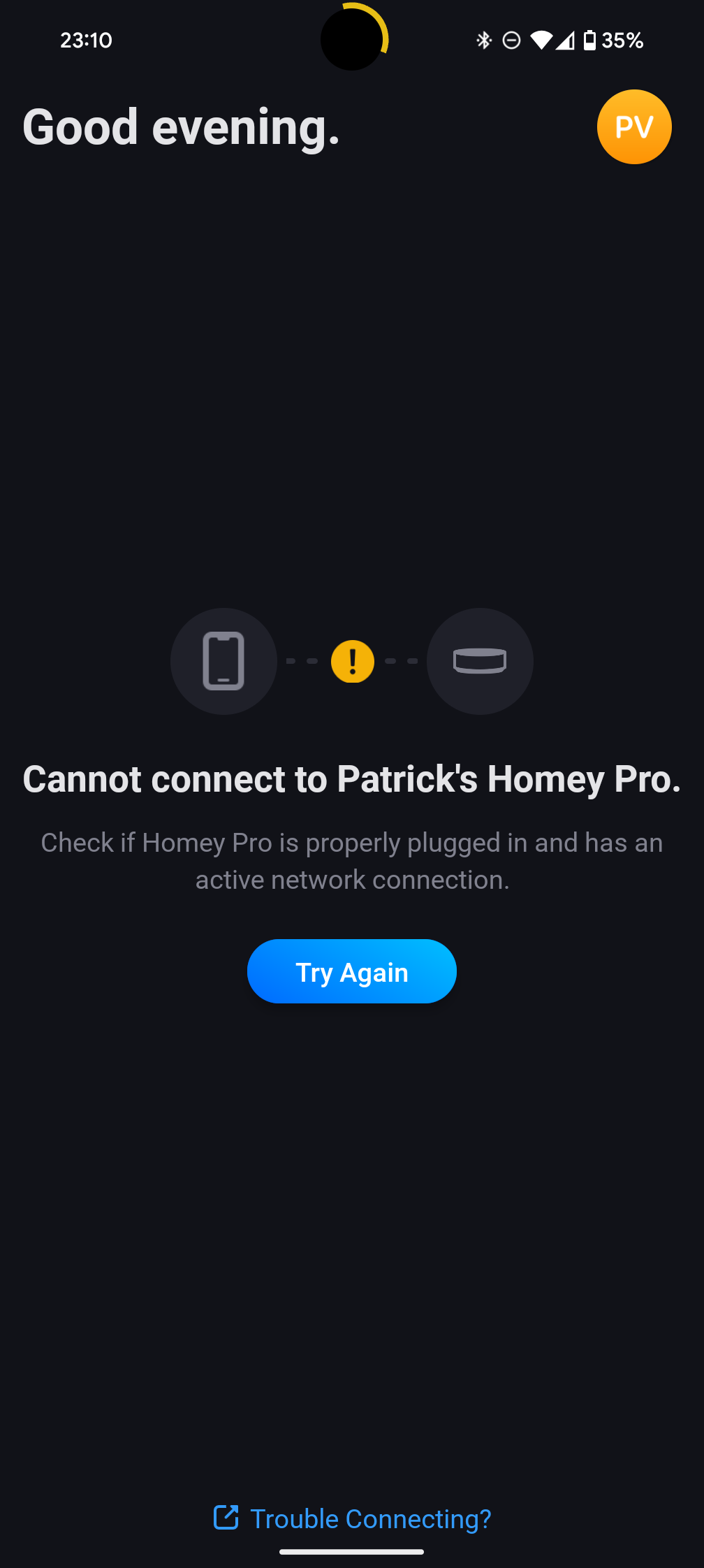
By the way, related or not, homey android app also does not respond very fluid. Sometimes have to wait multiple seconds between screens.
Could be a wider homey issue or a different app taking resources.
Hopefully that gets solved as well with a deinstall and install of this app.
I faced exactly the same issue when I moved to a new iPhone 
I had to activate whatsApp on my new phone, so I also had to update the device on Homey (HP23).
Each time I tried “repair” option Homey crashed immediately…instant red ring (!!)
I tried both app and webinterface a few times but same happened over and over.
After a few crashes I deleted the device and created a new entry…
Thanks for that note. gives me the push to do the change this weekend!
So deleted Whatsapp. Restarted homey, re-installed whatsapp, and added a new device, filled in the code, the next screen on my homey remains a loading sign and that never ends…
Oke, doing it through the webapp iso through the android app does work.