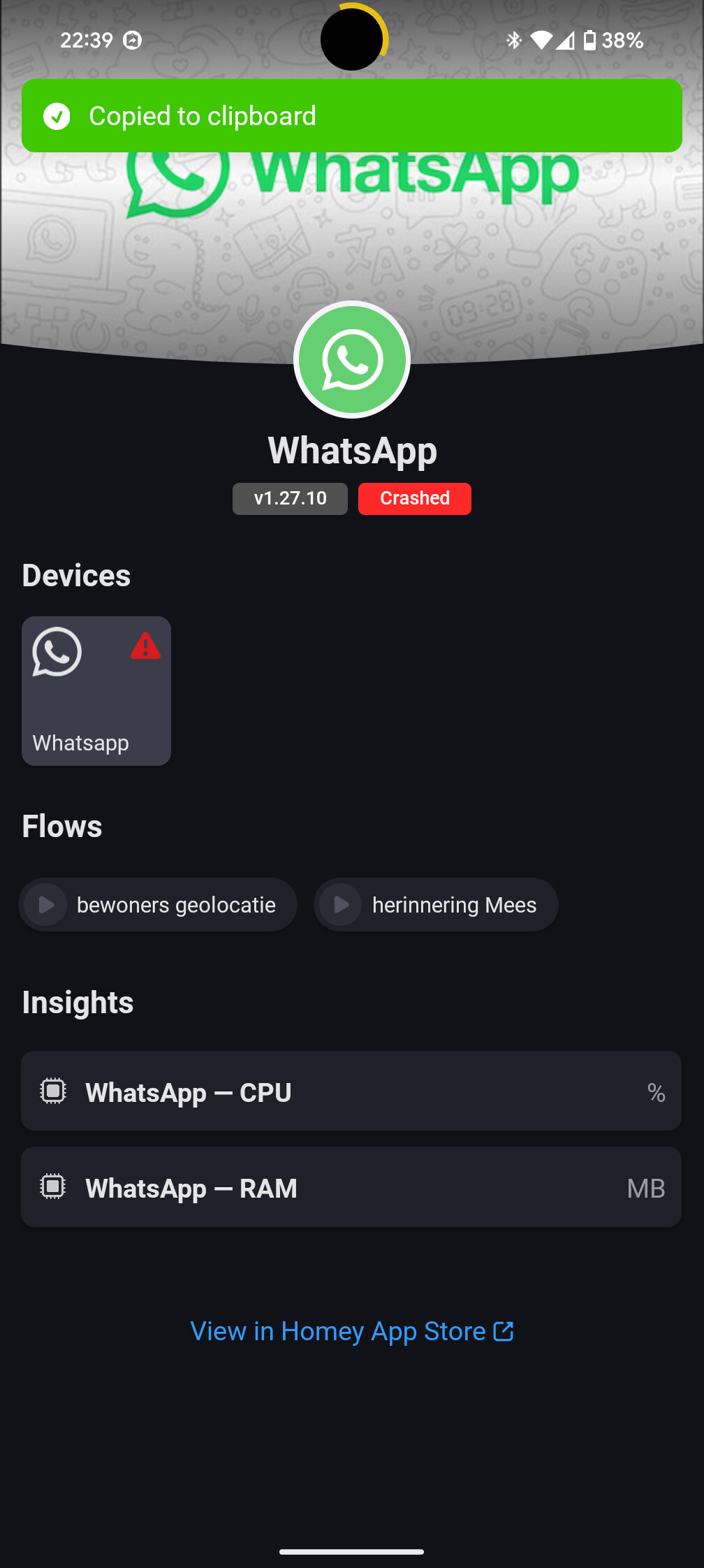
Thank you. I tried restarting Homey, but it was still not working. So I uninstalled the app and reinstalled it. Now it works. It’s going to take a while to relink all my flows, but it’s working!
Thank you for your great work!
Thank you. I tried restarting Homey, but it was still not working. So I uninstalled the app and reinstalled it. Now it works. It’s going to take a while to relink all my flows, but it’s working!
Thank you for your great work!
@MozartSailor nice!
Btw a repair of the device would probably have helped as well . That keeps your flows
But for fixing your flows there’s a script: [HOW-TO][Pro][Cloud] - Tool to FIX (advanced) flows after removing and re-adding devices
Hi Martijn,
just freshly started with your app today.
regretfully the “Een nieuw bericht is ontvangen” trigger does hpwever not work.
I made a group with my business phone as connected device, and created a group to which my private phone is connected.
Sending messages works as expected, no trigger is created however.
Can this be solved? Receiving messages is why i installed the app in the first place as it seems to be the only way you can influence a flow by answering to it.
Thanks in advance!
@Ronald_B with which device do you send the messages to the connected device in homey
Please note that sending a message to your self will not create a notification (just like normal WhatsApp)
Hi @martijnpoppen, i have exactly the same problem as @TMS_TMS is / was having. Send you a error report 9a1486c8-826c-4110-baa8-7d69893c5f3e.
Every thing was working until yesterdag. Sending text no problem, sending picture notting.
@Rogier_P I’m not sure which issues you’re talking about. But i see that my conversation with TMS was a year ago, so that doesn’t seem relevant anymore.
Please explain what your issue is
edit: in the logs i see that the image you’re trying to send is not available locally on the Homey and therefor can’t be fetched. What kind of image is this?
@martijnpoppen The image is a snapshot via ONVIF Camera. If i test the flow i can move my mouse over the image tag and it shows the image. Strang thing is that this worked almost 3 months.
@Rogier_P Strange, there’s not localUrl in the image tag, so whatsapp can’t do anything with it. Cloudurl is not possible because it’s inaccessible from the app code.
So not sure if there was a change in the Onvif app, but there’s not much i can do to resolve it
@martijnpoppen is i do the same with the Push message from Homey i get a picture.
@Rogier_P I understand, but the push message from Homey works completely different from this Whatsapp integration.
As said the app can’t reach the image. There’s nothing i can do to change that
@martijnpoppen I did a manual reboot of the Homey and now it;s working again. Confused but happy.
@Rogier_P nice! 
@Patrick_Van_Deursen please send a diagnostic report
1638b7f5-da08-437d-a97a-12d9425874bc
It also asks to for a new pairing code.
@Patrick_Van_Deursen not much to see in the report
Can you try to repair and send a new report
Did you already try a homey restart?
b8641090-fb68-4289-b524-a29e40caf3d8
@Patrick_Van_Deursen the report is looking good
Can you click the red crashed icon and share that message?
And can you try a repair via homey webapp