wonderful!
When you have problems ask again. There are many people ready to help and most of them know Homey much better than me. 

Is anyone in Australia using this Homey App? I’ve got it working but the data seems quite wrong. For instance it’s 19 degrees currently but this says 14.2. Also the cloud cover has been 100% for a couple days and it’s been super sunny. I’ve tried a few locations around my area and even the closest capital city (Melbourne) but its just not accurate.
Use this website to check it. I only use the data that is provied from open-meteo.
If it’s wrong, then please contact open-meteo.
I just checked it via google. it both said 14°c
LS,
If I’m correct in the API documentation Daylight / Sunshine duration are documented for forcast usage.
In contrast to all the other options, I don’t see this in the selections in your app.
Can you add these posibilities to the app? Then you make me A verry happy user of your App.
Kind recards,
M van Barneveld.
Hello everyone,
Until recently I created 7 devices for the weather (current day, +1 to +6) and they were all displayed. For a week now, only 5 have been displayed, and from the sixth onwards the device is offline with an error message. I cannot repair it or create a new one. Always the same. Does anyone have any ideas?
best regards
Pierre

are there any how-to information to set this up
thanks
thanks, I worked out that much, but I kept getting either an error “11” or “14” or “17”
where did I go wrong, all I want is a daily max high and low temperature and condition for the day, in plain text.
Please send a diagnostic report after you had this issue
the error is constant
report number is
44f58adb-0d22-4020-89d4-2a2b807211ee
Hi,
Looking for a solution to get the weather forecast +1 hour:
e.g. at 18:15 the UVI is 5,2
How to get the UVI forecast at 19:15 (18:15 + 1hour) ?
Thanks,
Johan
I can do that. But I will do this then I re-write the setting to VUE since current setup is so annoying to maintain.
Unfortunately, I’m unable to reproduce the error on my end, so I can’t fix it at this point.
I use the app to control the temperature of the hot tub. Since app dont have own AND cards, how can I use a logic rule to check whether the outdoor temperature on the current day is over xx degrees? This affects whether the tub is heated during the night or not. Tanks 
Just use the Logica cards (is lower/equal/greater) and look for the ‘device’ name of your location. There you get all the figures, you can use for your flows.
That works for most apps and properties of their devices.
Have fun
Dirk
Issue that logic card can only check temperature at the moment. I don’t want to warm water in the night when is colder and when the day is going to be hot.
That was not the question, you had. That is just that Open-Meteo does not provide all figures possible.
But depending on the configuration and the weather prognosis service you choose, you can have a lot of figures, like humidity, clouds, solar energy, etc.
What might be interesting for you is minimum and maximum temperature for the day - and with a new ‘device’ for tomorrow. That is not the same as frequent forecast points. It would be great to have something like “current temperature is the highest/lowest of the next n hours”. That is currently not possible with Open-Meteo.
If you can read-out weather websites into a virtual device ( I have no clue about JSON or other possibilities), you can do something similar like PBTH or probably you can misuse PBTH by an alternative source of data. Probably you find enthusiasts, who can do that. Unfortunately I don’t.
Well I mentioned “outdoor temperature on the current day is over xx degrees” which I meant whole day not just that moment but thanks I need to work this because would need this.
So check why you don’t have maximum temperature.
I have a lot of data.


There are more. Unfortunately you have to select all data you need, when you set up the weather ‘device’. If you have not done it, you have to create a new device (and probably delete the old one) to get the data you forgot in the first set-up.
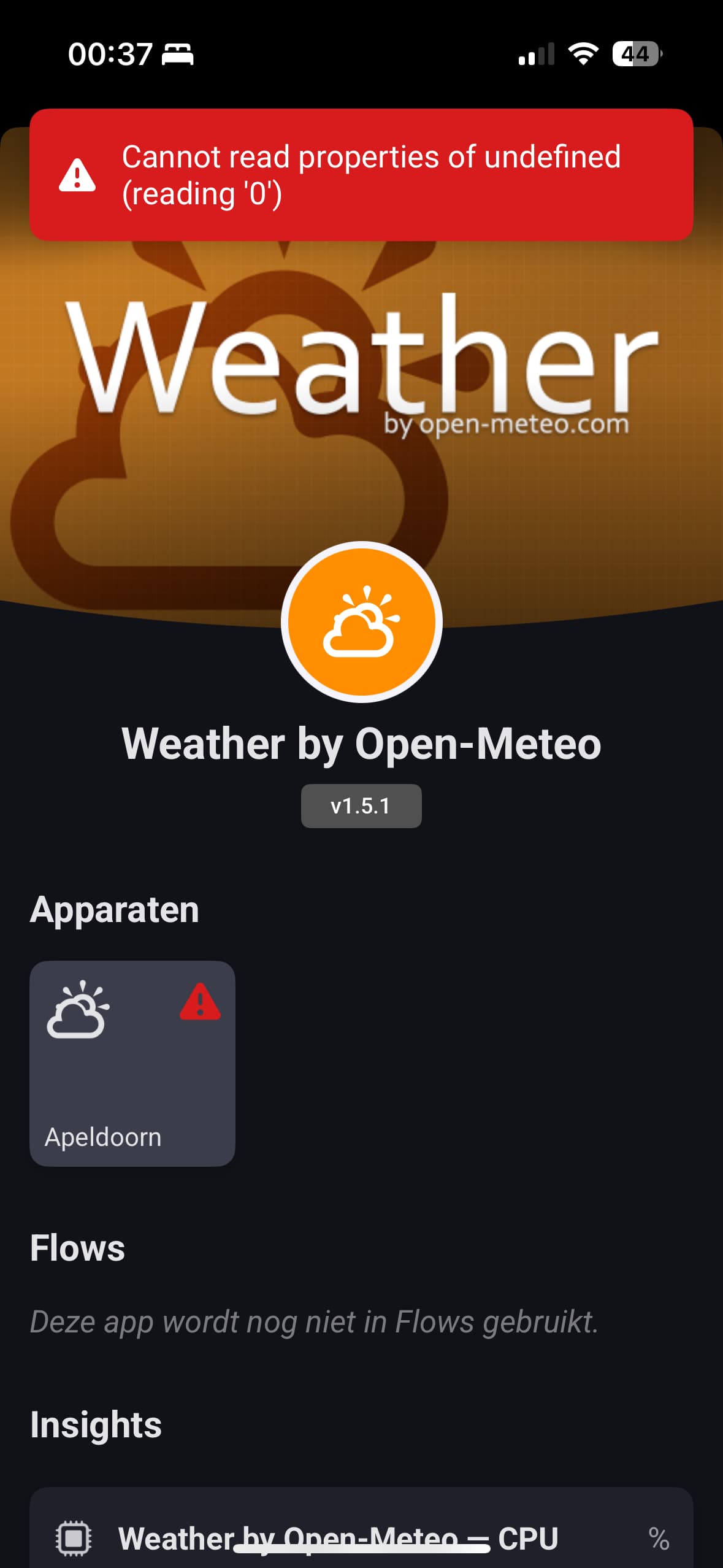
Could you provide steps to reproduce this error?
e.g. Location, selected weather etc…
