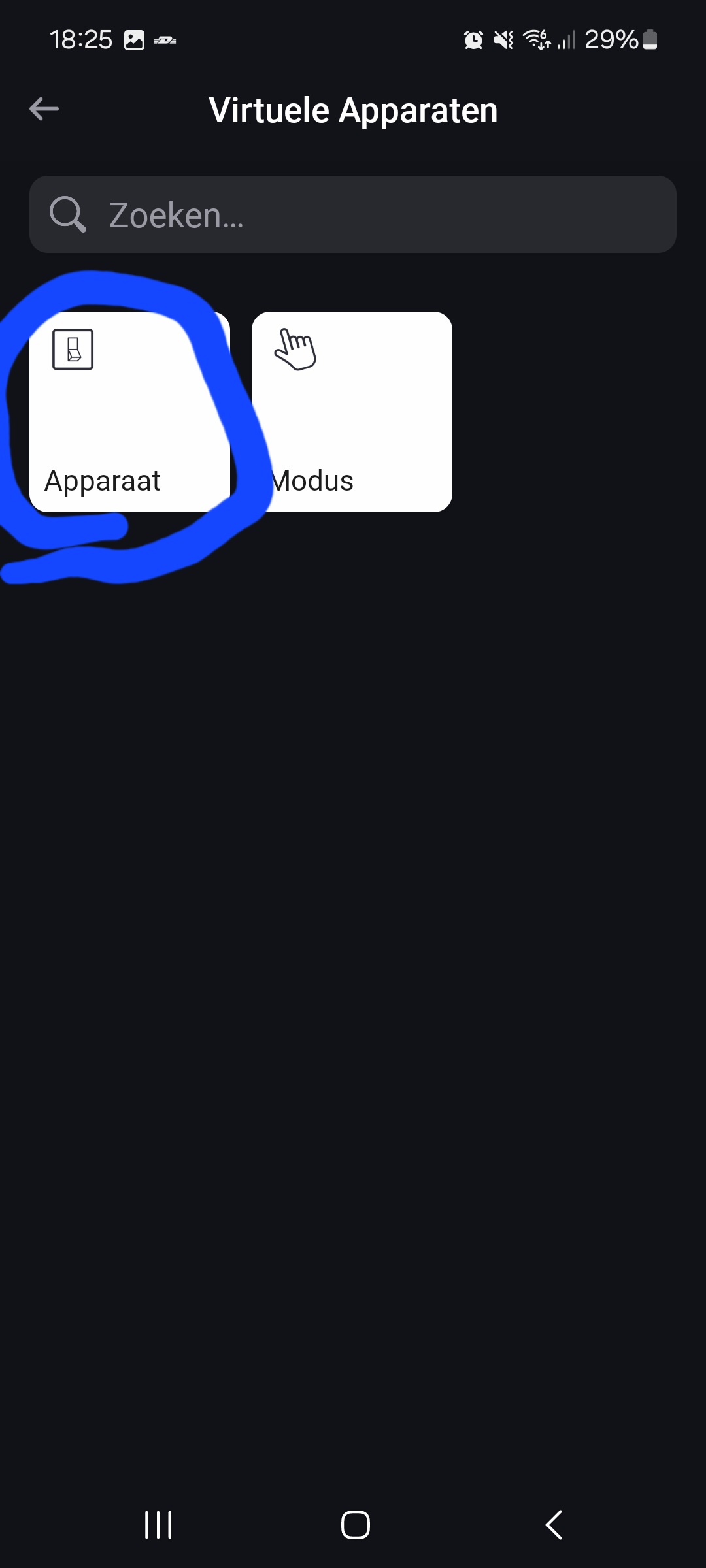
You mean the firmware update broke native Homey virtual devices as well?
The same error appears with advanced virtual device as well
You mean the firmware update broke native Homey virtual devices as well?
The same error appears with advanced virtual device as well
Yes, the exact same for me after the latest update of Homey.
You guys should report to homey.app/support about getting the same error with virtual devices of 2 different apps and those from experiments.
Yes Peter, It broke both my Virtual Devices app buttons and Homey native virtual device buttons. Fault appeared via firmware 12.3.0 a week ago. Making a new virtual devices for a replaceces does not solve the problem. Neither booting Homey.
I have for example an advanced flow where a virtual button is one starter and several physical devices too. All connected with “Any” card. Every physical device (buttons, movement detector etc.) starts the flow fine but virtual device will return such error. Randomly, but just rarely, virtual device may work without issue.
Reported
I have exactly the same problem. When I press long on the virtual device, a button appears. If I press that, everythijg works as expected. But not if I press the tile like I normally would. @Raita_Kallio did you hear enything yet from your report?
Hello,
Thank you for this app!
Is there any plans to add a device class for Home batteries? Energy | Homey Apps SDK
I’m already using this app to create a VD for my solar panels to work with the new Energy tab, but would like to create a sepate device for my battery.
Thank you in advance.
/Alfred
Yes, @Evert_Dirksen the reply was:
“Thank you for reaching out to our support and for bringing this issue to my attention! Our apologies for the inconvenience. This issue has also been reported by other Homey users. Our development team is aware of the situation and they are very busy at the moment to find a solution and to fix this issue”
There was shared a new firmware (12.3.1) 6 days ago and seems the issue has disappeared now 
Hello! Do you plan to add Battery and Power Measure capabilities to be compatible with Homey Energy Tab? I found the solar panel feature very usefull and already compatible
Want to push this too. Would be great to Add all the Classes listed here: Tutorial: Device Classes - Homey Apps SDK v3
Can someone help me with the settings of a virtual device/settings?
I once created a device that only shows power.
I can name it as ‘EV charger’ in a section called ‘plugged in,’ see screenshot.
Now, I want to create a virtual device that registers both power and consumption.
That works fine, but I can’t indicate that this is an EV charger?
What have I missed or done wrong?
You’ll need to use class “socket”, to get the “what’s plugged in” option.
However, with “socket” only power is available, not energy.
You should “upgrade” to the almost unlimited Advanced virtual device (AVD).
This is configurable to your likings:
Set class to Wall plug (= socket):
Add two number fields, one for Power (W) and one for Energy (kWh) measurements:
The “Plugged in” option is available, and you can select “EV charger”:
Extra points: no need for flows to “feed” it!
Just pick the original or master device and capability, and the AVD ‘mirrors’ it right away:
I used device “wasmachine” as original/master:
Thanks for the quick reply. Closed my laptop already, but I will try your example when i have some time left!
Update:
I tried just earlier today. But not with the wanted results.
The ev charge power is that single virtual device. When loading the car is gives the momentary watts.
But as you can see at the top left side. My kWh ev lader doesn’t count.
Also the new device ev-charger keeps saying inactief
So my idea was get a device that had watts en kWh in it. But that doesn’t work. Then both the values don’t get updated in the energy tab.
Any thoughts?
I hope someone has any thoughts about post above.. like to get it working and I’m convinced it can work. But how 
Okay, i am currently implementing all new classes and capabilities.
I am doing this based on the NPM homey-lib, so new classes and capabilties can be update much easier when new ones are available.
However, i am missing the link between classes and their possible capabilities.
Is there any developer has an idea how i can automaticly know which classes are capable to use which capabilities?
@Astrapowerrr, @Peter_Kawa, @gautel and @JayR
I have just update the Virtual Devices app (and its live already).
All available device classes (types) are now available.
Also all available capabilities (properties).
Also, you can now select all possible capabilities when creating a device.
So, like @Peter_Kawa said, when you select a socket, you can only select Power.
Well, now you can also add Energy when picking a socket.
Also, ofc @Astrapowerrr , you can just select EV-Charger now, add Energy and
Power.
Enjoy!
Next i’ll add everything to the Advanced Virtual Device from the Device Capabilities App.
You are the GOAT !
But… the devices will not show up under the energy tab. Is there a capability missing? What about those „this device measures the power of the home“ switch?
Do you mean cumulative?