No, it hasn’t been added. It displayed as Unknown device
Please give me the manufacturer name of this device
You can find it on the device setting on homey app
"manufacturerName": "_TZE204_chbyv06x"
Here was the request Device Request - Zigbee Combustible Gas Detector - _TZE204_chbyv06 / TS0601 · Issue #626 · JohanBendz/com.tuya.zigbee · GitHub
Okay I will check it asap.
Good night
Hello, here’s the information. I tried the interview a few times but didn’t get any results.
Hersteller-ID _TZ3000_yj6k7vfo
Produkt-ID TS0041
fe596300-4461-4797-93f3-0fde22051b4b
Thank you in advance 


have you already tried the app to check if it’s already implemented ?
Thanks for adding
“ Added MOES Scene Switch 4 gang from Johan #1327”
Unfortunately, the device is added now, but don’t work :
- don’t show the action
- In the flow, there is no choice for wich button is pressed or the number of press, only “one button is pressed”, “one button is long pressed”, and it don’t work :

In the supported devices list, there is another “4 button controler” that seems the same design and that offer all the functions. :
MOES :

The other one :


okay i will check asap cyril, could you please also provide me the interview of the moes 4 gang device ?
hi Dylan,
Unfortunately it is still showing “could not get device by id” error. eventhough its still not working i notice one chagne; It does now say default level 33% for dimlevel and 77% for tilt option in the dropdown menu for the cover controller. Eventhough its incorrect and doesnt work accordingly it is a change which I didnt saw before.
Link to post with detailed info
Uninstall the app
Connect and pair it again, the device without any app " generic zigbee " then do an interview with https://tools.developer.homey.app/tools/zigbee
And give the interview result here .
Cordialement
I have started a interview for a while, but it seems to be very long.
I have tried to retire and replace the battery and push all buttons with no success
Is there a solution to force the wake up of the device?
“ids”: {
“modelId”: “TS0041”,
“manufacturerName”: “_TZ3000_yj6k7vfo”
},
“endpoints”: {
“ieeeAddress”: “a4:c1:38:42:c3:33:6a:b4”,
“networkAddress”: 5817,
“modelId”: “TS0041”,
“manufacturerName”: “_TZ3000_yj6k7vfo”,
“endpointDescriptors”: [
{
“status”: “SUCCESS”,
“nwkAddrOfInterest”: 5817,
“_reserved”: 20,
“endpointId”: 1,
“applicationProfileId”: 260,
“applicationDeviceId”: 0,
“applicationDeviceVersion”: 0,
“_reserved1”: 1,
“inputClusters”: [
1,
6,
57344,
0
],
“outputClusters”: [
25,
10
]
},
{
“status”: “SUCCESS”,
“nwkAddrOfInterest”: 5817,
“_reserved”: 14,
“endpointId”: 2,
“applicationProfileId”: 260,
“applicationDeviceId”: 0,
“applicationDeviceVersion”: 0,
“_reserved1”: 1,
“inputClusters”: [
6,
1,
6
],
“outputClusters”: []
},
{
“status”: “SUCCESS”,
“nwkAddrOfInterest”: 5817,
“_reserved”: 14,
“endpointId”: 3,
“applicationProfileId”: 260,
“applicationDeviceId”: 0,
“applicationDeviceVersion”: 0,
“_reserved1”: 1,
“inputClusters”: [
6,
1,
6
],
“outputClusters”: []
},
{
“status”: “SUCCESS”,
“nwkAddrOfInterest”: 5817,
“_reserved”: 14,
“endpointId”: 4,
“applicationProfileId”: 260,
“applicationDeviceId”: 0,
“applicationDeviceVersion”: 0,
“_reserved1”: 1,
“inputClusters”: [
6,
1,
6
],
“outputClusters”: []
}
],
“deviceType”: “enddevice”,
“receiveWhenIdle”: false,
“capabilities”: {
“alternatePANCoordinator”: false,
“deviceType”: false,
“powerSourceMains”: false,
“receiveWhenIdle”: false,
“security”: false,
“allocateAddress”: true
},
“extendedEndpointDescriptors”: {
“1”: {
“clusters”: {
“powerConfiguration”: {
“attributes”: [
{
“acl”: [
“readable”,
“reportable”
],
“id”: 0,
“reportingConfiguration”: {
“status”: “NOT_FOUND”,
“direction”: “reported”
}
},
{
“acl”: [
“readable”,
“reportable”
],
“id”: 32,
“name”: “batteryVoltage”,
“value”: 30,
“reportingConfiguration”: {
“status”: “NOT_FOUND”,
“direction”: “reported”
}
},
{
“acl”: [
“readable”,
“reportable”
],
“id”: 33,
“name”: “batteryPercentageRemaining”,
“value”: 200,
“reportingConfiguration”: {
“status”: “NOT_FOUND”,
“direction”: “reported”
}
},
{
“acl”: [
“readable”,
“reportable”
],
“id”: 65533,
“name”: “clusterRevision”,
“value”: 1,
“reportingConfiguration”: {
“status”: “NOT_FOUND”,
“direction”: “reported”
}
}
]
},
“onOff”: {
“attributes”: [
{
“acl”: [
“readable”,
“reportable”
],
“id”: 0,
“name”: “onOff”,
“value”: false,
“reportingConfiguration”: {
“direction”: “reported”,
“attributeDataType”: 16,
“minInterval”: 60,
“maxInterval”: 600,
“status”: “SUCCESS”
}
}
]
},
“basic”: {
“attributes”: [
{
“acl”: [
“readable”,
“reportable”
],
“id”: 0,
“name”: “zclVersion”,
“value”: 3
},
{
“acl”: [
“readable”,
“reportable”
],
“id”: 1,
“name”: “appVersion”,
“value”: 68
},
{
“acl”: [
“readable”,
“reportable”
],
“id”: 2,
“name”: “stackVersion”,
“value”: 0
},
{
“acl”: [
“readable”,
“reportable”
],
“id”: 3,
“name”: “hwVersion”,
“value”: 1
},
{
“acl”: [
“readable”,
“reportable”
],
“id”: 4,
“name”: “manufacturerName”,
“value”: “_TZ3000_yj6k7vfo”
},
{
“acl”: [
“readable”,
“reportable”
],
“id”: 5,
“name”: “modelId”,
“value”: “TS0041”
},
{
“acl”: [
“readable”,
“reportable”
],
“id”: 6,
“name”: “dateCode”,
“value”: “”
},
{
“acl”: [
“readable”,
“reportable”
],
“id”: 7,
“name”: “powerSource”,
“value”: “battery”
},
{
“acl”: [
“readable”,
“writable”,
“reportable”
],
“id”: 65502
},
{
“acl”: [
“readable”,
“reportable”
],
“id”: 65533,
“name”: “clusterRevision”,
“value”: 2
},
{
“acl”: [
“readable”,
“reportable”
],
“id”: 65534,
“name”: “attributeReportingStatus”,
“value”: “PENDING”
},
{
“acl”: [
“readable”,
“reportable”
],
“id”: 65506
},
{
“acl”: [
“readable”,
“reportable”
],
“id”: 65507
}
]
}
},
“bindings”: {
“ota”: {},
“time”: {
“attributes”: [
{
“acl”: [
“readable”
],
“id”: 65533,
“name”: “clusterRevision”
}
]
}
}
},
“2”: {
“clusters”: {
“onOff”: {},
“powerConfiguration”: {}
},
“bindings”: {}
},
“3”: {
“clusters”: {
“onOff”: {},
“powerConfiguration”: {}
},
“bindings”: {}
},
“4”: {
“clusters”: {
“onOff”: {},
“powerConfiguration”: {}
},
“bindings”: {}
}
}
}
Just waiting sometime an interview can last 1h .

verry stange , pehraps an hidden button to press on the device ?
I have added it to a MOES gateway, and then deleted and re-add to Homey. It works ! :
“ids”: {
“modelId”: “TS0044”,
“manufacturerName”: “_TZ3000_zgyzgdua”
},
“endpoints”: {
“ieeeAddress”: “a4:c1:38:b7:1d:a0:94:53”,
“networkAddress”: 39252,
“modelId”: “TS0044”,
“manufacturerName”: “_TZ3000_zgyzgdua”,
“endpointDescriptors”: [
{
“status”: “SUCCESS”,
“nwkAddrOfInterest”: 39252,
“_reserved”: 20,
“endpointId”: 1,
“applicationProfileId”: 260,
“applicationDeviceId”: 0,
“applicationDeviceVersion”: 0,
“_reserved1”: 1,
“inputClusters”: [
1,
6,
57344,
0
],
“outputClusters”: [
25,
10
]
},
{
“status”: “SUCCESS”,
“nwkAddrOfInterest”: 39252,
“_reserved”: 14,
“endpointId”: 2,
“applicationProfileId”: 260,
“applicationDeviceId”: 0,
“applicationDeviceVersion”: 0,
“_reserved1”: 1,
“inputClusters”: [
6,
1,
6
],
“outputClusters”: []
},
{
“status”: “SUCCESS”,
“nwkAddrOfInterest”: 39252,
“_reserved”: 14,
“endpointId”: 3,
“applicationProfileId”: 260,
“applicationDeviceId”: 0,
“applicationDeviceVersion”: 0,
“_reserved1”: 1,
“inputClusters”: [
6,
1,
6
],
“outputClusters”: []
},
{
“status”: “SUCCESS”,
“nwkAddrOfInterest”: 39252,
“_reserved”: 14,
“endpointId”: 4,
“applicationProfileId”: 260,
“applicationDeviceId”: 0,
“applicationDeviceVersion”: 0,
“_reserved1”: 1,
“inputClusters”: [
6,
1,
6
],
“outputClusters”: []
}
],
“deviceType”: “enddevice”,
“receiveWhenIdle”: false,
“capabilities”: {
“alternatePANCoordinator”: false,
“deviceType”: false,
“powerSourceMains”: false,
“receiveWhenIdle”: false,
“security”: false,
“allocateAddress”: true
},
“extendedEndpointDescriptors”: {
“1”: {
“clusters”: {
“powerConfiguration”: {},
“onOff”: {
“attributes”: [
{
“acl”: [
“readable”,
“reportable”
],
“id”: 0,
“name”: “onOff”,
“value”: false,
“reportingConfiguration”: {
“status”: “NOT_FOUND”,
“direction”: “reported”
}
}
]
},
“basic”: {
“attributes”: [
{
“acl”: [
“readable”,
“reportable”
],
“id”: 0,
“name”: “zclVersion”,
“value”: 3
},
{
“acl”: [
“readable”,
“reportable”
],
“id”: 1,
“name”: “appVersion”,
“value”: 68
},
{
“acl”: [
“readable”,
“reportable”
],
“id”: 2,
“name”: “stackVersion”,
“value”: 0
},
{
“acl”: [
“readable”,
“reportable”
],
“id”: 3,
“name”: “hwVersion”,
“value”: 1
},
{
“acl”: [
“readable”,
“reportable”
],
“id”: 4,
“name”: “manufacturerName”,
“value”: “_TZ3000_zgyzgdua”
},
{
“acl”: [
“readable”,
“reportable”
],
“id”: 5,
“name”: “modelId”,
“value”: “TS0044”
},
{
“acl”: [
“readable”,
“reportable”
],
“id”: 6,
“name”: “dateCode”,
“value”: “”
},
{
“acl”: [
“readable”,
“reportable”
],
“id”: 7,
“name”: “powerSource”,
“value”: “battery”
},
{
“acl”: [
“readable”,
“writable”,
“reportable”
],
“id”: 65502
},
{
“acl”: [
“readable”,
“reportable”
],
“id”: 65533,
“name”: “clusterRevision”,
“value”: 2
},
{
“acl”: [
“readable”,
“reportable”
],
“id”: 65534,
“name”: “attributeReportingStatus”,
“value”: “PENDING”
},
{
“acl”: [
“readable”,
“reportable”
],
“id”: 65506
},
{
“acl”: [
“readable”,
“reportable”
],
“id”: 65507
}
]
}
},
“bindings”: {
“ota”: {},
“time”: {}
}
},
“2”: {
“clusters”: {
“onOff”: {},
“powerConfiguration”: {}
},
“bindings”: {}
},
“3”: {
“clusters”: {
“onOff”: {},
“powerConfiguration”: {}
},
“bindings”: {}
},
“4”: {
“clusters”: {
“onOff”: {},
“powerConfiguration”: {}
},
“bindings”: {}
}
}
}
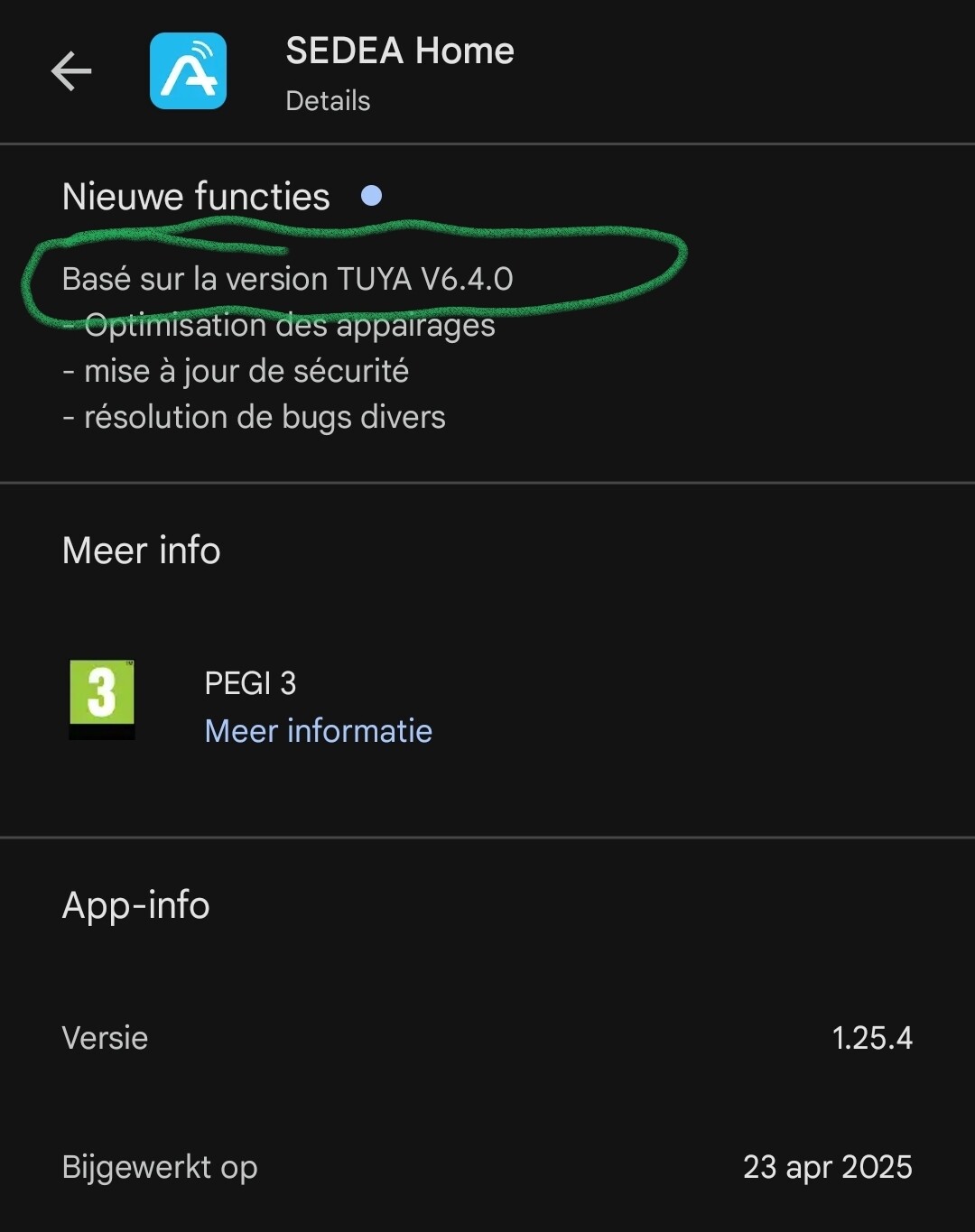
Thank you, the Sedea Zigbee sensor works perfectly.
You can have an official app now released a few days ago
https://homey.app/fr-fr/app/com.meross/Meross/
Cordialement.
It’s MOES, not MEROSS 
MOES Smart Home Devic: Smart Switches, Thermostats & Security Sensor
