Thanks, one step further. Now after i type the IP address i get “Error:read ECONNREST”. If I go to same IP in browser i get the SystemAir page. Any setting that i need ti change to get it to work?
restarted app in homey, restarted iam module but can’t connect. set iam module for cloud management and works fine via the systemair app.
Fantastic, the Homey app works with Connect v2.
The main reason I wanted it in Homey was to create a Fireplace Mode button and maybe place a physical button next to my fireplace. Eg. «set Fireplace Mode for 30 minutes». We live in a new and sealed house and we are dependant on putting SystemAir in this mode to avoid having to open a window when lighting up a fire. Any possibility of adding this to this app? 
Tried to add new device, finds device but goes straight to error.
Works great, awesome work!
After an update to 1.7.1 it worked on first try, thanks for adding support 

Tested again now and it works. Thanks for supporting v2
After this update, me and others have lost contact with the old IAM.
Do you guys know anything?
Only symptoms are that every value quit updating at the same time as the app was updated.
My old IAM-module also stopped working now after the update🥴Any solutions @balmli ?

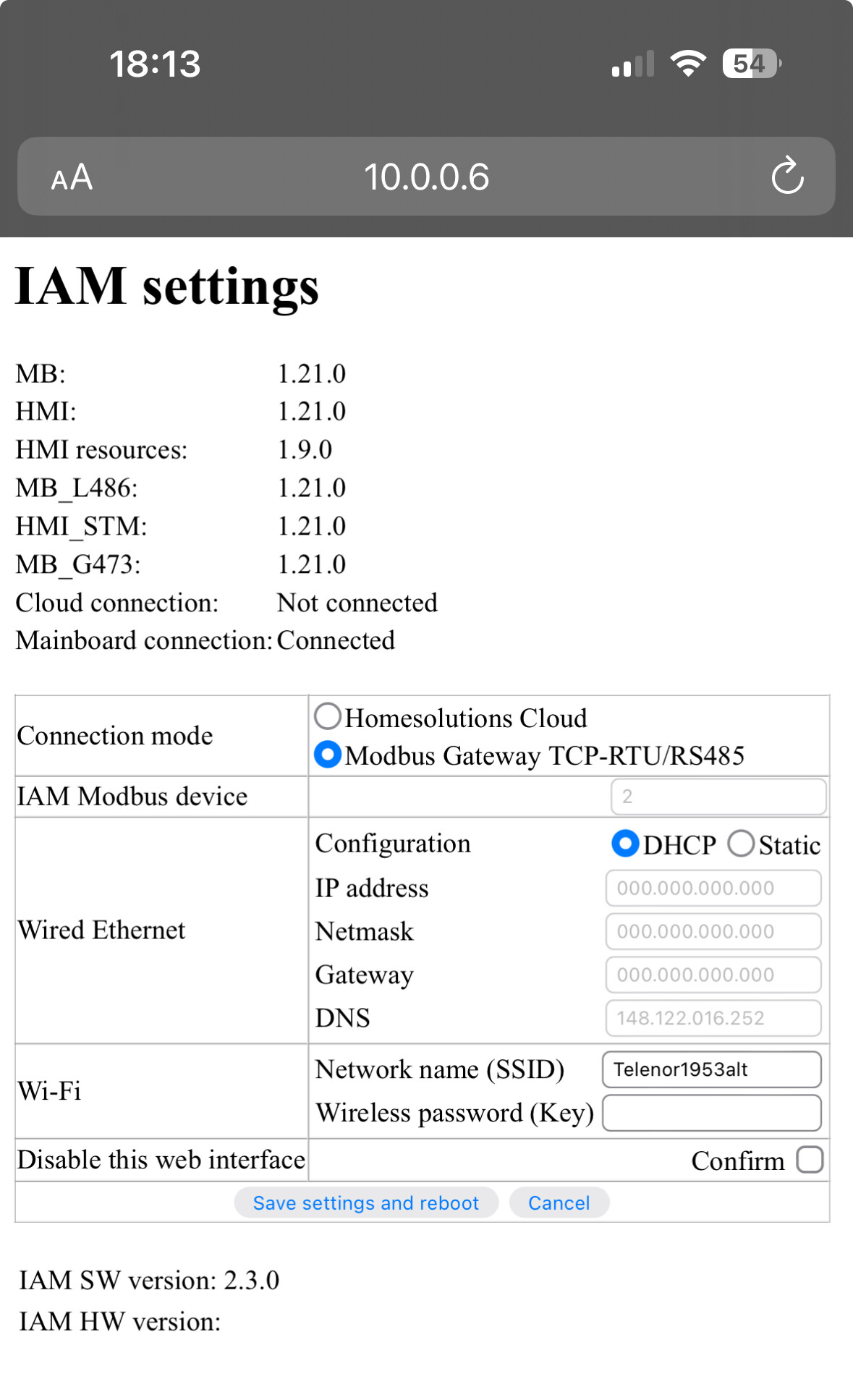
Same here.
I fixed it by going in to the settings in the Homey/Systemair app and changed it to a fake IP, saved, changed to the correct IP and saved again.
It worked for me after that.
Looks like that maybe worked out the problem for me as well. I have had a lot of problems with the IAM-module being offline from my Homey-integration, but it seems like Wifi-settings may have fixed that issue, so let`s hope that the IP-trick works here.
IP change trick worked here also!
Thanks!
I have the same problem as you, did you find a way to solve it?
I just got my Save connect 2.0, I dont have a display on my unit, I can find the unit on the Save connect app and I had it up and running og the web browser, but I cant find it anymore.
The connection to app is unsable, the led is flashing red and I have to disconnect the module and reconnet to get the green light again.
I have tried to connect to homey, but it cant find it, what IP adress should I use, the one on the back of the Save connect or the actual one I find in my router?(none work)
Is the 2.0 the Modbus one or the Save Connect?
v. 1.7.2 with a fix for the discovery issue.
Please report back here after you have tested
It did pop right in now! 
Now the “fun” begins…
@Eirik_Skara What do you mean?
Hi,
First of all - thanks for making this app.
I just set up SAVE VSR 300 + SAVE CONNECT 2.0. Everything is fine with the connection, however, I don’t see a couple of important settings I do on web admin /mobile app.
Mostly I’m interested in “Off” option in FAN MODE at the moment, later on might need more user modes as well. See screenshots below:
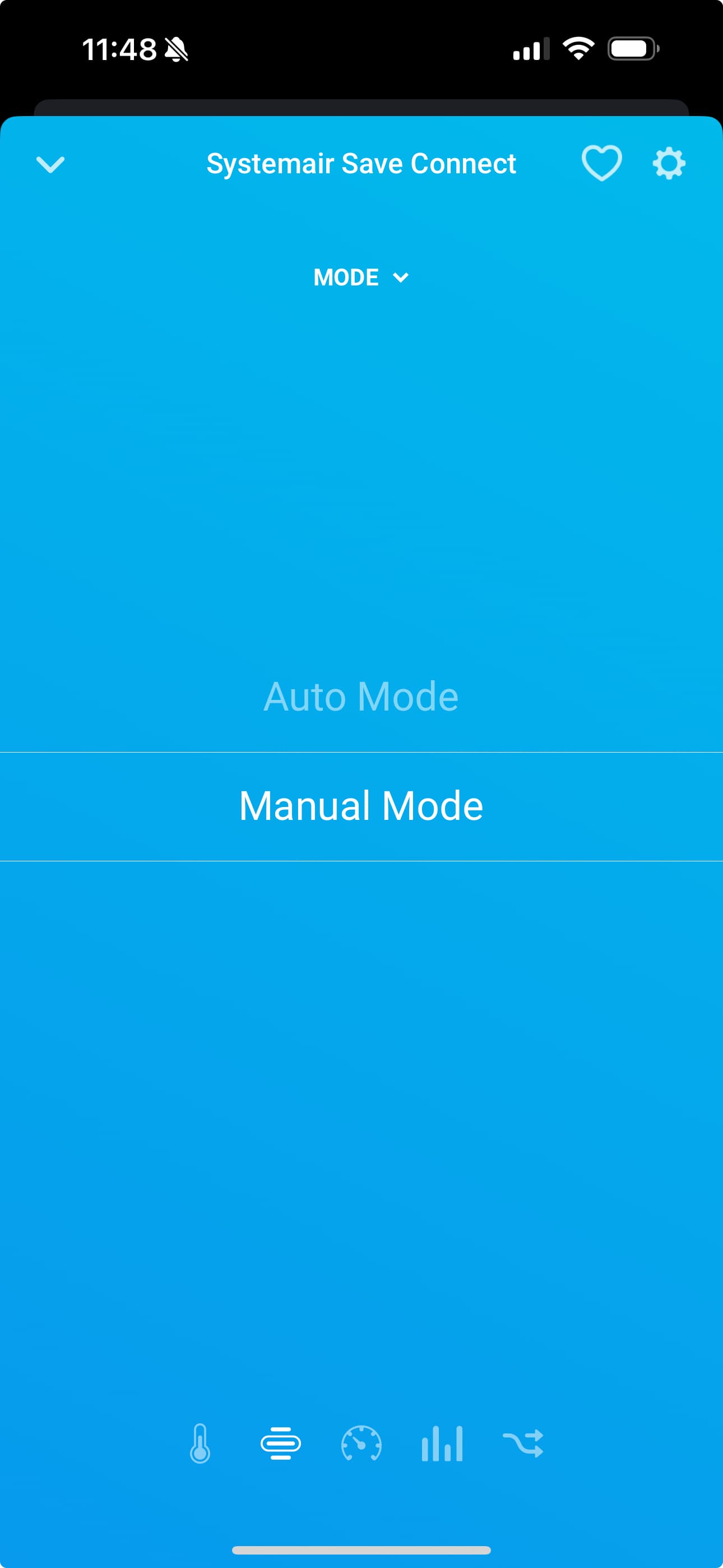


What could be the cause of this?
Thanks in advance.
I mean that it was no problem to add it to Homey now.
The “fun” is to make all the flows I want/need
