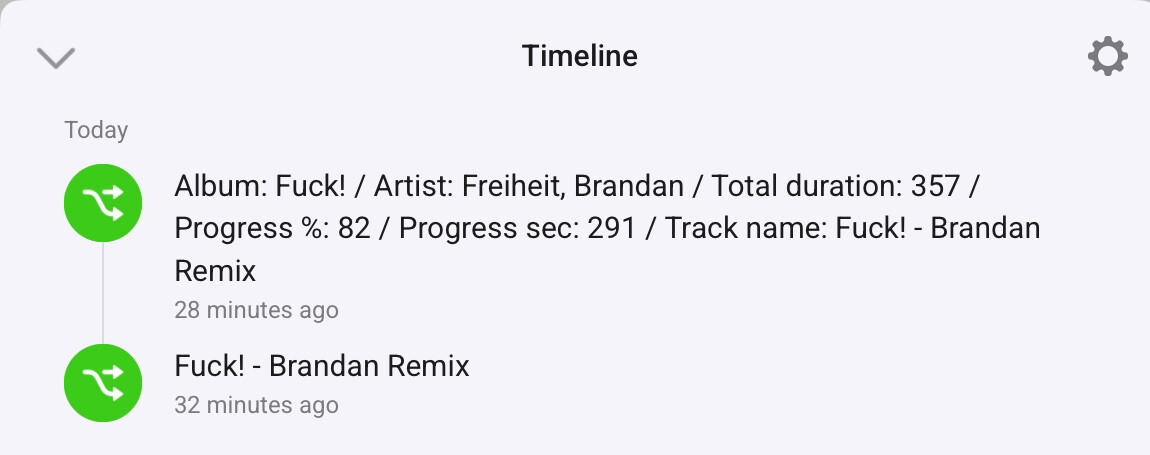
During development of the plug-in I’ve used my Macbook a few times and I was able to see the currently playing track and use the controls. First thing that comes to mind is that you obviously need both Homey and the macbook to use the same Spotify account and to have the macbook activated as output for your music (this enables it as the active speaker under your account).
I’ve just tested this and it still works for me, the steps I took:
Start playing music on my Macbook
Use Spotify Connect app to add my macbook device
I instantly see the tile with the cover that’s playing the track
Especially if you have multiple Spotify accounts there is some odd behaviour. Odd as in whenever “on of the other” accounts take over the speaker the Homey account loses access until the device is manually activated again using phone / tablet / computer.
Not as active as last year - time has become a bit scarce since being a dad. Haven’t touched the Homey as often as I had planned.
I did a few tests some months back but I quickly ran into my own limitations as a front-ender. While it isn’t too hard to get the API endpoints working, I was struggling heavily on creating a decent ui for the function. And that’s when it eventually ended up back on the shelf.
The dashboard widget is available as you can see in the post by Rembo and Bjursten:
Wouldn’t it make more sense if you instantly started playing the song using the Start Playback method? Which accepts a song/playlist as parameter (see: Web API Reference | Spotify for Developers).
No because I’m already listening to music, maybe a certain playlist or radio of a song. When I instantly play the song that song will be stuck on repeat and replaces my queue. If I can add that song to the queue and then select next song, the queue will not be replaced.
Added Spotify Connect with correct Client ID and Client Secret, playback works when I am starting a song from e.g. my iPhone and sends to the playback device (Denon AVR X4000). But after a while, when stopped playing, the device in Homey Pro 2023 gets a red exclamation mark and “Device not available”. Is this Device Dependent, i.e. the Denon has an older implementation of Spotify Connect, or something else?
Btw. sending music to the Denon works from all phones, web app etc.
Hard to tell. There is a chance the Denon device becomes inactive when you’re not using it. Is no other Spotify account using the speaker in between your own sessions? Whenever a speaker is transfered to another account it cannot longer be reached by the app.
No. Not used by any other account. I can play from all other devices via Spotify Connect to the Denon any time - even when the receiver is off (it will power on automatically). The red exclamation mark disappears as soon as I start playback from any other device using Spotify Connect to the Denon receiver. However, there is no way I can initiate and start/stop, skip songs etc. from the Homey Spotify Connect App - stating Device not available - unless playback is first started from another device.
Spotify has access to your network devices and most likely sees the receiver in that list where it is able to activate it as a speaker. Activating a speaker is not available in the API and my guess is that whenever your Denon speaker turns off (or isn’t used for a while) it disappears from the devices list in the API.
True. But like you say it’s a active queue. Most of the time you click play on a playlist and don’t really add a song to a queue, and if you do it will be the first song to be played in that queue and then it will continue playing your playlist. I’m not great at Javascript so I can’t help you with the code, but I already used this option of the Web API with Claris FileMaker to add this functionality in my program.
I’ll try to add this as a card as soon as possible, shouldn’t be too much work. But finding time is a bit hard at the moment as I’ve got a few spare-time projects running. I’ll keep you posted and add it to my todo.
I have another device using the Spotify WEB API (the device is the Rithum Smart Switch) and on this device I can 1: select a Spotify Connect Device to play to, 2. select playlists etc.
That remains the same (at least it did back when I created the app). There indeed is a list of devices, but also in that list the device gets removed as soon as it turns inactive. There is no way via the web api to activate a device again, that can only be done using the app as far as I can tell.
The energy Claude gives me is cool and all, but now I’m balls deep (pardon the French) in finding a solution to waking up devices. The SpotifyPlus app for Home Assistant seems to have something similar working (thanks thlucas1 for the inspiration).
So to first explain the problem once more: Spotify uses a token for communication with a device. Whenever the devices gets taken over by another user or the connection is inactive for an hour (that’s the lifetime of the token) we lose connection to the device and it disappears from the users active devices. Current solution: reactive the device via the app.
The official Spotify app uses the network to find capable devices when you select the “Play on another device” option in the app. When you select a device it sends a request to that device together with an access token that is generated using keys in the official app.
Is that something we can work around? Well.. looking at what the HA app did I feel like there is an option. The HA app requires users to run a python script to intercept tokens received from the Spotify app that can be used to wake up devices. Using spotify-zeroconf (an npm package) we can create a fake Spotify Connect device - it would require a one-time setup were you as user would select this device from your app. Under the hood, spotify-zeroconf sends back the tokens to Homey which I then can store. The access token lives for an hour but the refreshtoken is said to live as long as the password of the account stays the same. Using these tokens we should (in theory) then be able to find devices on the network and wake them up using the stored credentials that can be used to start streaming.
If that works, I then should be able to extend the code in a way where it tries to play on a device and whenever it fails it searches the network for that devices, activates it and retries controlling it.
It’s a long shot to be honest, but I like the challenge and hopefully AI (or another user) is up for the task of helping me put together the pieces that are actually a bridge too far for me too.
There is a trade-off however: it requires npm packages that inreases the app size from 700kb to 8MB. But I believe this is worth the issue it could (possible) tackle.
Alright, thanks to Claude (an AI coding assistant) I found the energy to dust of some old projects which included Spotify Connect for Homey Pro
Last night asked Claude to help understand the Homey app structure and the app I built. It’s been a while and as a back-end developer this definitely isn’t a project that I do during my day to day work. But boy, it did well.
I’ve probably spammed Homey HQ a bit with releases, since I decided to just start another update right after finishing the one I just did. So hopefully I don’t get any mad faces about that. At this moment the app is waiting approval for the latest version (1.3.1) but if you’re curious you can already check out the update via the test app:
New Flow Actions
A new Flow action “Start playing song” - you can search a song via the Spotify API and have the card start playing that instantly. It respects your queue, meaning it should push the song to the top of the queue and only skip the currently playing song.
A new Flow action “Start playing artist”
A new Flow action “Start playing album”
A new Flow action “Start playing playlist” - a playlist you created or follow that is
For the dashboard I’ve create a widget to search the Spotify database and starts playing the song. Right now it uses the same logic as the “Start playing song” card, so it adds the song to the top of the queue. For myself that’s usually what I want, but I’ll check out options to have the UI let you choose where to put the song (direct playback or add to queue).
While working on the above features, it also sparked some idea’s on ways to try and “crack” Spotify on how we can awake network devices. I’ve wrote a bit last night (see the post above this one) which lays out a plan of attack. I’m 100% clueless about whether or not this will work. But having Claude as my sidekick I’m willing to have a go at it.