Hi Marc, i have a hard time resolving MAX. The max is it not the capacity of your batteries? Or how do you interpret this?
I think if you have 2kWh installation, your “max” should be 2.000 W? I know that sonnen support maximum of 46kWh.
Let me know if I’m wrong 
Exactly the same experience for me.
Are Sonnen trying to stop third party solutions maybe?
It doesn’t help - the inverter will limit it to maximum 9,9 kw anyway.
I have tried with 1000w up to 15000w but as long as the script tells sonnen to make a scheduled charge from 00:00-23:59 it will only charge at around 1000w anyway.
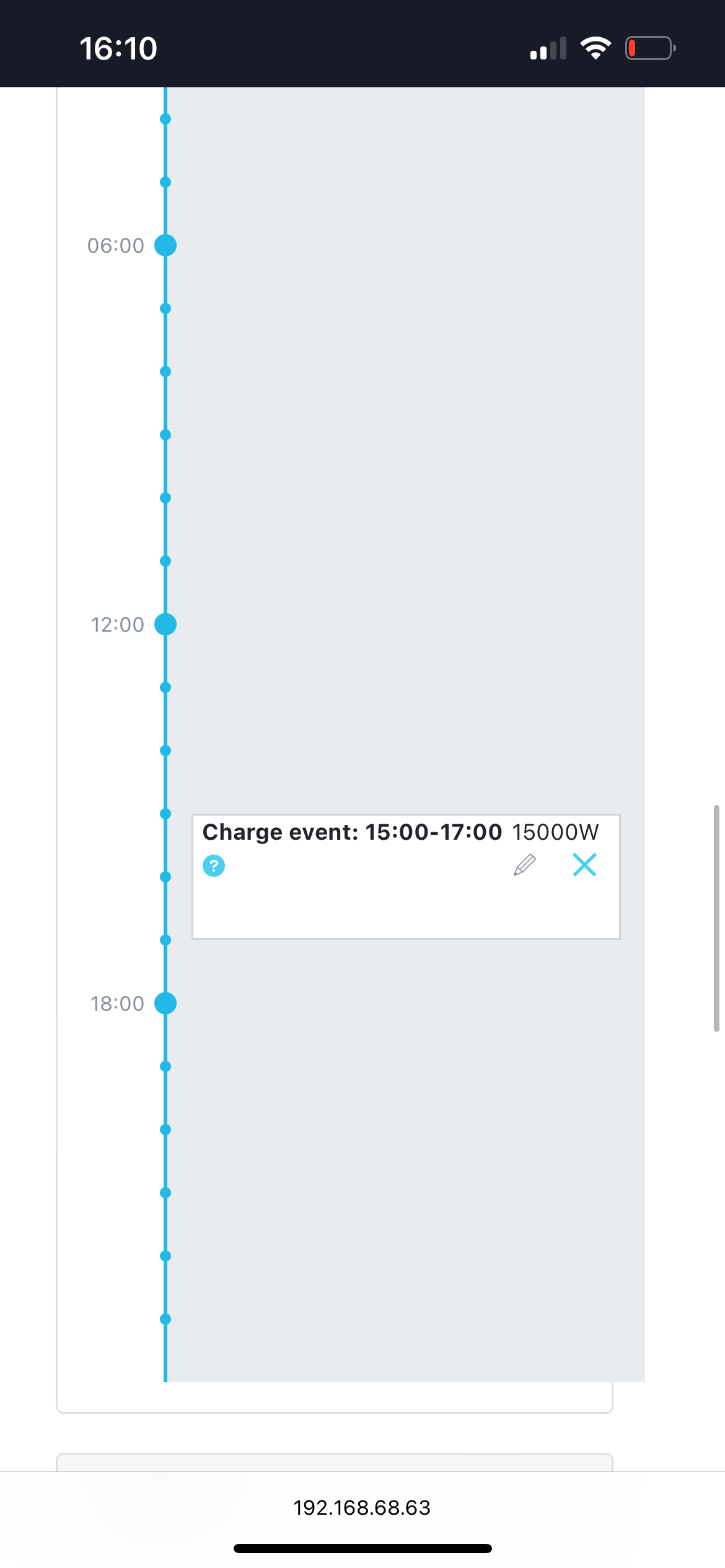
But if I manually in the sonnen web make a schedule 15:00-17:00 it works fine with what ever power I suggest.
@Kim_Kokholm
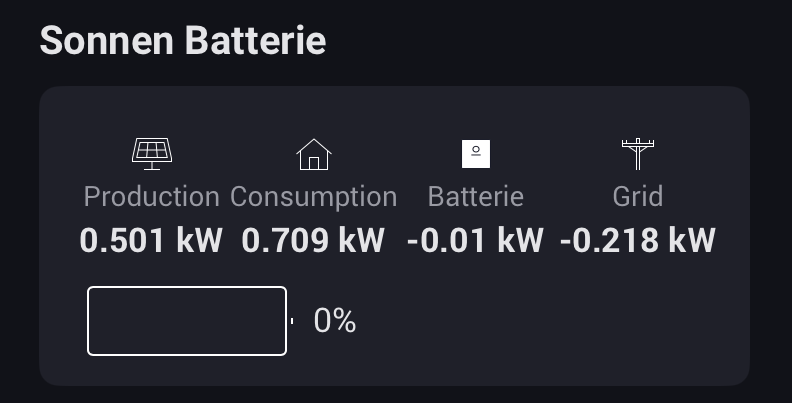
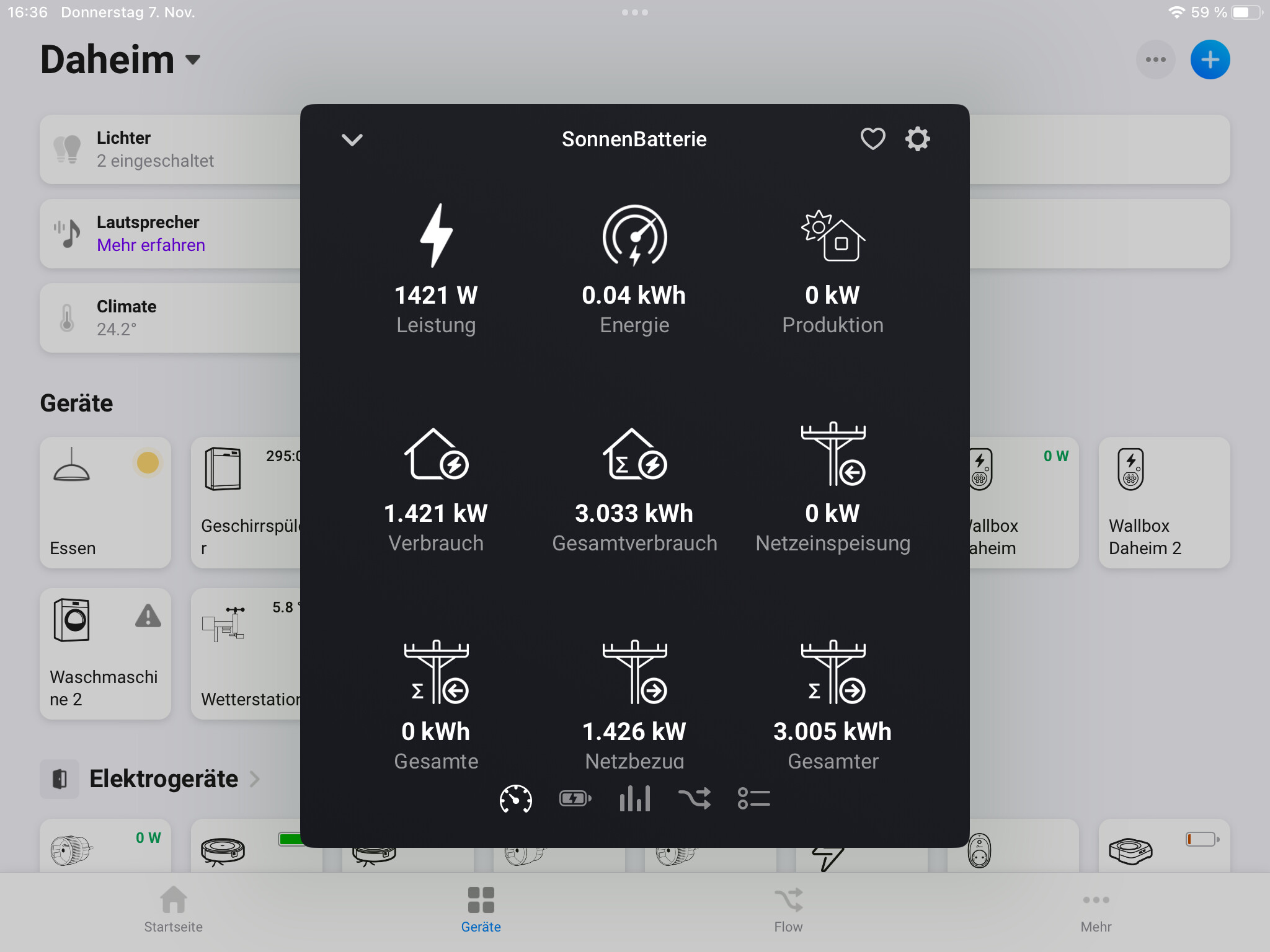
See attached four screenshots.
With Sonnen Batterie App via homey:
With manual schedule in sonnen web:
@Marc_Iven @Kim_Kokholm
Agree with you Marc.
Truly seems to be a Sonnen issue. My question is - is this a way of stopping Homey as a third party solution (since I’ve got the feeling from the partner in Sweden that sold the battery to me - that sonnen are not very much a fan of third party solutions - don’t ask me why they have an open api then though).
And trying to get a response from Sonnen about this is…. Well not that easy.
Have been calling them today speaking German with the German support - refusing to help me since I am in Sweden.
Why make it easy when you can make it German way.
Hi Oscar.
I had the same problem, but the latest version of Kims great Homey Sonnen App solves it.
I’m now using the latest function he added: setting TOU period by start using (current) time tag and using the number of hours it should load. Set it to 3 and you start immediately loading for 3 hours, what should be enough. Or repeat it when the battery charge is getting to low.
I would advise to solve it like this and don’t bother trying to get a response from Sonnen.
Thanks @Marc_Iven for this brilliant solution, and for you @Kim_Kokholm for having this function and the whole app. Hadn’t found that function and it’s just fine with repeating this card around and around as long as the preferences are valid.
Thanks again - will save me hours and energy 
New version in approval.
Widget support. Don’t know if you have had the chance to have a peek at the new dashboard coming to Homey. New version of the app supports Dashboards and provides a widget.
Hello Kim
i am struggeling with your fantastic App, I cannot get it to work. Everything works fine, I get all data but cannot change to Time of use mode. Maybe it is because I have a sonnen eco 8 battery?
If so, is there a chance to make it?
Thanks for your answer
Dominik (Germany)
HI @Dominik_Kratzer , what values are you putting into the ToC?
Values have to be well-formed hh:mm
Maybe eco 8 battery is different, in that case I would probaly need to access your device for debugging.
Are you familier with Postman by chance or “rest” knowledge?
Hi Kim,
please look:
Current values
I fear, I am not familiar with These things.
Can you please try and see if “Reset Time of Use” works
What happens when you start the flow from the picture? Success or failure?
But charging does not start
New version is out.
Now with auto-discovery of ip. The legend Tom Bogart, the developer of the other Sonnen app, shared this function with me.
The ip and port have been removed from the settings section. This will no longer be used. When retrieving data from the sonnen-api, the local ip of your Sonnen will be resolved (also meaning when your local ip changing, the app will resolve this) and stored upon changes.
This might only work on with sonnen installed on same network as your homey. Please let me know, if this is not the case for some of you.
Enjoy the new version. Happy weekend.
Hi and thanks for the app. Just installed and figured out how to het into the Sonnen battery local web page as User, I turned on both read and change api switches and I copied the token and placed it in the homey app, and restarted the app.
Get information so thats ok.
Whan I build a simple flow just to test starting changing I get this issues. “Invalid url” Any advice?
I will look into it right now, stay tuned.