Great to hear!
Yep, bit don’t ask what went wrong.
Just cleared the log and ever since te simplelog and ftp client work smooth together. Just purge the log of more than 1 day of data but doubt if that was the issue…
It’s possible Homey reported a time-out, but the process just continued.
But I experienced the same phenomenon: it only started to function well when I purged my never-purged-before logs
I only use simple log as part of my then cards, so with every action i get a log of what ran and why it ran. none of my flows run repeating at the same time

I do not understand whats wrong, why do you want to change anything?
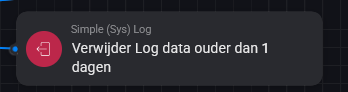
You want to clear the whole log each night or?
If I clear the log of data ‘older than 1 day’ I would expect ony data of 30-04 ? or at least only of the last 24 H ?
So if I send the log at 01-05 at 8:00 and the clear data only data since 30-04 8:00 and later remains…(1day/24H)
on 02-05 at 8:00 I send the log with data from 30-04 8:00 til 02-05 8:00 and clear the log of old data only data since 01-05 8:00 remains…
Now there was data from 29-04 15:00 till 01-05 8:00 in the log áfter clearing older data then 1 day : 9 (29-4) + 24 (30-04) + 8 (01-05) hours of data.
Yeah, for Simple Sys Log to be able to handle so much data, logs are stored per UTC date in separate files.
Deleting files works by deleting certain dates completly.
Ill have another look in the removal mecanisme one of these days.
Thanks @Arie_J_Godschalk I am aware of that, and actually also using that method  .
.
I only use a separate BLL-card to create the folder name in which the log is stored, as I am using a specific Year > Month structure. To keep it understandable, I included the BLL-coding in a separate BLL-card and then use the result in the FTP Client-card.

True, but it’s not for everyone. For example I don’t know what code to enter on top of my head.
For a “non-coder” the BLL ‘timestamp’ card is pretty easy to get results, because everything I enter gets shown right away 

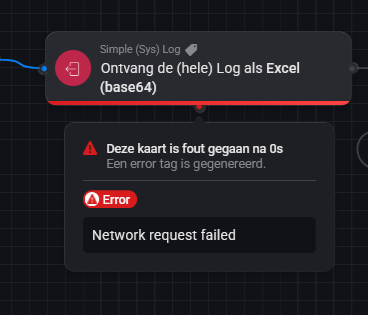

I significantly reduced the number of log-entries per minute by combining the outcome of several condtions in to one entry. For instance on AND cards, no longer an entry per condition but all conditions combined after the AND card ended in true (or if it did not)…

The above is from the Simple Log device I have created. With the IP address of the syslog server.

The above is from the Simple Log card used in several flows.

This is the card I used in some flows with the idea of being forwarded to a syslog server.
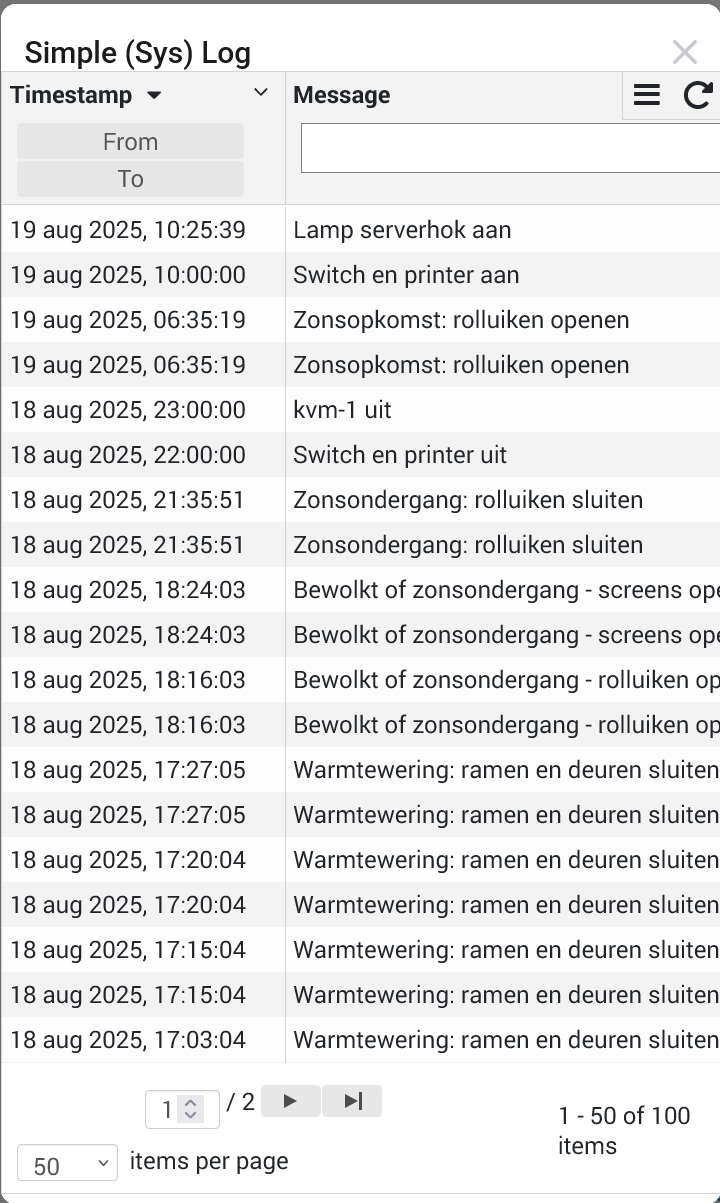
The above is from the log view in the Simple Log app. Which shows that the events are coming in.
I’m struggling with getting events forwarded to a syslog server.
See also attached screenshots:
I have added the app - including the additional one for all the logic.
It looks like all events are seen in the log from the Simple Log app itself - but are not forwarded to the syslog server. What am I missing?

In the Devices settings, see the above setting.
If set to No, the default SLL logs will not be forwarded. If you set it to a log-level, all default logs from that level and above, will be forwarded.
N.b. if you dont want all logs to be automaticly forwarded, you can use the device-specific flowcard to only log those messages to the Syslog (but i guess thats not what you are looking for).
My Homey Pro device is experiencing memory constraints due to the current number of connected devices (250). To alleviate this issue, I am actively working on reducing the device count and freeing up memory by uninstalling unused applications and devices.
So maybe a stupid question, I use sys log heavily for sending messages and logging al flow outputs. My question is do I need the Syslog Client and Syslog Server or can I delete these?
Couldn’t find the purpose of these two

Nope, you don’t need them.
The client is so you can write logs from homey to an external syslog.
The server is so you can write logs from an external syslog to Homey/SSL.
ah okay, since I write to Synology I know which device to remove, thanks!
I’m trying to export my logs.
I have the ftp “device” set up correctly. A simple “Get Files From” card works when running directly after the trigger (the files in the folder are correctly returned). However, despite trimming the log file multiple times (now down to a single day), it appears as though the “Get the (whole) Log” action is completing correctly, though I do not believe it is. Rather I find it strange there is no error on that card, but everything downstream of it fails with the same 413: Payload Too Large error regardless of what downstream action it is. I have about 9,000 logs each of varying size.
Not sure how to troubleshoot why everything downstream of that action fails. Anyone have any advice?

Just wanted to share, That this app is the first third party Homey app to get supported inside HDashboards.

