Hi Kenny,
I think I have to start a translator 

but I think I have to check… because the max v 8 cleans the mop…
ok - I added a delay - now it works like a charme 

Donation is on the way
Cheers,
Sven
It’s excellent, working perfectly with ROBOROCK S8 MaxV Ultra ! So useful to get everything In the same app. Many thanks for this great job !!!
Best of the best, we can now have a small button in a corner of the kitchen counter top so the vacuum comes to clean quickly when preparation is done. No need to find my phone.
Love it so much !
So painful these coordinate system. But still was a great base to integrate with homey before this new one…
is it possible with this app to send the vacuum to given coordinates?
No, that’s not yet possible, unless you use the feature to send a raw command to the api.
All,
I’ve pushed v0.2.0 to test. A few changes for the more advanced users:
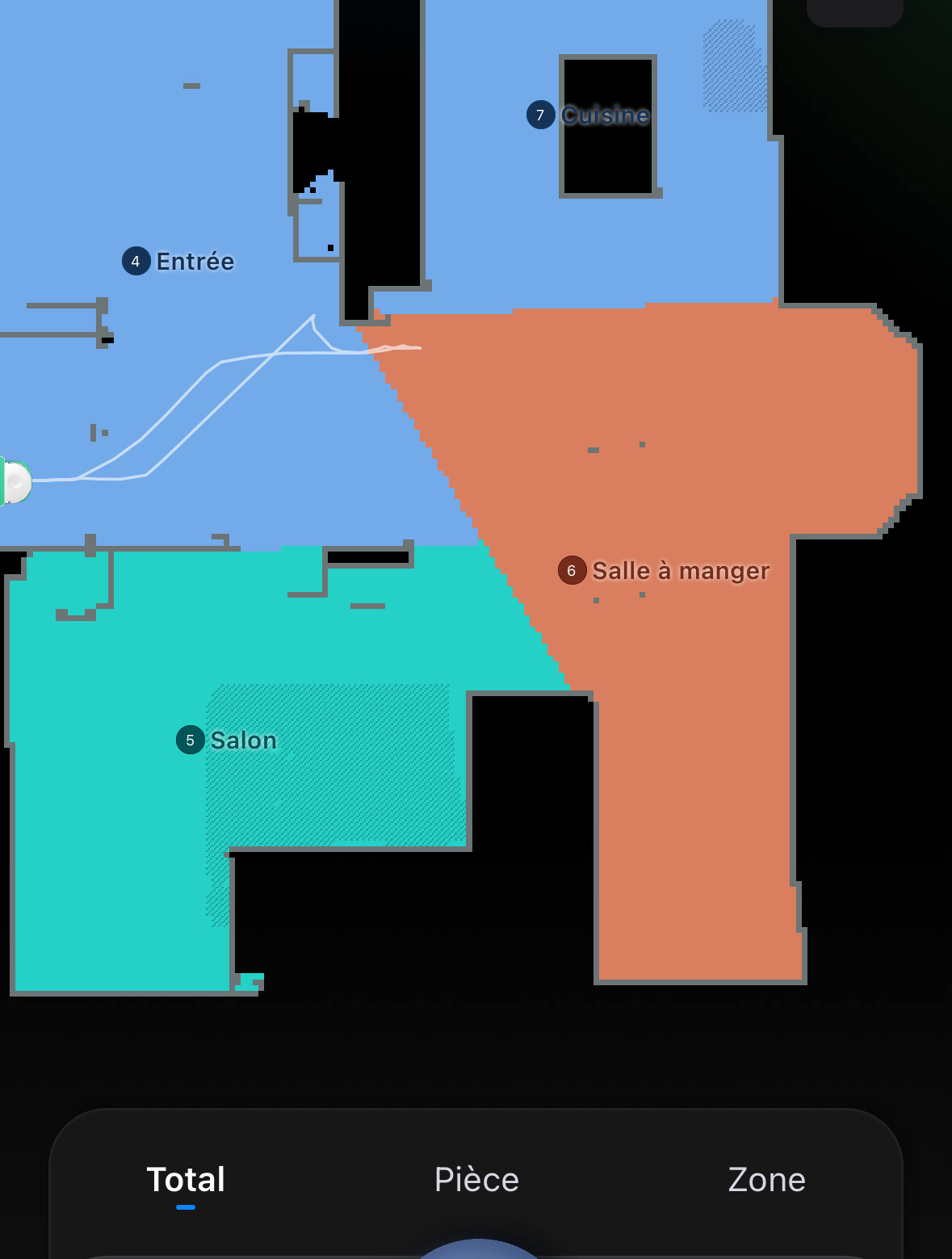
These commands - sadly - rely on the coördinate system. I have no way in Homey to visualise the map itself, so the only way to determine the coordinates is by trail-and-error.
Remember that 25500, 25000 are the x, y coordinates of the dock itself. The values are in millimeter, so 1000 mm = 1 m.
For most use cases I recommend the use of the full cleaning or room-based cleaning, these are more flexible and less error-prone. Nevertheless, for the advanced users this might be helpful.
Finally, remember that for the most advanced users, you can construct your commands yourself by sending a “raw” command using the flows. A good guide for the protocol can be found at : XiaomiRobotVacuumProtocol/README.md at master · marcelrv/XiaomiRobotVacuumProtocol · GitHub. This is only for the most advanced users!
Enjoy,
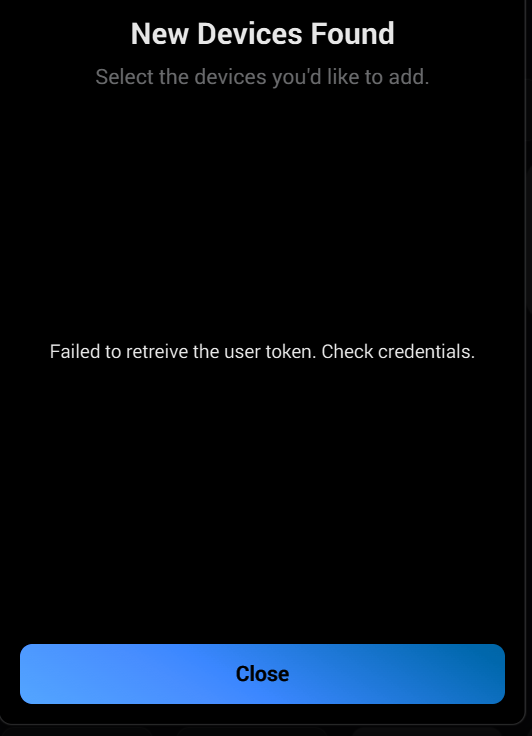
Hey Kenny - Thanks for the app! Been waiting for a non Xiaomi version. Unfortunately, I am getting the failed to retrieve token check credentials error. I am only using the Roborock US app, am certain my credentials are correct, and have tried with both the stable and test apps. My vacuum is a Q Revo Plus. Is that the issue? I have reset/changed my Roborock credentials multiple times to ensure it isn’t an issue there, as I am able to login to both the website and app. Any suggestions to further troubleshoot?
Hello,
I was able to install the application which is great. On the other hand, I created flows to do cleaning per room (these are the rooms that are created in the roborock application). But there are only 2 flows (so 2 pieces) which start the cleaning. For other flows, the vacuum cleaner does not react. Do you have any idea of the problem?
Hey,
I will have a look during the next days if I can add some more output on what goes wrong.
Stay tuned.
Groetjes
Kenny
Hey,
Probably the room name does not exactly match, I will see if i can add some validation / feedback on it.
Groetjes
Great work on this one! Finally a solution without having to retrieve token🙏🏻
Not flawlesss yet, but works! Thank you!
Testing the app and love the options/workings so far. Couple of feedbacks points/asks for future releases;
-Can we get a “when” card if the Robot gets stuck during cleaning? This could be helpful for follow-up actions after (for example; do not wait for completion before Alarm is re-enabled or Send notification through Homey)
-Is there any way we can call upon the “SmartPlan” cleaning option versus Vac & Mop/Mop/Vacuum?
Keep up the amazing work!
As per the app creators earlier post this feature has recently been added in the ”test branch” of the app (yesterday, i think). Should hopefully trickle down to stable shortly…
Hey,
At first sight it looks OK, I’m assuming here that the room name does not fully match with what is defined in Roborock.
Thinking here… could it be spacing? E.g. some whitespace after it?
I’ve added an issue in the backlog to have a better way to get the room names available.
Kind regards,
Hey,
The trigger cards for error conditions (robot stuck, but maybe also battery low and others) are a good idea, I’ll figure out how to detect these conditions and add it.
I’ve added this to the backlog:
The SmartPlan option, which is it exactly, could you elaborate on it? I don’t think my robots (S7 Max Ultra and Q7 Max) support it. The model might help here.
In any case, you’ll now already be able to use that inside a flow, but you’ll have to figure out which commands to send out then… I’ve collected a number of resources which document the protocol to a certain extend:
You can always try with trail-and-error using the raw commands, and if you figure it out I’ll gladly integrate it into the app too!
Kind regards,
Hey,
@Konrad_Kuczynski
Are you using the test or stable version? The test version (v0.2.0) provides already a few fixes for that.
The test version is submitted for certification, in my experience this takes between 1-5 days for updates, depending on what has changed.
Kind regards,
Hey Jason,
I’ve published v0.2.1 towards test, this should provide the error message returned by the Roborock API towards the user, this might give us more info why the authentication fails with you.
Kind regards,
Same problem here. Q5 pro. No white space letters in room name.