[APP][Pro] Power by the Hour: Insights per hour, day, month and year

If the new P1 meter is supported by PBTH to get its total kWh value, you can simply repair the PBTH device to the new p1 meter.

If you now use watts as source, and the new meter has kWh as source, you might run into trouble. But mostly fixable in manual settings.

I would try adding it as seperate PBTH device first and see what you get. If it looks good you can start repairing the old PBTH device.

1 Like

That’s clever!

Once I receive the new meter I will follow your suggestions!
The new meter is a Youless (the old one a Smartgateways)

Thanks!

1 Like

v6.6.4 is ready for testing: Power by the Hour App for Homey | Homey

  • DAP: Fix new ENTSO-E API.
  • BAT: Added SolarEdge Growatt

This should fix intermittent DAP prices not updating due to new ENTSOE API (please test @Aivis_Balodis)

Also I tried adding Growatt batteries, but I had to guess the capabilities, so chances are it is not working properly. Please test @Satoer

2 Likes

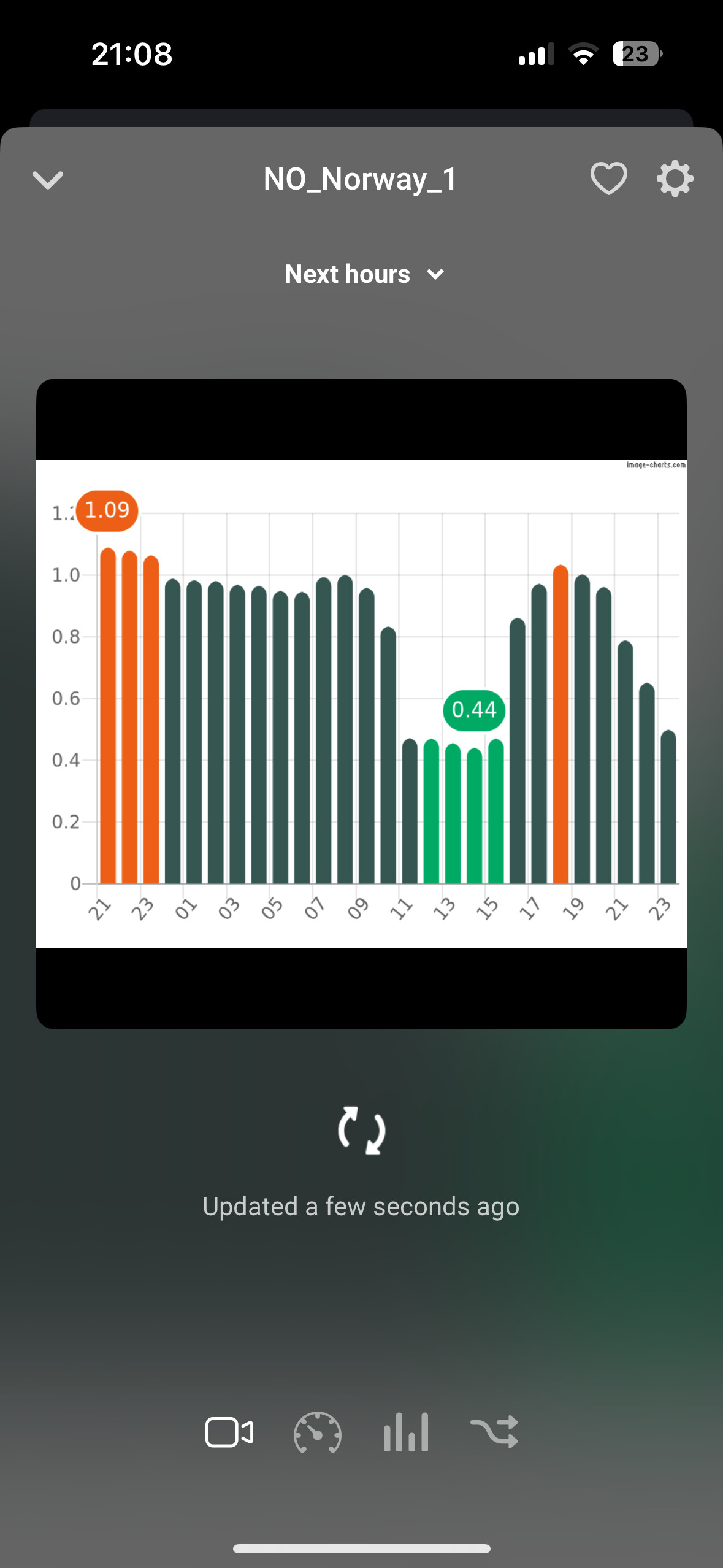
Hi, I tried just now for NO2, and get the same result as you.

Strange, it works for me. NO1

It looks like you don’t have “Enable forecast prices” enabled under advanced settings (almost at the bottom).

Thanks Robin!
Bought you a beer for the service :slightly_smiling_face: :beers:

It seems to work, but I have to study all the functionalities before I am sure.

1 Like

Hi there and thanks for a great app. I am outputting “kWh this month” for various devices at the end of each month. I output using the Google Sheets app. The output is using a dot instead of a comma for decimals (e.g. 3.23 instead of 3,23). Could this be an option or is there another way of doing this without using programming to get a value that I can use in Google Sheets so I can process it there?

I know you said “without programming”, but it is just a small piece of homeyscript to convert a “,” to a “.”.
Use this card:


With this code:

let formattedNumber = args[0].toString().replace(',', '.');
console.log(formattedNumber);
return formattedNumber

You can add a tag instead of the 123,55 at the top and the result wil be the number but “,” converted to a “.”.

Many thx for your kind donation @Satoer. Much appreciated! :smiling_face_with_three_hearts::beers:

Thats correct!

When I enable this, I also got a lot of negative values.
The help text says that this “add AI pricing forecast (when available)”
Maybe this doesn’t work for Norway/Nordics?
I guess the developer(s) know the answer :blush:

Hello Gruijter!
Everything is working as usual again.
A huge thank you for your care and work!

1 Like

That was an easy ride.
The ‘repair’ did it’s job smoothly!

1 Like

Hi all,

I’m using PbtH to set up some flows for the charging of my car. I’m using the WHEN card to determine when the cheapest 5 hours will arrive within the 10 hours before 9 am . The bold numbers are all collected with a series for questions/input through Telegram bot. All is working well.

My only question is: At the moment that I provide all this input to PbtH, it should already know WHEN the cheapest moment will be to start charging, correct? Because it has the prices for the upcoming 23 hours available. So, would it be possible somehow to get it as feedback from Homey, getting a message into the bot stating that: “based on your input, your car will be charged between X and Y o’clock”?

Who can help me out here!

Essentially what it means is that I want to be able to trigger a card, similar to the “WHEN” card explained above, that would provide me with feedback detailing when exactly the cheapest hours are based on my input.

Thanks in advance!

Hello @Gruijter

Does the “rank” value take into account also the “time of day markup values” or is it only based on the received spot price?

It includes all (time of day) markups.

1 Like

Sorry if I’m repeating this, but does anybody have problems with price updates after Homey restart or after power failure (when Homey restarts)?

I have to restart Homey in every few days because the bluethoot sensors lose connection. And after the restart price updates are always stuck for a few hours.

I just had a power failure in my house and again the price app fetched is two hours old.

App usually fixes itself in one to three hours when price updates, but still this affects the flows.
Are you using the latest test version?

Hello Gruijter!
Unfortunately, electricity prices are not recovering again.

No, I’m at the latest stable version.