Same issue here
The npm module this app is based upon its being updated to fix it, as soon as that’s done i can update the app. Its people that need to make time issue now, the community already found a solution for the change in the api
Update available, the npm module got updated thanks to its dev. It works for me. Let me know if it works for all. There is a change you might have to visit the my polestar part of the website and login once there to accept terms and conditions if it doesnt work. If that is the case please let me know.
Thanks @Kaoh. The app automatically updated for me and all seems to working ok without any action required from me. I am away from charging source at the moment so cannot confirm if charging details (current / power / time remaining) are not ok, but expect they will be. Will advise later today if any issues. Many thanks 
Great work again! It works like a charm. Thank you very much.
Any plans for Polestar 3 support and Dashboard widget 

See post by kvolden for confirmation the p3 is supported.
No plans for widgets yet. It uses a new technique that i need more time for than the one hour late nights i currently have.end of year is really busy in work and private life

I think i see crashes from the app in line with your problem. The error there is ENETUNREACH.
My assumption would be your homey can’t reach the Polestar apis due to firewall or routing config. Could that be a scenario?
Hope for widget for Christmas present then  there is a Tesla widget which might be something to look at
Can either of you send me a diagnostic report?
41e477a1-067d-43f4-a0d6-663c427e27d7
Got this from Polestar app diagnostic
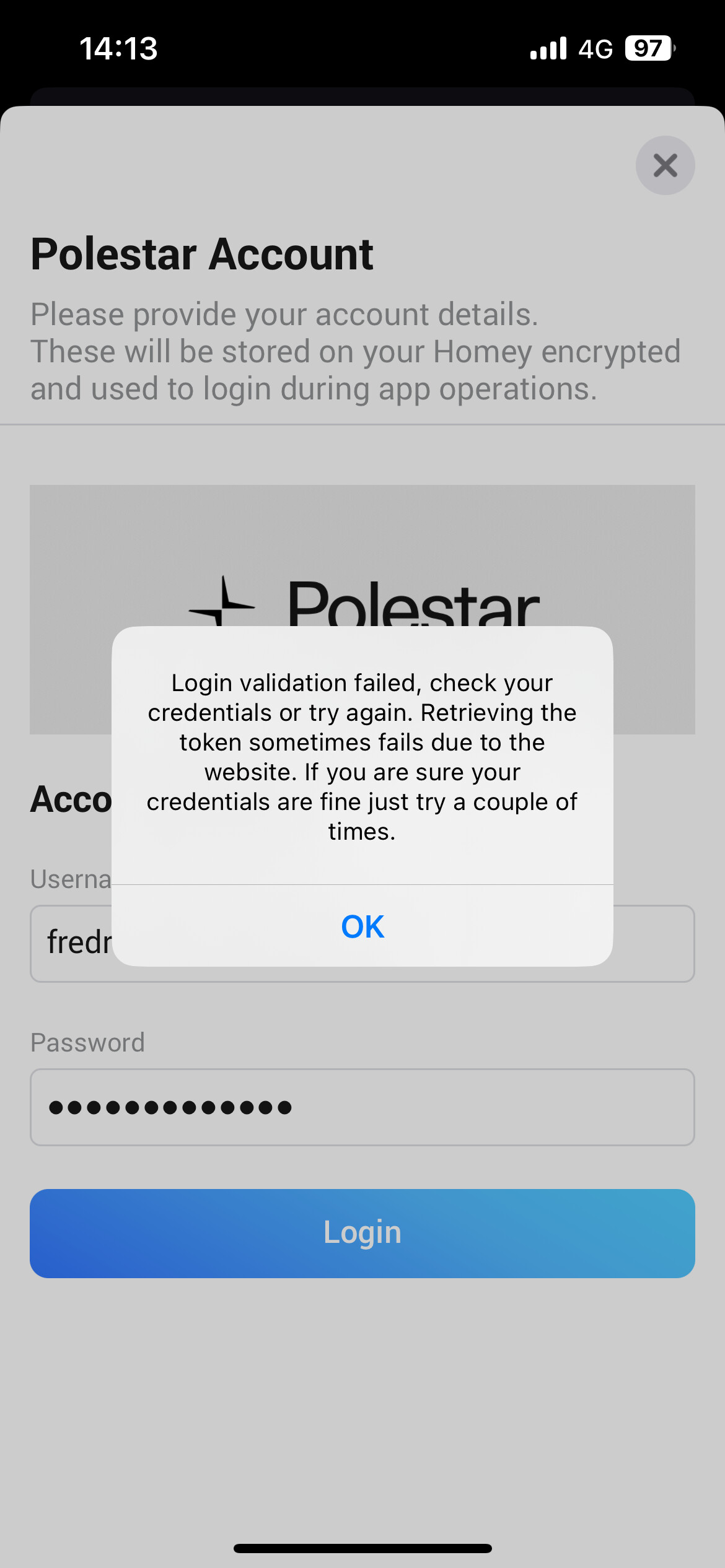
I have the same problem. Did have some login issues with the Polestar iOS app itself but that is fixed. Also changed password but no success.
There is indeed a problem with login at the moment. I am investigating.
Sorry did not want to wait till christmas 
Thanks to Andy Smith the login issue is resolved also again. He also exposed the health info through the module I use, so I now added a service warning alarm.
Mine needs a scheduled maintenance so I now get a nice alarm from the homey for it.
For people with a P3 please validate if it also works for you and I have a special request, also for Andy to submit a diagnostic report to me. I log the health api stuff in detail so we can figure out if P3 gives more data than the P2 does.
Have fun testing the dashboard.
I made it on my device, so I am very excited to see how it looks on all your devices.
I used the same concept as the driver display of the P2 with the yellow/green ring if your connected/charging, so if you dont see it, the app thinks your are not connected.
I need to add some pictures to the widget app store etc before I can make it public
Thanks for fixing the issue with the login and your widget looks great!

I suspect it’s hard to do … technically the ring around the dash should be blue rather than yellow, as car is connected but outside charge schedule. (Sorry for raising small issue)
The new “Generic Error” warning has triggered though. I’m not aware of any issues with the car and according to Polestar app all is ok. Any guidance on how I can identify and resolve would be welcome.
The blue status i don’t have the data for, the schedule is not exposed in the api.
Please send me diagnostic report for the health alarm. I will check. Mine has one so i can only see that one till it goes to the shop for maintenance 


