And there I got slightly confused again
Because with the test version you get the “controller for charger” device from piggy bank.
With that, I didnt seem to need any flows at all again to make it trigger.
Is this correct?
I feel also my creativity in this field is lacking, so would love to pick someones brain 1-1 on the piggy bank setup, both of the car charger as well as water heater.
@dooniem
Seems to work fine with using external and the "Norwegian electricity bill” app.
However I cannot seem to get the car charger (zaptec) to work with Piggy Bank.
I’ve tried to use the Flow Card based controller and the one that should’ve directly supported Zaptec. Both fail somewhere in the verification process.
Can you or someone else that has gotten this to work with flow cards show the flow setup?
I provide Piggy Bank with all the information it requires, but it does not go past the verification setup.
Also is it a known issue with the Free Capacity going to 0 at the start of the hour, and triggering “Manual Powerdown”? Even with the Time Window smoothing set to 101 %, it still goes to 0 for a few seconds, up to 10 minutes. It is always at the start of the hour, when this happens.
Took me a while to respond. Since it’s a lot to digest and explain…My push notification is built from multiple tags. Steal what you want from my setup and adapt to your own setup…
Mind you I have used ChatGPT on most of my scripts.
First off you need to be on the test version, v22.14 which feature a Charging controller that let’s us access the number of hours Piggy plans to charge.
My setup was originally built for ordering kW i Piggy Bank. So my first flow (1) is to calculate the number of kW I need to order based on SoC (battery %) and the outside temperature. To reduce length I don’t provide this here.
After a while I found that ordering X number of kWh from Piggy was not optimal, it consistently ordered too few hours. Since I can’t control the excpected average kW/h Piggy use to convert kW to hours, I created my own variable “chargeAverage” and a script (2) that does simple math.
My SoC% to kW-script (1) use a text-variable named “chargeSettings” which holds all the data needed to make the kW-calculation. The variable is formated as JSON so flow card (X) extracts what I currently have chosen as end time, this is used for both the final push message and for ordering hours in Piggy.
Flow card (4) is the part where I read what Piggy has planned using the “charge plan” variable that the test version of Piggy makes available for us. The Homeyscript looks like this:
//Fetch Start + End from Piggy
var parsedData = JSON.parse(args[0]);
var startTime = new Date(parsedData.cycleStart);
var estimatedEndTime = new Date(parsedData.cycleStart);

// Function to find the first non-null index in array
function findFirstNonNullIndex(array) {
    for (var i = 0; i < array.length; i++) {
        if (array[i] !== null) {
            return i;
        }
    }
    return -1;
}

// Function to find the last non-null and non-zero index in array
function findLastNonNullIndex(array) {
    for (var i = array.length - 1; i >= 0; i--) {
        if (array[i] !== null && array[i] !== 0) {
            return i;
        }
    }
    return -1;
}

// Find start time by finding the first non-null index in originalPlan
var firstNonNullIndex = findFirstNonNullIndex(parsedData.originalPlan);
startTime.setHours(startTime.getHours() + firstNonNullIndex);
var startH = startTime.toLocaleTimeString('nb-NO', { hour: 'numeric', timeZone: 'Europe/Oslo' });

// Estimated end time = cycleStart+last nonNull index in currentPlan
var lastNonNullIndex = findLastNonNullIndex(parsedData.currentPlan);
estimatedEndTime.setHours(estimatedEndTime.getHours() + lastNonNullIndex);
var endH = estimatedEndTime.toLocaleTimeString('nb-NO', { hour: 'numeric', timeZone: 'Europe/Oslo' });

//This line is what is returned as a text-tag to Homey - with the emoji's written as unicode
return `\uD83D\uDFE9 ${startH}:00 | \uD83C\uDFC1: ${endH}:00`;
The flow will run when my car is plugged in and result in this push message:
Noen andre som opplever at beta appen ikke fungerer helt optimalt lengre? tester ut effektbegrenseren, men den vil ikke justere ned effektforbruket ordentlig når den går over, og estimert timesforbruk ser ut å jukse litt.
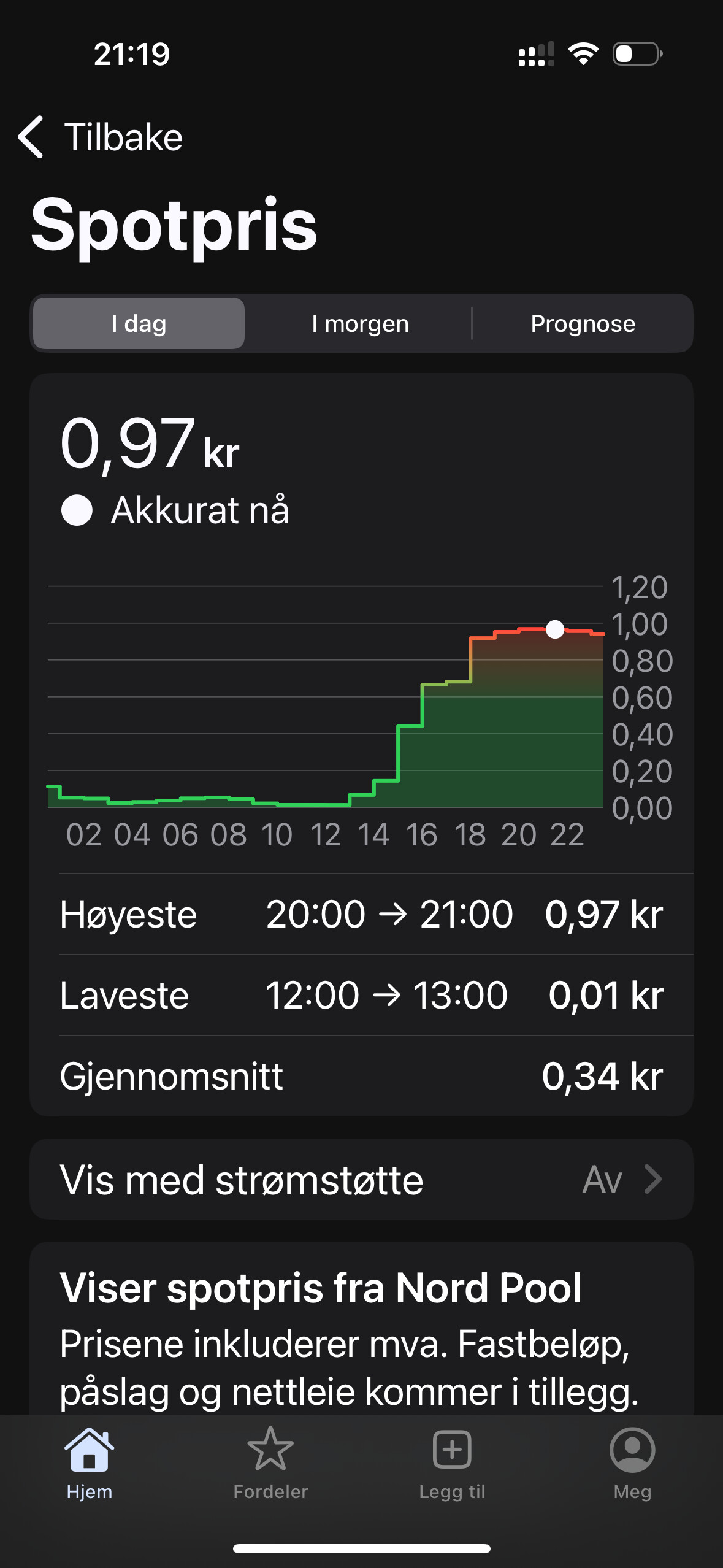
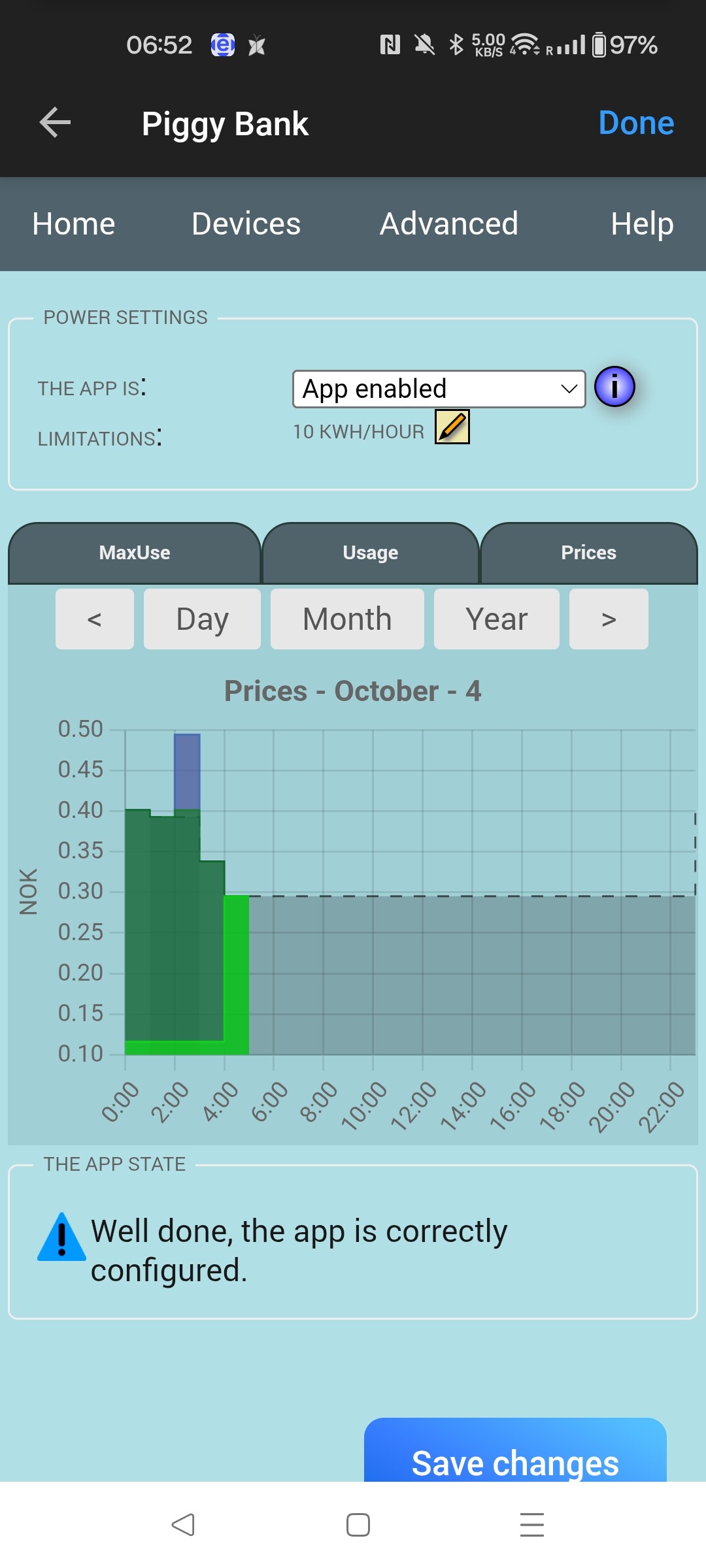
I also see some problems in the price chart. I have set the prices in “Norwegian electricity app” and set external in piggy bank. But Piggy bank shows a weird price chart. Does anyone have the same problem ? Any solutions are highly appreciated
Yes, same problem here. Seems like this app doesn’t handle the new format from NordPool (15-min price chart). I am instead using PBTH-app for calculating energy-prices, and then using flows to set the correct price-leve (normal,cheap, expensive, etc) in Piggy Bank app. For me this is at better solution, since I then also can include the different levels of grid prices in the calculation.
At the moment I am using a very basic flow with only 3 price levels, since prices in my area (NO3) are still generally low, but I will expand to 5 price levels one of the next days.
The percent level for “under/above average this month” can be adjusted to a level that suits you better. And also it is possible to user “average last month” or “average this day” instead. I would prefer to have an average of for instance the last 3-4 days, but that seems not to be an option in PBTH app.
Also the number of “lowest/highest hours today” can be adjusted.
Sharing a spreadsheet to simulate your cut offs for the electricity price. Play around with the percentages and decide what suits you. Then I incorporated the percentages in the flow. My flow seems a bit complex. I added a 30 sec delay for the price to be update in “power by the hour” app. Also added some notifications to check if the flow is behaving as expected.
Hi! First, thanks for a great app — it reduced the need for flows a lot when I discovered it!
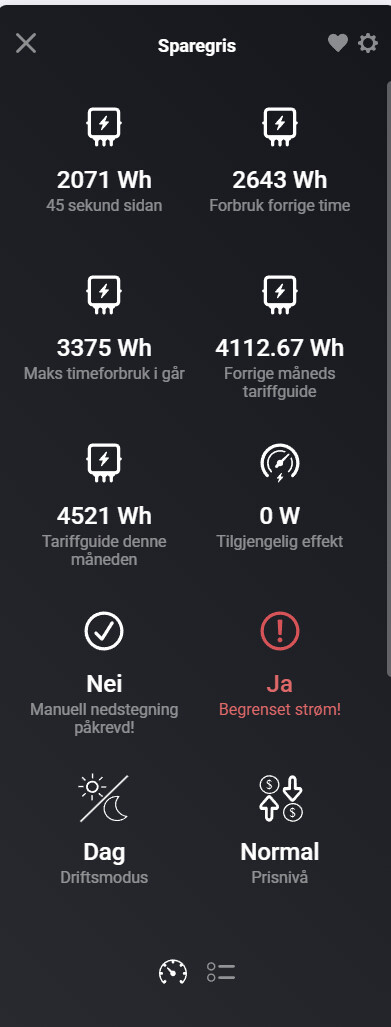
Lately I’ve noticed it has been struggling with the limiting of the power function. For reasons I don’t understand, it regularly reduces the “Available Power” to 0 even though the predicted usage is well below the target. I have tried a bunch of different options (smoothing = 300% and disabling daily and monthly caps). Here are some screenshots of the graphs and piggy bank tiles.
I can see that several users have experienced this at the beginning of every hour, but I experience it often at random times. I use Tibber Pulse for power monitoring, and I know this can cause issues at times, but Tibber seems to be working fine when the limiting occurs. Power of the Hour does not have the same issue with calculating the available power.
I can see that Frode is not that active anymore, but if any other user has experienced this and maybe has a solution, I would really appreciate some help.
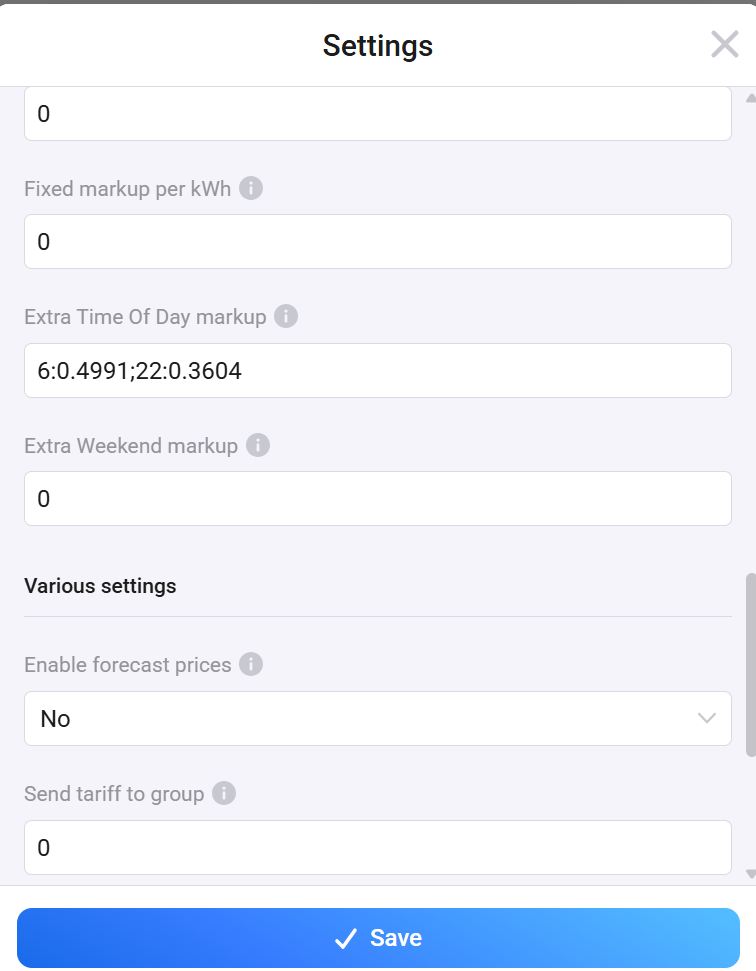
I observed that the latest test version v 7.0.3 of PBTH app works much better. Had to use exchange rate and the “Extra time of day markup” feature for the grid price to get accurate total electricity prices. screenshots attached
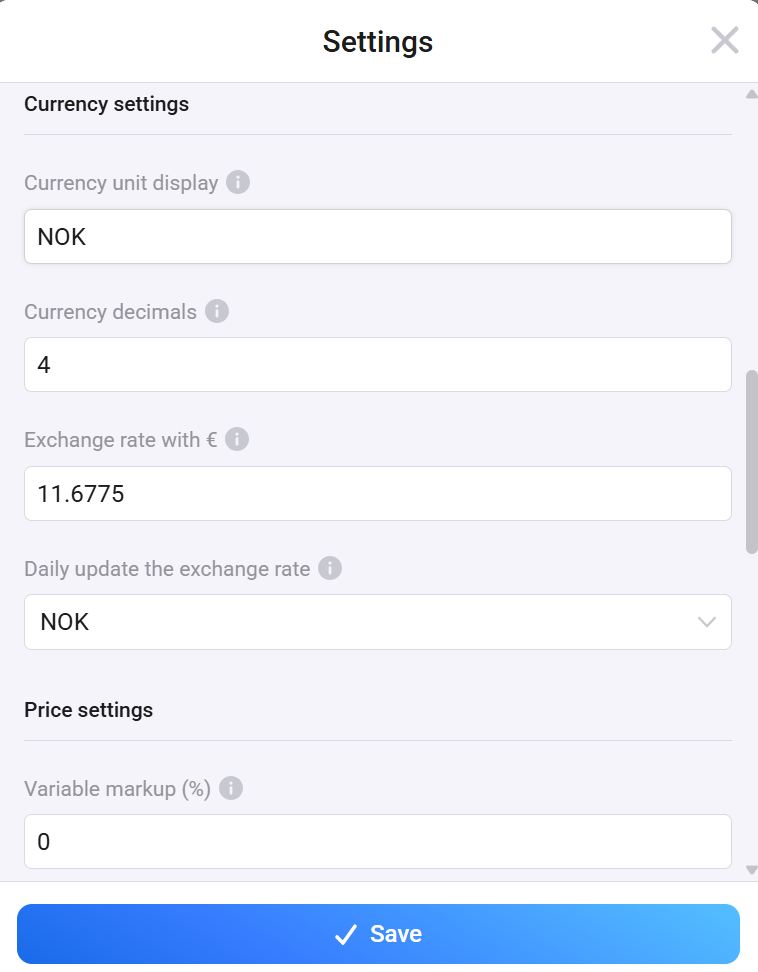
Hi, I am new to Piggy Bank app..so my interpretation might be wrong. In my experience the “available power” in your screenshot depends upon the settings of the fuse capacity as shown in the screenshot below
@Kaushal_Pander, thank you for the tip. It is set to 63 A, so i don’t think it’s the max power that is the issue. I was probably a little unclear, but the problem is that Piggy sets available power to 0 even when current load is at 0,5-3kW. If the load was high and the estimated consumption was stipulated to go over the 5kW per hour I would understand the need to start limiting. But it’s not that… Seems to me that there’s some bug or something else that I do not understand.