This is a thread for the Ngenic Tune app.
Please inform about issues or feature requests and I will try to fix it.
This is a thread for the Ngenic Tune app.
Please inform about issues or feature requests and I will try to fix it.
Hi, thanks for developing this app, much appreciated!
I am relatively new to Homey so maybe I’m missing something but I can’t find any AND cards for my Ngenic Tune. For example I want to do a flow like WHEN some door opens AND ngenic.outdoor temp is below x THEN notify me. But I find only WHEN and THEN cards for ngenic. Thanks for any help or a time frame when this could be added.
Hi! I’m glad you are using the Ngenic Tunes app! I think what you need to do in the AND section of the flow, is to add a “Logic” card (under System), and choose a card “Number is less than…” (or something like that, I have Swedish in my cards), and then in “Number” choose the “Temperature” tag for the Ngenic Sensor you want to compare against, and then add x to compare against.
I think this is similar for how you do it with other type of sensors as well.
Hope it helps!
Ah, yes! That worked, thanks for the fast reply and keep up the good work! 
Tack Simon,
Works perfectly!! Had an ambition to do something like this myself sooner or later, but now I don’t have to!!!
Soo, Ngenic will turn into a monthly subscription it seems. Have you heard anything if this API will be cancelled or subject to a subscription well?
I’m currently using Ngenic Tune with Tibber to get Price-optimized heating. And that is the only thing that requires the “premium” subscription.
Would be nice if I could setup Homey to do the Price optimization for me. But I realize that it might be a bit to heavy for a flow to handle. Might need a script to get better handling. And it should also need to take future price into consideration. Or just do a comparison to current price compared to mean price for the current day. Wouldn’t handle if the price will drop/increase significantly after midnight though… Need to think a bit more about this before I jump the wagon I think. But it would be nice to be able to do it from Homey.
Or if I can pause the subscription during the Summer months. Only really need it during the winter…
Hi Jonatan, sorry for the late reply. Yes the API is connected to your account so unfortunately you will need a subscription. I’m experimenting with a HW module to replace the Ngenic Tune.
Hi Lars, unfortunately the Ngenic Tune system is dependent on the cloud and you cannot control anything directly from Homey. You will need a subscription if you want to use Ngenic Tune and you need to use their price optimization. I’m experimenting with a HW to replace the Ngenic Tune that you can control by yourself.
No worries, thanks for responding. If you do find a good HW solution please post about it.
Best regards
Jonatan
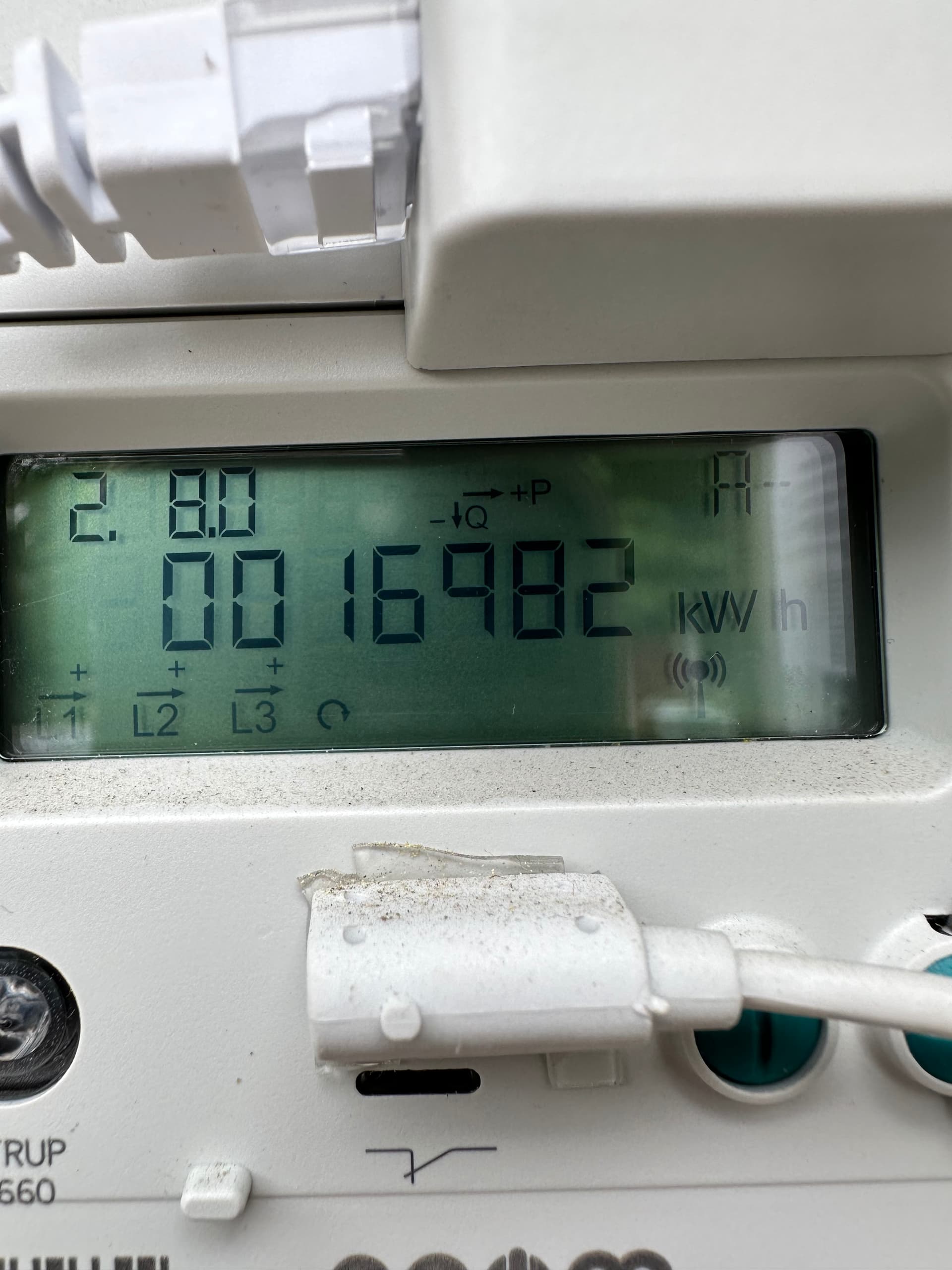
Hi Stefan. Thanks for reaching out. Looks strange, seems like all your values are probably 10x too high perhaps except for the current consumption (power). I don’t have this issue myself and I don’t know how many ppl that use this device in the Homey app. I can send you some debug commands later on and we can try to figure out what’s going on. I will get back to you in about a week.
/ Simon
Hej Simon!
No rush, I just found that I could create this device. Since I like to supervise the power-consumption it would be nice if it was correct. Looking forward to your help.
/ Stefan
Hej Simon! Are you ready for some debugging?
/Stefan
Hi Stefan! I will send you a PM.
Hi and thanks for developing this!
My own solution using advanced flow and a virtual device is not as nice as this.
Only thing I am missing compared to my solution is to be able to calibrate the readings.
Would it be possible to add this feature to the device settings like for some other units?
Thanks again and possibly in advance 
Hi! I’m not familiar with the calibration of readings, can you tell me more about it?
/ Simon
Sure thing 
All sensors that measures something need referencing to another measuring device.
Simply put I compare Ngenics indoor sensor to a better thermometer over time and get a offset value that I then add or remove to future readings of that indoor sensor.
I will gladly help with more information or example if you’d like
Do you want to have an “offset” setting for the device where you can configure a value to add/remove from the real measurement? Ngenic will still use the measured value (without offset) for the steering of the heatpump.
Yes please. The same offset can be applied to the set value even though the Ngenic system still will use the uncalibrated values.
But I will know the “real” temperature and set point.
Say that I have a reading of 20.0⁰C on one of the room sensors. I compare that to a better reference and find that the real temperature is 19.5. e then would like to be able to set that offset to -0.5 in the device setting.
Then I can change the set temperature to 20.5 and see the room sensors show 20.0 in the end.
You can already do this for alot of devices.