i hope the products from misol with 433mhz also work in germany. they are much cheaper than those from ecowitt. if all products use 433mhz, then it should fit.
Correct, provided your gateway and devices are on the same frequency, then they will work.
1 Like
Hi
Does the Ecowitt homey app support
WFC01 WittFlow Smart Water Timer?
If not is there any future plan to add it?
2 Likes
It’s not supported ATM as the app only listens from updates and has no control code as that’s a different API.
I will take a look, but as I don’t have one to test (I use LinkTap), I make no promises.
2 Likes
A basic on off command for the WFC01 WittFlow Smart Water Timer will be fine.
Hello Adrian,
I have installed the Misol / Ecowitt app for Homey Pro. My Misol Gateway does not detected in Homey Pro. I need to try manually configure Gateway, but I don’t know how to see the IP address.
I see only this infotmation when I open the Ecowitt app ( see pictures below).
By settings I also do not see the IP / port info
I have the latest firmware installed
Can you please tell me where I can find the IP address and port number.
Thank you


Have you checked the guide in the first post so you have an idea of what to look for. Your menu system is different to any I’ve seen before, so I’m not sure why. Maybe try the Share option.
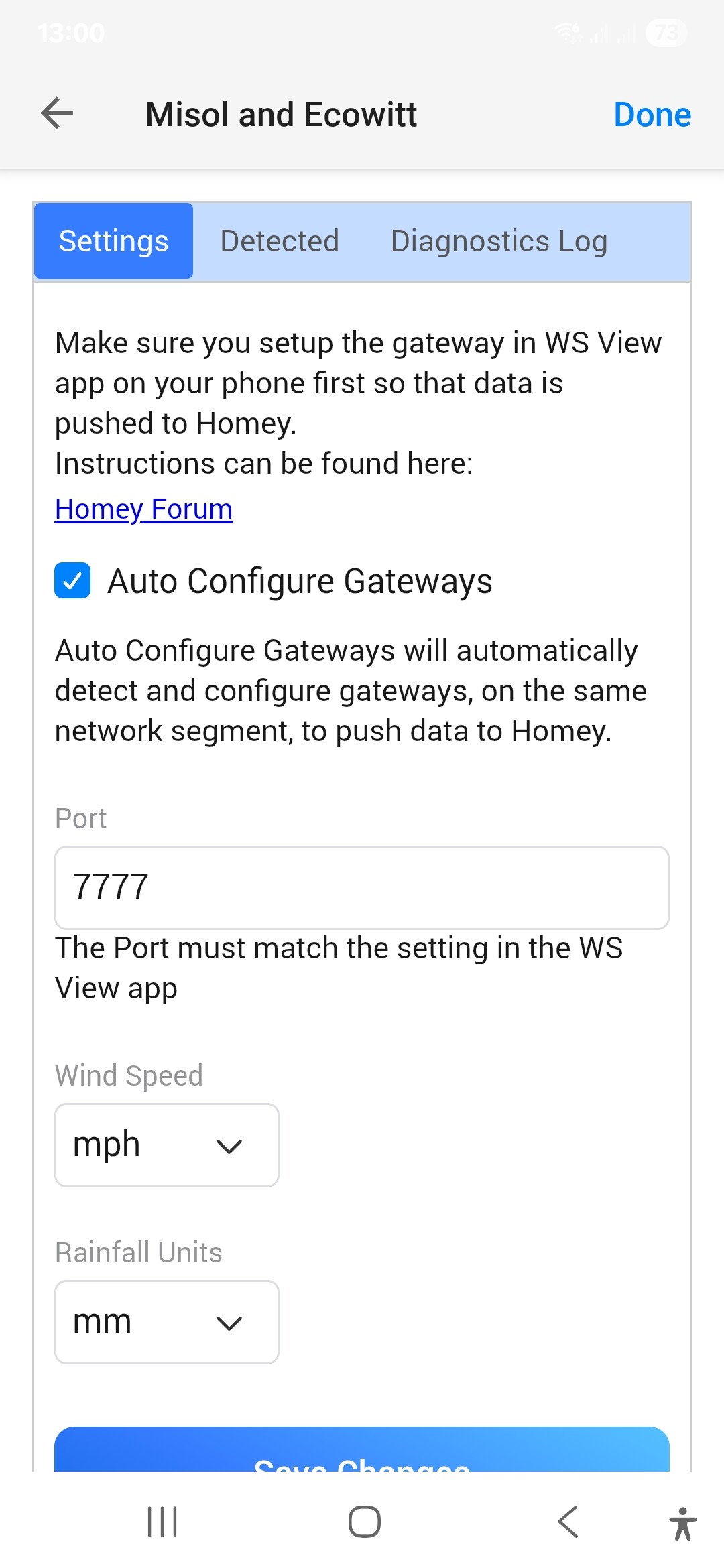
Can you also check in the app settings to make sure Auto Configure Gateway is on
In post #415, I described it also “Step by Step”.
It looks the same like in my Ecowitt iPhone App:

(German language)
With one exception: + Subdevices
But I guess this depends on which Gateway is used.
1 Like
Dear Adrian,
Yes I checked the guide in the first post. Before the Ecowitt firmware updates, I had the same menu as in the first post. In my setting the Auto Configuration is on.
I will uninstall the Ecowitt app from my phone and install it again, to see what’s happening.

Hello Dirk, I do not see the extra option " + Subdevice "
Which device do you use?
This option isn’t shown in your menu, because your GW1000 doesn’t supports IoT devices like the WFC01 WittFlow Smart Water Timer or the AC1100 WittSwitch Smart Plug.
So this option isn’t important for you and has nothing to do with your problem. It was just an info for Adrian, that’s why I quoted a part of his post.
Btw, have you looked at my previously mentioned and linked post with the “Step by Step” description? I suspect not. This description is based on the current Ecowitt smartphone app.
Or don’t I understand your problem, then please let me know.
Hi @Adrian_Rockall! I’ve just upgraded from my Ecowitt GW1000A to GW3000A and I can’t connect it to Homey even though I follow your step-by-step guide. Do you know if the GW3000 works with your app?
Thanks for a great app!

Strange… According to my app the app and the gateway seems to have connection
The app will broadcast a request to discover gateways and if any respond it uses the API to configure them, so it’s possible it has connected. However, that’s a new feature that works ok for me on my bridges but maybe has issues.
If you can find the setting in the web UI to check, that would be best.
1 Like

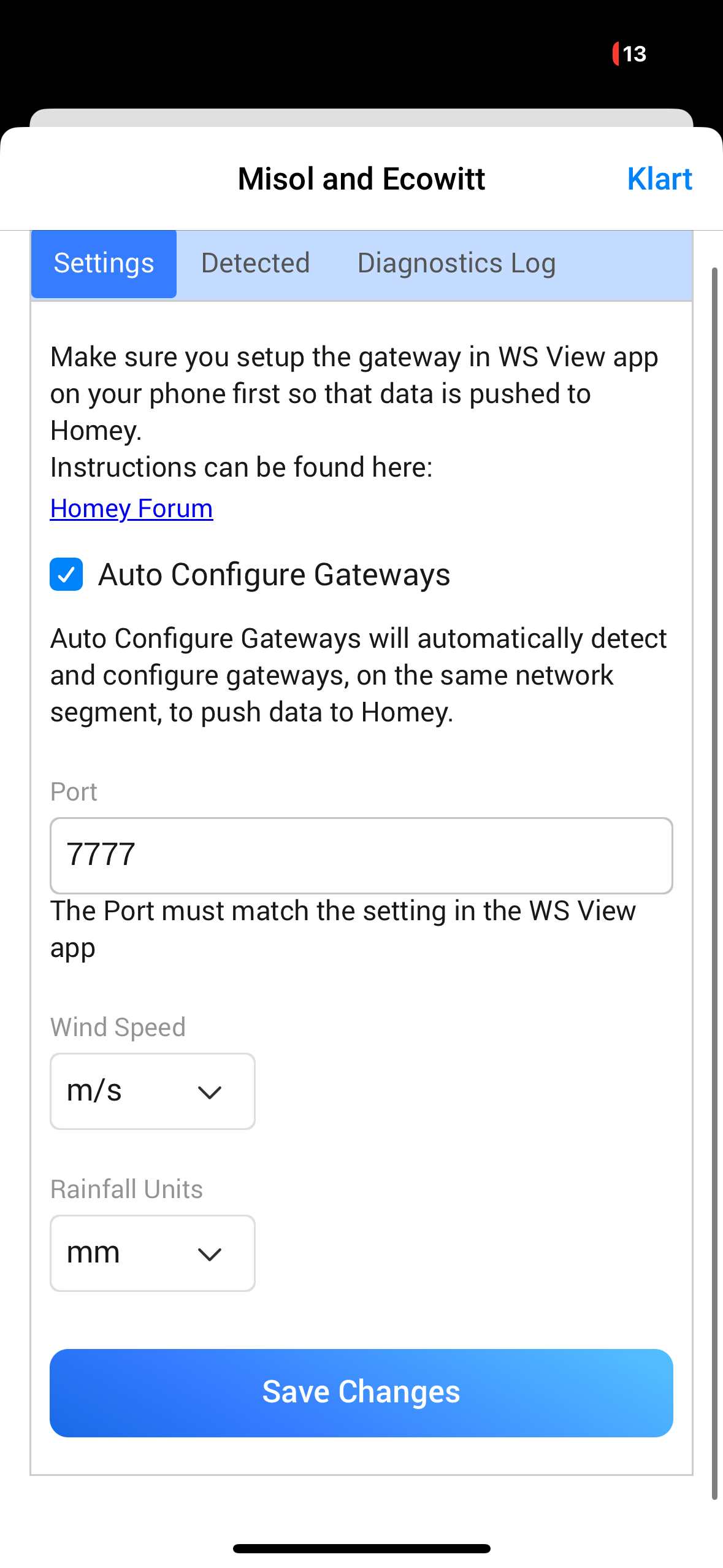
Provided the IP address is correct for Homey, then that’s it.
If you still can’t find any devices when you try to add them, then make sure the log is enabled and restart the app. Once it has finished starting up, about 1 minute, you can send the Log from the same screen.
1 Like
Ok, restarted snd have sent the logg.
