I’d say the memory issue looks to be fixed. Exact same call being made once per 60s throughout this graph; no prizes for guessing when I installed the test version (also disabled my flow that rebooted the app every 2 hours when I installed the test version).
Next I will go back to more frequent refreshes and see how it copes.
It’s very likely that passing around req and res caused memory leaks, and now that this has changed by only passing the required data it also solved the memory leak.
Hi everyone,
about 15 days have passed from the last release:
have you ever encountered anomalies or memory leaks? @Jonathan_Draper@Teddy@basvanderploeg
All looking great from my perspective. A reboot of Homey since I updated to the latest version of this app seemed to help and since then it’s never gone above 10MB of memory usage despite often pretty polling on my API. Thank you again!
I have another challenge for you! Hoping this one is easier to fix than the memory issue.
I’ve just migrated to the Homey Pro 2023 and one weird thing that seems to have changed is that now when I include a boolean tag in the arguments of a ‘respond with’ card, instead of getting ‘true’ or ‘false’ in the response, I instead get a string of special characters. As far as I can tell these relate to the unicode characters for a check mark and a fancy cross symbol. I assume this change by Athom was meant to improve things when the value is rendered as text somewhere. However, for an API response this is not ideal and it breaks my integration.
E.g. when I use the “respond with” card with the argument: {“house_secure”: <house_secure>, “jon_home”: <jon_home>} - where the <tag_name> represent boolean tags in the flow card - I get this in the response:
Do you think it would be possible to replace these values in the response body with the strings ‘true’ and ‘false’ so that the response goes back to how it was before?
In this example, the house_secure tag was false and the jon_home tag was true.
Further to the above - I have got a work-around for now, which is a HomeyScript card which runs the following code on my JSON before it’s sent out as a response via the Local API respond with card:
I managed to track down the specific unicode check mark and cross characters (as above) that now appear to be the underlying representation in Homey for Yes/No tags.
Hello, i am trying to use Local Api with my Home Pro early 2023, but i am not able to trigger the command http://myhomey-ip:3000/test.
I received on the browser replay: {“status”:“not-found”}.
What is wrong?
It is not clear if in the flow “Respond with 200” is ok like i did in attach picture
@ilpaolino can you add a flow response that take json directly from homeyscript return?
Currently i have to go through tag system but it seem limited on characters
Hi, I’m investigating to understand how I can integrate your requests.
I would like to be able to generate one or more tags with the contents of body and querystring.
I don’t know, however, if it is possible to pass a value directly from homey scripts, however if I integrated tag handling I could pass a read and write value directly to the tag and vice versa.
Just found this, almost exactly what i was looking for.
Would it be possible to do a json-resonse with just the data?
I have a lametric time and and it has a feature to show information from a http get if it is in a json that is formated in a special way.
I can work around if the special jason isnt possible, but then I have to do most of my programming in the lametric and i rather do it in my homey.
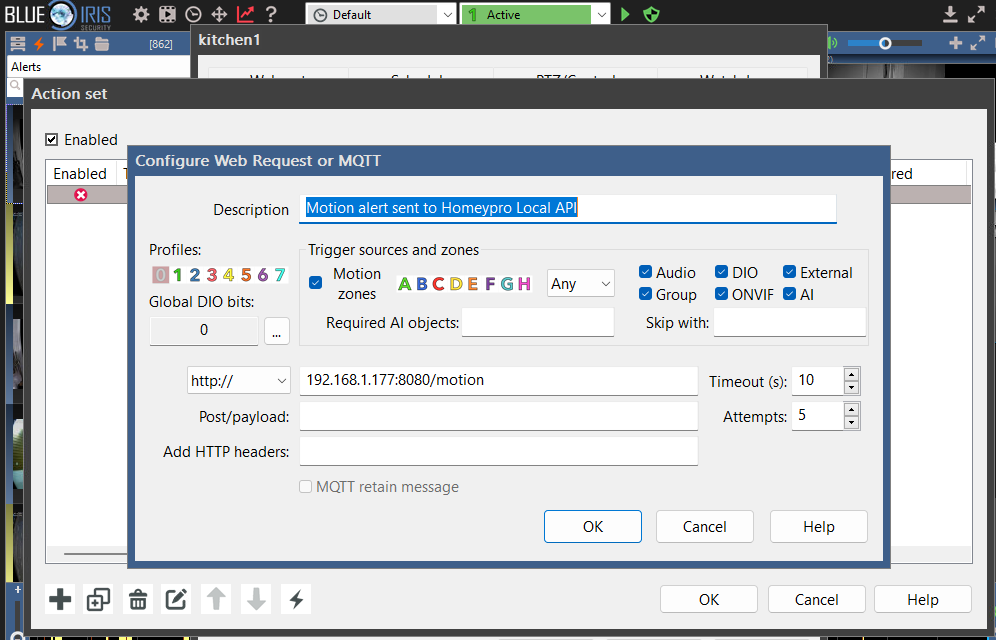
I just wanted to thank you for this post… i had the same problem trying to setup Blueiris to trigger a flow and changing my port from 3000 to 8080 Worked!