Hi,
date format of the retrieved calendar entries changed from pure German to a German-English-mixture, e. g. to “Wednesday 14th um 8:00”. I haven´t changed anything, neither with the flow nor the config.
Any suggestions?
Regards
Hi,
date format of the retrieved calendar entries changed from pure German to a German-English-mixture, e. g. to “Wednesday 14th um 8:00”. I haven´t changed anything, neither with the flow nor the config.
Any suggestions?
Regards
Yes, i believe i know where the problem is. Unfortunately it is quite a lot that needs changing to fix this and i haven’t had the time to fix such a big issue. Sorry
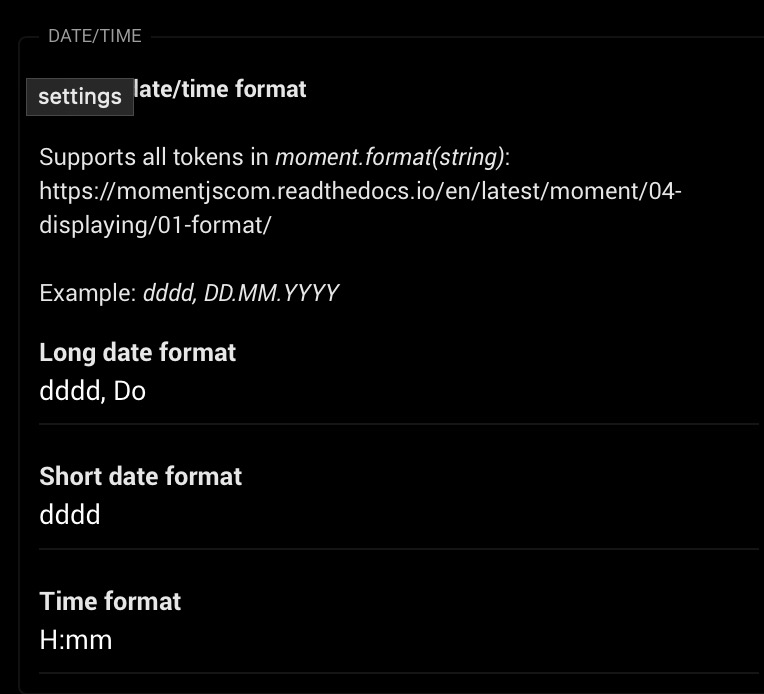
Can you show what you have in IcalCalendar App Settings in the Long date format text box?
Also a screenshot of the flow card which produces these texts?
oke, good to know you found it. if/when it is solved, I would be really happy.
Again, if you open a opportunity for a beer, more than willing, as a lot of my flows now are dependent on your app. Really happy with it!
I don’t see any flow cards in that picture which retrieves or somehow shows the calendar entry date you specified (“Wednesday 14th um 8:00”). I need to know how you got this date. From which flow card and/or tag.
Please share the portion of the flow which shows where the date format is shown.
And also, show a screenshot of what your Long date format textbox in IcalCalendar contain.
Thanks for the App Settings screenshot.
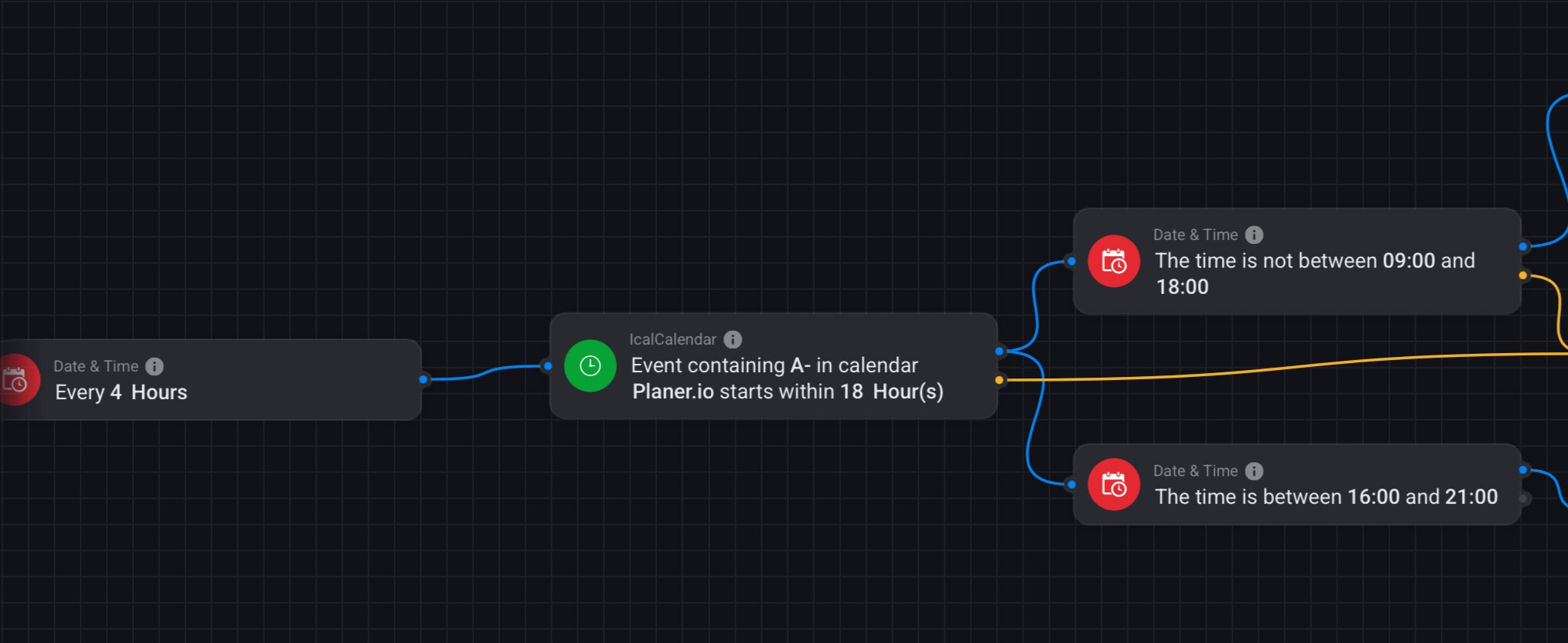
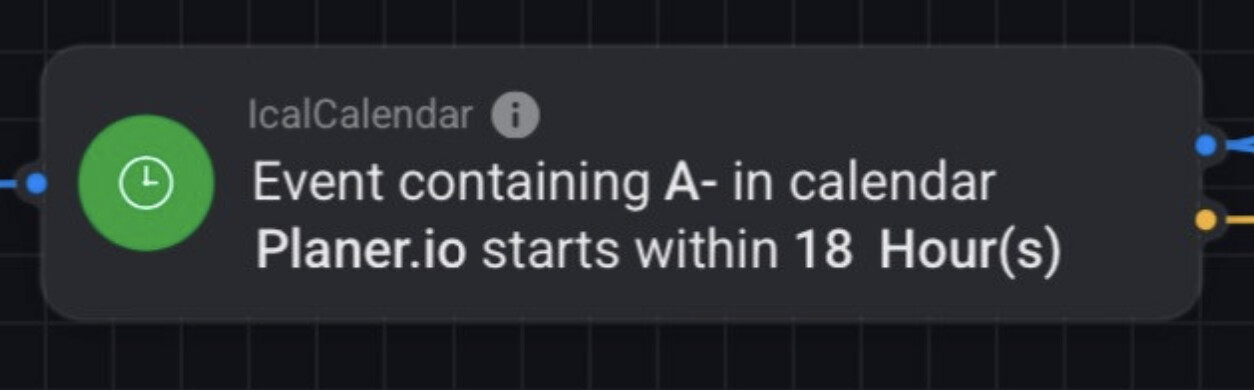
The screenshot of the flow card you have posted shows only usage of 1 IcalCalendar flow card, the Event containing A-in calendarPlaner.iostarts within18 Hour(s) which does not return any events. It only returns a boolean (true if an event containing the specified value in the specified calendar starts within specified timerange, otherwise false)
So please share a screenshot of the actual flow card in your flow where the datetime you are receiving is handled.
as written previously - this IS my flow and the only icalcalender flow card in that flow, which used to work just fine for > 6 months.
Now, after I got rid of my WiFi issues, indeed that flow card does not return any available tags any more (which it did for a long time).
Again, that may have been a faulty use of the flow, but it did work. And actually, it still works except for the language issue.
Other than that I would be more than happy to use your app in the correct way, but I don´t see how I can achieve the goal now. My goal it to extract the upcoming events of the next XXX hours or days, have them available as a (text) tag or string, which I can then push to my AWTRIXs.
No, a condition card can not return any tags, nor has this condition card at any time returned tags to be used in a flow!
The only thing this condition flow card ever has done is return true or false.
So if this is your whole flow, the DateTime is not comming from IcalCalendar.
I see that you are referencing tags/variables in your AWTRIX and Push Notifications cards which the flow doesn’t find. You should probably look into that to find the problem here.
Your use case is not possible with only flow cards. You need to use some HomeScript or something aswell to extract the events.
hi @runely ,
Today I received the request failed with status code 500 in ical.
Diagnostics: a42d4a6a-77b9-40df-957f-01821fe8d486
I readded the ical address, restarted the ical app, but no success unfortunately
Any idea what could be the issue?
thanks!
The 500 error code is not coming from IcalCalendar but from the calendar url you are using for Patrick imec.
A 500 HTTP error code is Internal Server Error.
Open the calendar url in a web browser.
so the link works, but looks like my organization added an extra layer of security with an extra authentication layer. could that be? any way to solve that?
The only idea I have, which will take some extra steps is to invite my google calendar for those specific meetings I have, and the have ical read only my google calendar (probably also solves the recurring calendar issue
IcalCalendar can only read publicly open url’s. If the url has any kind of authentication it won’t work!
looks like they changed that over the weekend….. damn. thanks. will go to the work around.
Tried today to remove the calendar that is not working, but there is no remove button, nor is it possible to change that one. Any tips?
strike that. I pressed the done bottom above, thinking that would save the settings. the save button is all the way down. that one works obviously 
Now the recurring, and removing some of the recurring also works as expected. Have forwarded all the invites from the work agenda to my gmail, and that solved all!
I’m getting the same error message since 1 or 2 days when syncing my Outlook agenda. Before it worked perfect for a long time already.
Is there a solution to fix this?
I’m getting the same 500 error as well from Exchange Online. It seems that Microsoft has blocked programmatic requests. The actual error message returned from Microsoft refera to block of basic auth.
I’m afraid this is out of my hands..
sync the items (or invite a google address) you care about with a google account, and pick it up from there.